

Agent instruction
Agent instructions act like a system prompt (similar to the system role in ChatGPT). They define the agent’s role, permitted actions, tone, and how to handle special situations (including collaboration with other agents). Common elements of an agent instruction:- Role definition (for example: “You are a Kubernetes agent that helps users manage cluster resources.”)
- Response style (concise, verbose, formal, etc.)
- Allowed and disallowed actions
- Guidance for interacting with other agents or external systems
- You are a Kubernetes agent that helps users manage Kubernetes resources.
- Your responses should be clear and concise.
- Provide helpful information and guidance to users.
- Define role and capabilities
- Help the agent interpret the environment and user intent
- Guide response style and decision-making
- Understand the task at hand.
- Know which tools and skills are available.
- Interpret the user’s intent and produce an appropriate plan.
Tools
Tools are the functions an agent can call to interact with external systems (e.g., cluster APIs, databases, third-party services). Tool definitions and descriptions are provided to the LLM along with the agent instruction so the model can choose which tool to call and with what inputs. Typical example flow:- User: “How many pods are failing in the payment namespace?”
- Agent sends the user query, agent instruction, and tool list (e.g.,
list pods,get pod status) to the LLM. - LLM selects
list podswithnamespace=payment. - Agent executes
list podsand returns pod names. - LLM decides to call
get pod statusfor each pod. - Agent runs
get pod statusfor each pod, collects results. - LLM aggregates the results, counts failing pods, formats a response, and returns it to the user.
Design tool interfaces clearly: provide precise parameter schemas, expected outputs, and error semantics so the LLM can reliably choose and invoke the right tool.
- Built-in tools: Provided by KAgent (examples: Helm, Argo Rollouts, gateway-related tools).
- MCP tools: External or third-party tools integrated via KAgent’s MCP mechanism (using KMCP or similar connectors).
Skills
Skills are higher-level capabilities that make agent behavior goal-directed rather than purely reactive. They help the agent decide when and how to use tools to accomplish user goals.- A skill can be a descriptive capability (metadata) or an executable component (container-based).
- Skills help map user intent to appropriate tool usage and planning strategies.
- Skills are reusable across multiple agents and are typically narrower and more focused than general system instructions.
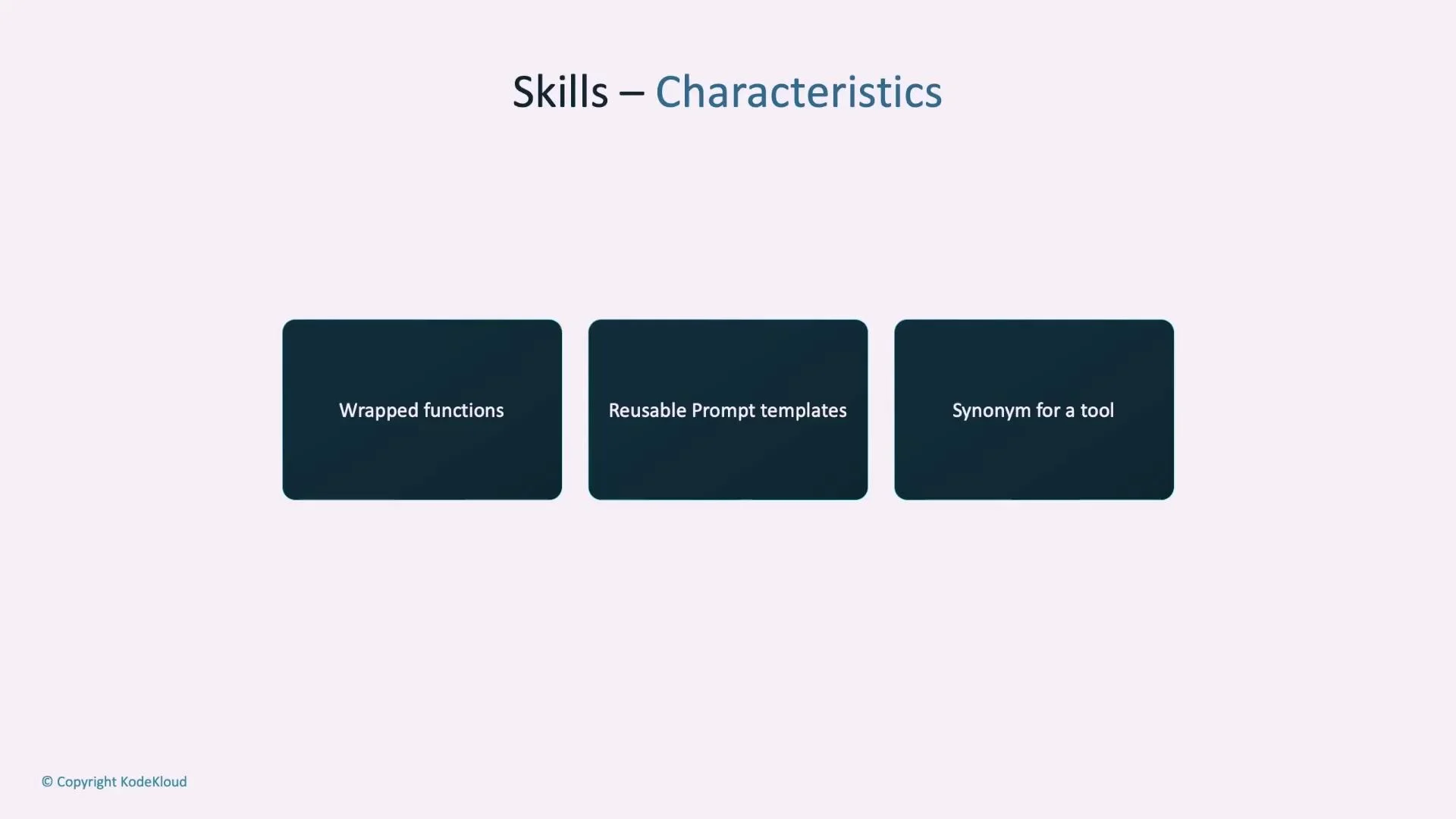
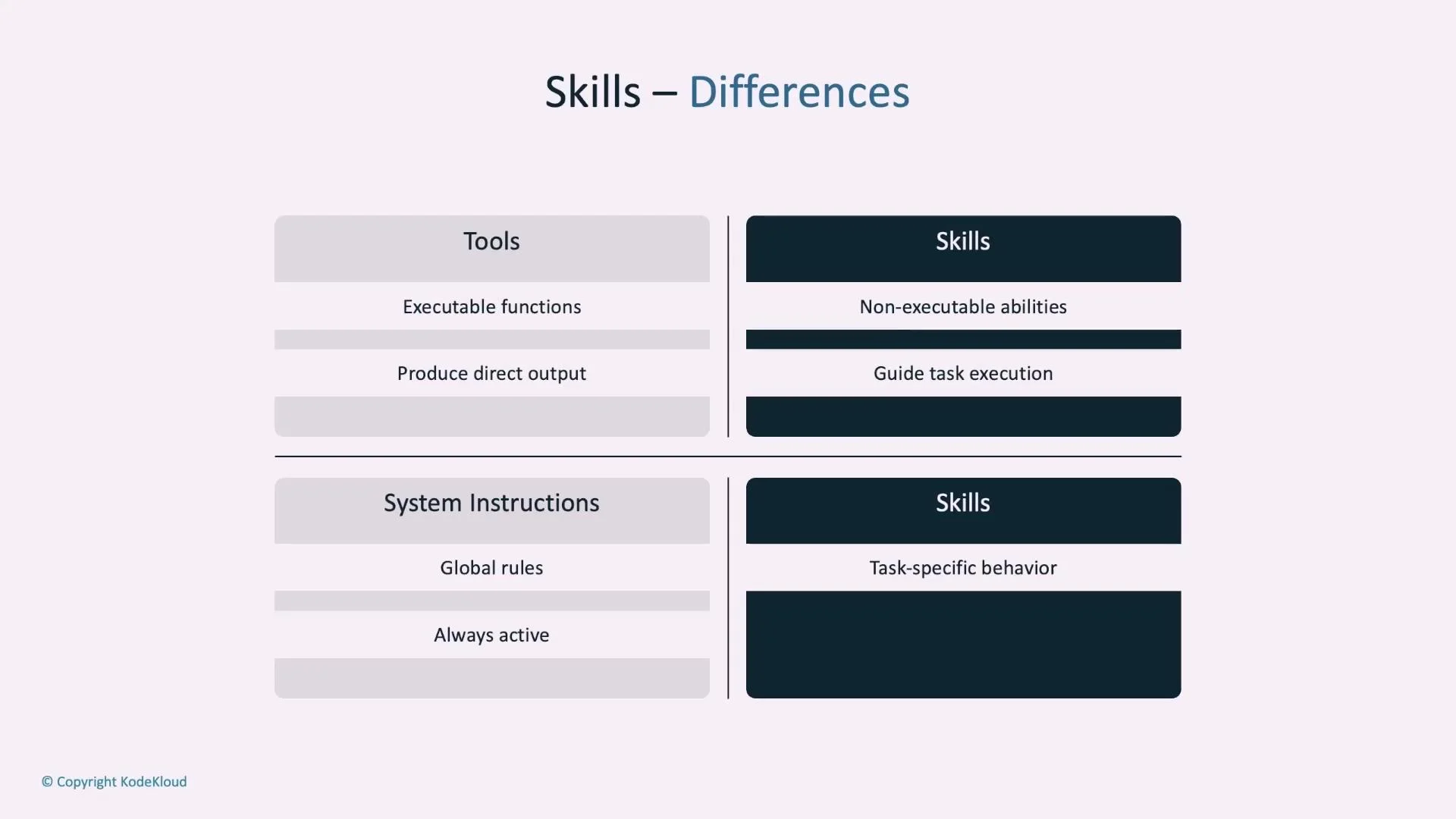
- Tools are executable functions that produce direct output when invoked.
- Skills can be non-executable descriptions that guide planning or can be executable (container-based) capabilities.
- System instructions are global rules that are always active; skills are applied contextually and are typically task-specific.
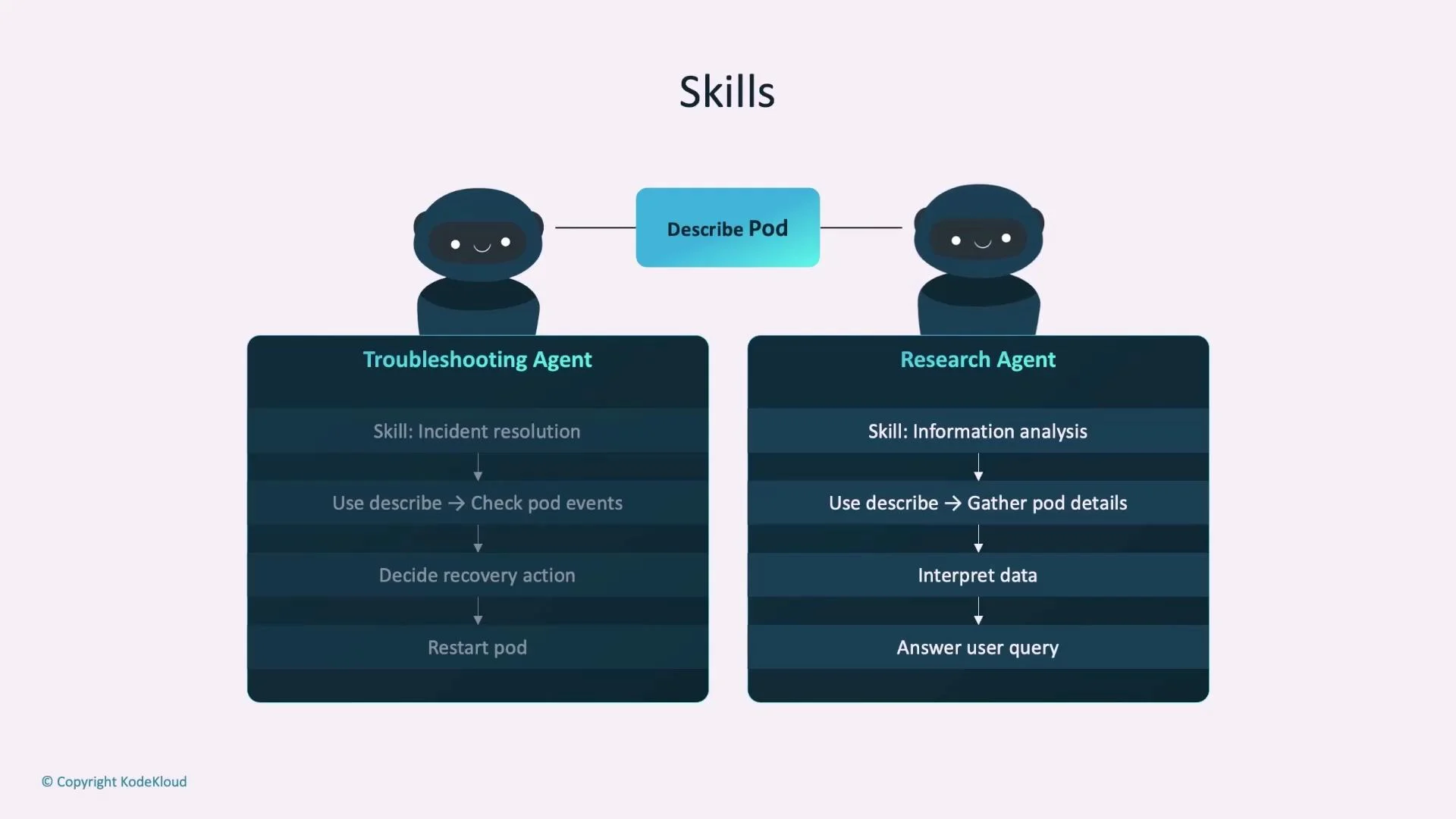
- Two agents (Troubleshooting Agent and Research Agent) both have access to a
DescribePodtool:- Troubleshooting Agent (skill: incident resolution) uses
DescribePodto inspect pod events, determine recovery actions, and possibly restart pods. - Research Agent (skill: information analysis) uses
DescribePodto collect pod metadata, interpret it for insights, and answer analytical questions.
- Troubleshooting Agent (skill: incident resolution) uses
Types of skills
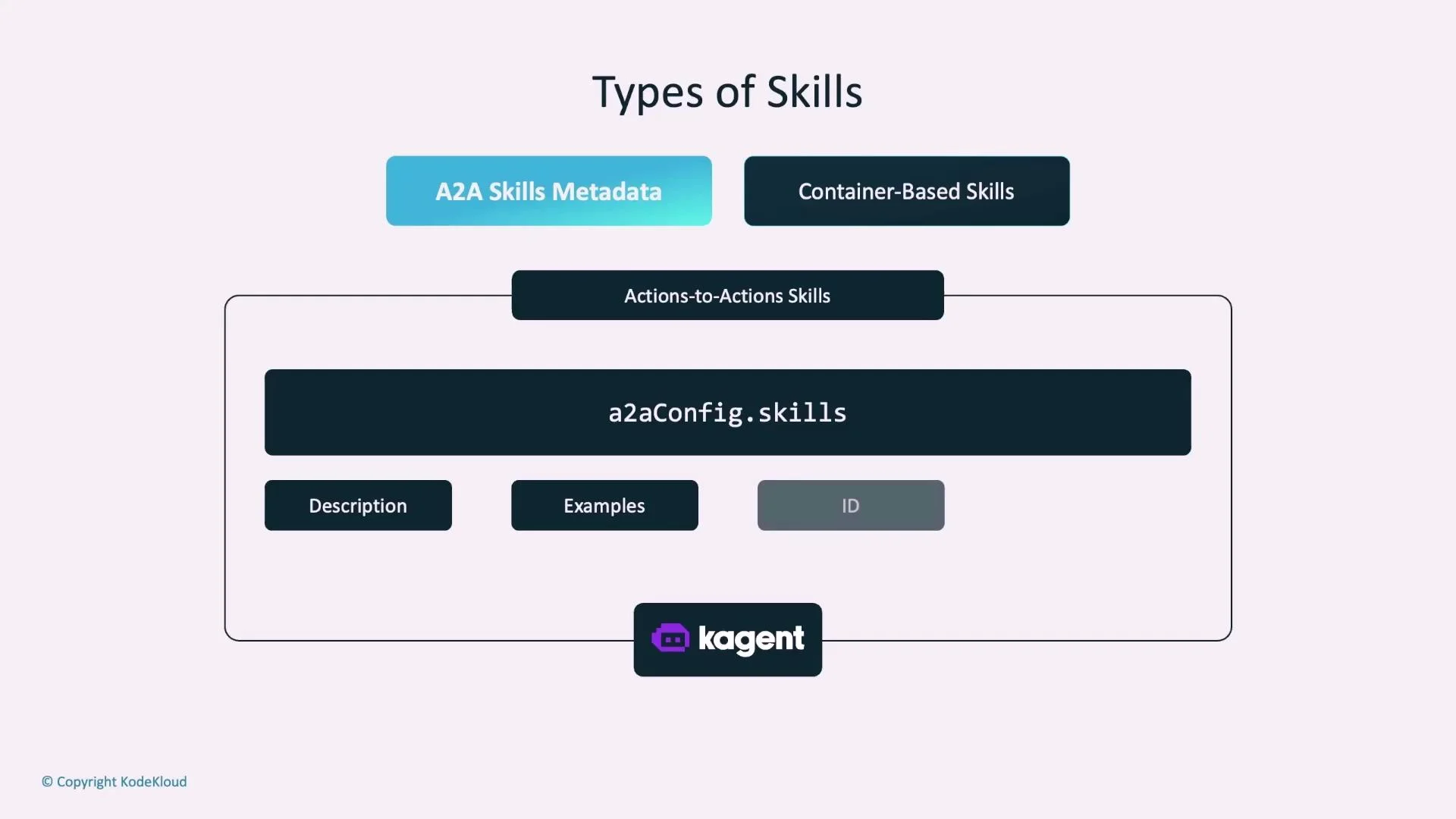
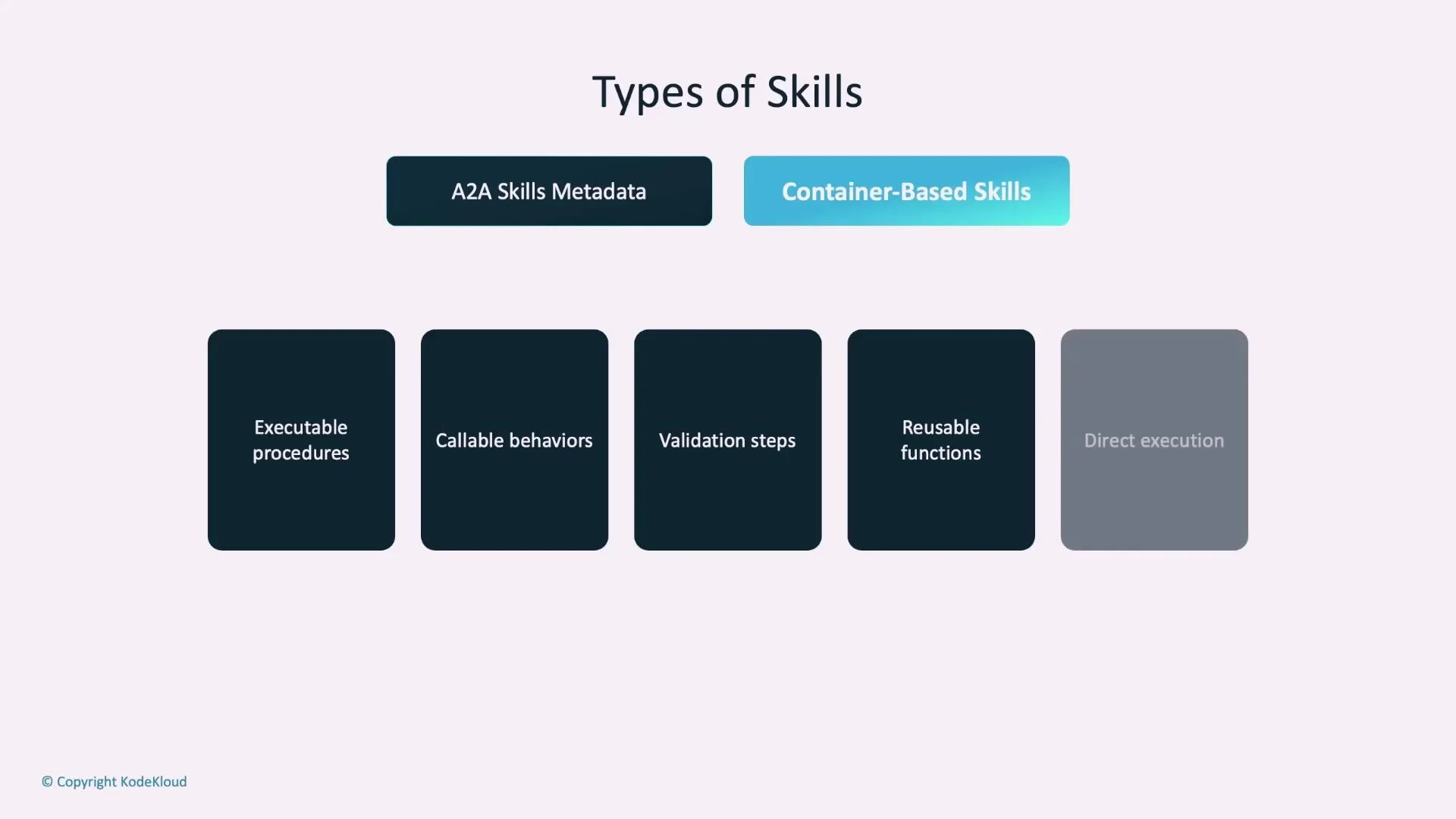
KAgent supports two primary skill types:- A2A metadata skills — declarative descriptions that guide reasoning and mapping of user intent.
- Container-based (executable) skills — packaged containers that provide runnable logic.
- Structured descriptions of capabilities (not executable).
- Metadata fields commonly include: description, examples, ID, tags, input/output modes, and safety guidance.
- Use cases: guiding the LLM’s reasoning, mapping user phrasings to capabilities, and offering contextual examples.
- Typically defined under
a2aConfig.skillswith fields fordescription,examples,id, andtags.
- Packaged as container images and include runnable logic, validation, and side-effectful operations.
- Referenced in agent config (for example via
spec.skills.referencewith an image URL) and loaded at runtime. - Suitable when procedural steps or external side effects are required (for example: interacting with cloud APIs, running scripts, or performing automated remediation).
- Implement skill logic (scripts, entrypoint, resources).
- Package into a container image.
- Push the image to a container registry.
- Reference the image in the agent configuration (
spec.skills.reference). - Agent loads the container at runtime and exposes callable operations.
- Reusable and provider-agnostic (can be invoked by agents using OpenAI, Vertex AI, Azure OpenAI Service, Ollama, and others).
- Enables deterministic, testable procedures for complex or side-effecting operations.
Best practices for skills
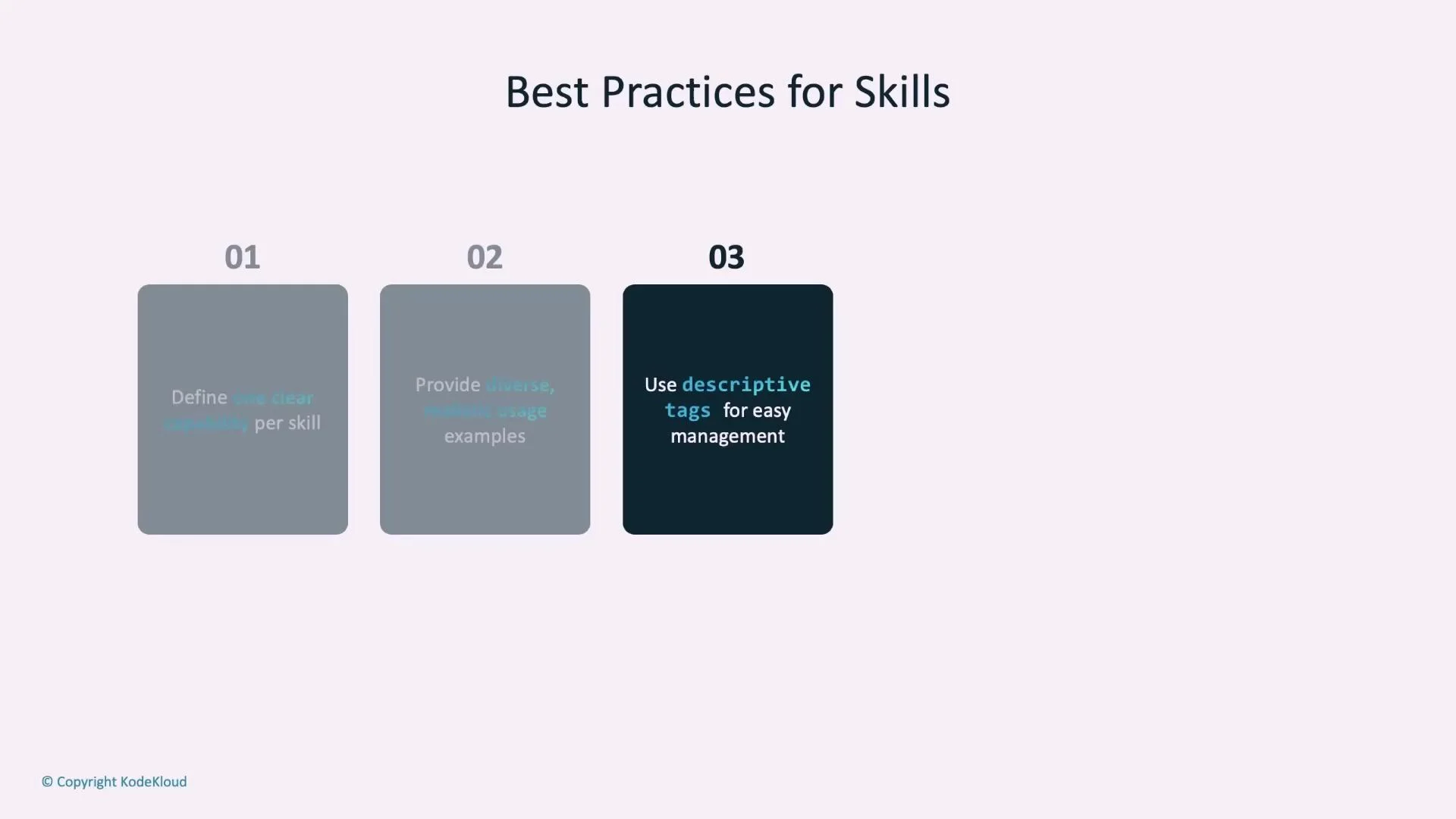
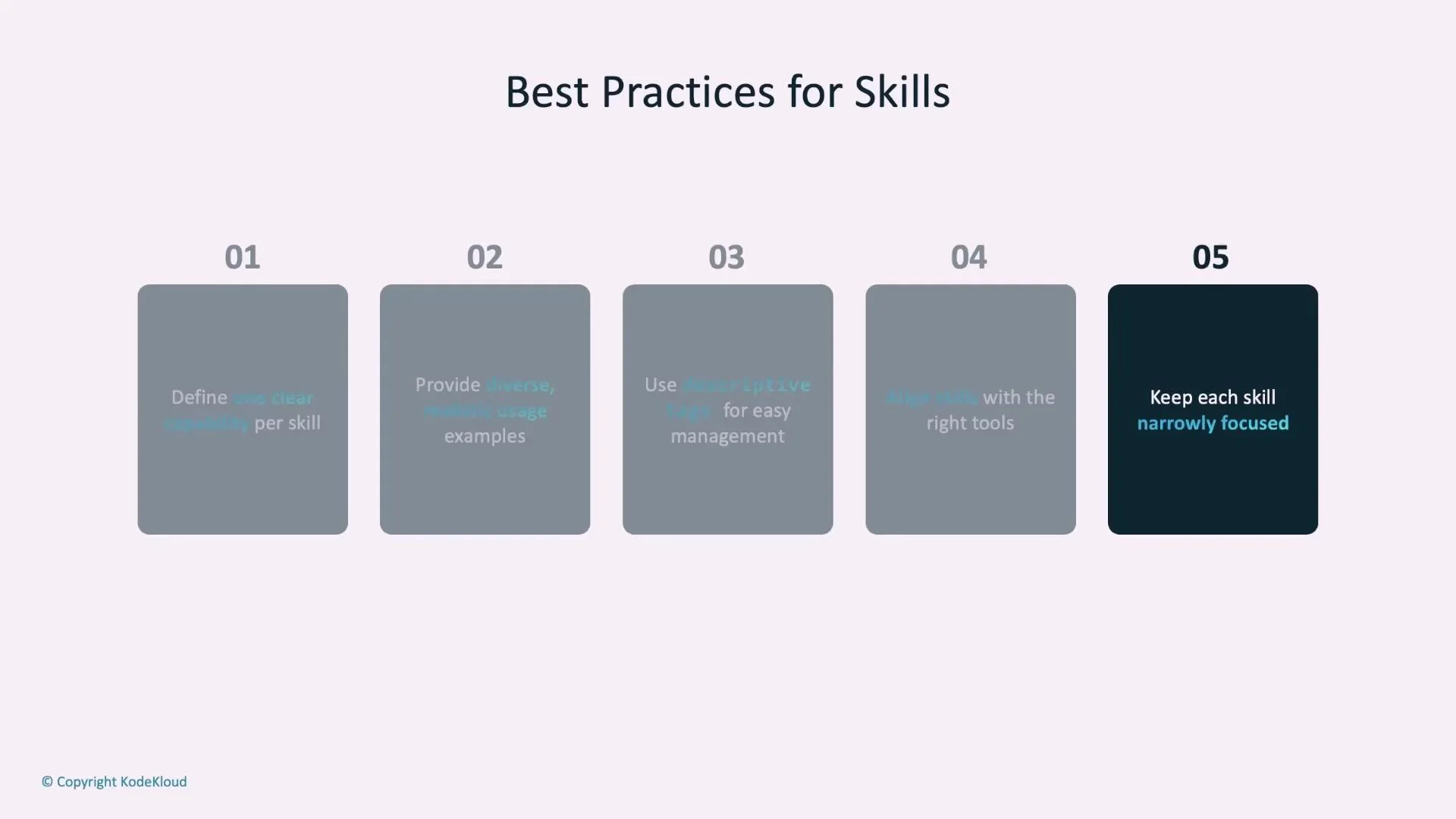
Follow these guidelines when designing skills to maximize discoverability, reliability, and maintainability:- Single responsibility: each skill should represent one clear capability.
- Provide diverse, realistic examples: include multiple phrasings users might use to invoke the skill.
- Use descriptive tags: tags help organize and search skills across teams.
- Align skills with tools: ensure the skill’s described behavior matches the tool(s) the agent can call.
- Keep skills narrow and focused: prefer “generate PDF” or “generate docx” over a broad “document generator” to make behavior predictable and testable.
Skill management
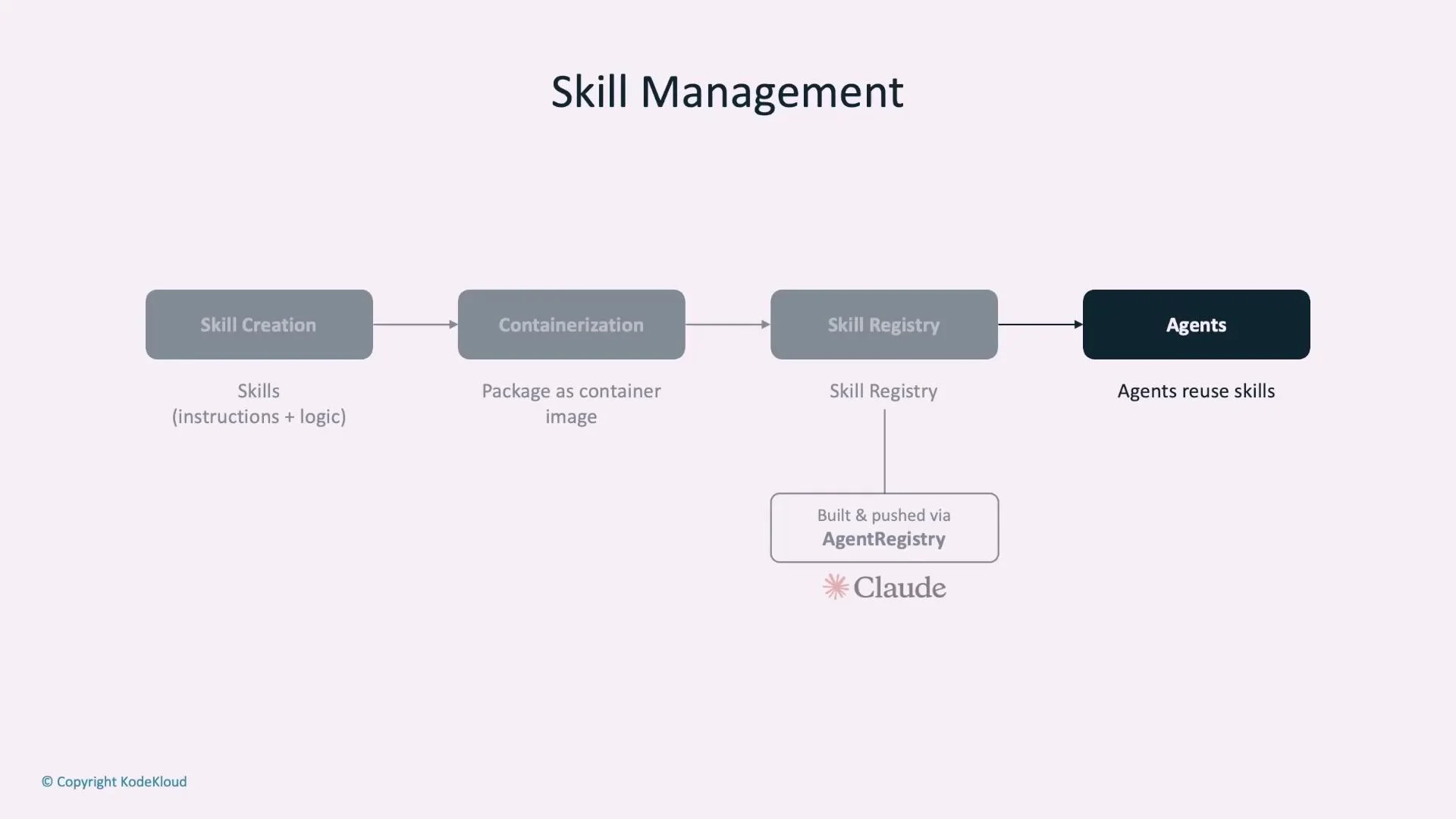
Manage skills through a standard lifecycle to ensure versioning, reuse, and discoverability:- Create the skill metadata or implementation.
- Containerize executable skills and push the image to a registry.
- Store skills in a centralized skill/agent registry that supports push/pull/versioning.
- Reference skills from agents and reuse across teams and agents.
When possible, start with an A2A metadata skill to describe the capability and add container-based skills only for actions that require procedural logic, side effects, or external integration.