

System prompts act like an agent’s job description and personality. Designing them clearly is the key to building predictable, safe, and effective agents.
- Agent instructions
- Tools
- User queries
1 — Agent instructions
Agent instructions are the heart of a system prompt. They tell the LLM:- The agent’s role and domain expertise (for example: “You are an infrastructure expert.”)
- The agent’s goals and constraints
- Expected behaviors such as safety checks, confirmation steps, and error-handling rules
- Define the agent’s role explicitly: “You are a Kubernetes troubleshooting assistant.”
- Explicitly state limits: “Do not delete resources without confirmation.”
- Provide examples of desired response style and level of detail.
2 — Tools
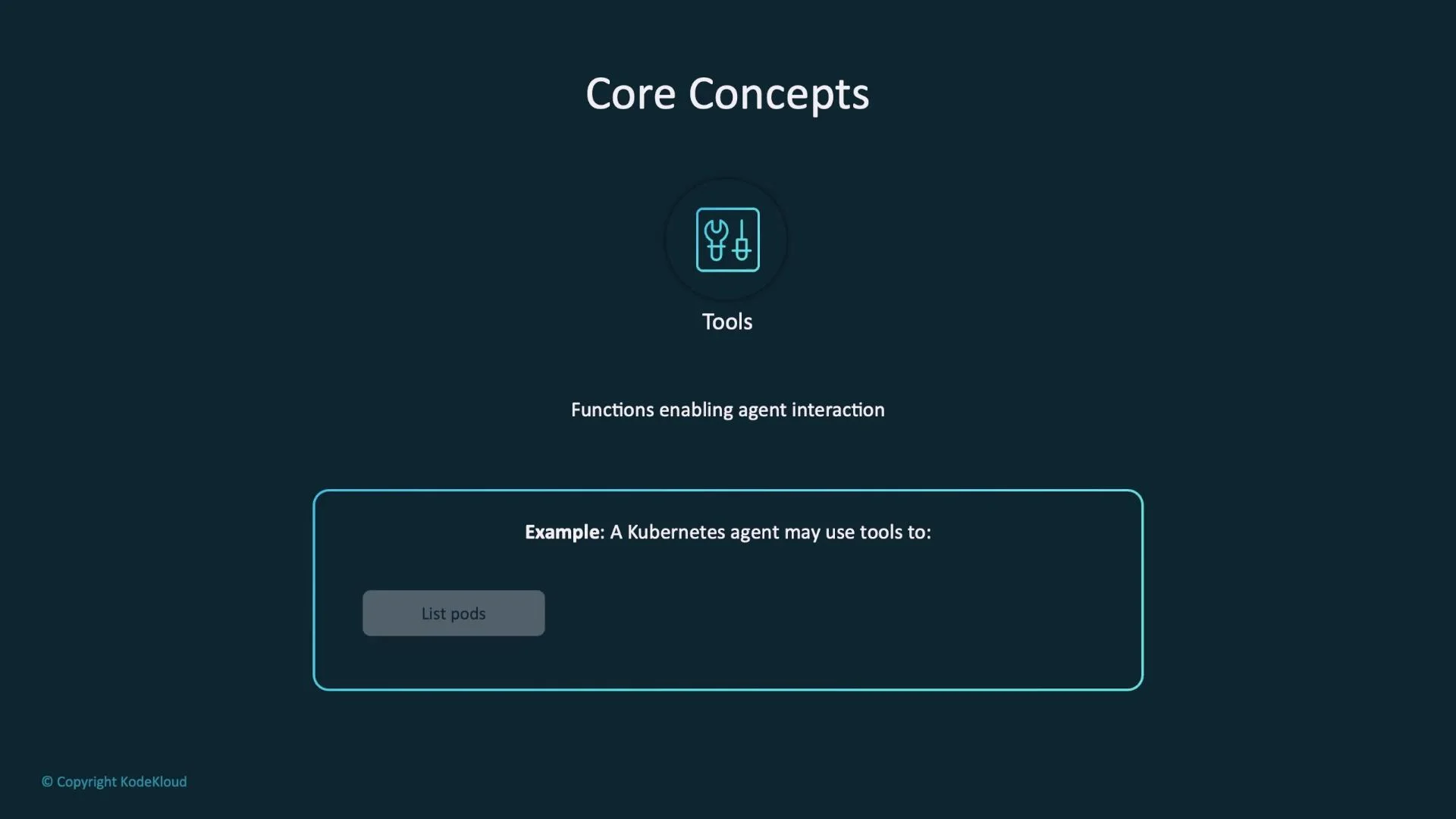
Tools are the functions, APIs, or capabilities the agent may call to interact with its environment. They are the agent’s “hands and eyes.”- Examples for a Kubernetes-style agent:
list_resources,get_logs,describe_service,delete_pod. - Tools enable actions that go beyond text (query state, make changes, or call external APIs).
- The system prompt should document available tools and any usage constraints.
3 — User query
The user query is the input that triggers the agent workflow.- It supplies intent and task details the agent must satisfy.
- Designers have less control over user input, so anticipate likely variations and edge cases.
- Combine robust instructions and a well-chosen toolset to handle noisy or ambiguous queries.
End-to-end workflow
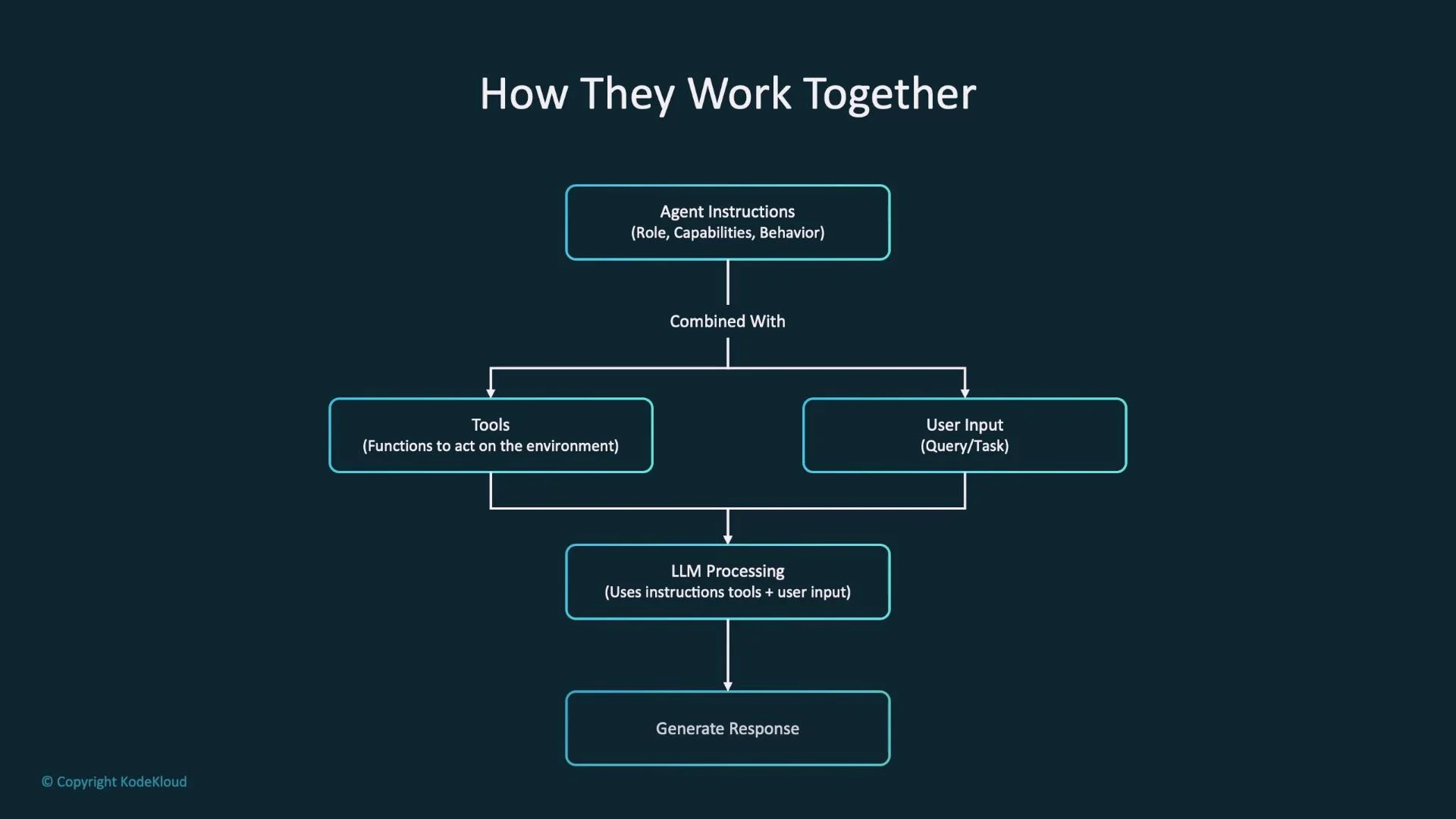
The agent workflow is the combination of:- Agent instructions (role and behavior)
- Tools (what actions are available)
- User query (the task to perform)
Key relationships
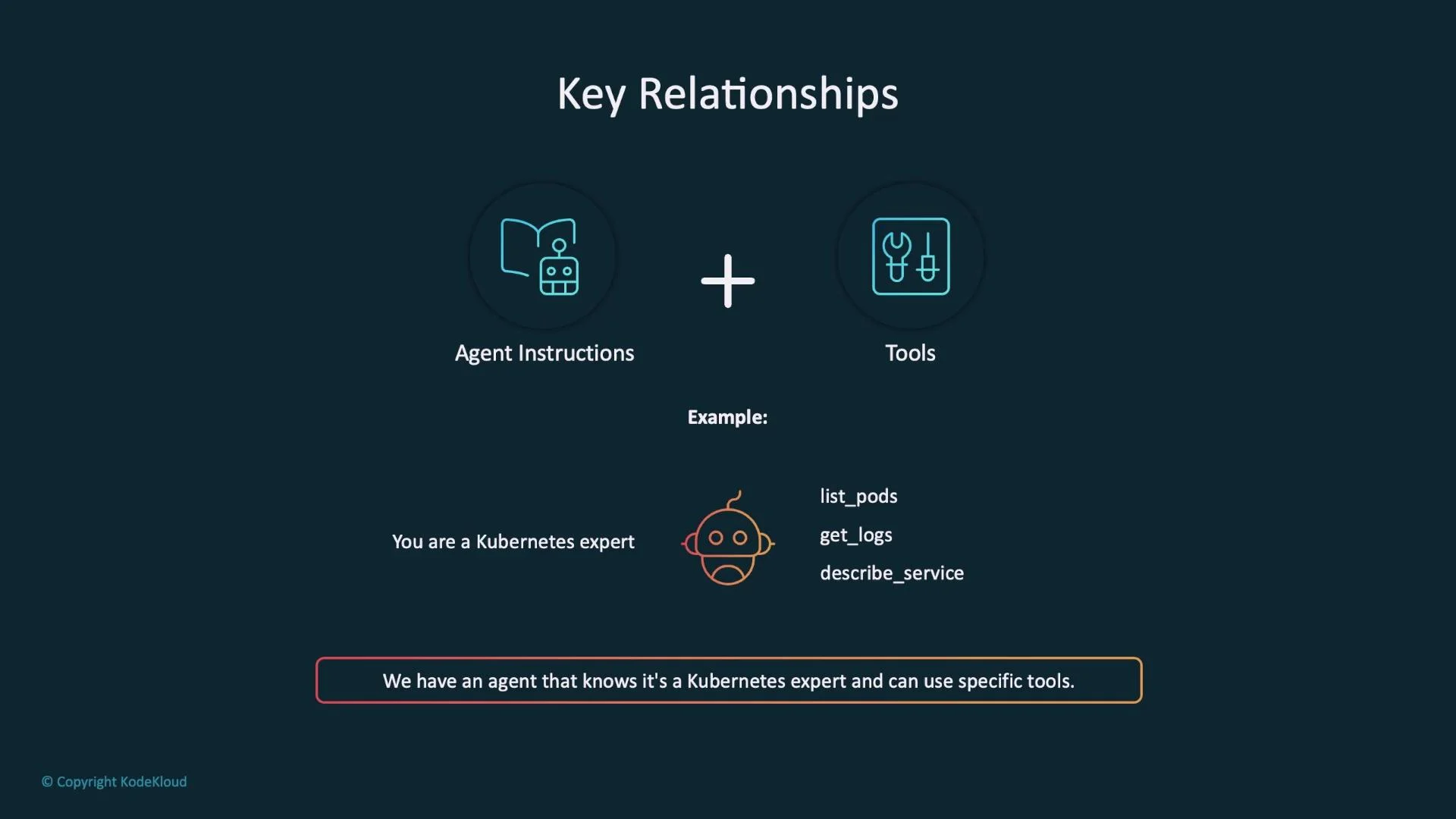
Agent instructions + Tools
- Instructions define what the agent should be and how it should behave.
- Tools define what actions the agent can take.
- Together they form the agent’s full capability set.
- Instruction: “You are an infrastructure expert.”
- Tools:
list_resources,get_logs,describe_service - Outcome: The agent understands operational tasks and can perform them programmatically.
Agent instructions + User query
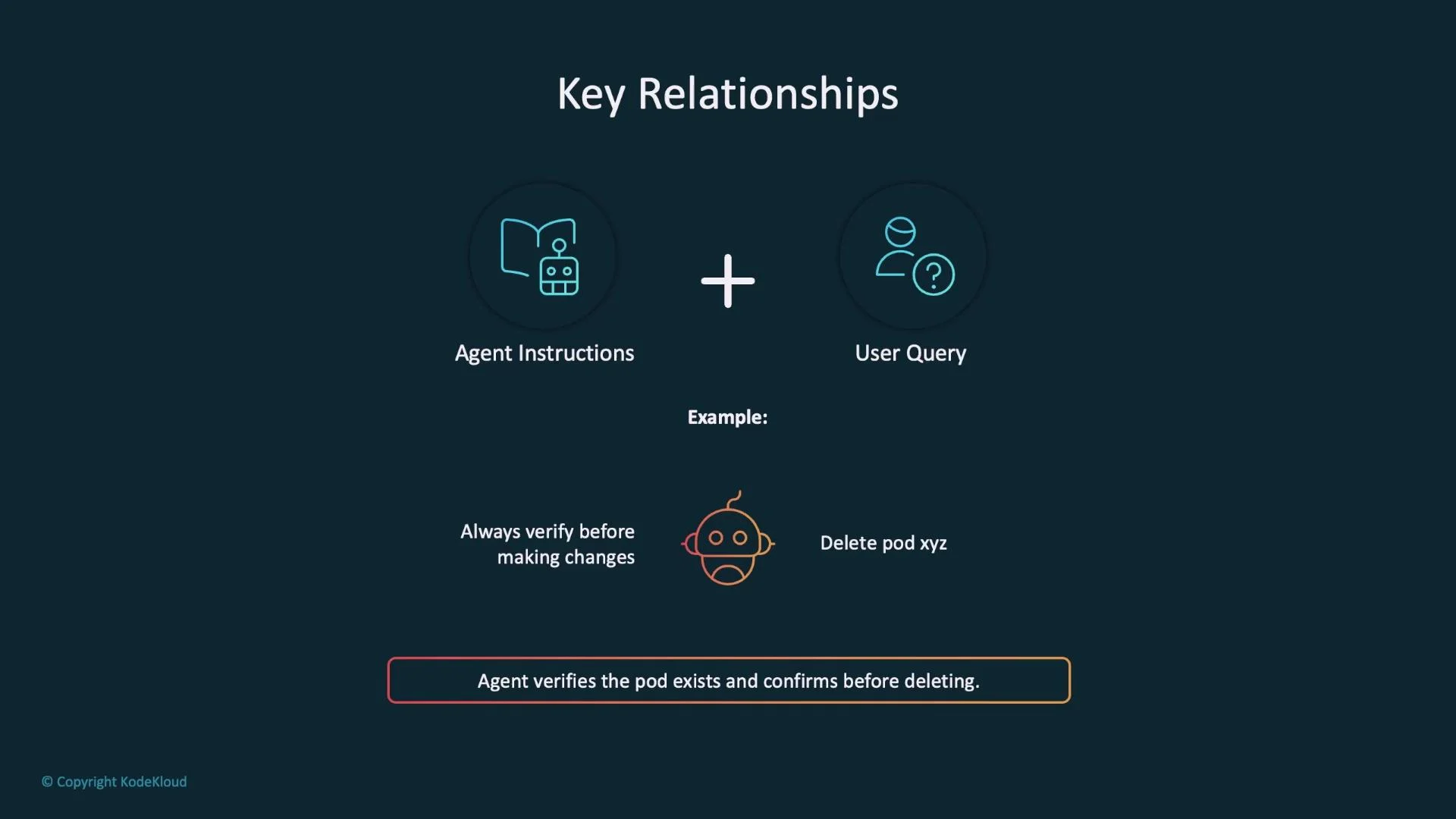
- Instructions guide how to interpret and act on queries.
- Queries provide specifics and context for tasks.
- Instruction: “Always verify before making changes.”
- Query: “Delete resource xyz.”
- Result: The agent checks whether the resource exists and asks for explicit confirmation before deleting.
Tools + User query
- The query indicates which tools to use.
- Tools provide the mechanism to fulfill the request.
- Query: “Show me the logs for resource xyz.”
- Possible flow: call
list_resourcesto locate the target, thenget_logsto retrieve logs.
Design considerations (by priority)
Prioritize your design effort where it yields the most control and impact: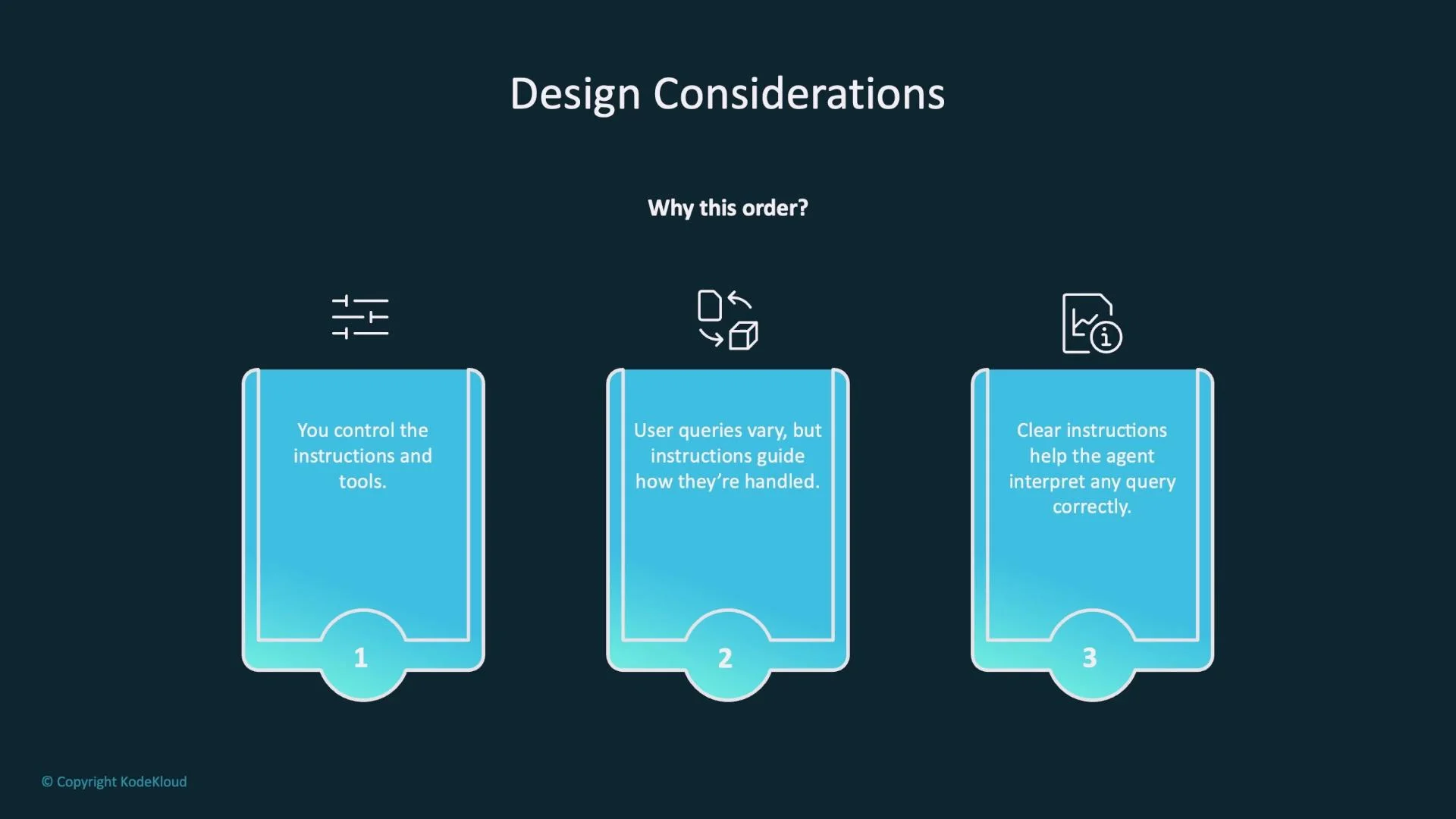
Prioritize writing clear, constrained instructions first. Ambiguous instructions lead to unpredictable tool usage and unsafe actions.
Best practices for writing system prompts
- Start explicit: state the agent’s role and primary objectives upfront.
- Declare capabilities and limits: enumerate what the agent can and cannot do.
- Describe behaviors: require confirmation flows, safety checks, and error-handling policies.
- Document tools in the prompt: list available tool names (e.g.,
list_resources,get_logs) and give usage examples. - Anticipate user queries: include examples and edge cases the agent should handle.
- Test iteratively: simulate diverse queries and tool-call sequences before production.
Key takeaways
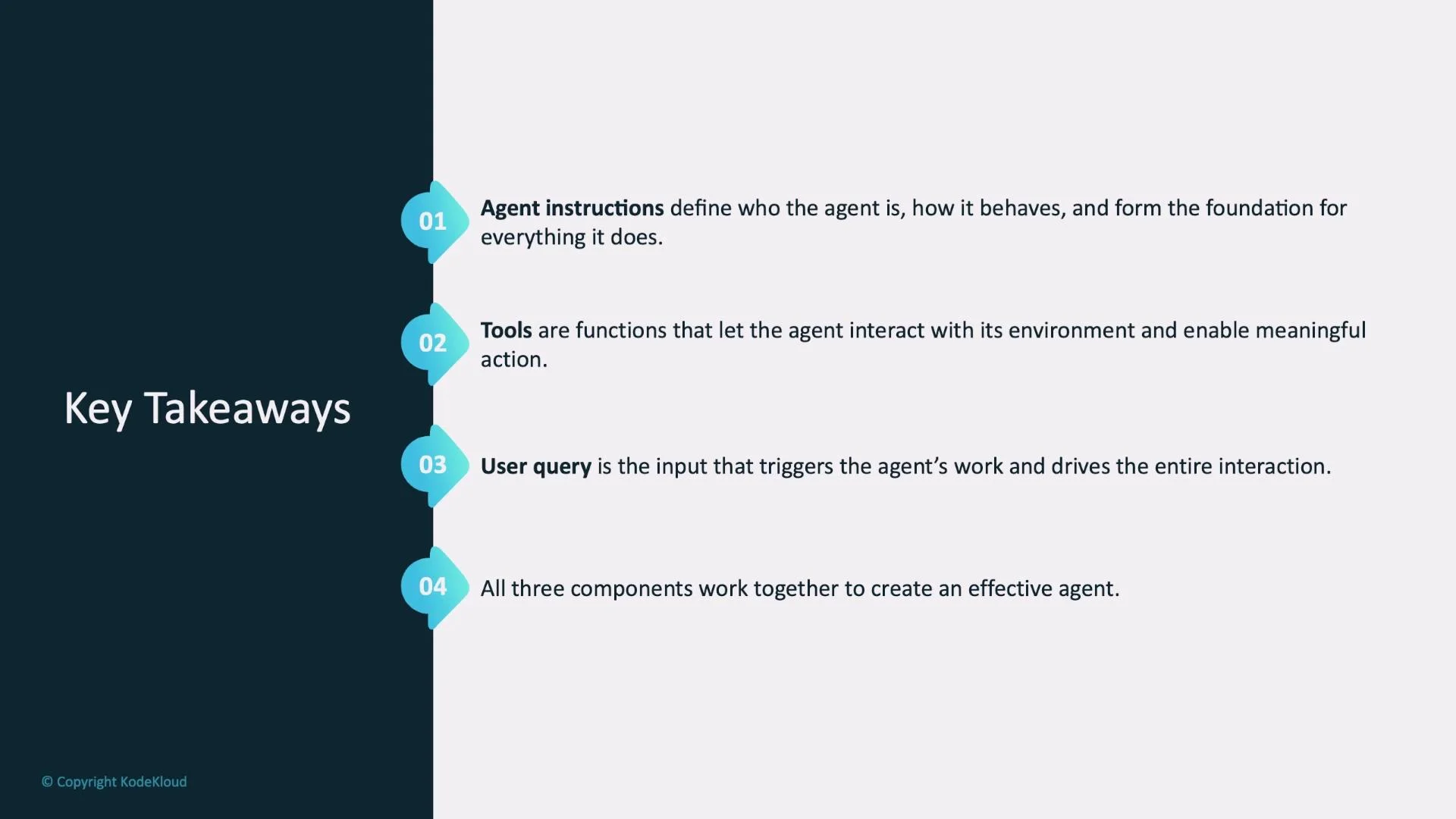
- Agent instructions are the foundation—they define who the agent is and how it behaves.
- Tools are the mechanisms that allow the agent to interact with real systems.
- User queries drive action; they trigger the agent’s internal logic and tool usage.
- The combination of instructions, tools, and query handling produces practical, reliable agents.
- Kubernetes Basics
- Prompt engineering resources and best practices
- Consider runtime/tooling docs for your agent framework (tool registration, schema, and security).