

1. Role definition
- Define the agent’s identity and domain expertise (for example, “You are a Kubernetes expert with deep knowledge of cluster operations”).
- State experience level and scope of authority to set user expectations and constrain behavior.
2. Goal statement
- Clearly state the agent’s primary objective (for example, “Your goal is to help users manage their Kubernetes cluster”).
- A concise goal guides decision-making and keeps outputs aligned with user intent.
3. Operational protocols
- Describe how the agent begins work (initial assessment), the execution strategy (step-by-step process), and troubleshooting flows.
- Include validation rules: how the agent verifies actions, when it asks clarifying questions, and when it escalates or stops.
- Define expected step boundaries (what to attempt and what to avoid).
4. Safety guidelines
- Specify risk-management constraints (for example: minimize disruption, operate in read-only mode by default, favor small incremental changes).
- Enumerate forbidden actions and contextual constraints (e.g., do not delete resources without explicit confirmation).
5. Tool descriptions
- For each tool the agent can access, define:
- Purpose and typical use cases.
- Inputs and outputs (data formats and example payloads).
- Interaction patterns with other tools.
- Example usage snippets.
- Ensure tools are unambiguous and mutually compatible to avoid overlap.
6. Best practices
- Start simple: define a basic role and purpose first, then add tools and complexity.
- Avoid assigning multiple overlapping tools to the same agent to reduce ambiguity.
- Be explicit—spell out behaviors and constraints; do not rely on implicit assumptions.
7. Behavior guidelines
- Provide concrete rules for runtime behavior, such as:
- “Always confirm destructive changes before applying.”
- “Log each action and its rationale.”
- “Ask for missing information or clarification.”
- Use examples to illustrate allowed vs. disallowed behaviors.
8. Structure for clarity
- Use numbered sections, bullet lists, and short paragraphs so models can parse instructions reliably.
- Explicit, structured prompts produce more predictable behavior from LLMs.
9. Iterate and redefine
- Treat agent definition as iterative:
- Create an initial prompt, test with real queries, analyze outputs, and refine.
- Schedule regular reviews and A/B tests to detect regressions or drift.
10. Advanced technique: use another model to improve prompts
- Use a second LLM (for example, ChatGPT or Claude) to:
- Review and improve your system prompt.
- Suggest clearer role statements and tool descriptions.
- Propose alternative phrasing or edge cases to handle.
- Always validate suggestions—models can hallucinate plausible-sounding but incorrect recommendations.
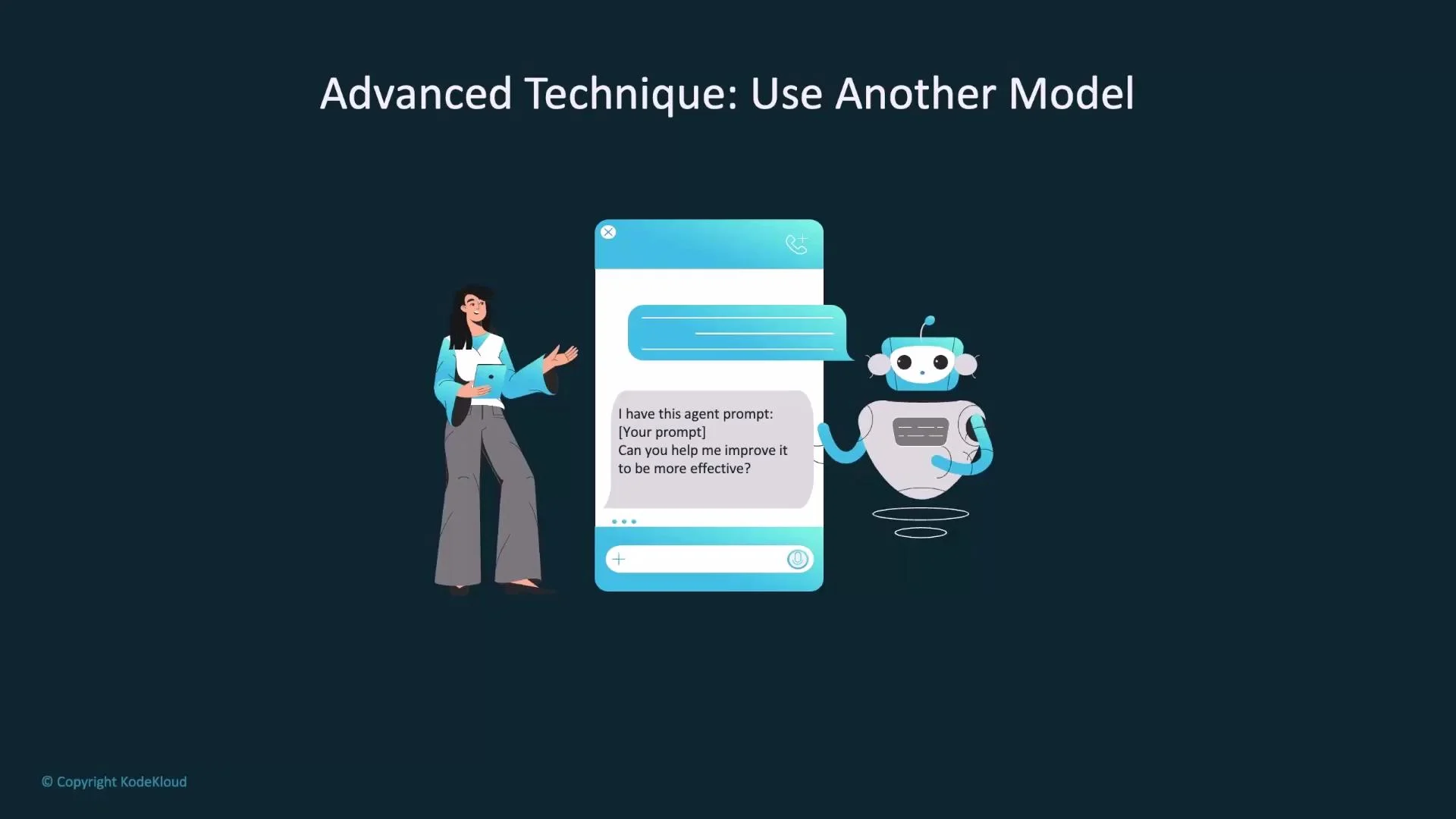
Always review and validate outputs from any model used to refine prompts. Models can produce plausible-sounding but incorrect recommendations (hallucinations).
Share common prompts across agents
Store reusable system prompts centrally to simplify updates and maintain consistency across agents. Common approaches:- Inline in the agent definition — fast for experiments.
- ConfigMap — reusable and non-sensitive prompts.
- Secret — for sensitive prompts (store base64-encoded values).
systemMessageFrom to a ConfigMap or Secret. Example snippets:
Checklist for prompt content
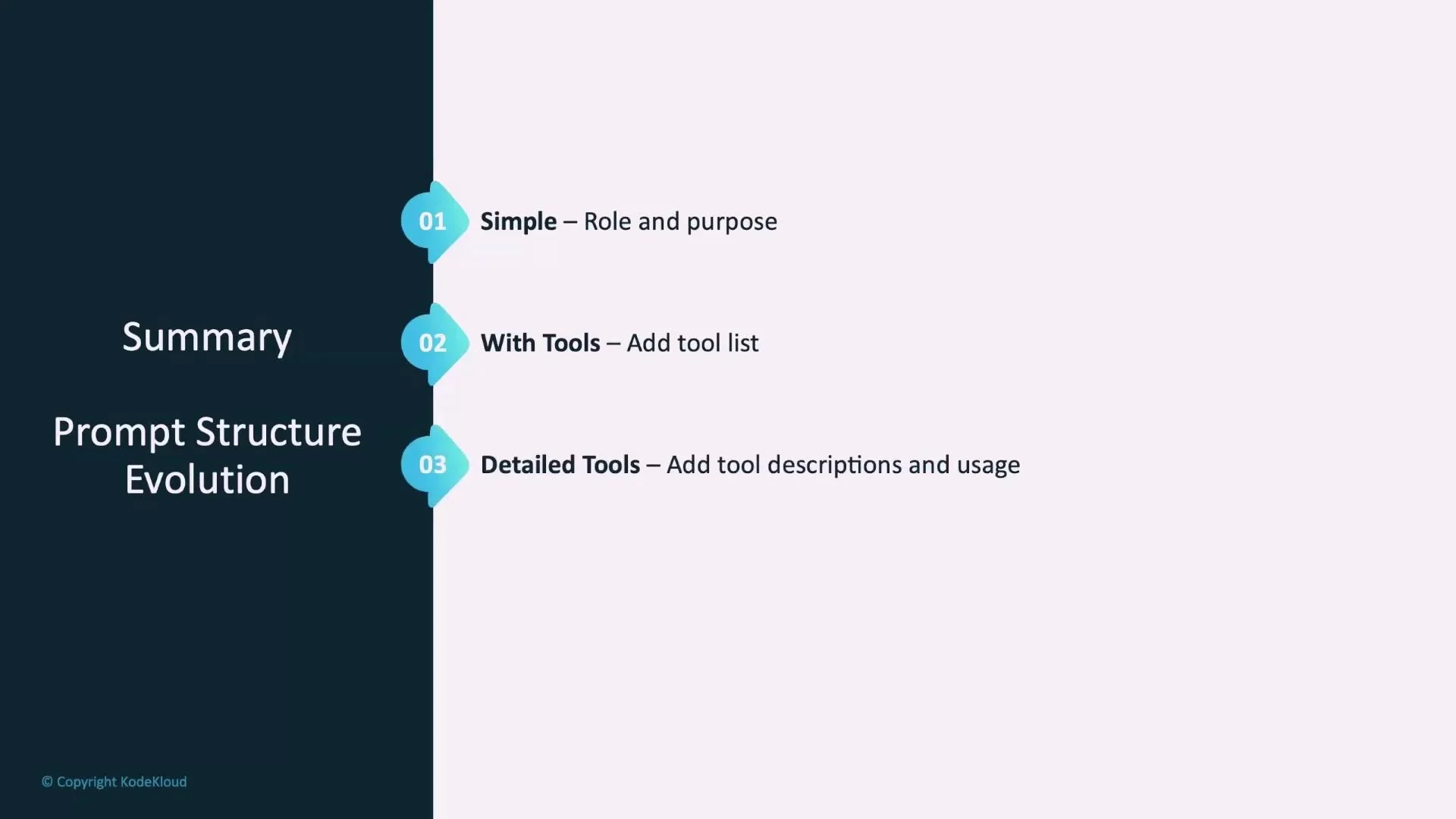
Use this checklist when authoring or reviewing prompts. It ensures completeness and makes prompts easier to maintain.Summary: prompt evolution
- Start with a minimal working prompt: role + purpose.
- Add tools and quick usage notes.
- Expand per-tool descriptions, examples, and operational protocols.
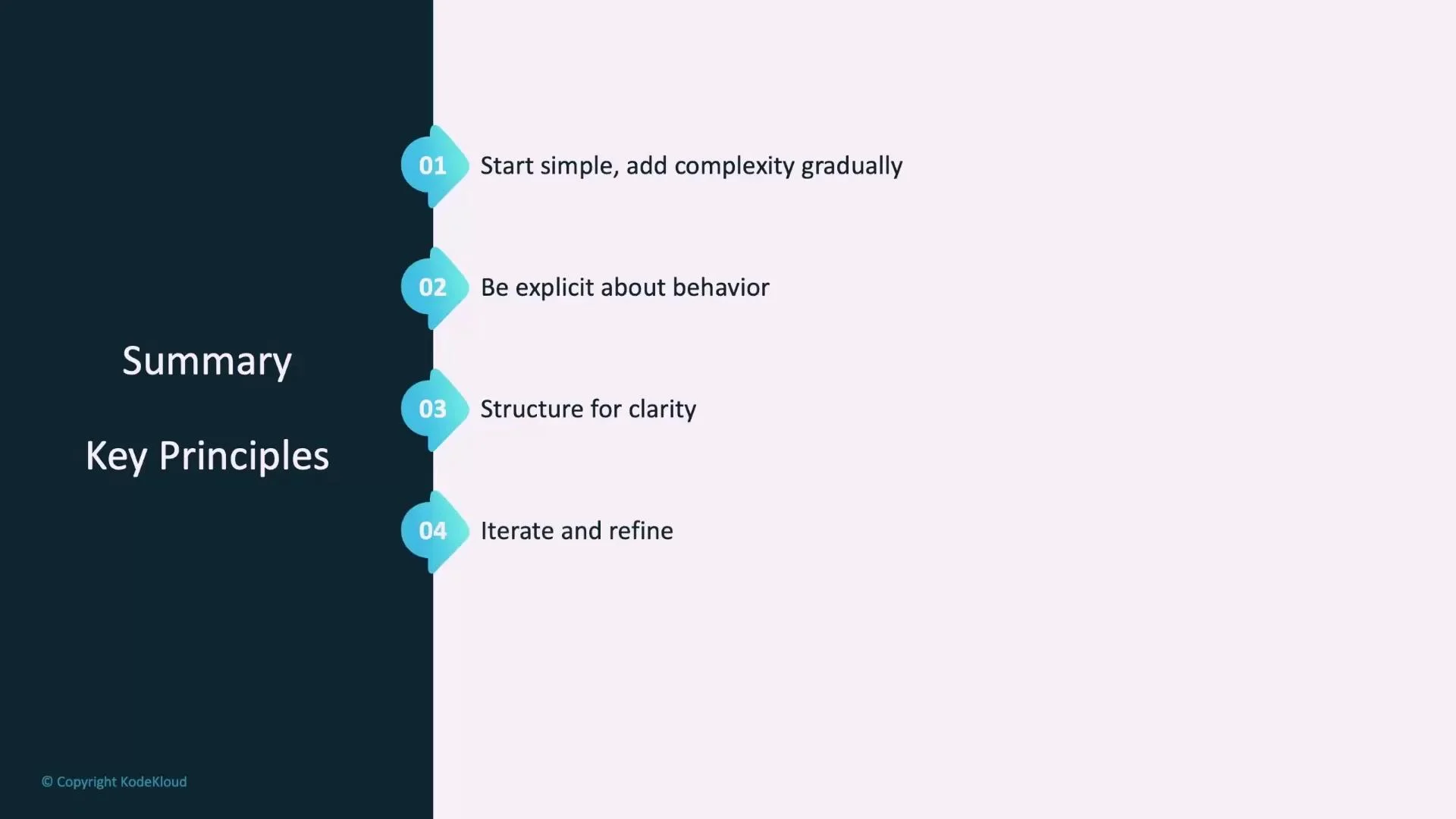
Summary of key principles
- Start simple and add complexity gradually.
- Be explicit about desired behavior and constraints.
- Structure prompts for clarity (numbered lists and sections).
- Iterate and refine from real-world testing and trace analysis.
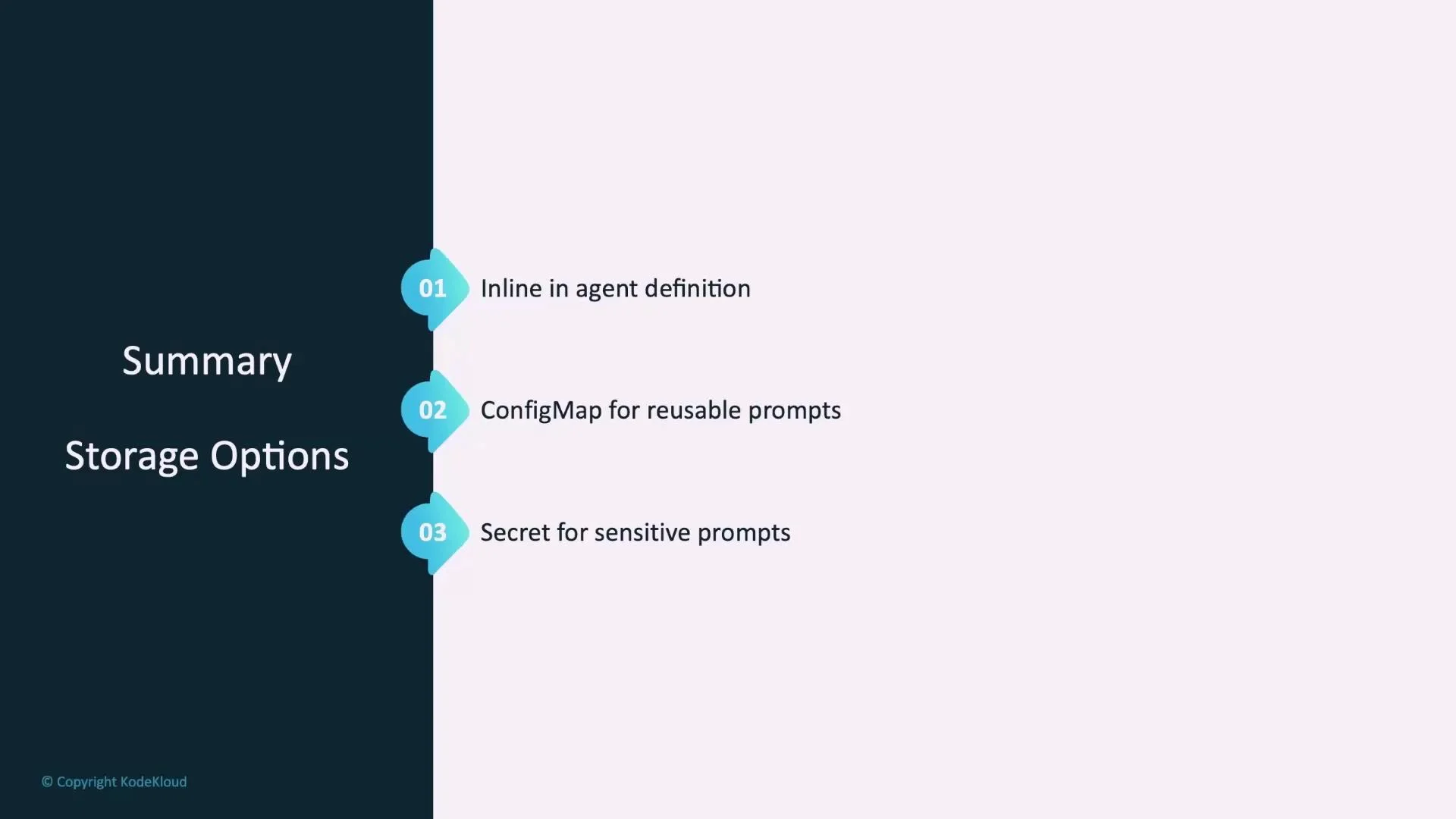
Storage options recap
- Inline in the agent definition — ideal for quick experiments.
- ConfigMap — reusable, non-sensitive prompts for teams.
- Secret — store sensitive prompts base64-encoded.
Next steps
- Upcoming materials will cover troubleshooting agents using traces and logs.
- Hands-on exercises will show how to build both declarative and imperative agents so you can apply these concepts in practice.