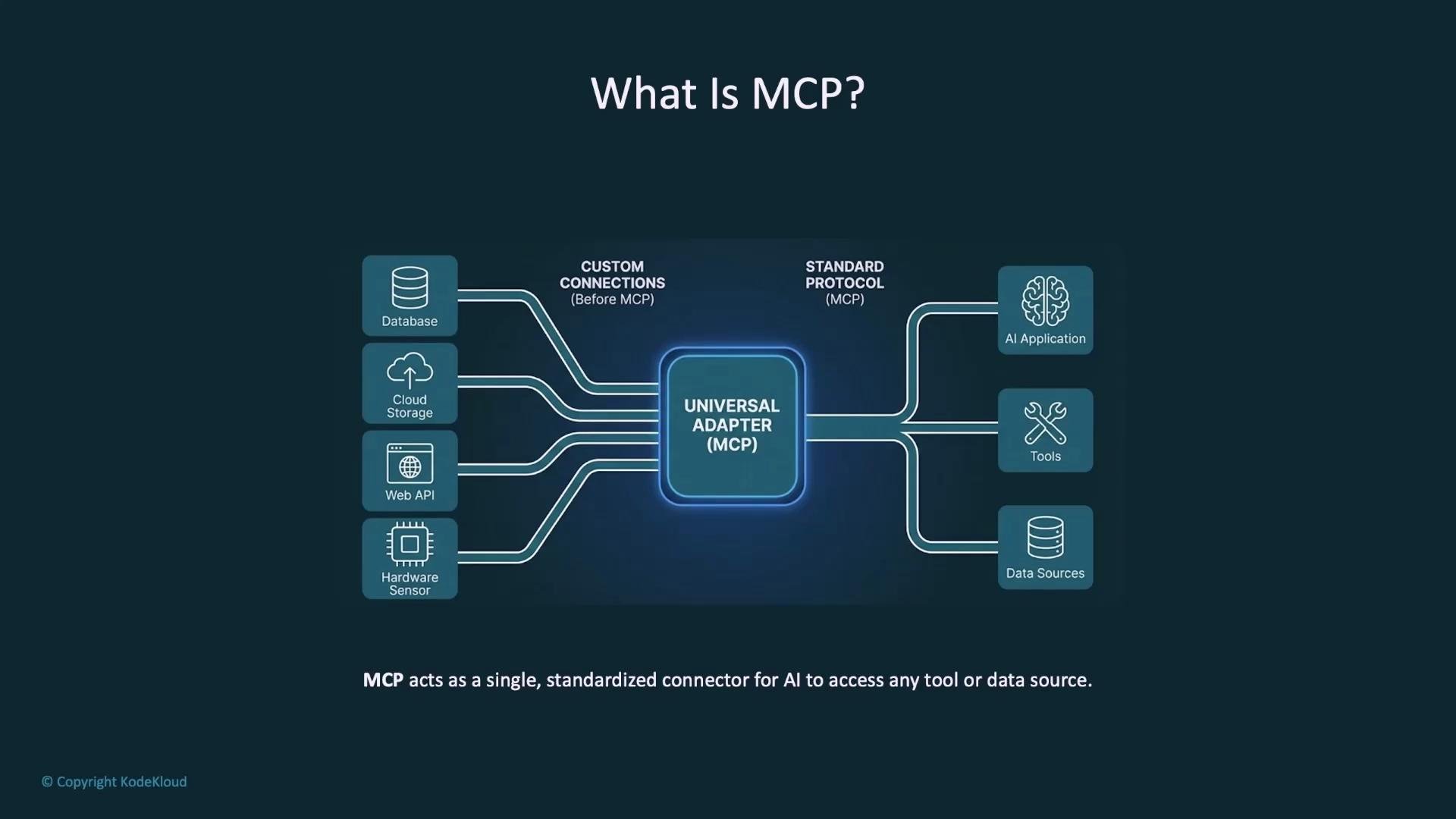
Hello and welcome — this lesson explains the Kubernetes Model Context Protocol (KMCP) and how it accelerates building, testing, and running MCP (Model Context Protocol) servers in cloud-native environments like Kubernetes. Before we dive into KMCP, it’s helpful to understand the underlying protocol: MCP. MCP is an open protocol from Anthropic that standardizes how large language model (LLM) applications connect to external data sources and tools. Without a standard like MCP, each LLM integration becomes a bespoke adapter, adding development and maintenance burden.
MCP acts as a universal adapter for LLMs. An MCP server exposes tools and data sources in a standard way so any LLM application that speaks MCP can discover and use them without bespoke integrations. See the MCP project for protocol details: https://github.com/anthropic/mcp
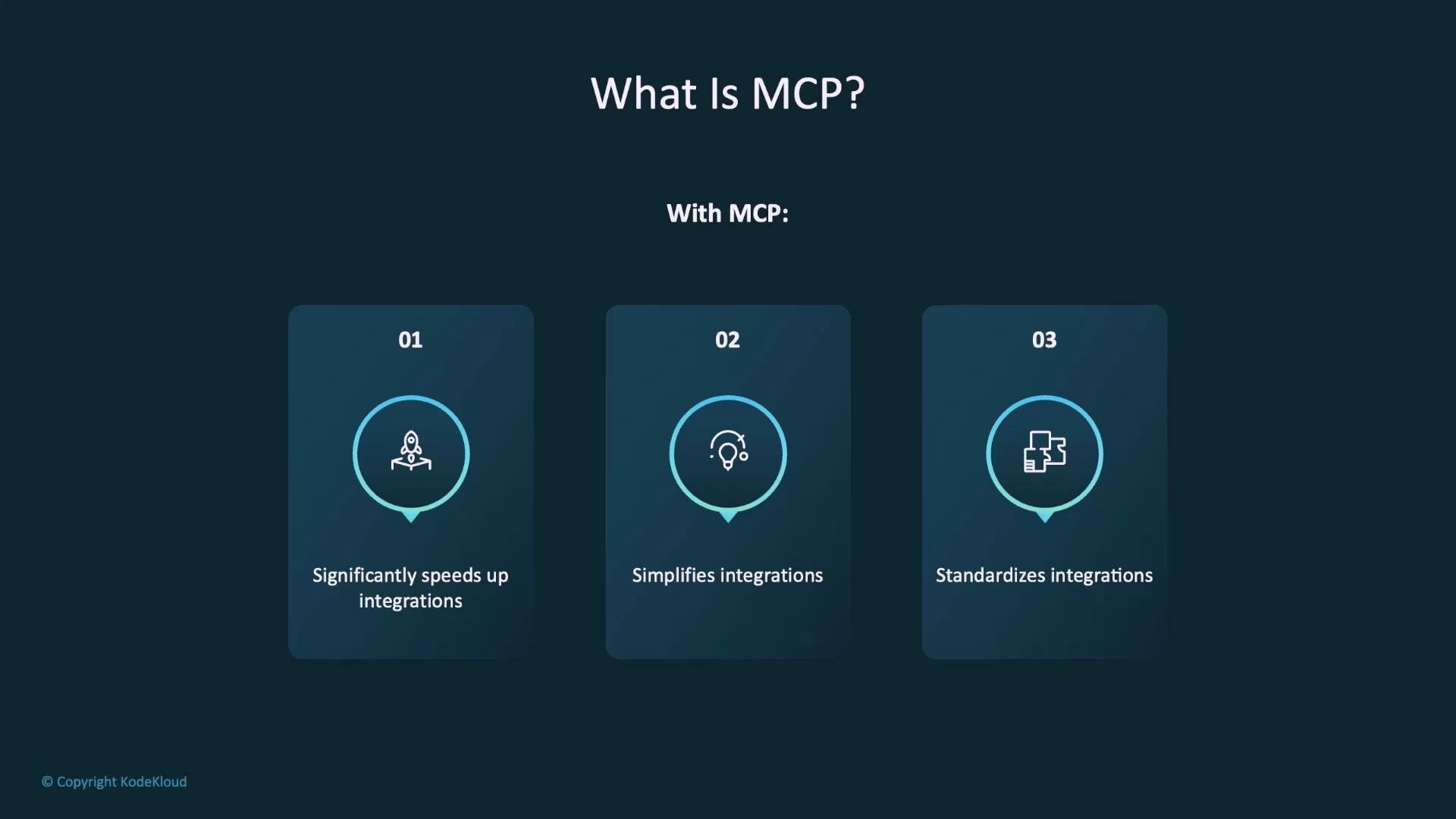
A presentation slide titled "What Is MCP?" showing three numbered cards with icons that list MCP benefits. The cards say: "Significantly speeds up integrations," "Simplifies integrations," and "Standardizes integrations."
This standardization significantly speeds up, simplifies, and harmonizes integrations across tools and data sources.
A diagram titled "What Is MCP?" showing a central "Universal Adapter (MCP)" that standardizes connections. The left side lists inputs (database, cloud storage, web API, hardware sensor) and the right shows outputs (AI applications, tools, data sources) all linked through the MCP.

What is KMCP?

KMCP is a platform and toolset that:
  • Accelerates local development of MCP servers with templates and boilerplates.
  • Provides CLI tooling to scaffold, test, and deploy MCP servers.
  • Manages MCP server lifecycle and secret handling in Kubernetes using CRDs and best practices.
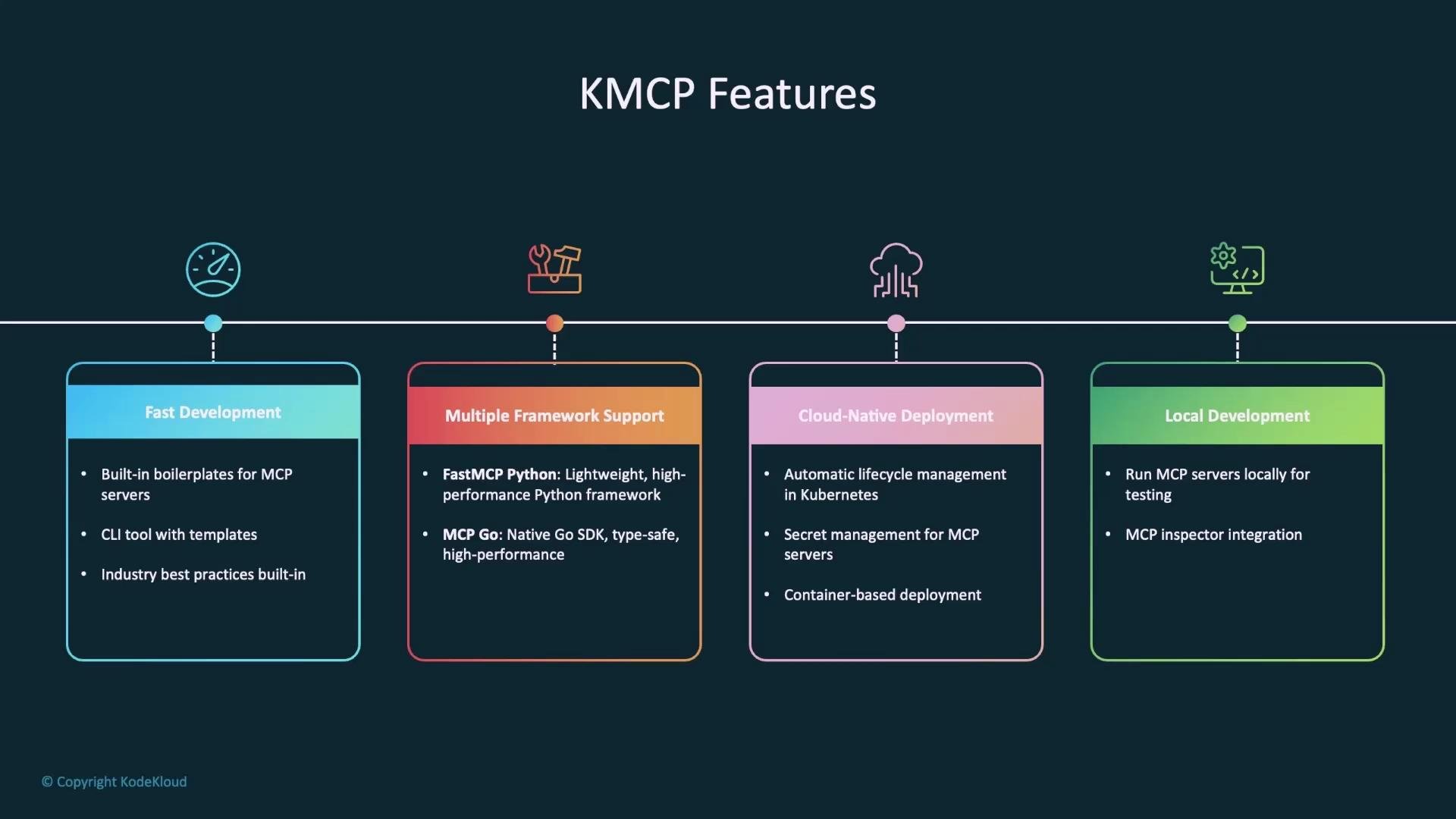
In short: KMCP helps you bootstrap MCP projects, develop tools quickly, test locally (with an inspector/UI), and deploy/manage them as Kubernetes-native resources.
An infographic titled "KMCP Features" showing four colored panels across a timeline for Fast Development, Multiple Framework Support, Cloud‑Native Deployment, and Local Development. Each panel lists brief bullet points like built‑in boilerplates, FastMCP Python/MCP Go, Kubernetes lifecycle/secret management, and local MCP testing.
Key KMCP capabilities:
  • Project scaffolding and framework-specific templates (FastMCP for Python, MCP Go).
  • Tool boilerplates to expose internal APIs or services to LLMs.
  • Local development experience: build, run, and use the MCP Inspector to exercise tools.
  • Kubernetes lifecycle management: deploy, update, delete, health checks, and secret management.
  • Support for multiple transports (stdio, HTTP) and authorization integration (e.g., Keycloak).

Typical KMCP development workflow

  1. Initialize a project
  2. Add tool boilerplates
  3. Run locally for development and testing (MCP Inspector)
  4. Test tools interactively using the inspector
  5. Deploy to Kubernetes and manage lifecycle
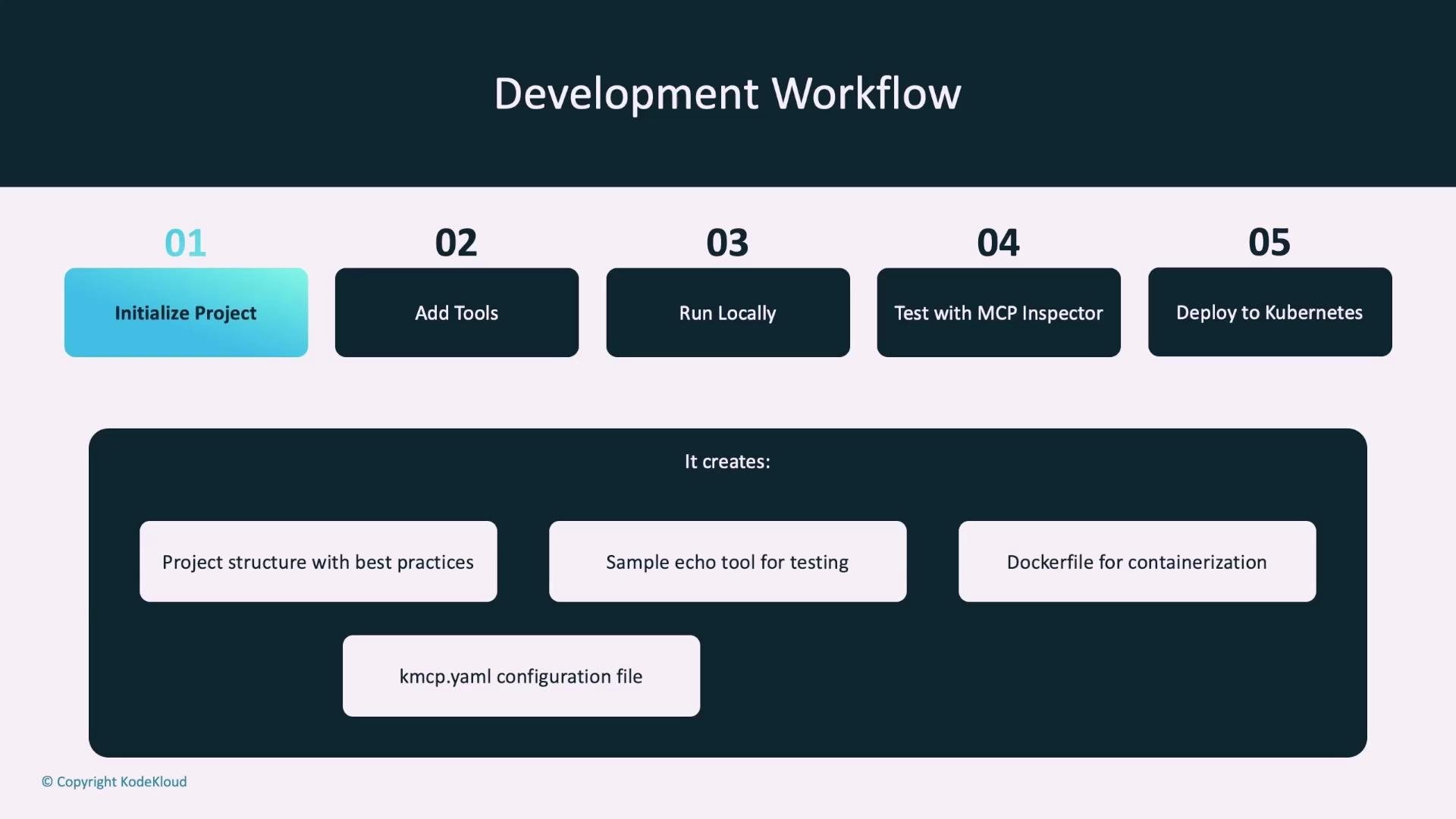
An infographic titled "Development Workflow" showing five numbered steps: 01 Initialize Project, 02 Add Tools, 03 Run Locally, 04 Test with MCP Inspector, and 05 Deploy to Kubernetes. Below that a dark panel lists created artifacts such as project structure, a sample echo tool, a Dockerfile, and a kmcp.yaml configuration file.

Commands (quick reference)

PurposeCommand
Initialize a Python project (FastMCP)kmcp init python my-mcp-server
Initialize a Go project (MCP Go)kmcp init go my-mcp-server --go-module-name my-mcp-server
Add a new tool boilerplatekmcp add-tool my-tool --project-dir my-mcp-server
Run the MCP server locally (build + inspector)kmcp run --project-dir my-mcp-server
Deploy to Kuberneteskmcp deploy --project-dir my-mcp-server
To scaffold a project:
  • Python (FastMCP):
kmcp init python my-mcp-server
  • Go:
kmcp init go my-mcp-server --go-module-name my-mcp-server
These commands create a project scaffold with:
  • Example tool(s) (e.g., echo tool),
  • Dockerfile for containerization,
  • kmcp.yaml configuration,
  • A test suite and recommended project structure.

Add a tool boilerplate

kmcp add-tool my-tool --project-dir my-mcp-server

Run locally (with MCP Inspector)

kmcp run --project-dir my-mcp-server
This builds and runs the container locally, starts the MCP server, and opens the MCP Inspector so you can list and invoke tools interactively.

Deploy to Kubernetes

kmcp deploy --project-dir my-mcp-server
KMCP handles Kubernetes manifests, CRD lifecycles, health checks, and secret injection based on your kmcp.yaml configuration.

Project structure examples

FastMCP (Python) project layout:
FastMCP Python Project

my-mcp-server/
├─ src/
│  ├─ core/
│  ├─ tools/
│  └─ main.py
├─ tests/
├─ Dockerfile
├─ kmcp.yaml
├─ pyproject.toml
├─ .env.example
└─ README.md

# Core MCP server logic and utilities
# Your MCP tool implementations
# Entry point that starts the MCP server
# Built-in test suite for tools
# Used to containerize for Kubernetes
# KMCP config defining how server runs
# Python dependencies and project settings
# Sample environment variables
# Project documentation
MCP Go project layout:
my-mcp-server/
├─ main.go                           # Entry point for the MCP server
├─ go.mod                            # Go module configuration
├─ go.sum                            # Dependency integrity file
├─ tools/                            # Tool implementations
│  ├─ all_tools.go                   # Registers all tools with the server
│  ├─ echo.go                        # Example tool
│  └─ tool.go                        # Template for creating new tools
├─ Dockerfile                        # Container image definition
├─ kmcp.yaml                         # KMCP project configuration
└─ README.md                         # Project documentation

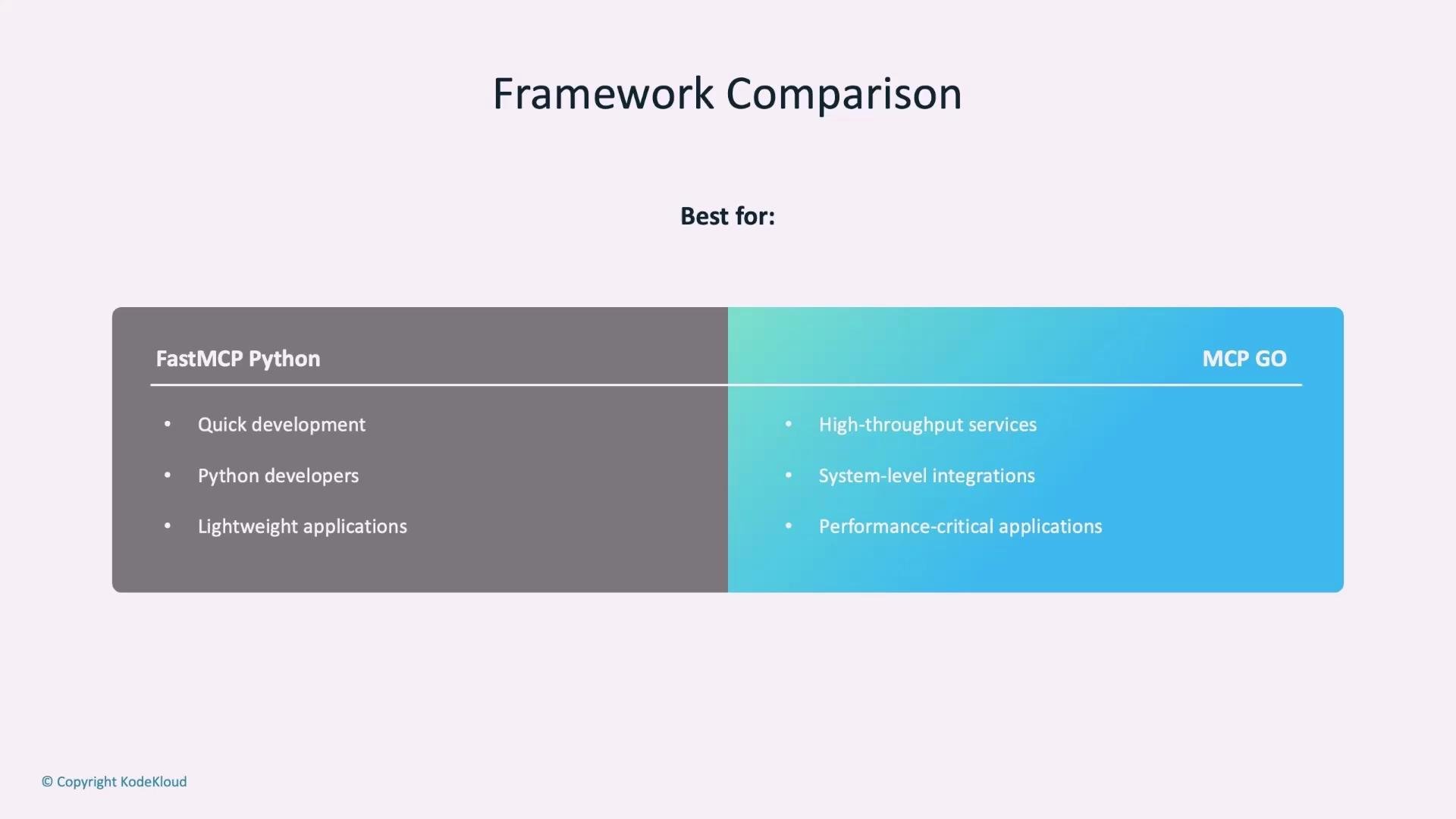
Framework comparison

FrameworkBest forStrengths
FastMCP (Python)Rapid development, teams with Python expertiseLightweight, easy to iterate, many Python libraries for integrations
MCP GoHigh-throughput and performance-critical servicesType-safe tool definitions, lower-latency runtime, strong concurrency model
A presentation slide titled "Framework Comparison" showing a split panel comparing FastMCP Python (left) and MCP Go (right) with bullet points listing best use-cases for each (e.g., quick development and Python developers vs high-throughput services and performance-critical applications).

KMCP core components and CLI

  • CLI commands:
    • kmcp init — Initialize a new MCP project.
    • kmcp add-tool — Add a new tool boilerplate to the project.
    • kmcp run — Run the MCP server locally for testing.
    • kmcp deploy — Deploy the MCP server to Kubernetes.
  • Boilerplate code and example tools follow recommended patterns.
  • Containerization: Dockerfile included in scaffold.
  • Project configuration: kmcp.yaml includes environment variables, transport settings, and metadata.
# Common kmcp commands
kmcp init    # Initialize new MCP project
kmcp add-tool  # Add new tool boilerplate
kmcp run     # Run locally for testing
kmcp deploy  # Deploy to Kubernetes

Running KMCP on Kubernetes

KMCP integrates with Kubernetes using Custom Resource Definitions (CRDs) to represent MCP server resources. It supports multiple transport types:
  • stdio transport (process-based)
  • HTTP transport (configure port, target port, path-based routing)
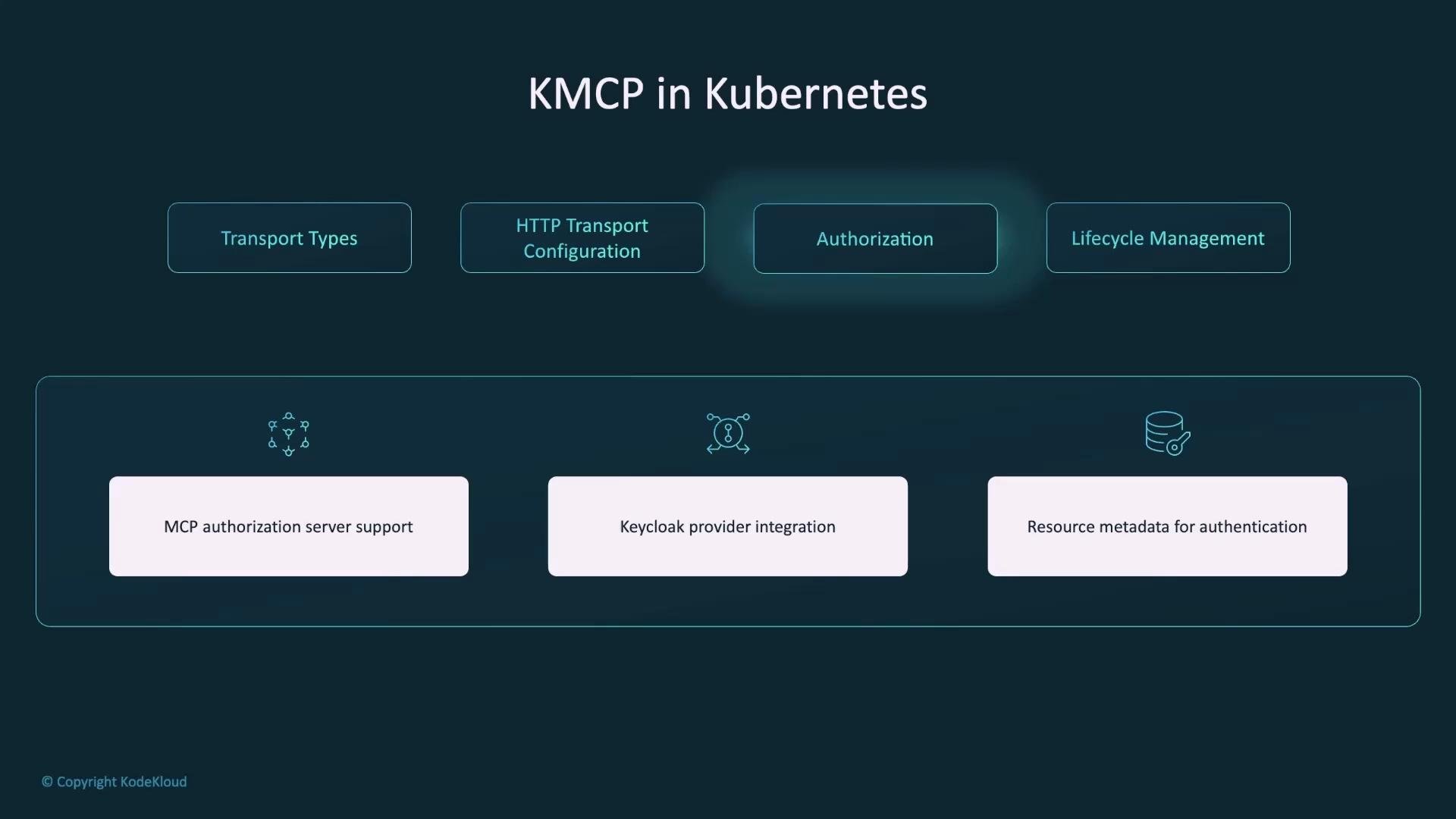
For HTTP transports you can configure HTTP path, service port, and authorization rules. KMCP supports authorization integrations, including an MCP authorization server and providers like Keycloak.
A teal-themed slide titled "KMCP in Kubernetes" showing four top boxes: Transport Types, HTTP Transport Configuration, Authorization, and Lifecycle Management. Below is a panel listing features: MCP authorization server support, Keycloak provider integration, and resource metadata for authentication.
When deploying to Kubernetes, secure your secrets and authorization settings. KMCP manages secret injection, but you should review RBAC, network policies, and authorization providers (for example, Keycloak) to ensure least-privilege access to sensitive tools and data.

Lifecycle management

KMCP automates:
  • Deployments and updates
  • Health checks and status conditions
  • Secret management and rotation support
  • Scaling and resource metadata injection

Use cases
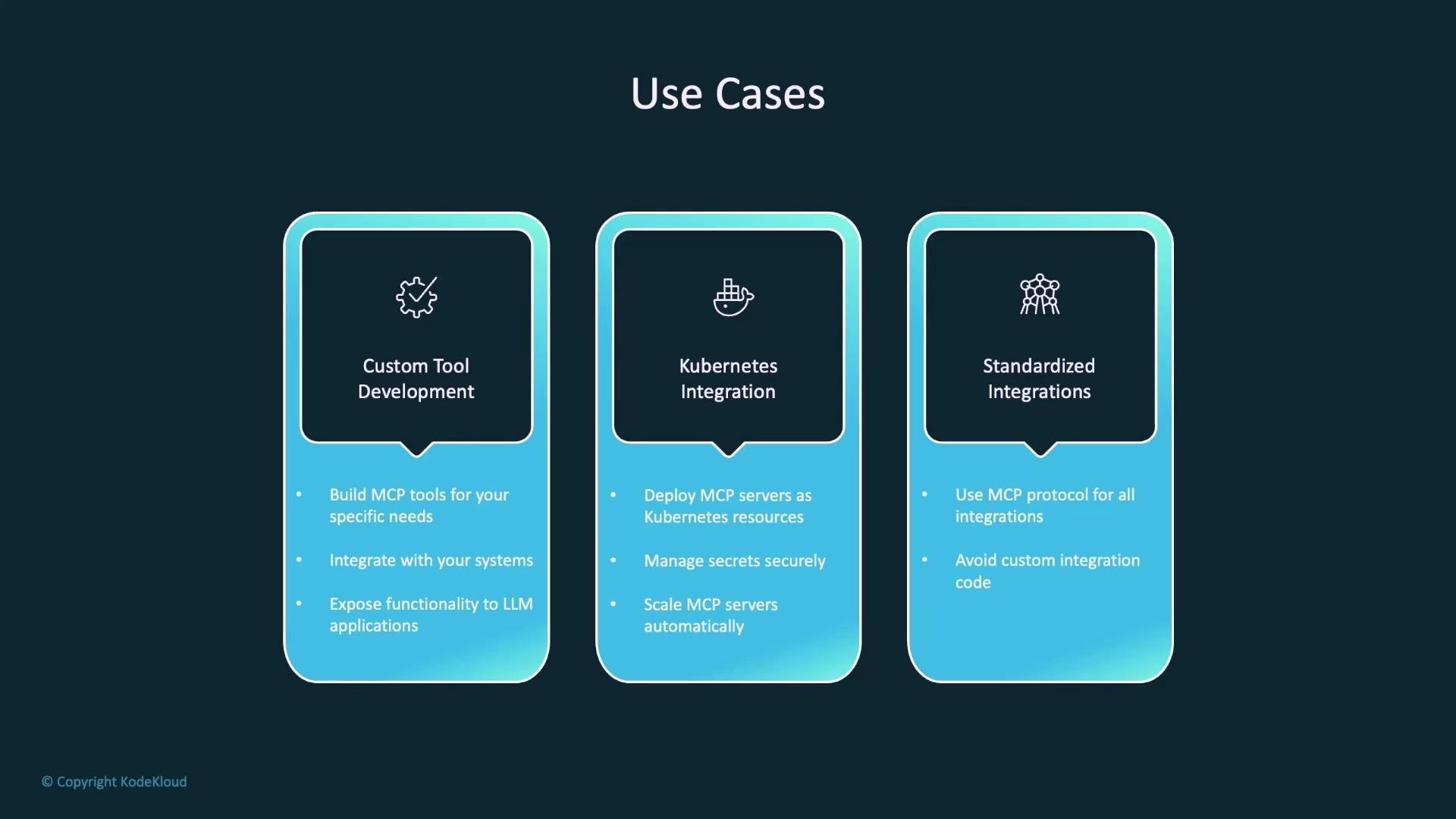
Use CaseDescription
Custom tool developmentExpose business logic and internal systems to LLMs via MCP tools.
Kubernetes integrationDeploy MCP servers as Kubernetes workloads (pods / CRDs), manage secrets and lifecycle, scale like other services.
Standardized integrationsAvoid per-tool adapters by using the MCP protocol to maintain consistent integration patterns.
A presentation slide titled "Use Cases" with three blue rounded panels labeled "Custom Tool Development," "Kubernetes Integration," and "Standardized Integrations," each showing an icon and brief bullet points. The layout highlights different application scenarios and features for a software platform.

Benefits

For developers:
  • Rapid iteration via boilerplates and templates.
  • Multiple framework support (Python, Go).
  • Local testing with the MCP Inspector and integrated examples.
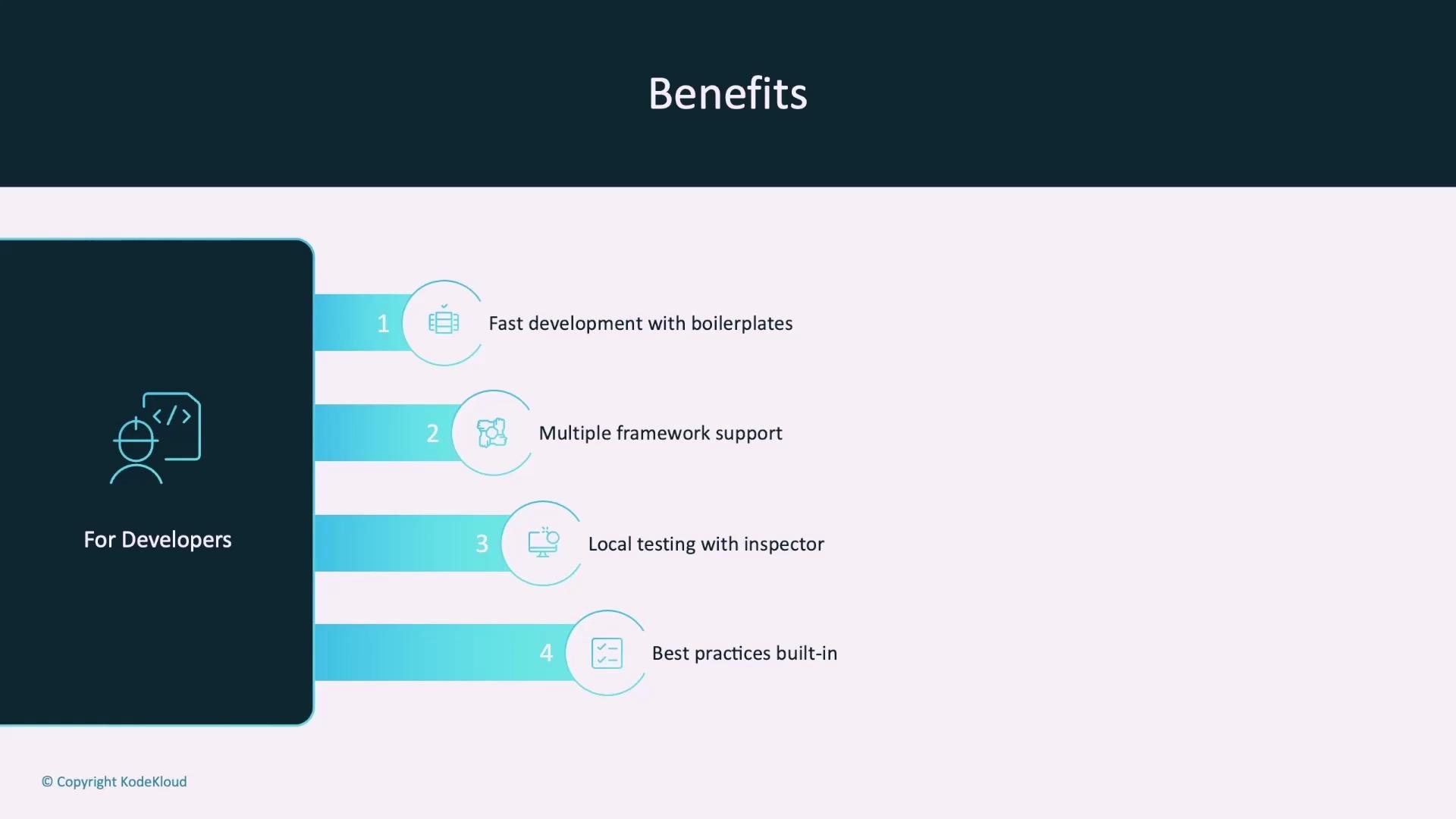
A presentation slide titled "Benefits" showing a "For Developers" panel and four numbered items: fast development with boilerplates, multiple framework support, local testing with inspector, and best practices built-in. The layout uses teal accents, icons, and a dark left sidebar.
For operations:
  • Kubernetes-native deployment and lifecycle.
  • Automatic health-checks and status reporting.
  • Secret management and scalable architecture.
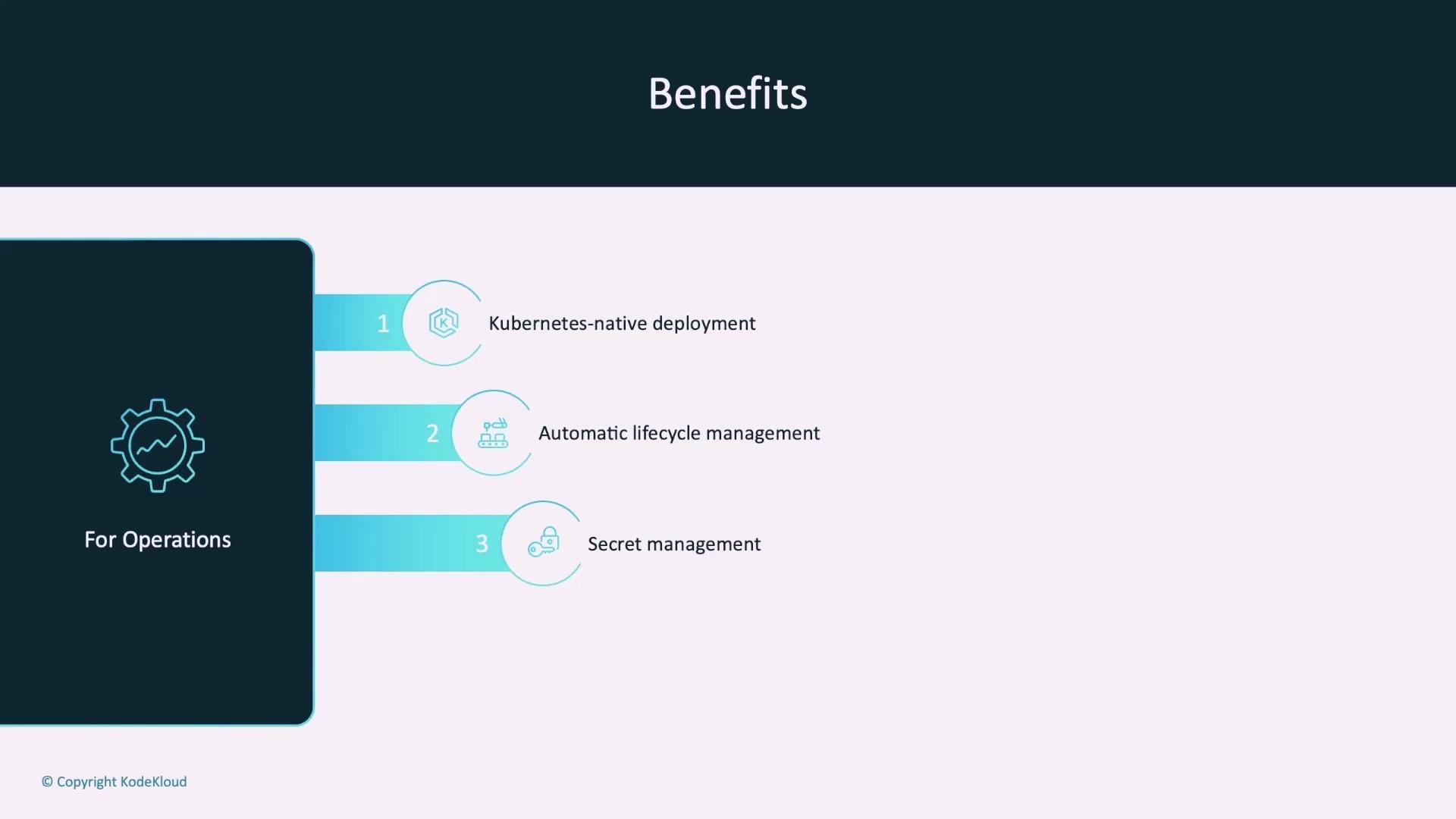
A presentation slide titled "Benefits" listing three operations items: Kubernetes-native deployment, automatic lifecycle management, and secret management. A dark left panel labeled "For Operations" shows a gear icon.
For organizations:
  • A standardized protocol reduces maintenance overhead, simplified scaling, and consistent integration patterns without vendor lock-in.
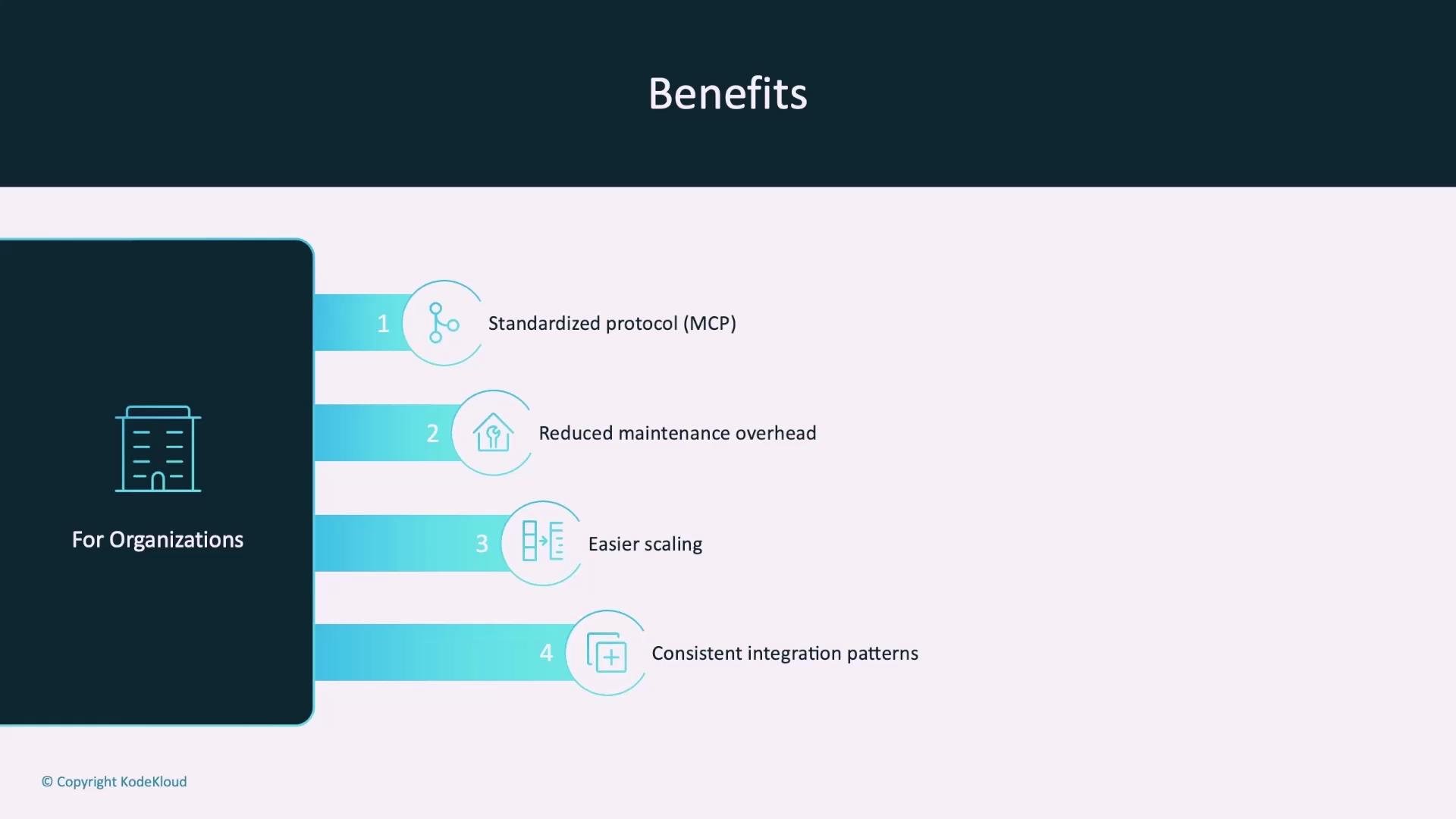
A slide titled "Benefits" showing a numbered list of advantages for organizations: Standardized protocol (MCP), Reduced maintenance overhead, Easier scaling, and Consistent integration patterns. A dark left panel features a building icon and the label "For Organizations."

Summary

KMCP enables you to:
  • Rapidly scaffold MCP servers with best-practice templates.
  • Develop and test tools locally using the MCP Inspector.
  • Deploy and manage MCP servers in Kubernetes with CRDs, health checks, and secret handling.
  • Choose the framework that fits your needs: FastMCP for Python or MCP Go for high-throughput services.

Next steps / Labs

Suggested hands-on labs:
  • Deploy MCP servers to Kubernetes (including AWS).
  • Integrate LLM-driven agents with an AWS Pricing MCP server.
  • Build a custom cryptocurrency-check MCP server to fetch live prices.
References and further reading: I’m excited to share the labs with you — happy building!

Watch Video

Practice Lab