Overview of K-Agent tools, MCP integration, and agent-as-tool composition enabling Kubernetes-native agents to call built-in and external tools for cluster, monitoring, and cloud operations.
In K-Agent, tools are the explicit integrations an agent uses to interact with its environment. Tools can access cluster state, external services, or other agents—letting agents perform concrete actions rather than only reasoning.Common examples of tools an agent might expose or call:
List cluster resources (e.g., all pods in a namespace)
Retrieve pod logs
Describe a Service or other Kubernetes resource
Query a monitoring system (Prometheus)
Invoke cloud provider APIs (via MCP)
Example CLI-like commands that correspond to those tools:
list podsget pod logsdescribe services
Built-in tools shipped with K-Agent include utilities for:
Displaying pod logs and resource manifests
Querying Prometheus metrics
Generating or applying Kubernetes resources
Troubleshooting helpers and diagnostics
Inspect the tools registry after installing K-Agent to see the full list of available built-in tools and their usage.Tool type overview:
Tool type
Typical use case
Example
Built-in tools
Cluster introspection and common ops
get pod logs, list pods
External/MCP tools
Access to cloud providers, external APIs
AWS S3 queries, cloud metadata
Agent-as-tool
Delegate specialized translation or processing
A PromQL agent that produces queries
Model Context Protocol (MCP)
K-Agent supports the Model Context Protocol (MCP) to register and expose external tools to agents. MCP provides a standard way to integrate third-party systems and cloud APIs so agents can call them as native tools. Using MCP you can:
Import external tools into the agent runtime
Enable agents to execute those tools
Integrate third-party systems without modifying core K-Agent components
Hands-on exercises typically show installing MCP adapters for providers like AWS and then querying cloud resources so agents can use AWS data during execution.Agents as tools
K-Agent also supports treating an agent itself as a callable tool. One agent can expose capabilities that other agents invoke, enabling specialization and composition. For example, you might run a dedicated PromQL agent that translates natural-language questions into PromQL; another agent calls the PromQL agent as a tool to obtain a valid query, then executes it.
Example composition YAML that references MCP tools and another agent:
# Referencing existing MCP tools- type: McpServer mcpServer: name: kagent-tool-server kind: RemoteMCPServer toolNames: - k8s_get_resources - k8s_get_available_api_resources# Referencing an existing agent as a tool- type: Agent agent: ref: promql-agent
This pattern enables workflows where agents delegate specialized tasks (e.g., query translation, enrichment, or cloud access) and then aggregate the results.Agent execution flow
A concise end-to-end agent execution loop in K-Agent:
Agent receives a user query.
Agent analyzes the query using its instructions and skills.
Agent determines which tools to call.
Agent executes the selected tools to interact with the environment.
Agent processes tool results (often using an LLM to interpret or aggregate responses).
Agent returns a consolidated response to the user.
This loop is central to K-Agent’s autonomous behavior and to how tools extend agent capabilities.
Key architecture principles
K-Agent is designed around a few core principles:
Kubernetes-native: Agents are CRD-based and lifecycle control (pods, controllers) leverages Kubernetes.
Framework-based: Built on the Google Agent Development Kit (ADK) to provide an extensible agent framework.
Multiple entry points: Agents are accessible via CLI, dashboard UI, and declarative CRDs.
Tool interaction patterns include built-in tools, MCP-based external tools, and composition where agents are used as tools. Agents are defined by instructions and skills which guide autonomous behavior.Architecture components
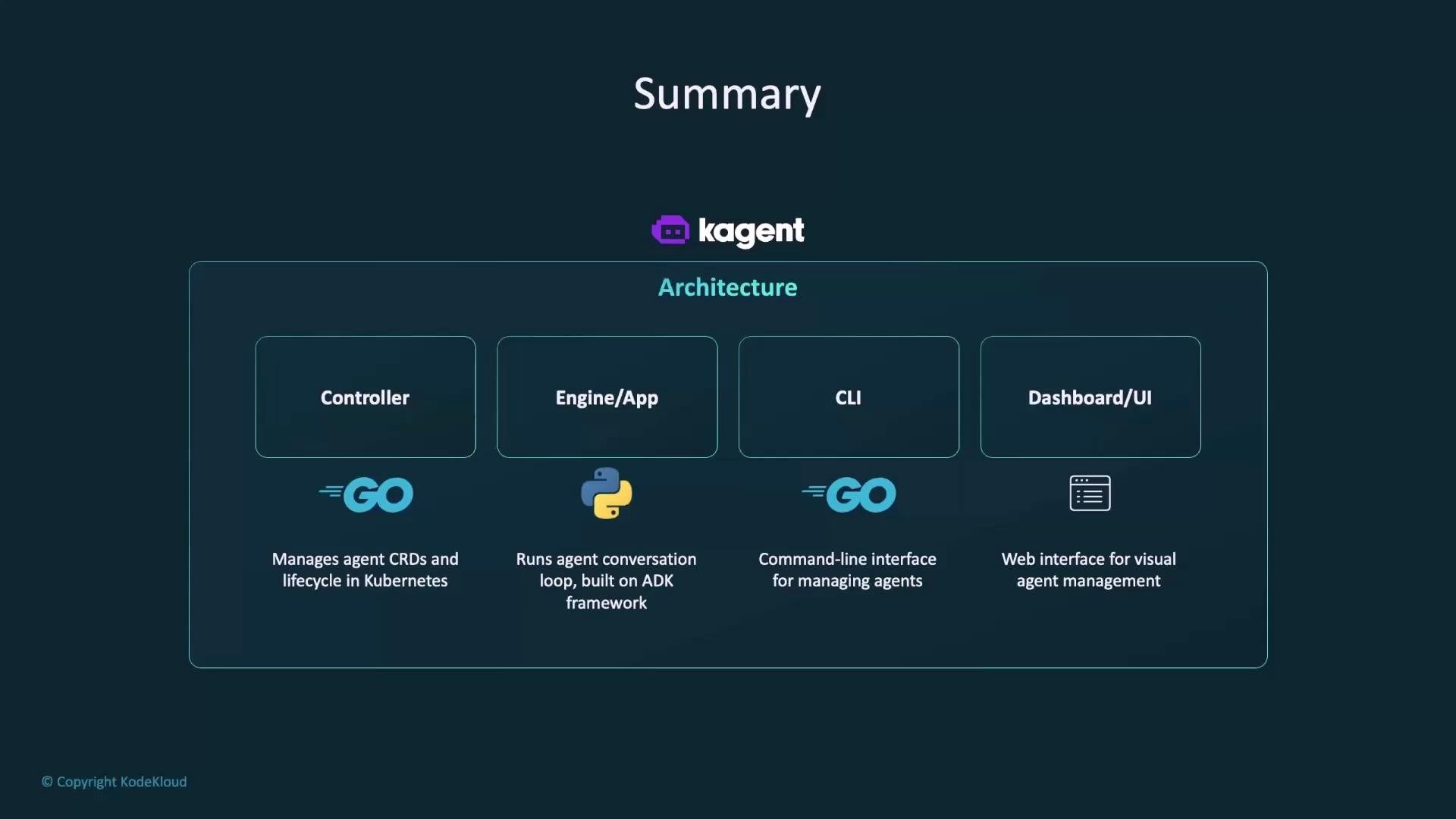
Below is a quick reference for the main architecture components and their responsibilities:
Component
Language
Responsibility
Controller
Go
Manages CRDs and agent lifecycle in Kubernetes
Engine / App
Python
Runs agent conversation loops (ADK-based)
CLI
Go
Command-line management interface
Dashboard / UI
Web
Visual management and inspection of agents
Agent definitions
YAML/CRDs
Instructions, skills, and composition for agents
What makes K-Agent effective
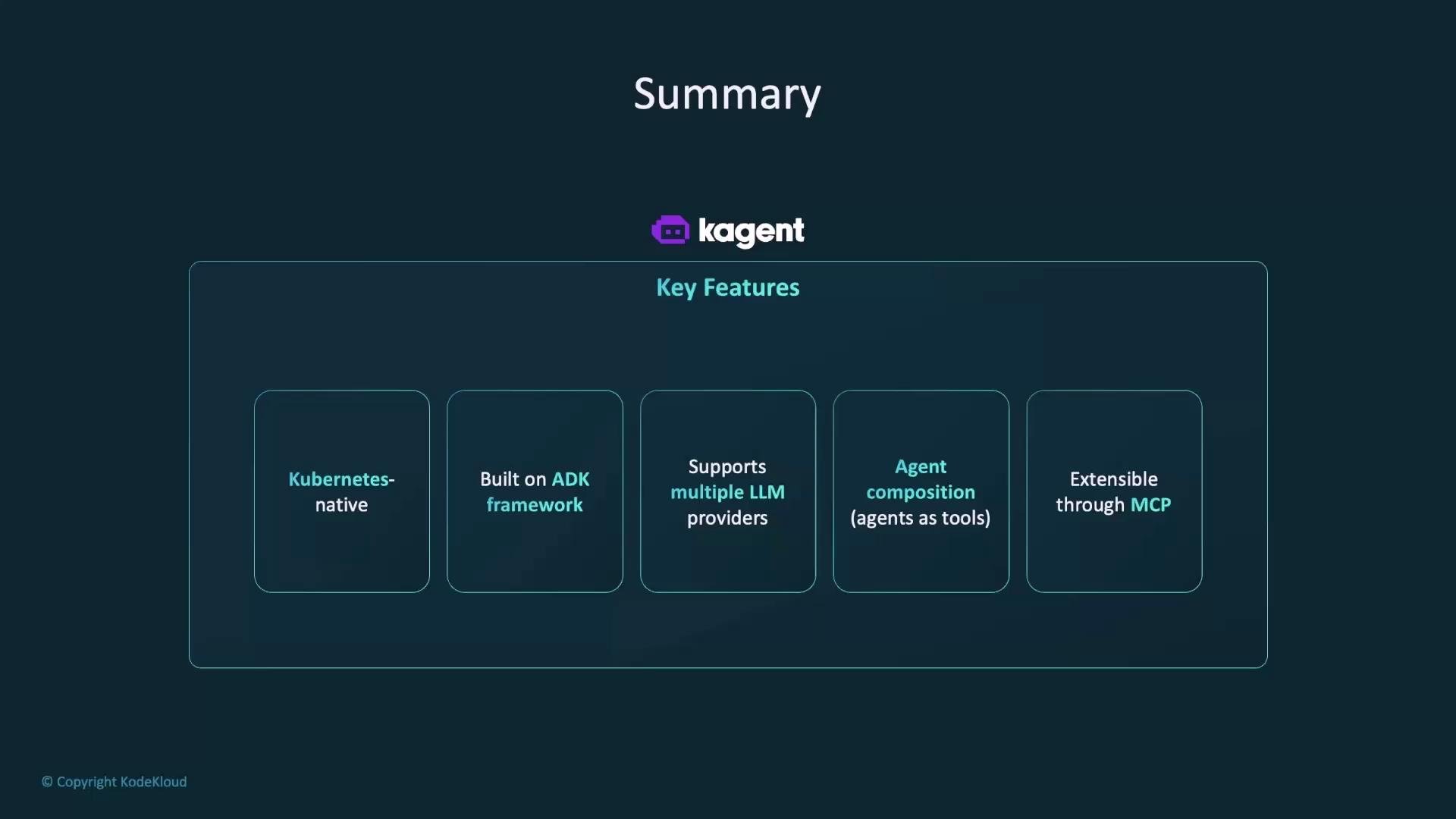
Some of the key features that make K-Agent powerful and extensible:
Kubernetes-native operation for seamless lifecycle management
Built on the ADK framework for extensibility
Support for multiple LLM providers and model integrations
Agent composition (using agents as tools) to build higher-level behaviors
Extensibility through MCP to incorporate external services and cloud APIs
K-Agent’s MCP support and agent-composition features let you extend capabilities incrementally: add new external tools via MCP, and compose focused agents to build higher-level behavior without changing core components.
Security and governance (quick note)
When exposing external tools or agents, carefully manage credentials and RBAC. Grant least-privilege access to MCP adapters and ensure agents cannot perform unauthorized operations in your cluster or cloud account.
Hands-on exercises are available to practice the concepts above—examples include installing MCP adapters, registering AWS tools, creating a PromQL agent, and composing agents to solve end-to-end tasks.