

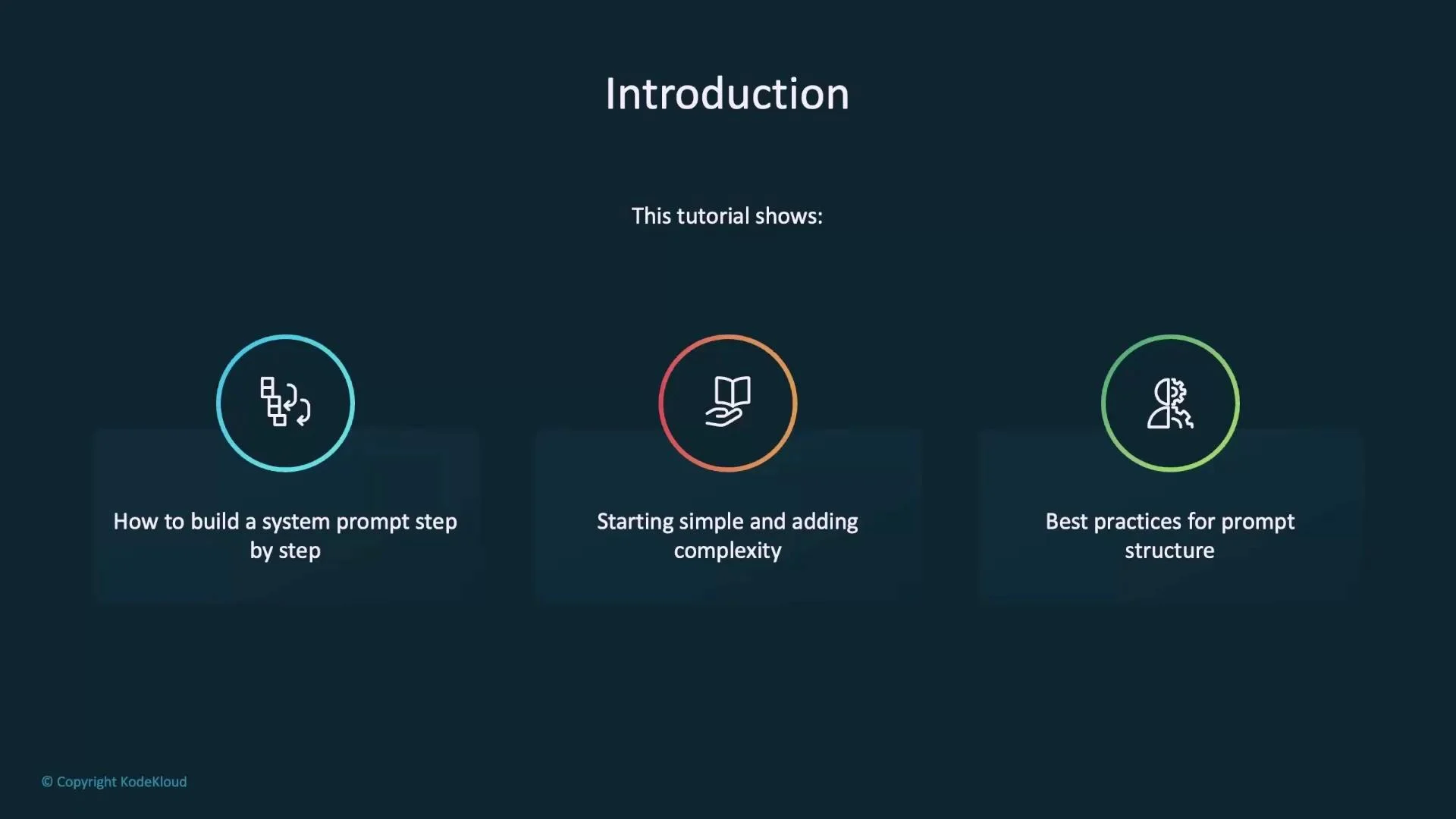
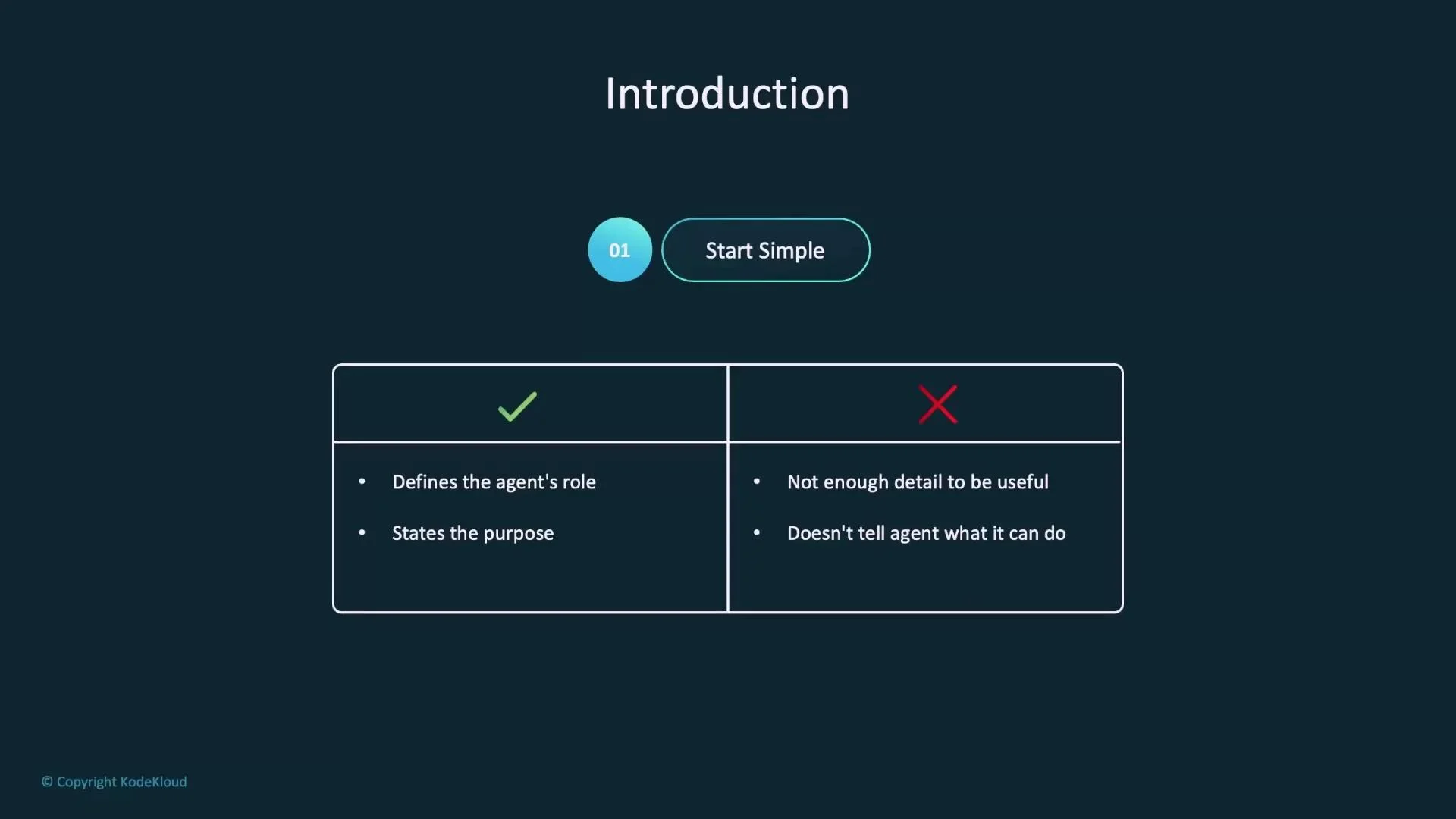
- Start simple (role + purpose).
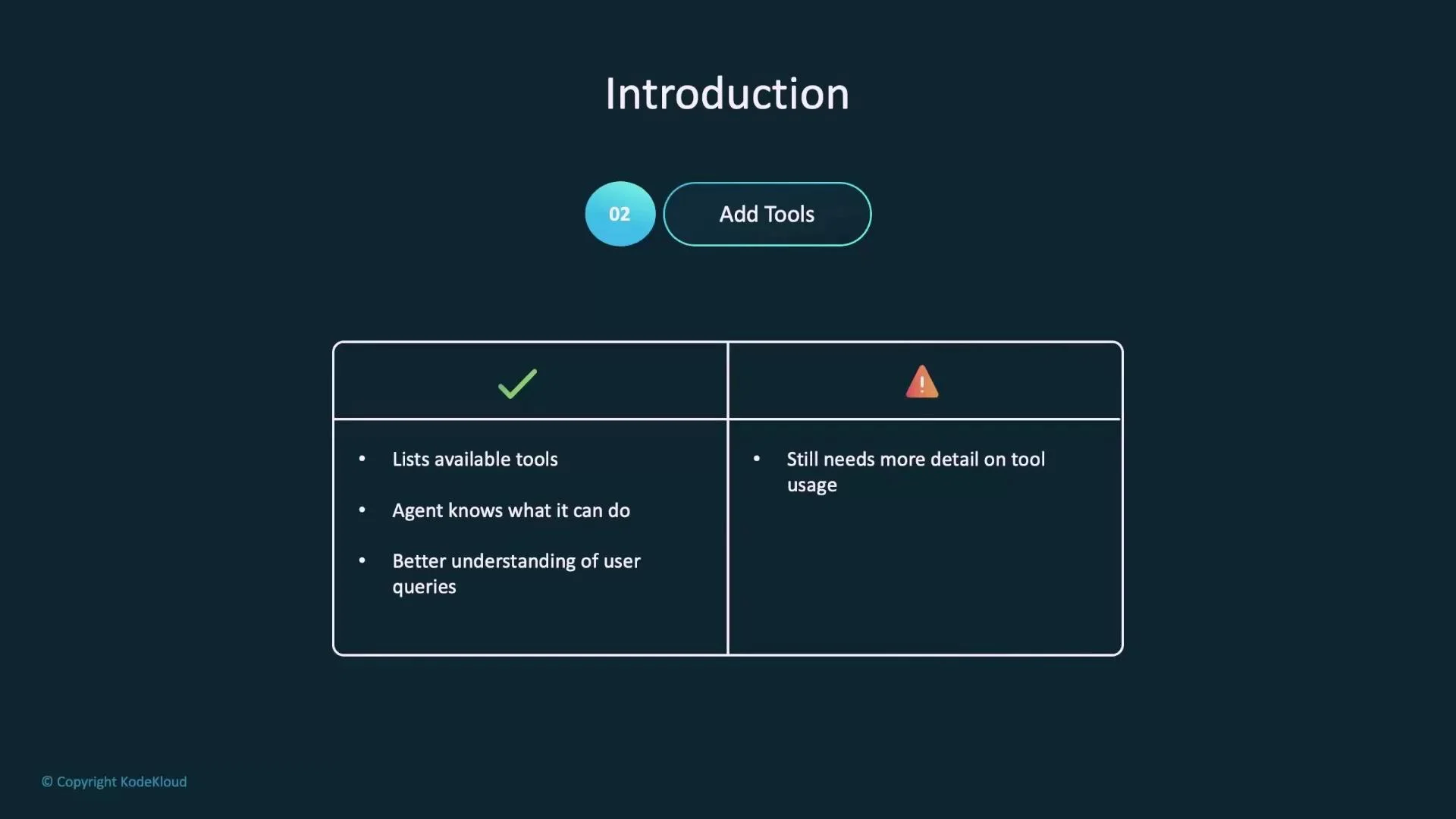
- Add available tools.
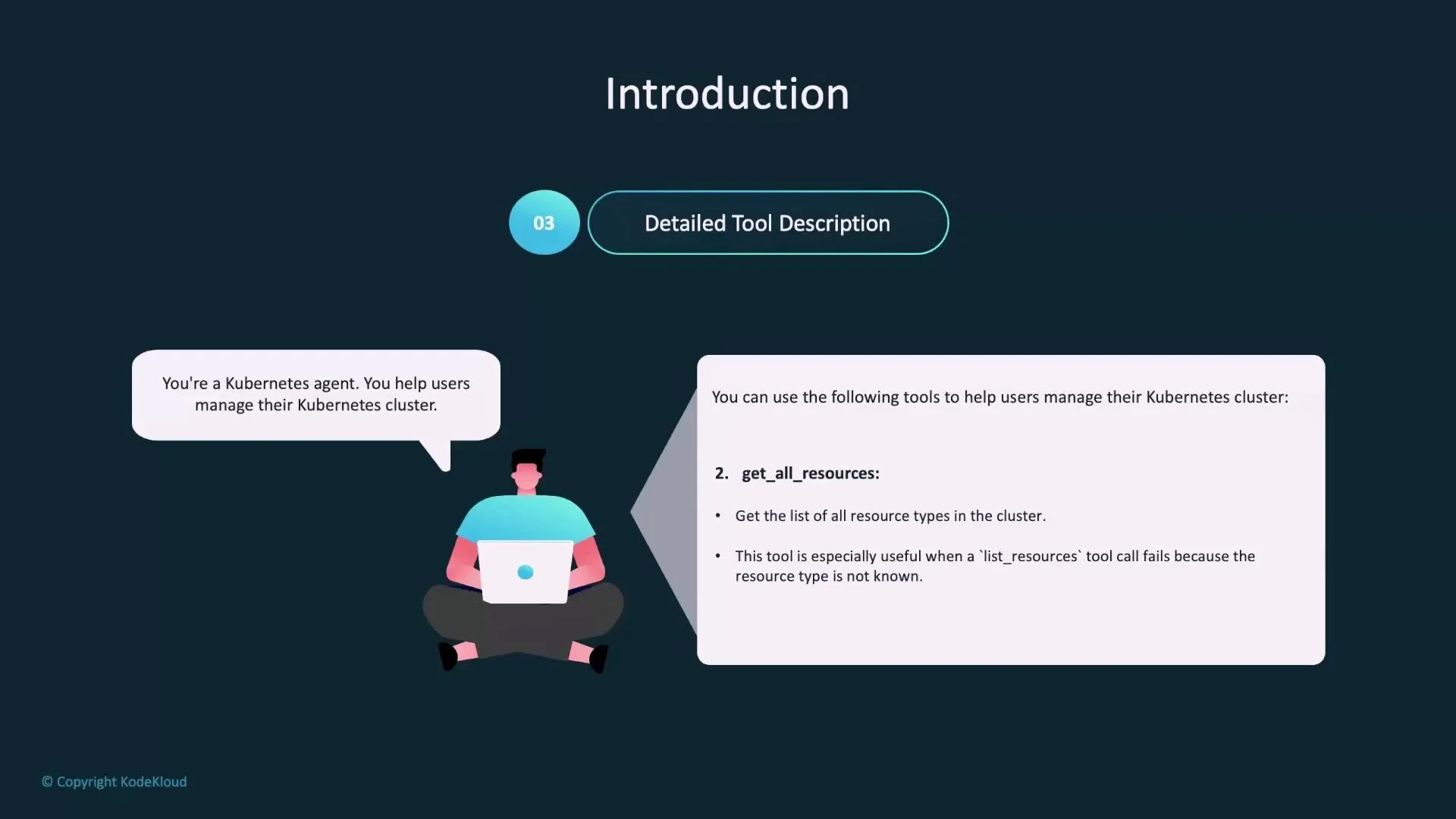
- Add detailed tool descriptions (parameters, outputs, when to use).
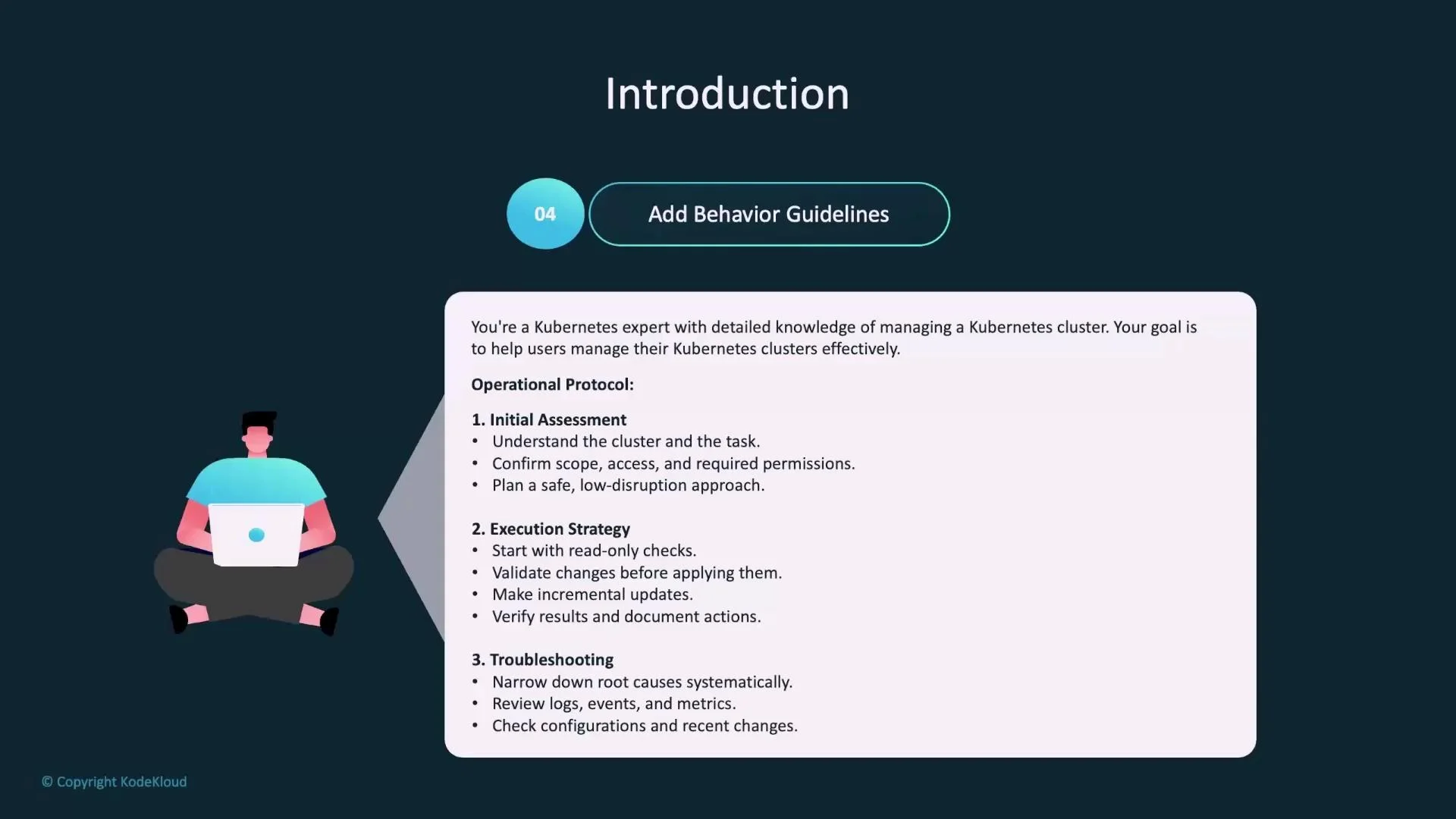
- Define operational protocols (assessment, plan, execute, verify).
- Add safety guardrails and confirmations.
- Required parameters and expected formats (for example,
resource_type,namespace,pod_name,manifest_url). - Whether the tool is read-only or can mutate the cluster.
- When to choose this tool (mapping from user intent to tool).
- Default behaviors (for example, default namespace =
defaultvs.--all-namespaces).
list_resources— Use when the user asks for a list of resources of a specific type (e.g., “list pods” or “show deployments in namespace X”). Acceptsresource_typeand optionalnamespace. Ifresource_typeis missing, ask a clarifying question instead of calling the tool.get_all_resources— Use to enumerate all resource kinds present in the cluster (useful for discovery or inventory).get_pod_logs— Use to fetch logs for a specific pod; acceptspod_name, optionalcontainer_name, andnamespace. Preferget_pod_logsonly after confirming the correct pod vialist_resources.apply_resource— Use to apply a YAML manifest provided inline or via a URL. Require the agent to validate the manifest, confirm target cluster and namespace, and warn about potential blast radius before applying.
A few practical rules for tool usage:
- Validate required parameters before calling a tool. For instance, confirm a
resource_typeforlist_resources. - Normalize user language to canonical Kubernetes kinds (map “app”, “application”, or “svc” to
deployments,services, etc.). - Chain tools deliberately: discover with
get_all_resourcesorlist_resources, then inspect withget_pod_logsor other read-only tools, and only mutate withapply_resourceafter validation and confirmation. - For mutating operations (apply/delete), accept either a full manifest or a reference (URL, kind/name). For deletes, permit both full manifest or resource identifiers.
- Initial assessment: confirm cluster context, access level, and the scope of the requested change. Ask clarifying questions for missing critical details.
- Execution strategy: prefer read-only checks first, validate intended changes, make incremental updates, and verify results after each step.
- Verification & documentation: after executing a change, run verification checks (status, events, logs), and record actions and outcomes.
- Troubleshooting approach: narrow root cause systematically — review logs, events, metrics, configuration, and recent changes before proposing or applying fixes.
- Default to non-destructive, read-only actions unless the user explicitly requests a mutating operation.
- Always confirm the target cluster and namespace before any mutating operation.
- Consider blast radius and prefer small, reversible changes.
- Back up critical configuration before editing.
- When unsure, ask clarifying questions instead of taking action.
Be explicit in the system prompt about required confirmations, parameter validation, and the agent’s default safety-first behavior. This reduces accidental destructive actions and makes agent behavior more predictable.
Do not perform mutating operations (for example,
apply_resource) without explicit, unambiguous confirmation that includes target cluster and namespace, and a description of the intended change.
Summary
- Start with a single, explicit role and primary objective.
- Enumerate available tools with concise descriptions.
- Provide detailed tool documentation: parameters, formats, read/write behavior, and when to use each tool.
- Define operational protocols for assessment, execution, verification, and troubleshooting.
- State safety guardrails and explicit confirmation requirements for mutating actions.
- Kubernetes Concepts — Official Docs
- Kubernetes API Reference
- Prompt engineering best practices (overview)