

- Diagnose multi-hop connectivity problems across services
- Troubleshoot application performance degradations
- Automate alert generation from Prometheus metrics (Prometheus course)
- Debug gateway and HTTPRoute configuration with a kgateway-specialized agent (kgateway course)
- Orchestrate progressive rollouts using progressive deployment tools
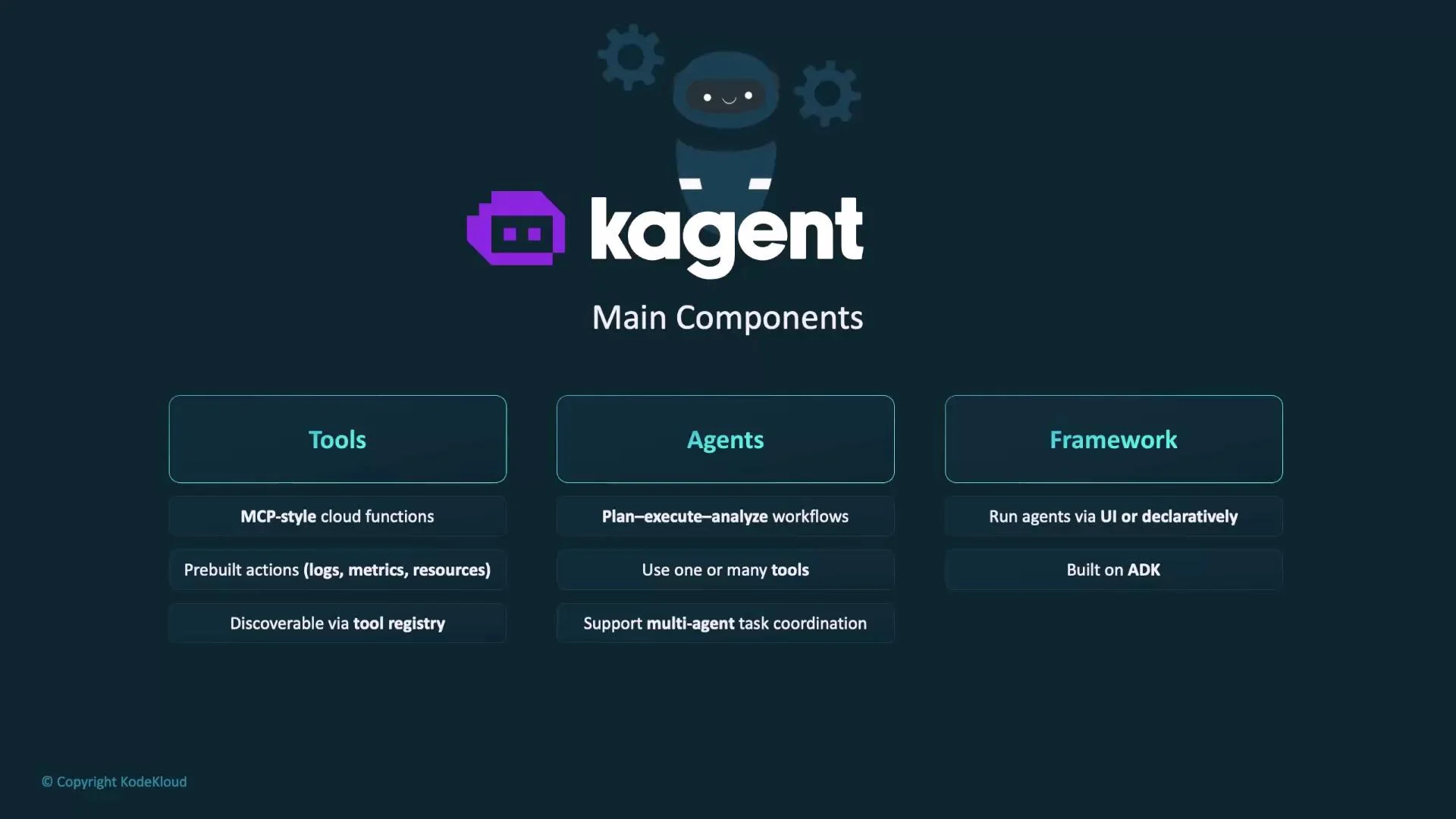
- Tools: MCP-style functions agents call to interact with cloud-native systems. KAgent includes pre-built tools for progressive deployment, Kubernetes, and Helm.
- Agents: Autonomous units that plan multi-step operations, invoke tools, and produce results.
- Framework: A flexible runtime and control plane (built on the Google ADK) that exposes a UI, CLI, and declarative management for agents and tools.
- KAgent’s controller is a Kubernetes-native controller implemented in Go.
- It owns and reconciles the custom resource definitions (CRDs) that declare agents, tools, and their configurations.
- Key responsibilities:
- Manage agent lifecycle: create / update / delete agent resources.
- Create and maintain Kubernetes resources required by agents (Jobs, Deployments, ConfigMaps, etc.).
- Ensure cluster state converges to the declared resources.
- Future extensions may include an MCP server for centralized tool management and distribution.
- The engine is the core execution runtime, implemented in Python.
- It runs agent conversation loops, executes the agent’s plan-action cycles, and orchestrates tool invocations.
- Built on the Google ADK, the engine leverages abstractions for agents, tools, and context propagation so ADK-compatible agents/tools interoperate with KAgent.
- Because of ADK compatibility, you can bring existing ADK agents/tools into KAgent with minimal changes.
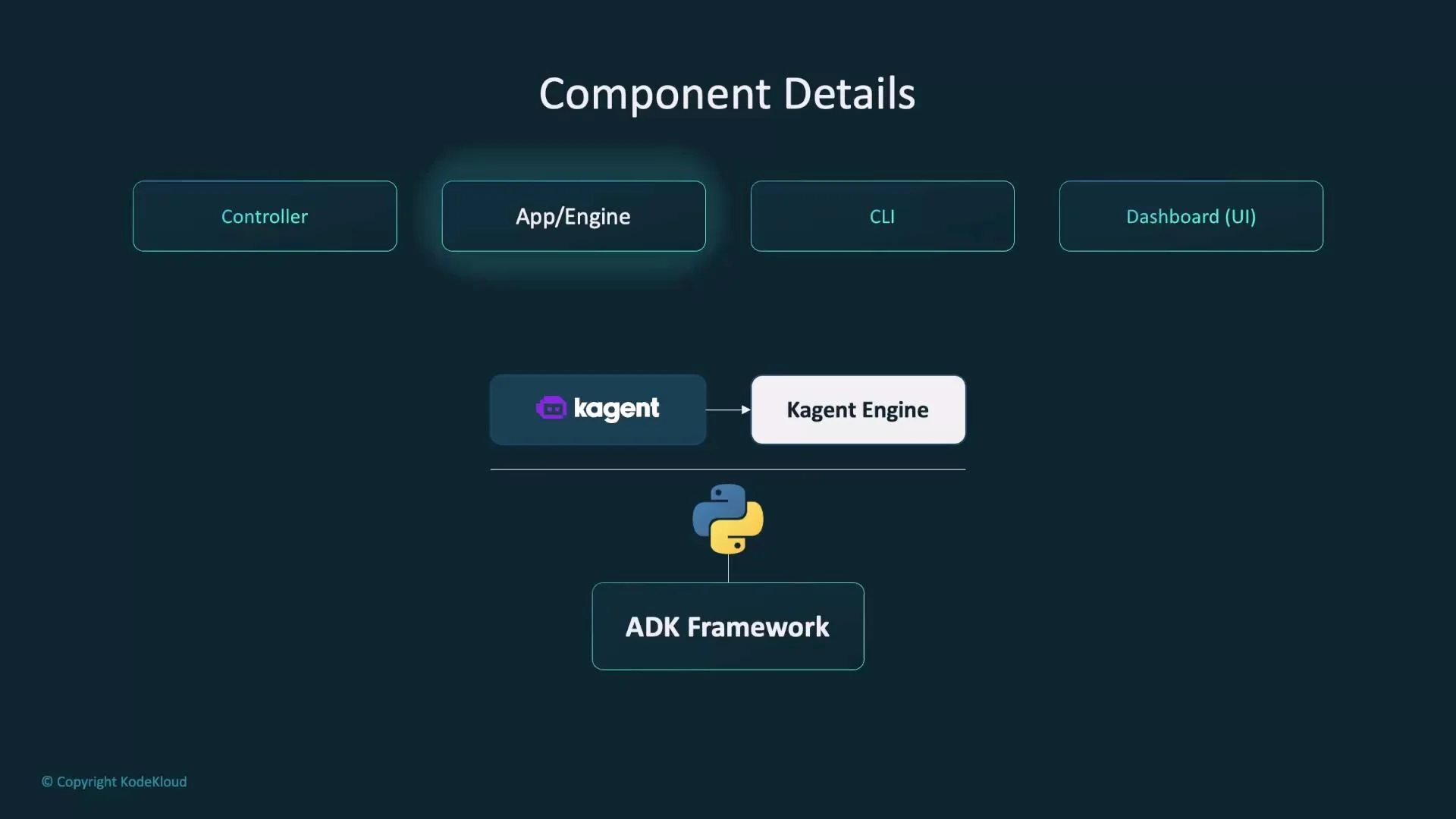
- Run the agent conversation loop and manage agent state.
- Produce plans, execute actions, and iterate based on tool outputs.
- Invoke, monitor, and manage tool executions required to complete tasks.
- Return structured responses to callers, the CLI, or the UI.
- Be extensible by adding controllers, custom agents, or new tools through ADK integration.
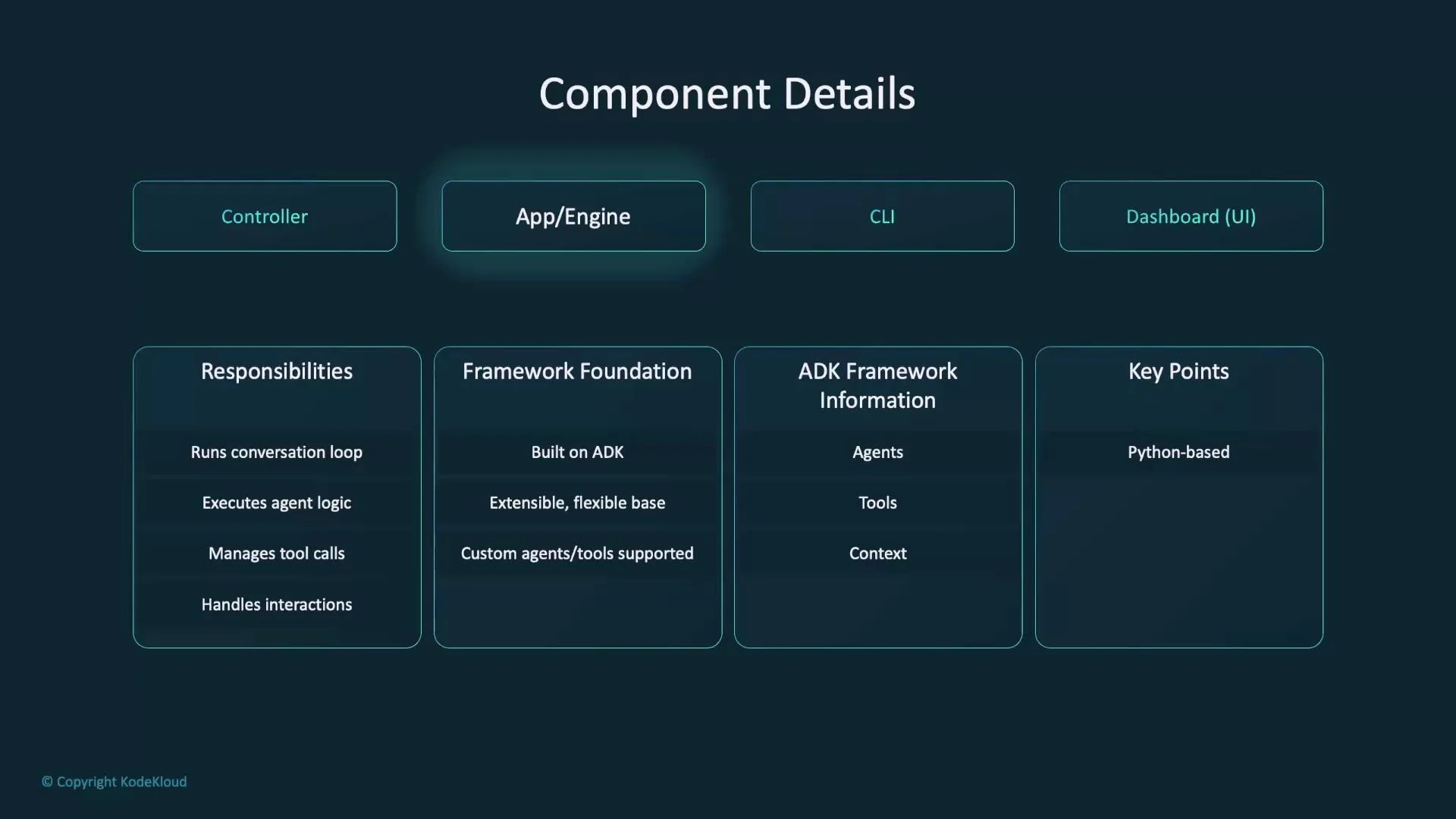
- The KAgent CLI provides a command-line entry point for the platform.
- It connects to the engine to manage resources, invoke agents, and inspect runs programmatically.
- Use cases:
- Deploy and manage KAgent resources from CI/CD pipelines or scripts.
- Invoke agents for ad-hoc troubleshooting and automation.
- Integrate agent operations into automation tooling.
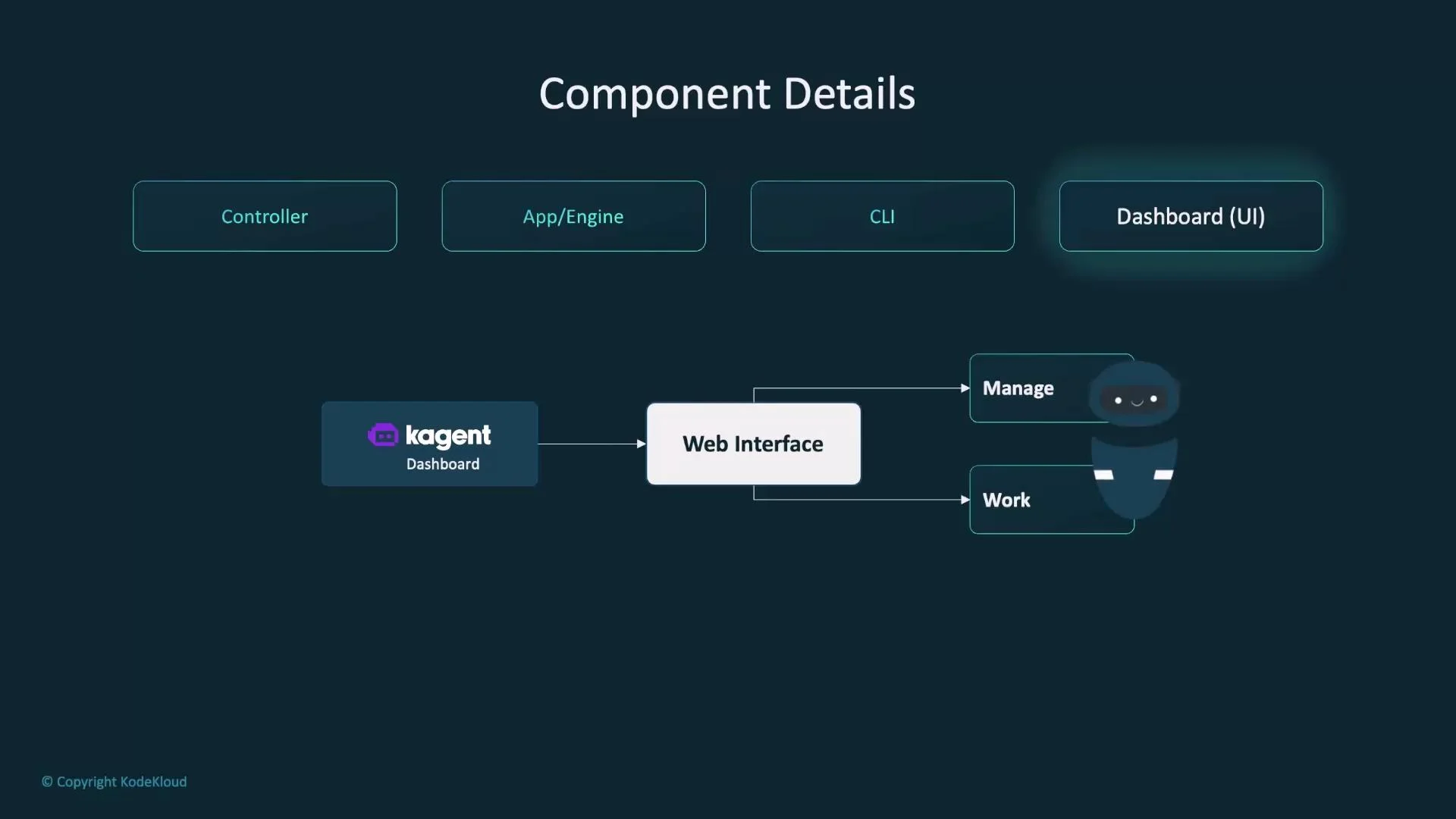
- The kagent-ui dashboard is the web-based management and monitoring interface.
- Provides visual onboarding, run histories, agent configuration views, and operational telemetry.
- After installing KAgent in-cluster, you can port-forward the
kagent-uiservice to access the dashboard locally for management and debugging.
KAgent’s ADK foundation standardizes how agents, tools, and context are modeled. This interoperability allows you to run any ADK-compliant agent on KAgent with minimal adaptation — accelerating reuse across environments.
In summary, KAgent combines:
- A Kubernetes-native Go controller for declarative resource management,
- A Python-based engine built on the Google ADK to run agent logic and orchestrate tools,
- A CLI for automation and scripting, and
- A web dashboard (kagent-ui) for visual operation and monitoring.