This article explores the Cluster Autoscaler and its role in optimizing resource allocation within a Kubernetes cluster by automatically scaling nodes.
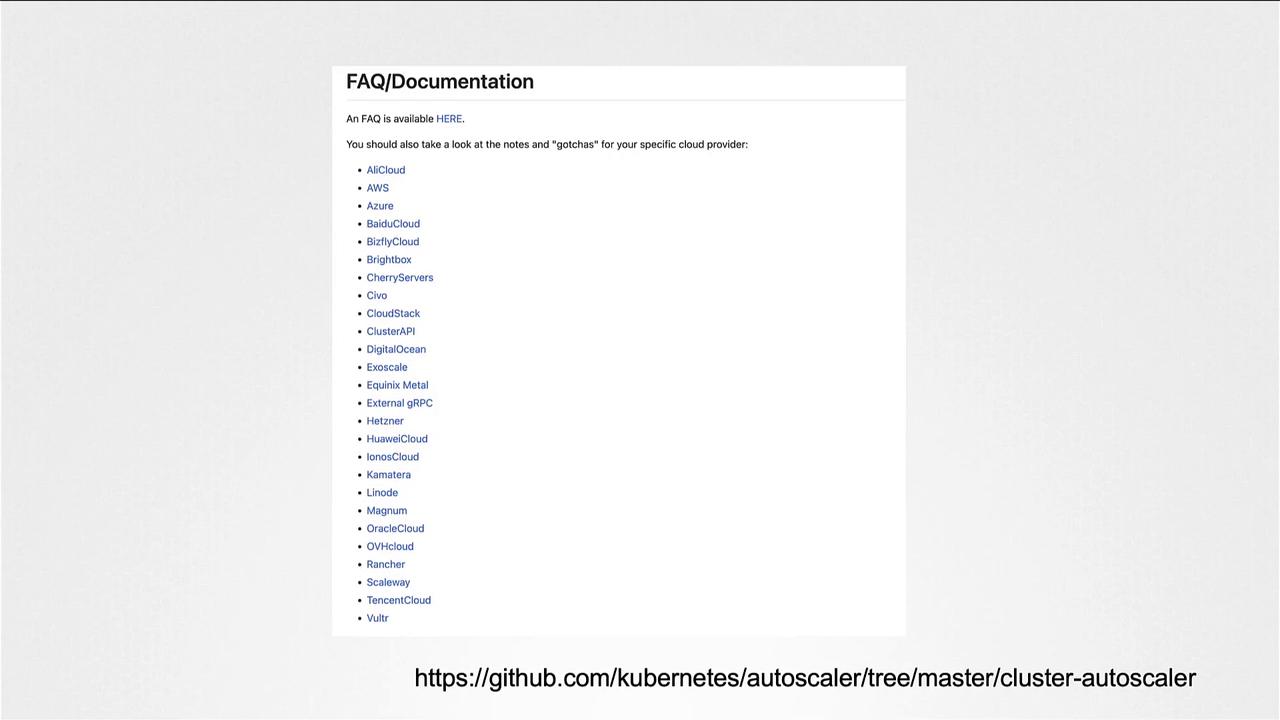
In this article, we explore the Cluster Autoscaler and its crucial role in optimizing resource allocation within a Kubernetes cluster. Previously, we discussed how pods consume resources and how the Kubernetes scheduler assigns these pods to nodes with enough available capacity. However, as more pods are deployed, available resources become scarce. Once nodes run out of sufficient resources, pods enter a pending state, and the Cluster Autoscaler steps in to automatically scale the cluster by adding new compute instances.The Cluster Autoscaler integrates seamlessly with the underlying infrastructure provided by your cloud provider. Each supported provider has its own specific requirements and capabilities. For an up-to-date list of compatible cloud providers, please refer to the Kubernetes Cluster Autoscaler documentation. For example, the diagram below displays the supported cloud providers:
On Google Cloud, you can easily configure the Cluster Autoscaler by setting autoscaling options during the creation of your Kubernetes cluster.
To illustrate, when creating a cluster on Google Cloud, you can specify a minimum of 3 nodes and a maximum of 10 nodes. This configuration ensures that when pods remain in a pending state due to insufficient resources, the Cluster Autoscaler will automatically increase the number of nodes to meet the demand. Conversely, it will scale down the cluster when fewer resources are needed.The following command demonstrates how to create a cluster with the Cluster Autoscaler enabled on Google Cloud:
Configuration settings can vary significantly between cloud providers. Always consult your specific cloud provider’s documentation for precise instructions.
Below is a quick summary of key aspects of the Cluster Autoscaler:
Aspect
Description
Example Command/Reference
Resource Scaling
Automatically adds nodes when pods are pending due to resource shortages
This overview highlights the essential functionality of the Cluster Autoscaler in managing dynamic workloads in a Kubernetes environment. We hope you find this information useful, and we look forward to sharing more insights in our upcoming articles.For further reading, check out: