Namespaced vs Cluster-Scoped Resources
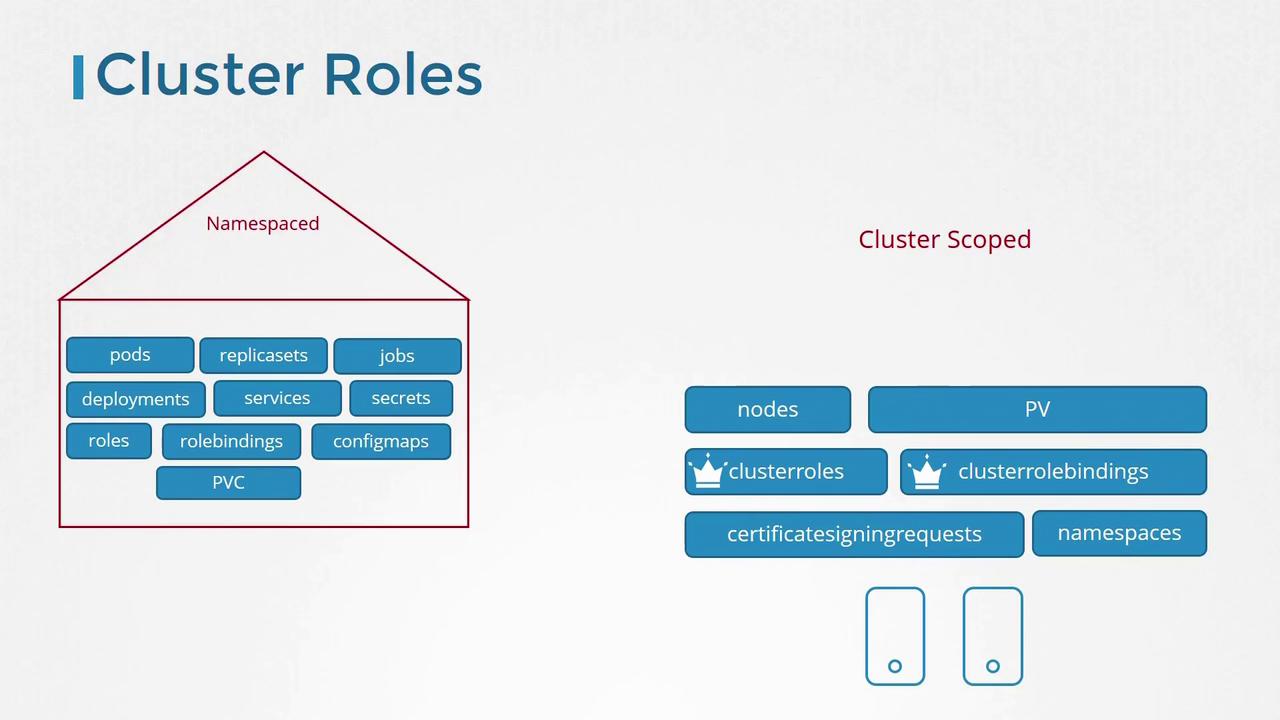
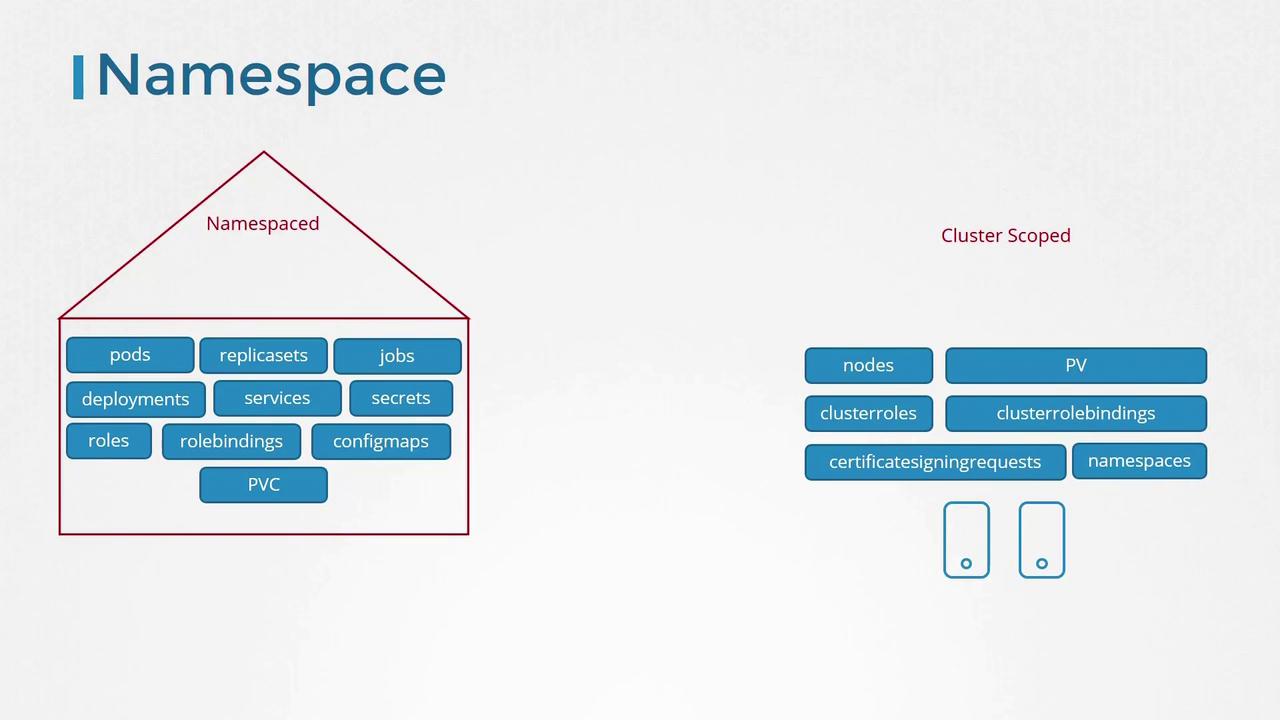
For cluster-scoped resources, you do not specify a namespace when creating them. Common examples include:- Nodes
- Persistent Volumes
- Certificate Signing Requests
- Namespace objects
While roles and role bindings were originally used to manage namespaced resources, Kubernetes provides cluster roles and cluster role bindings to control access to cluster-scoped resources.
Managing Cluster Roles
Cluster roles operate similarly to regular roles but are intended for cluster-scoped resources. For example, you might define a cluster administrator role that grants permissions to view, create, or delete nodes, or a storage administrator role that oversees persistent volumes and claims.Example: Cluster Administrator Role
Below is an example YAML definition for a cluster administrator role:Example: Cluster Role Binding
subjects section specifies the user (in this case, cluster-admin), while the roleRef section links to the previously defined cluster-administrator role. To create the role binding, you would typically use a kubectl create command.
While cluster roles and bindings are mainly used to manage cluster-scoped resources, they can also be applied to namespace-scoped resources. When used in this way, the assigned user gains access to those resources across all namespaces, unlike namespaced roles, which limit access to a specific namespace.