- User Account: Used by humans, such as administrators and developers.
- Service Account: Intended for machine-to-machine interactions; for example, monitoring tools like Prometheus or build tools like Jenkins use service accounts to interact with the Kubernetes API.
Example Scenario: Python Kubernetes Dashboard
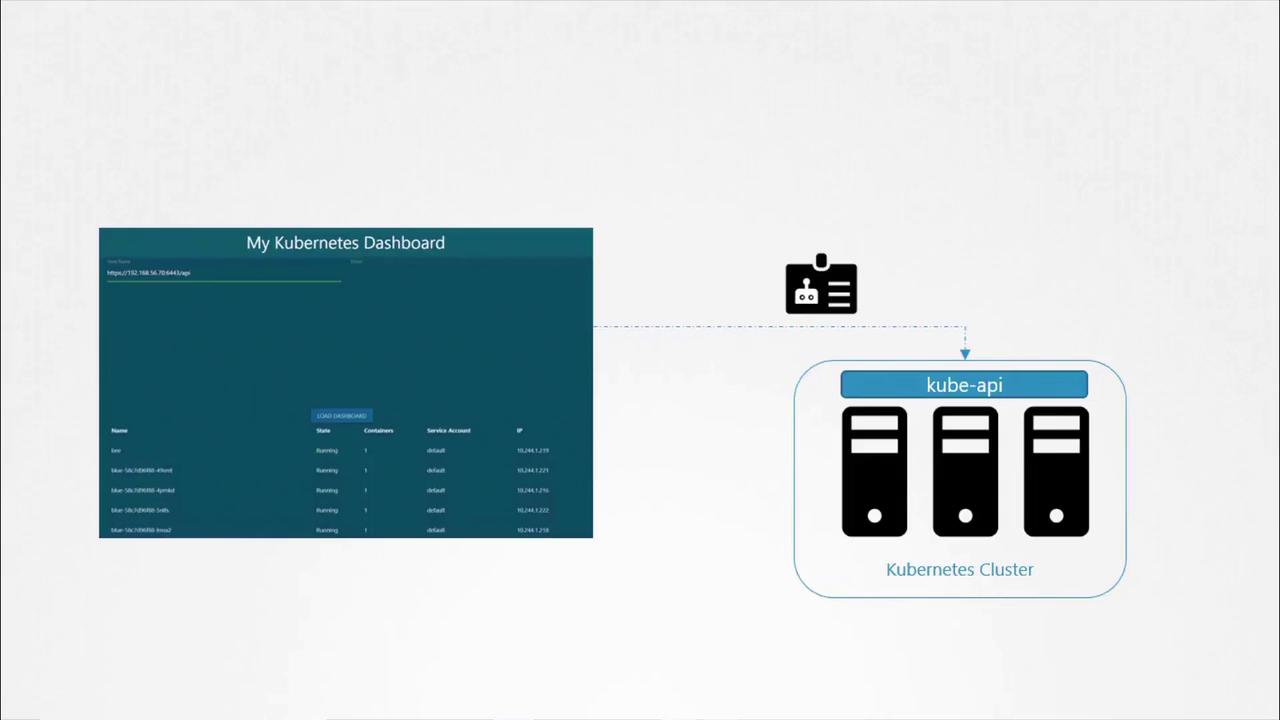
Imagine you have developed a simple Python dashboard application that retrieves a list of pods from your Kubernetes cluster and displays them on a web page. In order for your application to query the Kubernetes API securely, it must authenticate using a service account. To create a service account nameddashboard-sa, run the following command. This command not only creates the account but also automatically generates a token for API authentication:
Automatic Token Mounting in Pods
When your application (such as a custom dashboard or Prometheus) is hosted on the Kubernetes cluster, the service account token can be automatically mounted into the pod as a volume. This removes the need to manually manage the token. Every namespace includes a default service account that is automatically used if no other account is specified. Consider the following simple pod definition that uses your custom Kubernetes dashboard image. Although the pod specification does not explicitly mount the token, Kubernetes automatically mounts the default service account token:default-token-*. For example:
dashboard-sa), modify the pod specification to include the serviceAccountName field. Note that you cannot change the service account for an existing pod; it must be deleted and recreated. In deployments, updating the pod definition will trigger a new rollout.
Example pod definition using the dashboard-sa service account:
dashboard-sa-token-[...].
If you wish to disable automatic mounting of the service account token, set automountServiceAccountToken to false in your pod specification:
Once a pod is created, you cannot change its service account. To apply changes, delete and recreate the pod or update the deployment to trigger a rollout.
Evolving Token Management in Kubernetes: Releases 1.22 and 1.24
Prior to Kubernetes 1.22
Before Kubernetes 1.22, every service account was automatically associated with a secret that contained a non-expiring token. This token was mounted into pods at/var/run/secrets/kubernetes.io/serviceaccount. For example:
Kubernetes 1.22 – Introduction of the Token Request API
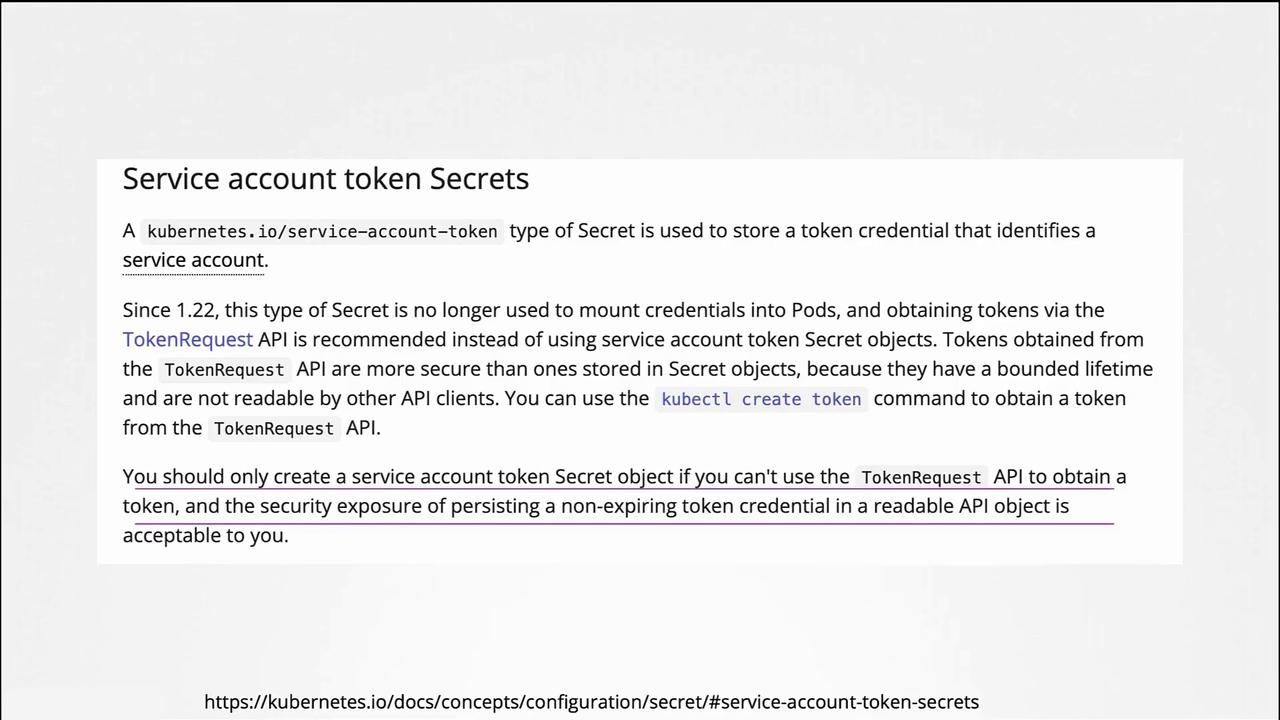
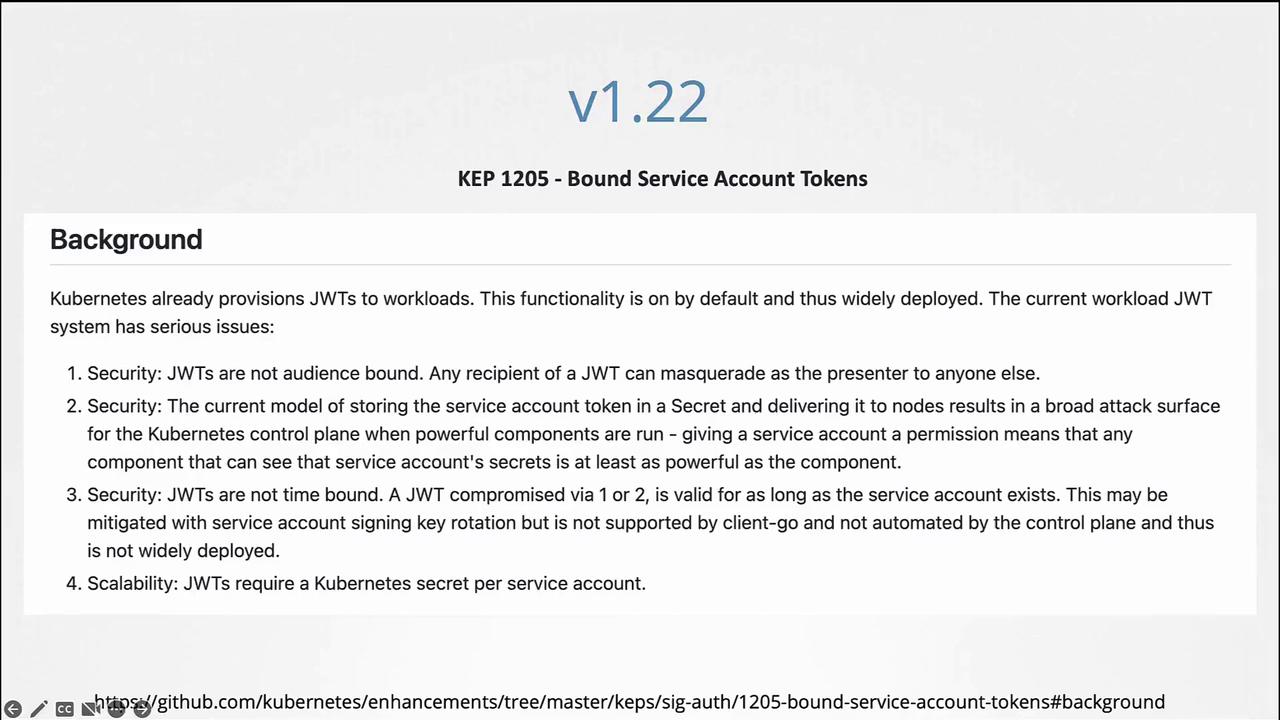
In Kubernetes 1.22, the Token Request API was introduced (KEP 1205). This API generates service account tokens that are audience bound, time bound, and object bound, making them more secure. With this change, a pod created in Kubernetes mounts a token generated by the Token Request API as a projected volume. Example pod specification using a projected volume token:Kubernetes 1.24 – Reducing Secret-Based Tokens
With Kubernetes 1.24, further improvements (KEP 2799) were made to reduce reliance on secret-based service account tokens. In this version, a service account no longer automatically creates a non-expiring secret token. To generate a token for a service account, run:kubernetes.io/service-account-token and annotating it with the service account name:
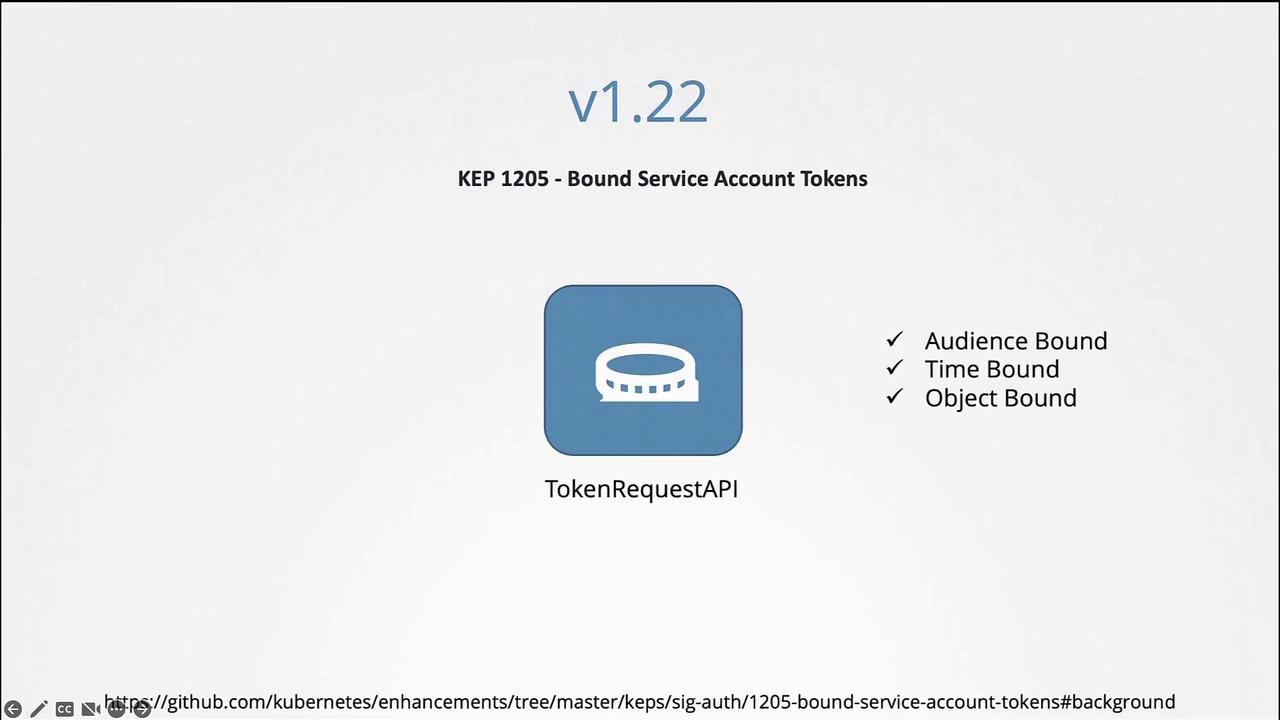
Avoid using non-expiring tokens unless absolutely necessary. The Token Request API provides a more secure, time-bound alternative.