

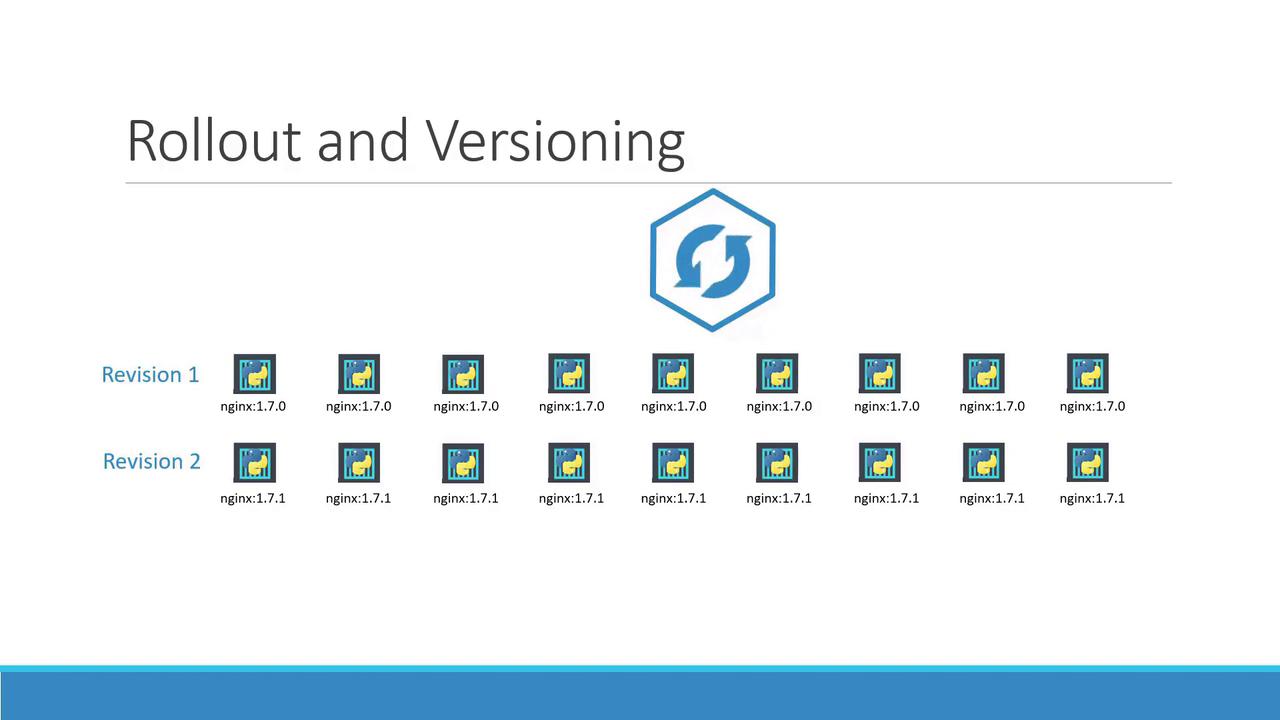
Deployment Strategies
There are two primary deployment strategies to consider when updating your application:-
Recreate Strategy:
In this approach, all existing replicas are terminated before new ones are created. Although this creates a completely fresh environment, it results in downtime due to the gap between terminating the old pods and starting the new ones. -
Rolling Update Strategy:
This strategy updates instances incrementally. Kubernetes gradually terminates old pods while simultaneously starting new ones, ensuring continuous application availability. Rolling updates are applied by default unless a different strategy is specified during deployment creation.
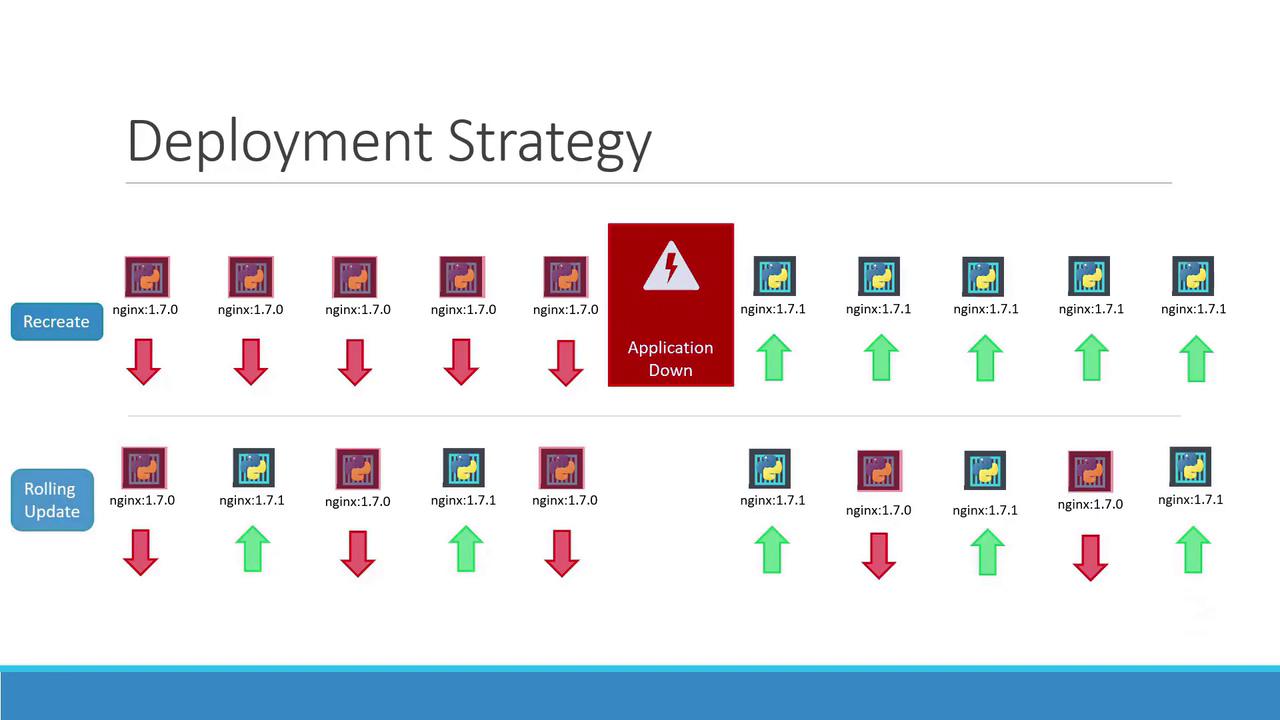
Kubernetes defaults to the rolling update strategy to minimize downtime during deployments.
Updating a Deployment
There are several ways to update a deployment, such as changing your container image, modifying labels, or adjusting the replica count. If you maintain a deployment configuration file, you can modify it directly. For example:The
kubectl set image command edits the live deployment configuration. This modification may not be reflected in your deployment definition file, so use it with care if you plan to maintain consistency through file-based updates.Examining Deployment Details
To inspect detailed information about a deployment—including its strategy—run:How Upgrades Work Under the Hood
When a deployment is initially created (for example, deploying five replicas), Kubernetes automatically creates a replica set that spawns the required pods. During an upgrade, a new replica set is generated for the updated containers while the pods from the previous replica set are gradually terminated according to the rolling update strategy.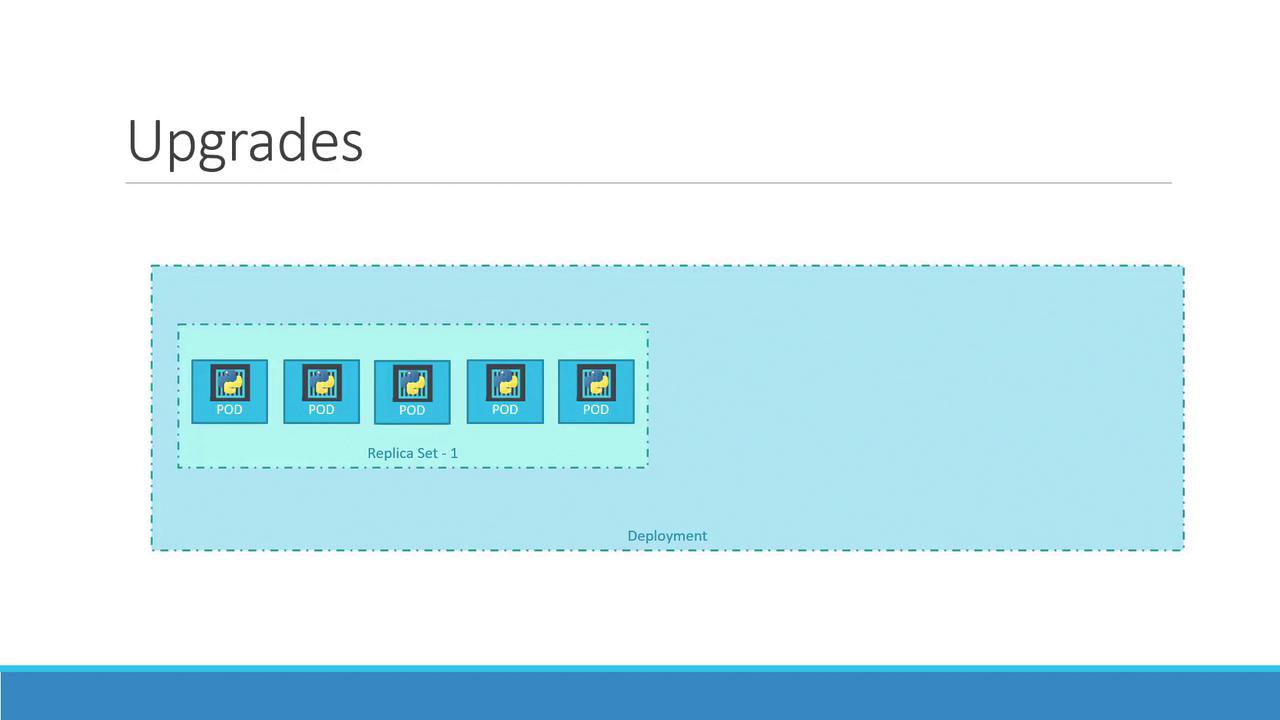
Rolling Back an Update
If you encounter issues with a new release, Kubernetes allows you to roll back to a previous deployment revision. To perform a rollback, simply execute:Summary of Essential Commands
Below is a summary table of commands that are crucial for managing your deployments:
These commands empower you to create, update, monitor, and roll back deployments efficiently, ensuring minimal downtime and a smooth upgrade process.
For further insights, consider reviewing the Kubernetes Documentation.