

- Use the
istioctlcommand-line utility. - Install via an Istio Operator.
- Install using a Helm chart.
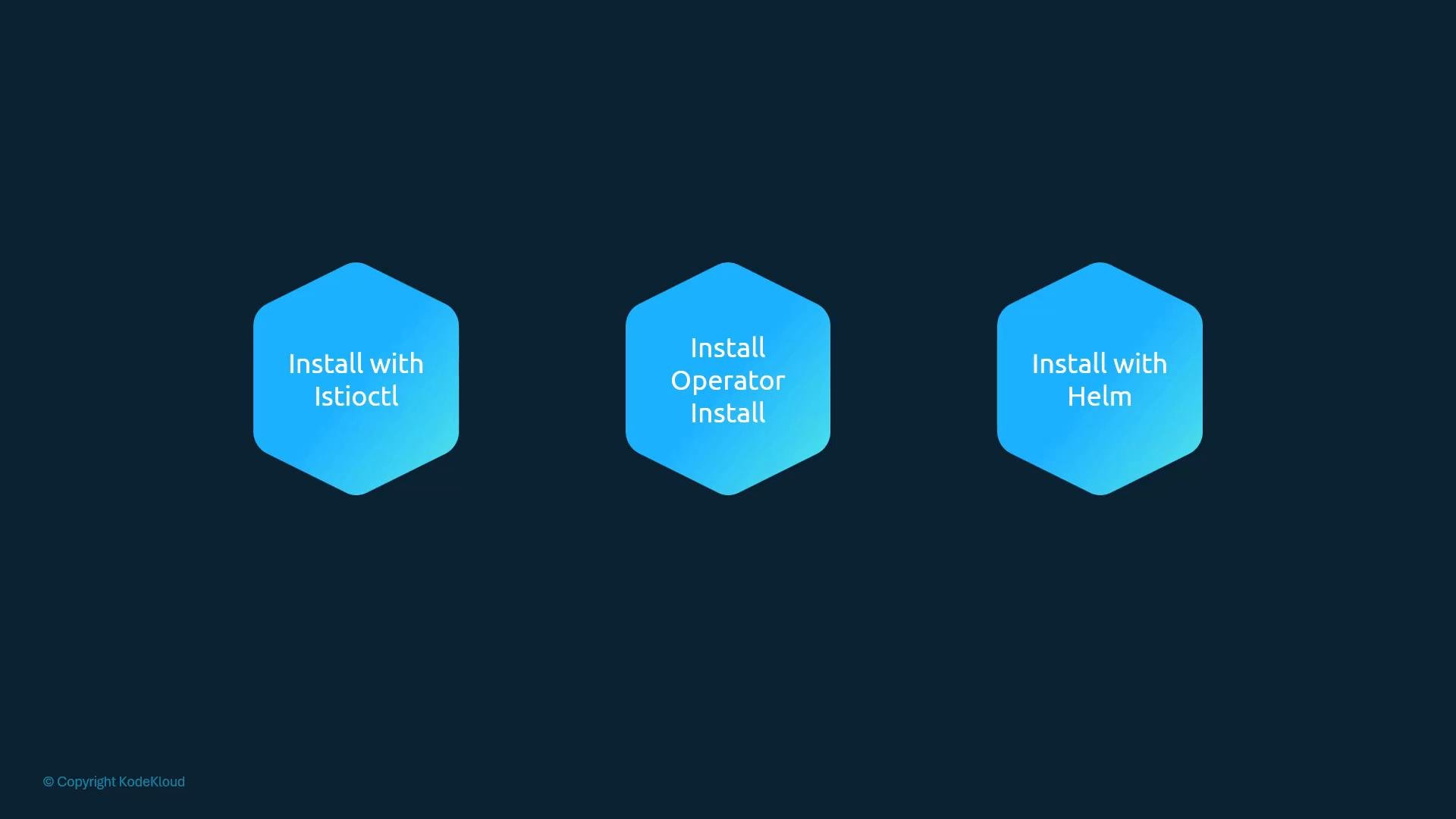
istioctl because it provides a simple, supported path for most clusters and exposes profile-based presets that simplify configuration.
Installation profiles
- Profiles are preset configurations optimized for different needs: demo, minimal, default, and production/perf.
- Use a profile to quickly pick a sensible set of components and telemetry settings for your environment.
Install with istioctl
To install Istio with the demo profile run:
istioctldeploys Istio into theistio-systemnamespace.- Modern Istio consolidates many control-plane functions into a single Deployment called
istiod. Historically separate components (Pilot, Citadel, Galley) are now unified underistiod. - The installation also creates Ingress and Egress gateway Deployments and the corresponding Kubernetes Service objects.
Istiod is the consolidated Istio control plane in recent releases. It replaces older components (Pilot, Citadel, Galley), reducing operational complexity and simplifying upgrades and configuration.
If you see warnings about JWT or token modes (third-party vs first-party), consult Istio’s documentation and check your cluster’s service account token configuration. Some clusters require extra configuration to support third-party tokens securely: https://istio.io/latest/docs/ops/best-practices/security/#configure-third-party-service-account-tokens
- Study Istio Gateways, VirtualServices, and DestinationRules to control ingress/egress and traffic behavior.
- Learn how sidecar injection (automatic or manual) attaches the Envoy proxy to your workloads.
- Review telemetry and security settings for production readiness.
- Istio installation docs: https://istio.io/latest/docs/setup/
- Istio security best practices: https://istio.io/latest/docs/ops/best-practices/security/