

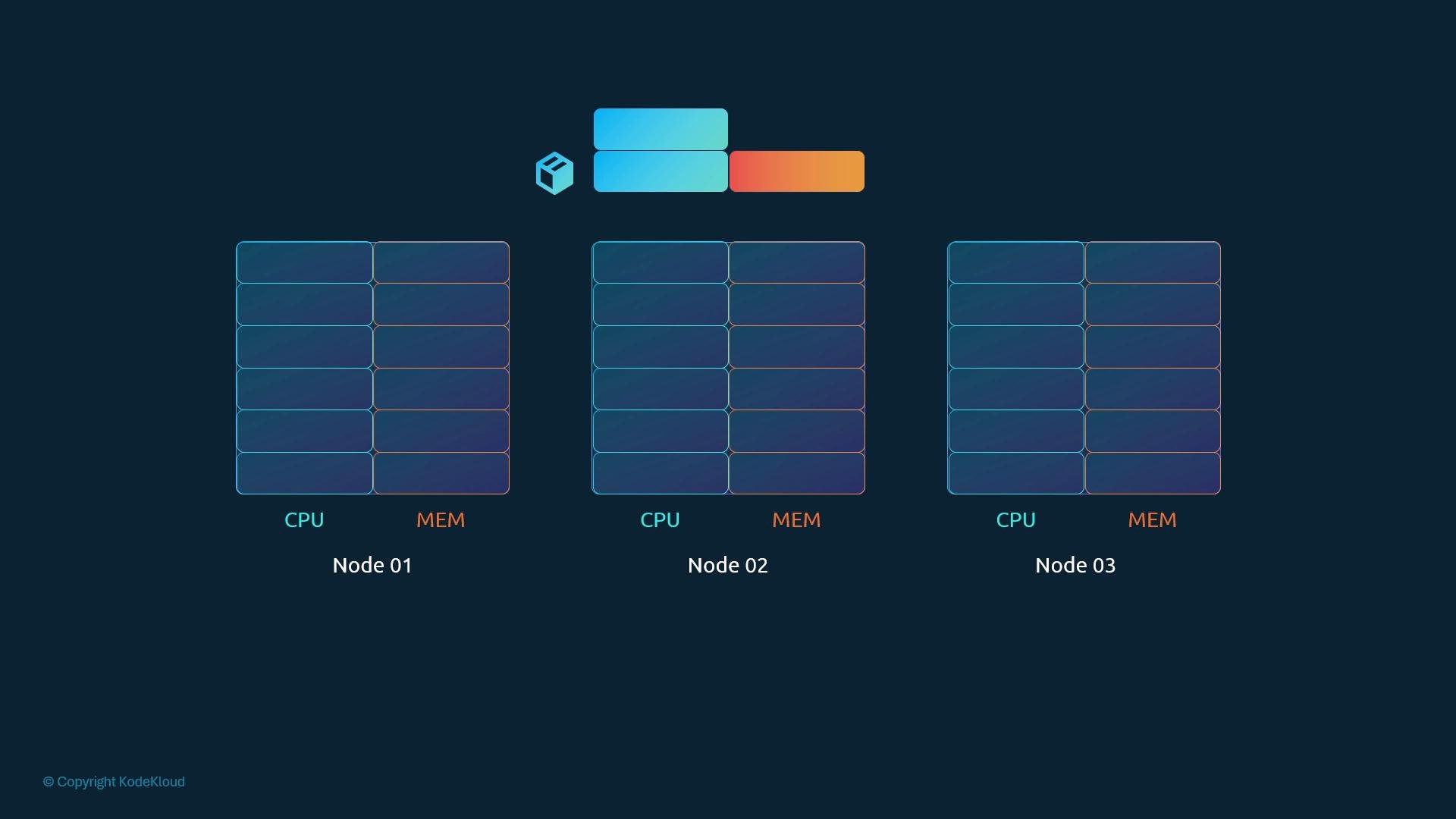
kubectl describe pod will show events such as “Insufficient cpu” or “Insufficient memory”.
Requests vs Limits — high-level
- Request: the minimum amount of CPU or memory a container needs. The scheduler uses requests to place pods.
- Limit: the maximum amount a container may use at runtime. The kubelet and kernel enforce limits.
Resource requests
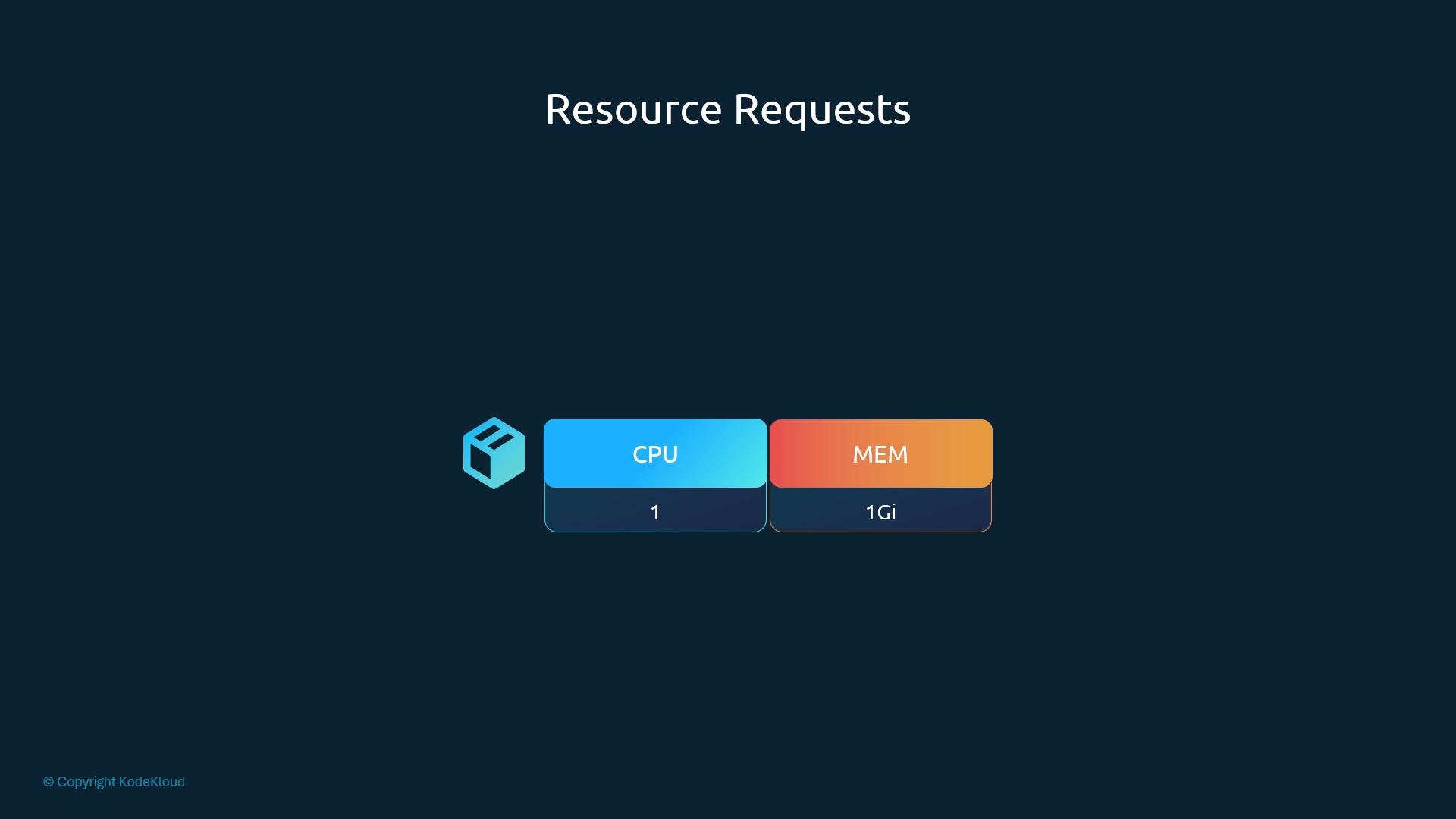
A resource request is the guaranteed minimum the scheduler uses to reserve capacity for a container. For example, a container might request1 CPU and 1Gi memory.
CPU and memory units
CPU and memory support different unit formats; picking the right one prevents surprises.- CPU
- Whole numbers (e.g.,
1,2) or millicores (e.g.,100m= 0.1 CPU). - Smallest unit is
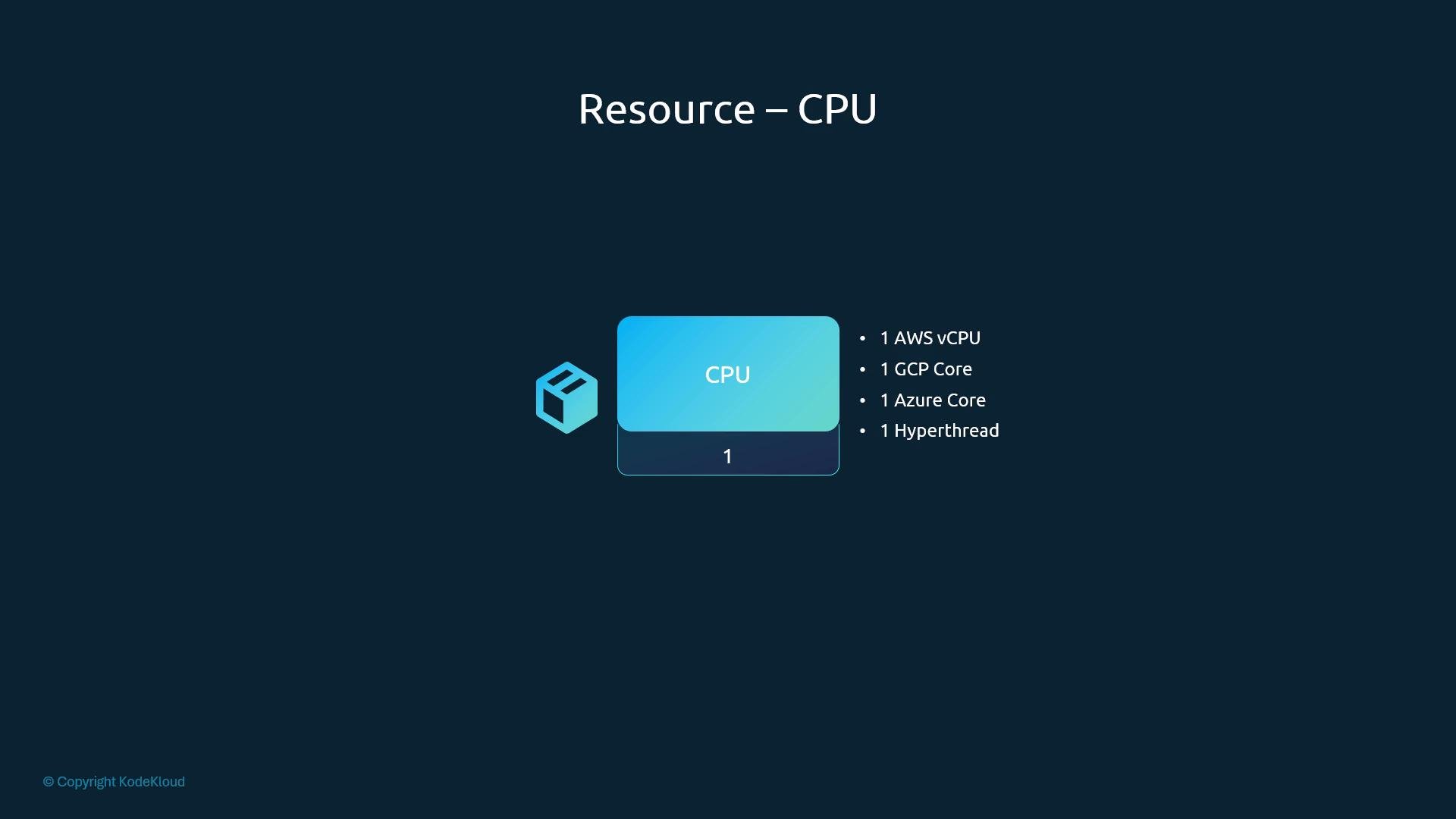
1m. - One CPU typically maps to one AWS vCPU, one GCP core, one Azure core, or one hyperthread depending on the environment.
- Whole numbers (e.g.,
- Memory
- Supports binary suffixes (
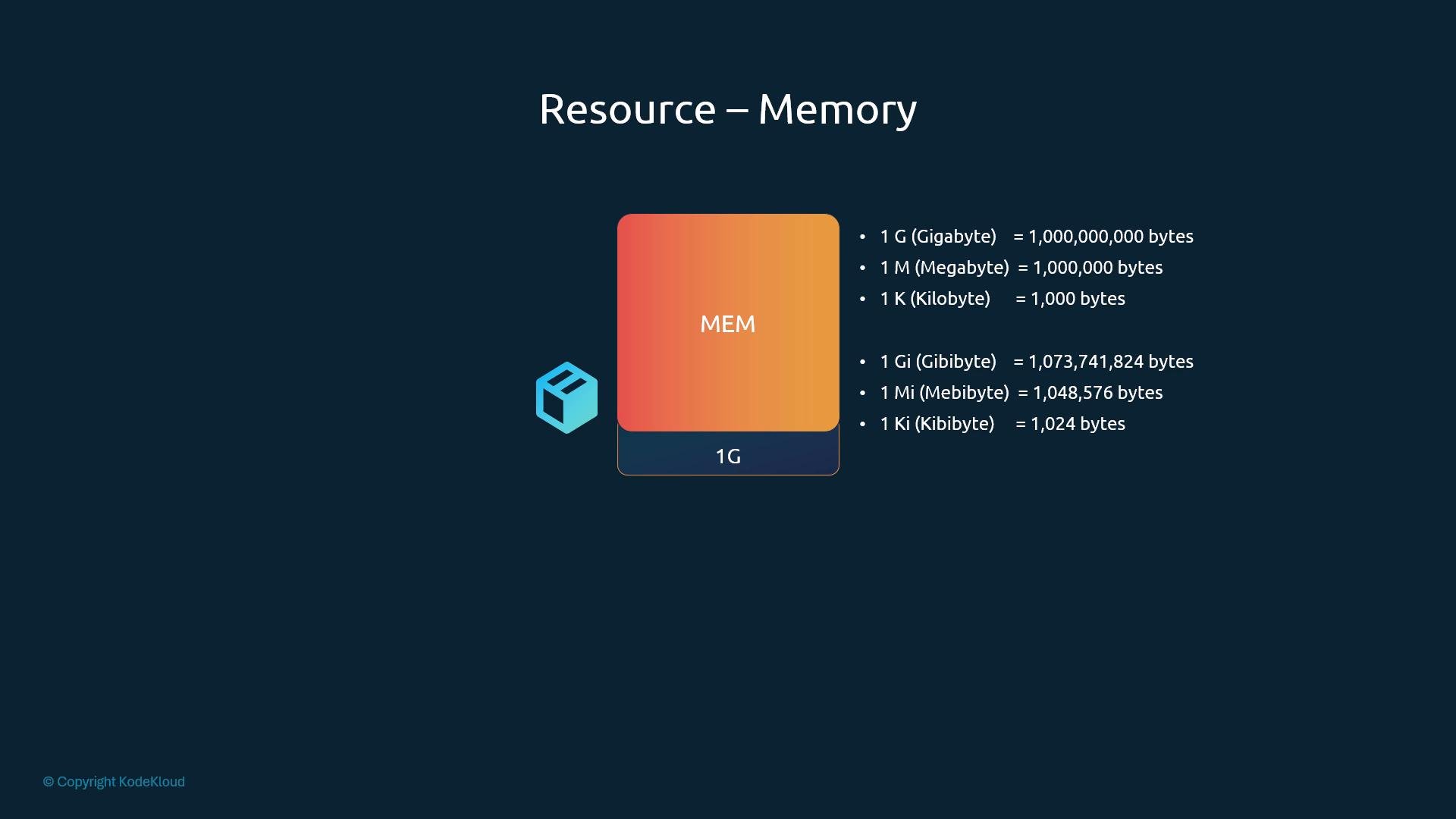
Ki,Mi,Gi) and decimal suffixes (K,M,G). Giis gibibyte (1024^3 bytes);Gis gigabyte (1000^3 bytes).- Use binary units (
Mi,Gi) for precise sizing when needed.
- Supports binary suffixes (
Resource limits
If no limits are set, a container can consume up to the node’s available resources. Limits let you cap usage so workloads cannot exceed defined CPU or memory values. Example pod with both requests and limits — requests guarantee a minimum while limits cap the maximum: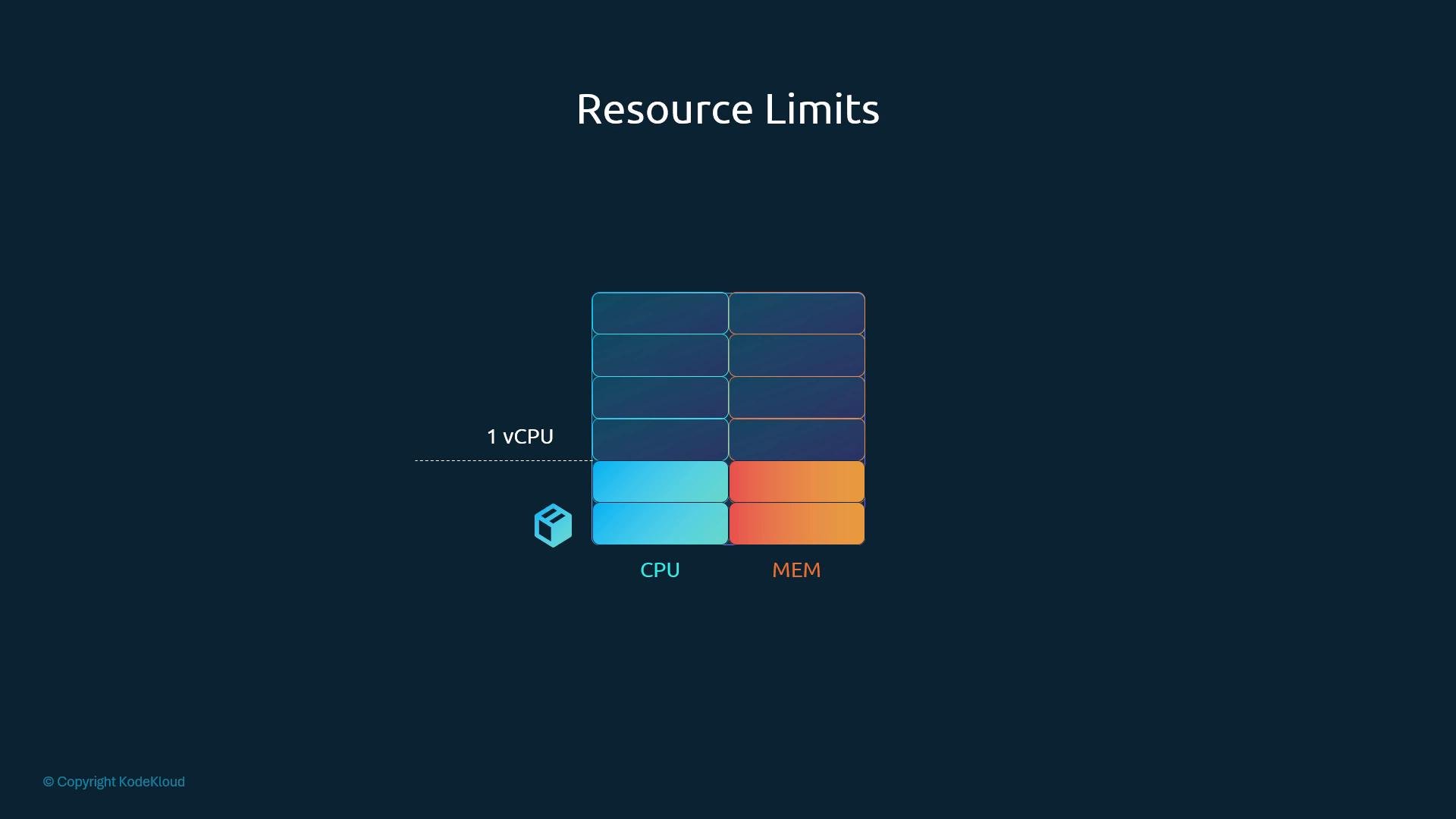
CPU vs Memory behavior when exceeding limits
- CPU: when a container exceeds its CPU limit, the kernel throttles CPU usage so it cannot run above the configured limit.
- Memory: memory cannot be throttled. If a container uses more memory than its limit and the node cannot free memory, the kernel’s OOM killer may terminate the container. You will see
OOMKilledin pod status or events when this happens.
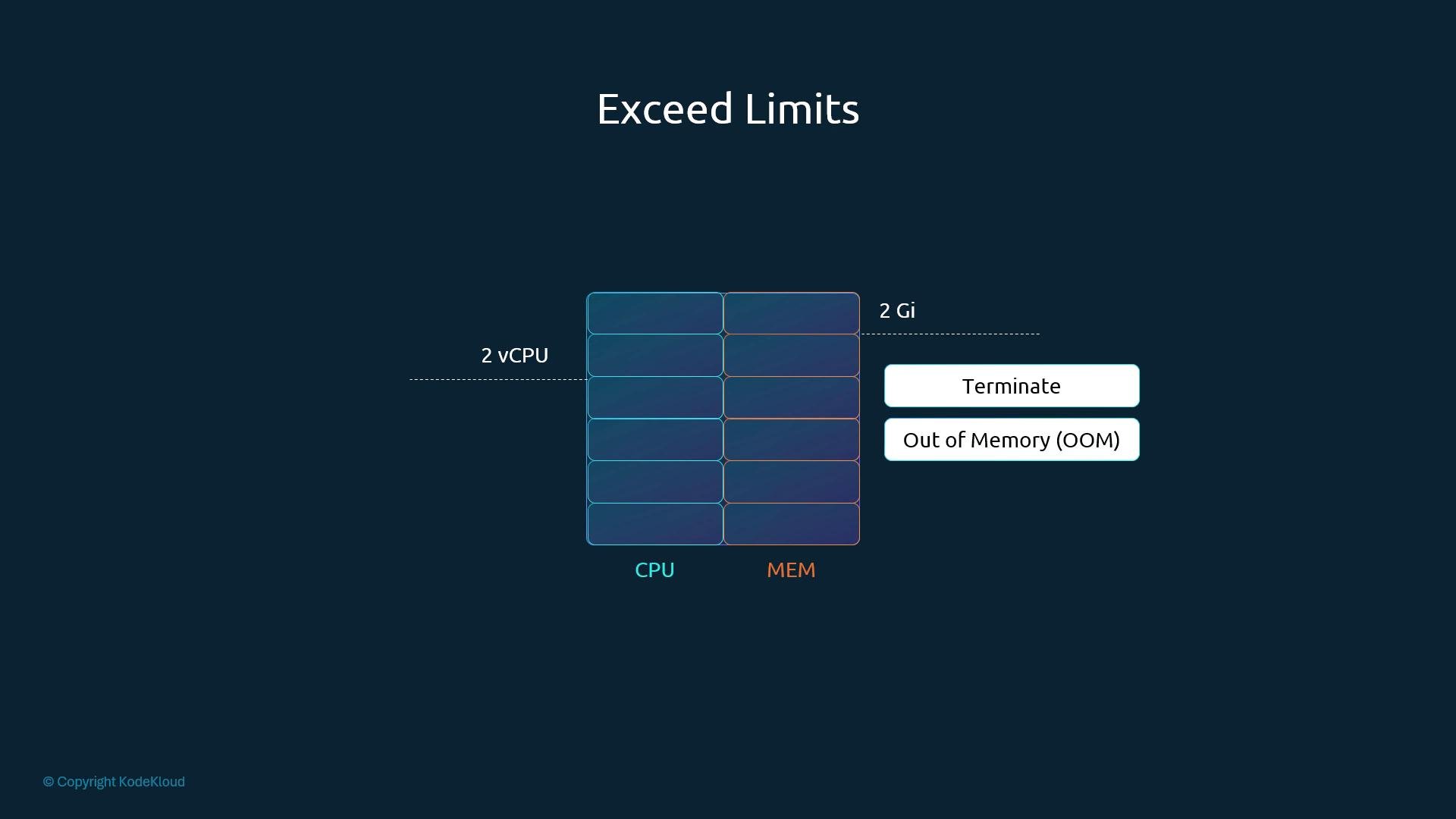
Memory limits are strict: if a container exceeds its memory limit and the system cannot reclaim memory, the container may be killed (OOMKilled). Always size memory conservatively and monitor OOM events.
Default behavior and recommended practices
Kubernetes does not automatically set requests or limits unless you configure objects such as LimitRange. Without requests, the scheduler cannot reserve resources and a single pod can monopolize node resources. Common scenarios and their implications: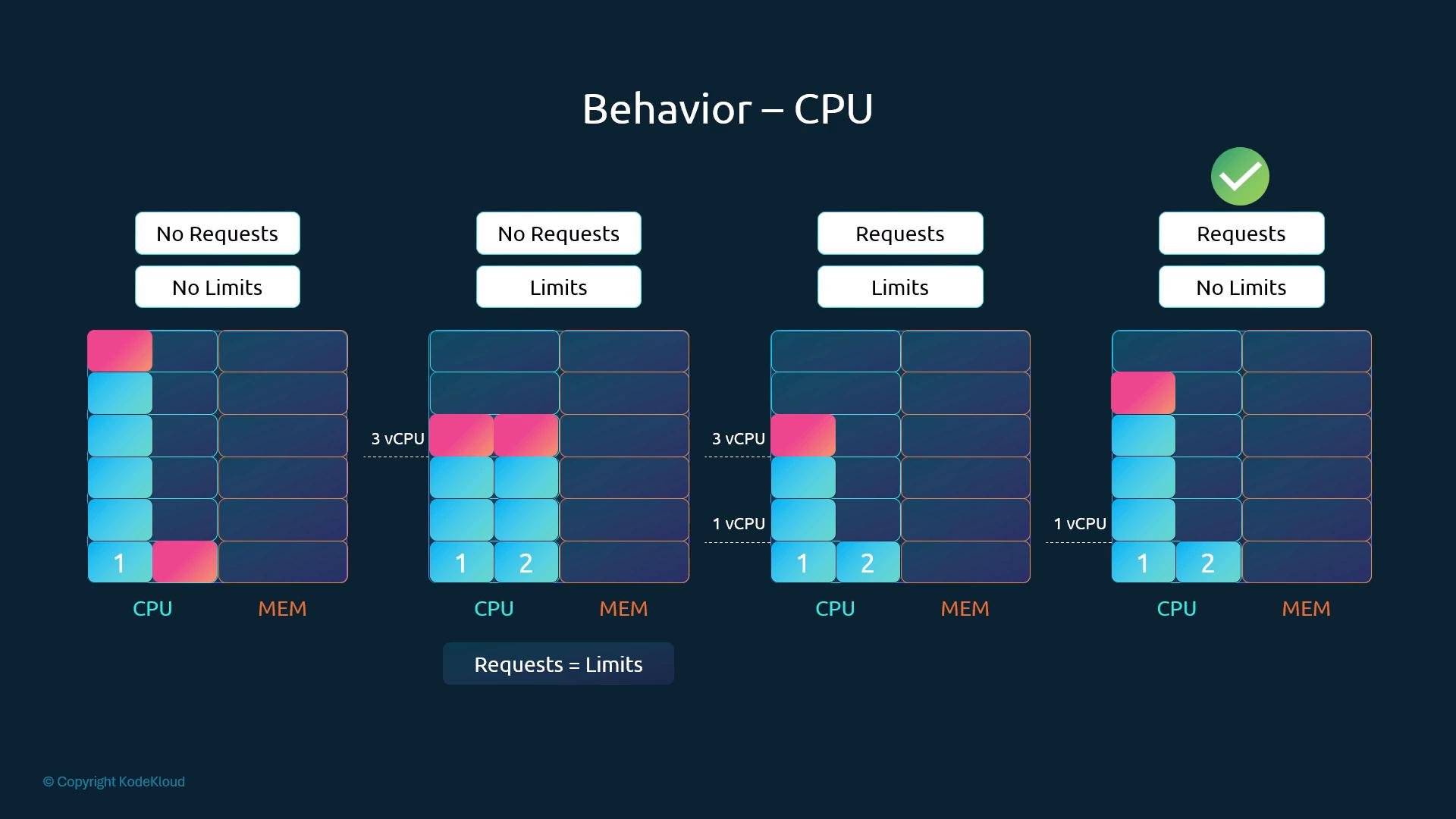
LimitRanges — namespace defaults and constraints
Use a LimitRange to provide namespace-level defaults, minimums, and maximums for containerrequests and limits. LimitRanges only apply to pods created after the LimitRange is added or updated; they do not mutate existing pods.
Example LimitRange for CPU:
LimitRanges are applied at the namespace level and affect only new pods created after the LimitRange is in place. They help enforce sensible defaults and prevent runaway resource usage.
ResourceQuota — cap total consumable resources per namespace
ResourceQuota enforces a hard limit on the aggregate resources a namespace can consume (requests, limits, object counts, etc.). This is useful for multi-tenant clusters or to prevent a namespace from exhausting cluster-wide resources. Example ResourceQuota limiting aggregate requests and limits:Conclusion
Requests and limits make resource consumption predictable and protect cluster stability:- Use requests so the scheduler can place pods correctly.
- Use limits to prevent runaway resource usage and protect node stability.
- Use LimitRange to provide sensible defaults and bounds at the namespace level.
- Use ResourceQuota to control the total resources a namespace may consume.
- Kubernetes Documentation: https://kubernetes.io/docs/
- Scheduler concepts: https://kubernetes.io/docs/concepts/scheduling-eviction/
- Resource quotas: https://kubernetes.io/docs/concepts/policy/resource-quotas/