

Default and System Namespaces
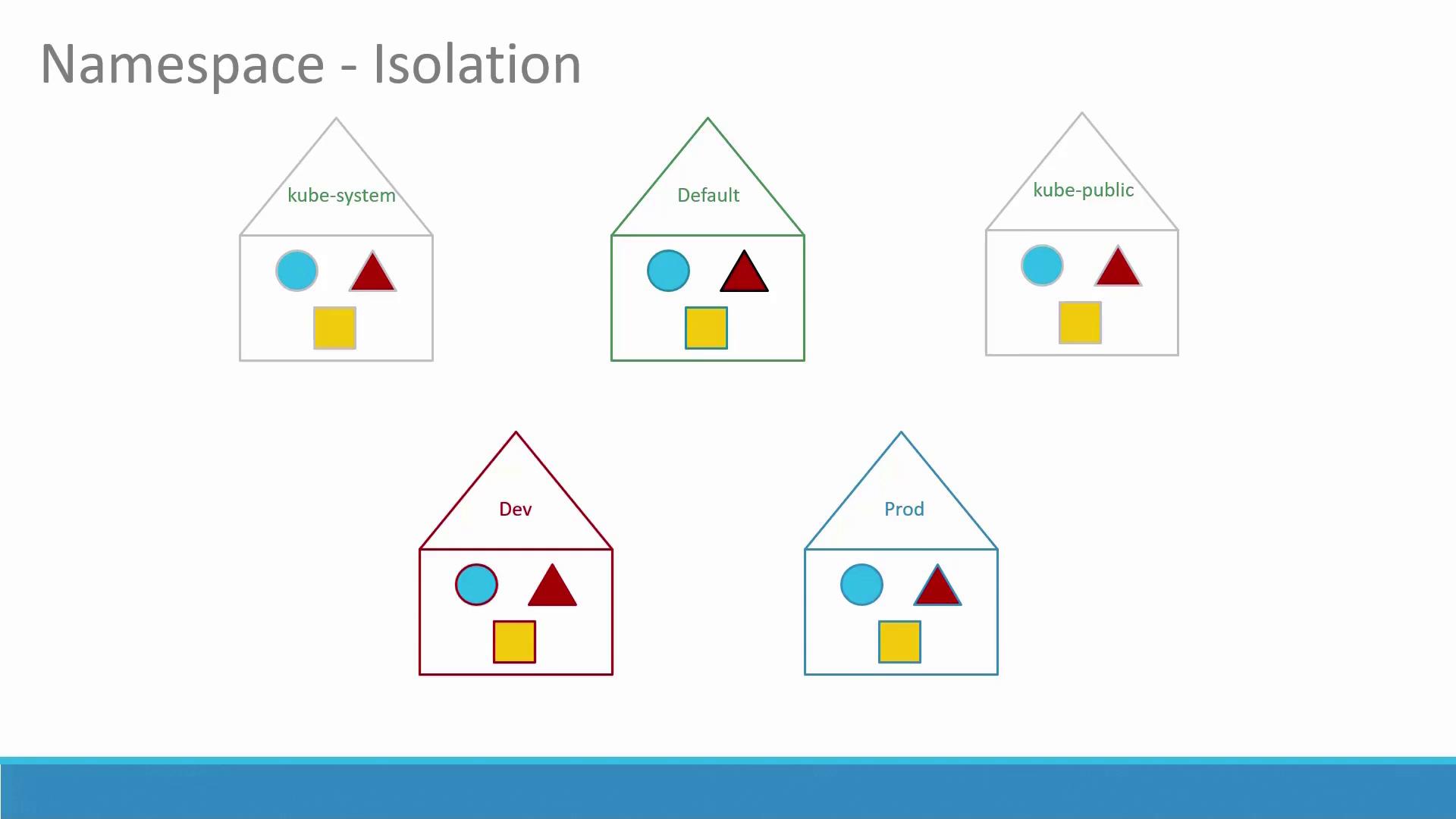
So far, you have been creating objects like Pods, Deployments, and Services in a single namespace—the default namespace, which is automatically created when the cluster is set up. In addition, Kubernetes creates several other namespaces at startup:- kube-system: Contains critical Pods and Services (such as networking solutions and DNS) that are isolated from the user to prevent accidental modifications.
- kube-public: Contains resources that should be accessible to all users.
DNS Service Discovery within Namespaces
Within a namespace, Pods and Services can address each other directly by name. For example, if a web application Pod needs to connect to a database service in the same namespace, it can simply use the service’s name. If the service is in a different namespace, the fully qualified DNS name must be used. For example, if a web Pod in the default namespace connects to a DB service in the dev namespace, the DNS name would be: DB-service.dev.svc.cluster.local In this DNS name:- “cluster.local” is the default domain of the Kubernetes cluster.
- “svc” indicates the service subdomain.
- The namespace and the service name follow.
Operational Aspects and Kubectl Commands
Let’s explore some operational tasks usingkubectl commands.
Connecting to a Service Using DNS
Below is an example Python snippet that connects to a database service by referencing its DNS name:Listing Pods in Specific Namespaces
By default, the commandkubectl get pods lists Pods in the default namespace. To view Pods in a different namespace (e.g., kube-system), append the --namespace option:
Remember, if you want to list Pods across all namespaces, use:
Creating Pods in Specific Namespaces
When you create a Pod using a definition file, it will be created in the default namespace unless specified otherwise. To create a Pod using the definition file in the default namespace:Creating a New Namespace
Just like other Kubernetes objects, you can create a namespace using a definition file. For example:Switching the Active Namespace
By default, allkubectl commands operate in the default namespace. To permanently switch to a different namespace (e.g., dev) in your current context, run:
--namespace flag.
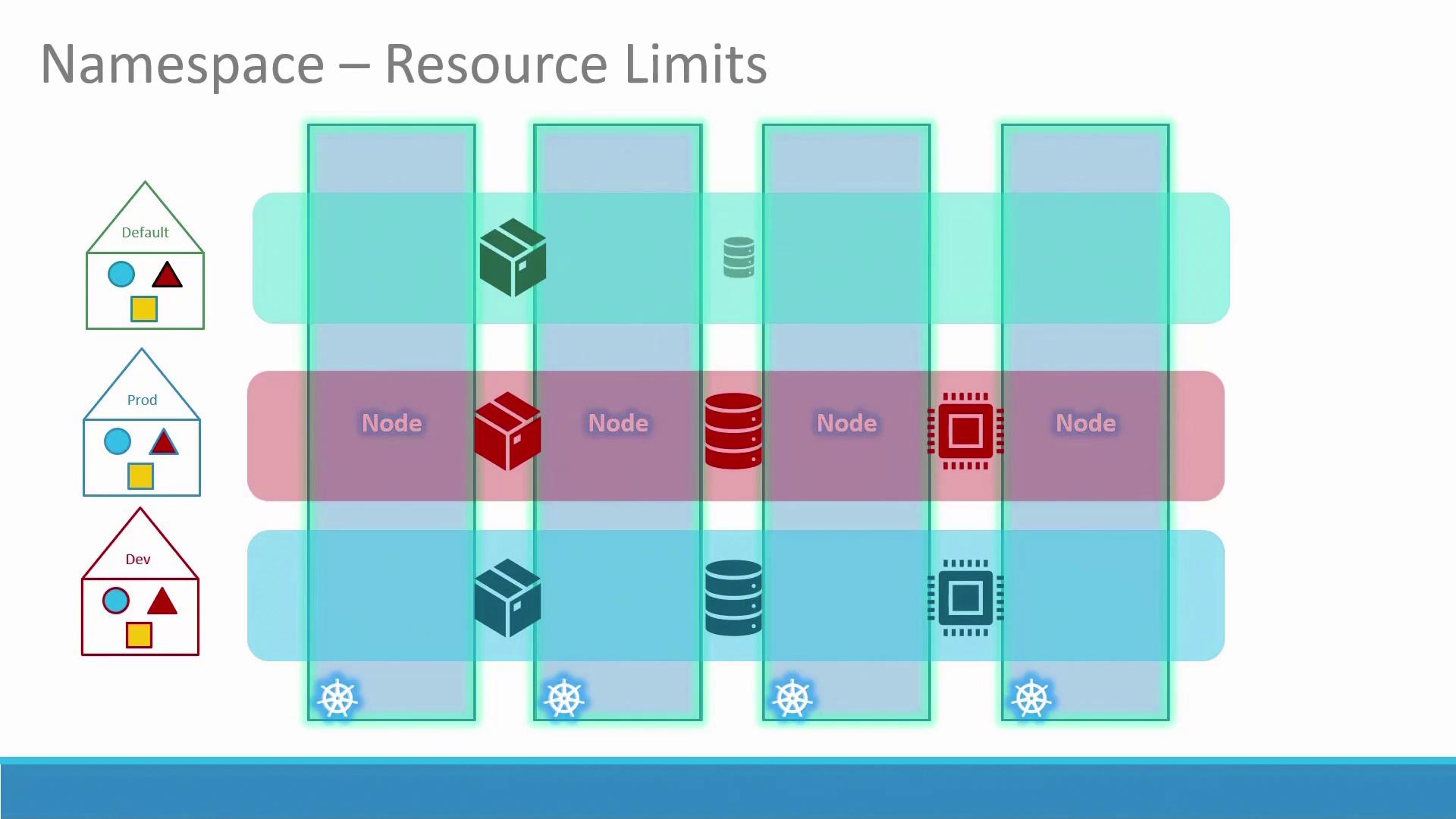
Setting Resource Quotas
Resource quotas help limit the resources available within a namespace. The following YAML file sets quotas for the dev namespace by specifying limits on Pods, CPU, and memory:This configuration ensures that the dev namespace does not exceed the defined resource limits.