

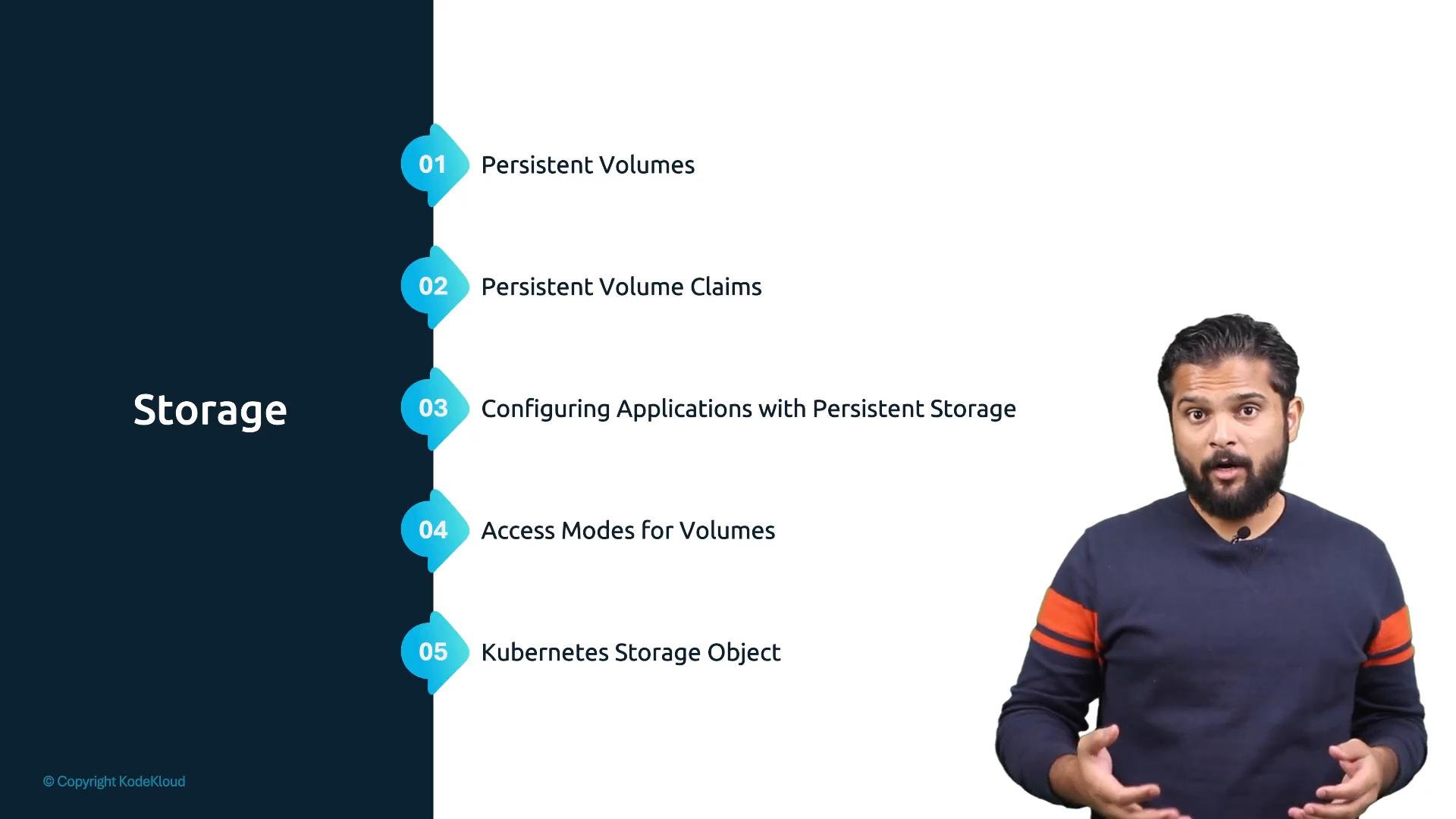
- Persistent Volumes (PV) and Persistent Volume Claims (PVC)
- Access modes and reclaim policies
- Configuring Pods and Deployments to use persistent storage
- How Kubernetes storage primitives map to real storage backends (local, networked, and cloud)
Kubernetes storage is built from a small set of primitives (PV, PVC, StorageClass, Access Modes). Once you understand how these objects relate, you can plug in any compatible backend—on-premises or cloud—using the provider’s CSI driver.
Access modes determine how a volume can be mounted by Pods (for example:
ReadWriteOnce, ReadOnlyMany, ReadWriteMany). StorageClass objects and CSI drivers control provisioning and lifecycle behavior for persistent volumes.
Local storage is tied to a node. Pods using local-only storage may not be rescheduled with their data if the node fails. For durable, highly available applications, prefer networked or cloud-backed volumes with proper replication and backup strategies.
- Learn the PV/PVC lifecycle and create a PVC that requests a volume from a StorageClass.
- Practice mounting volumes into Pods and validating data persistence across Pod restarts.
- Review the CSI driver documentation for your environment to understand supported features and limitations.
- Kubernetes Storage Concepts: https://kubernetes.io/docs/concepts/storage/
- Container Storage Interface (CSI): https://kubernetes-csi.github.io/docs/
- Kubernetes Persistent Volumes and Claims: https://kubernetes.io/docs/concepts/storage/persistent-volumes/