This article explains Docker volume driver plugins, their functionality, and how to use them for persistent data storage across various cloud solutions.
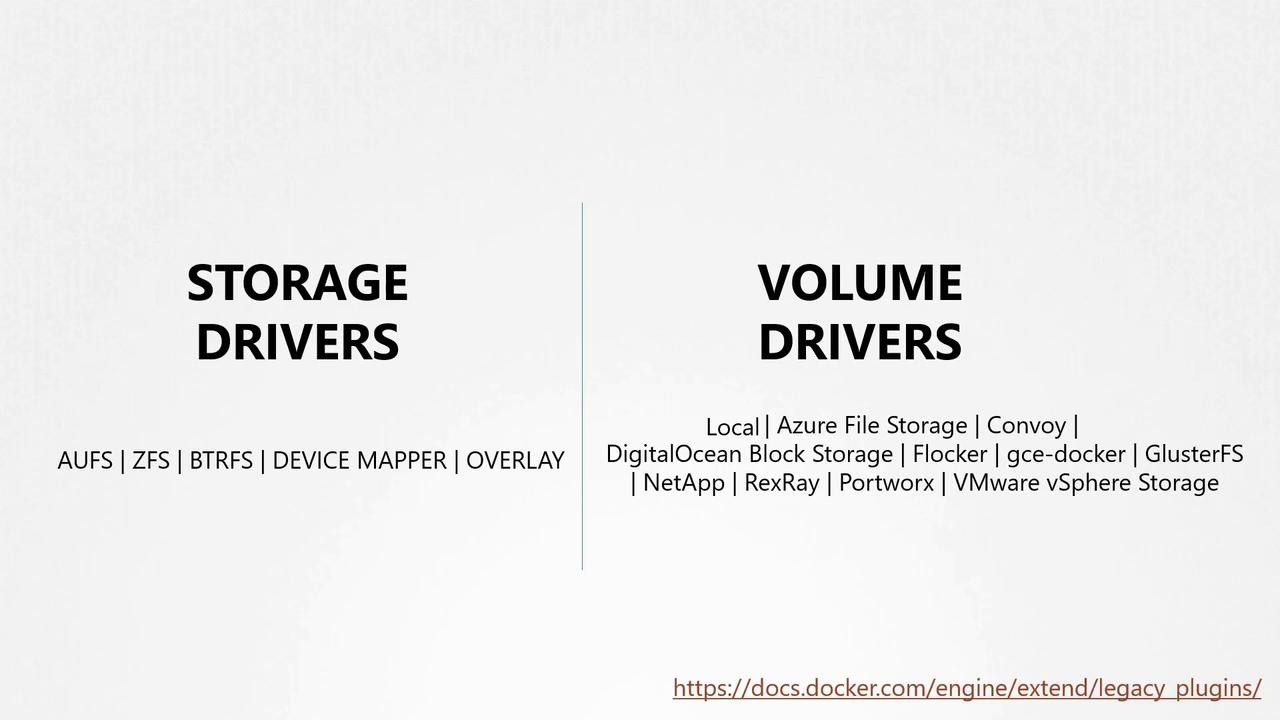
In the previous lesson, we discussed storage drivers, which manage storage for images and containers. We also briefly introduced volumes. Remember, if you want to persist data, you must create a volume. It is important to note that volumes are not managed by storage drivers; instead, they are handled by volume driver plugins.The default volume driver plugin in Docker is “local.” This plugin creates a volume on the Docker host and stores its data under the /var/lib/docker/volumes directory. In addition to the local plugin, many other volume driver plugins enable you to create volumes on third-party storage solutions such as Azure File Storage, Convoy, DigitalOcean Block Storage, Flocker, Google Compute Persistent Disks, Cluster FS, NetApp, Rex Ray, Portworx, and VMware vSphere Storage, among others.Some volume drivers support multiple storage providers. For instance, the Rex Ray storage driver supports the provisioning of storage on several platforms such as:
AWS Elastic Block Store (EBS)
Amazon S3
EMC storage arrays like Isilon and ScaleIO
Google Persistent Disk
OpenStack Cinder
When you run a Docker container, you can specify a particular volume driver—such as Rex Ray EBS—to provision a volume from a cloud provider like Amazon EBS. This process creates a container with an attached volume from the AWS cloud, ensuring that even if the container stops running, your data will remain safely stored.
Use volume driver plugins to connect your containers to various cloud storage solutions, enabling scalable and persistent data storage across different environments.
Below is an example command demonstrating how to run a MySQL container using the Rex Ray EBS volume driver:
docker run -it \
  --name mysql \
  --volume-driver rexray/ebs \
  --mount src=ebs-vol,target=/var/lib/mysql \
  mysql
For more details on Docker volume plugins and their integration with cloud storage, consider exploring the official Docker Documentation.