

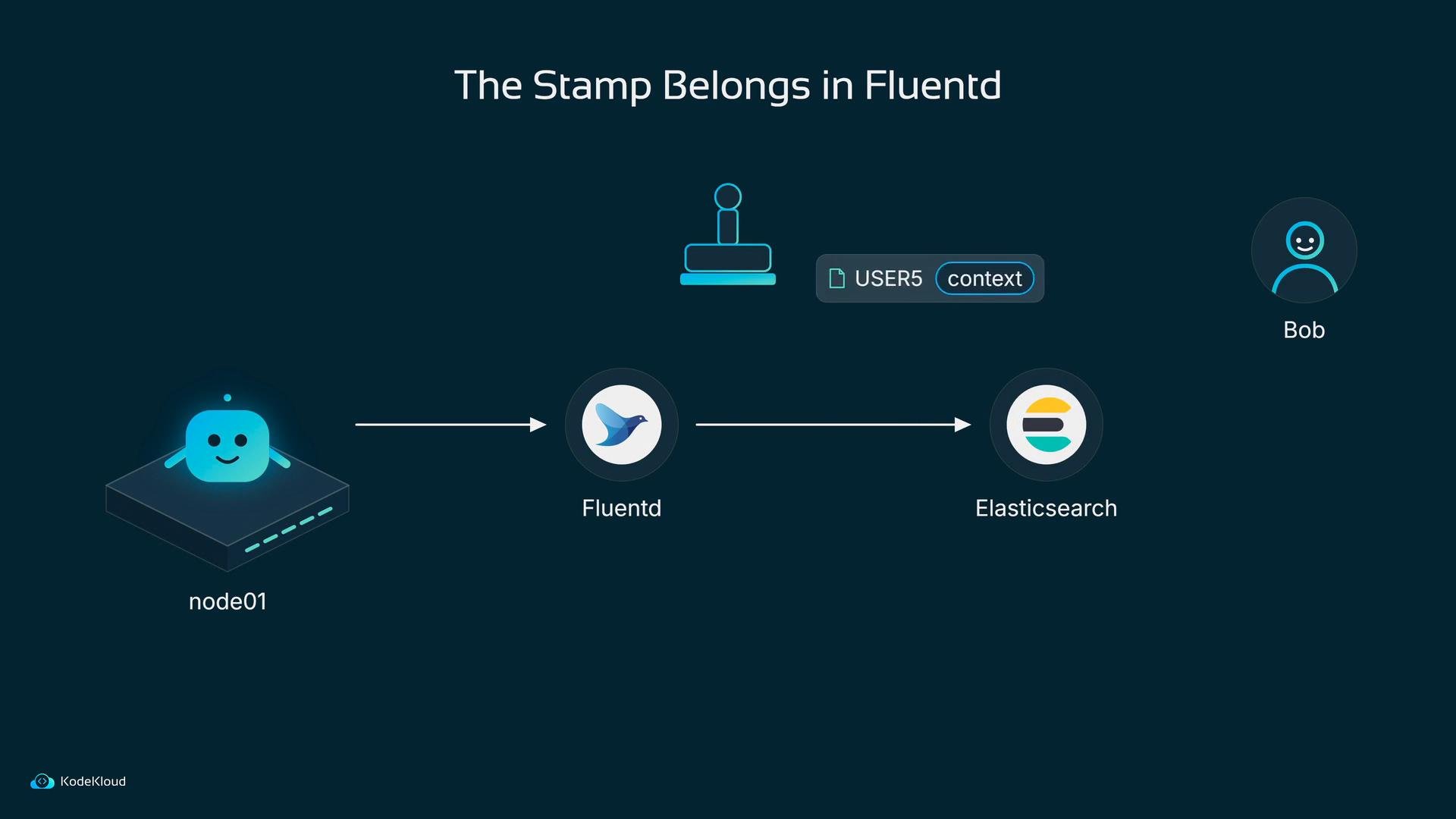
Add a custom filter plugin
Bob creates aplugins folder next to his Fluentd configuration and adds a Ruby file. Fluentd recognizes filter plugins when the filename begins with filter_.
filter method that runs for every record.
additional_data: 'static_info' is a placeholder. In production use something meaningful: production, team-a, cluster-1, etc. The shape of the plugin remains the same — it simply enriches each record before forwarding.
Example record after the filter runs:
Where the filter sits in fluent.conf
A Fluentd configuration is processed top to bottom. The<source> section ingests events and the <match> section emits them. Filters that mutate records must appear between <source> and <match> to run before the output stage.
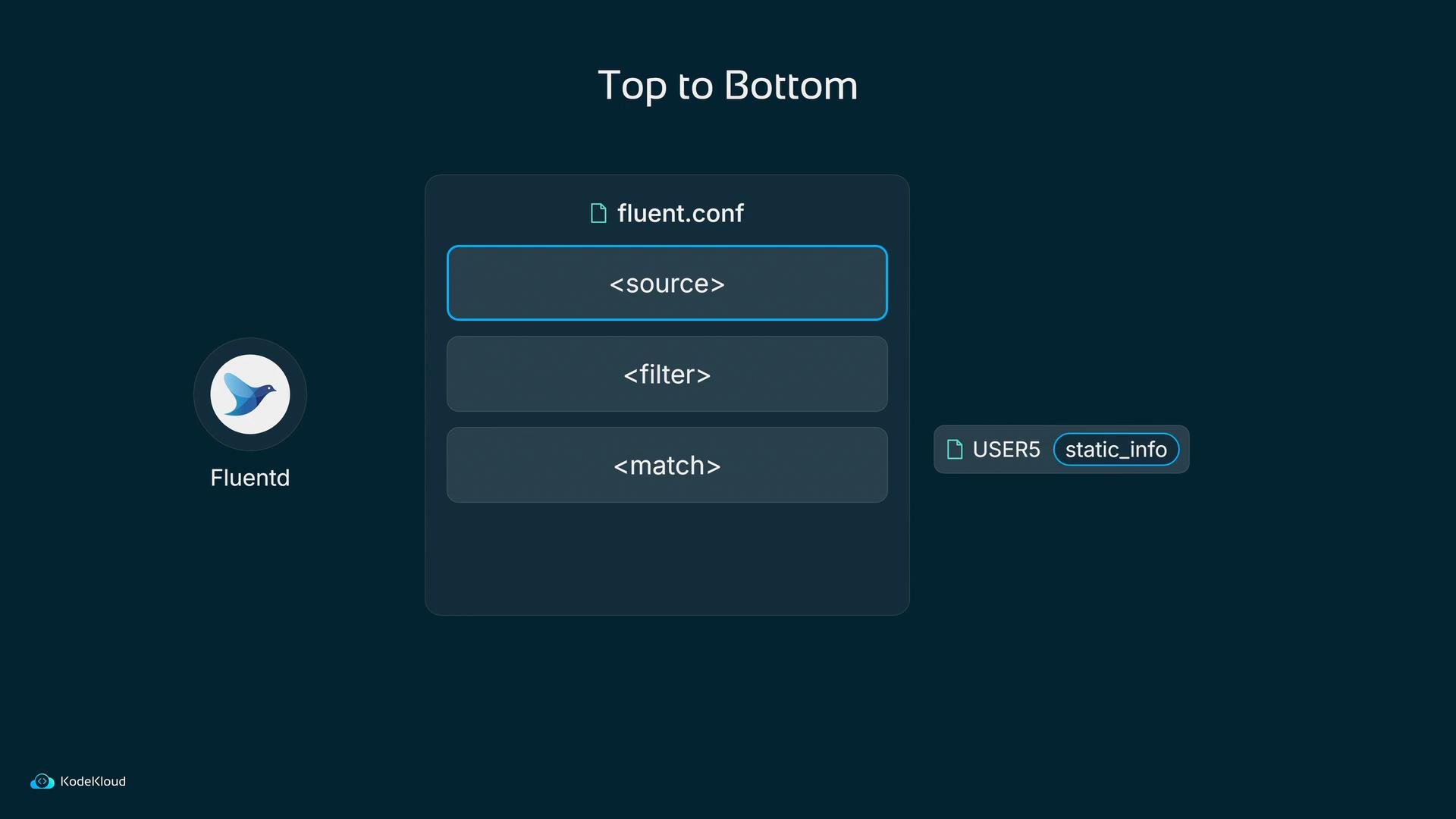
Filters modify records as they pass through Fluentd. Always place filters between the
<source> and <match> sections so they run before output.Make the plugin visible to the Fluentd container
The plugin file above lives on the host, but Fluentd runs inside a container. Bob updates the Fluentd DaemonSet pod template to mount the hostplugins folder into the container at /fluentd/plugins.
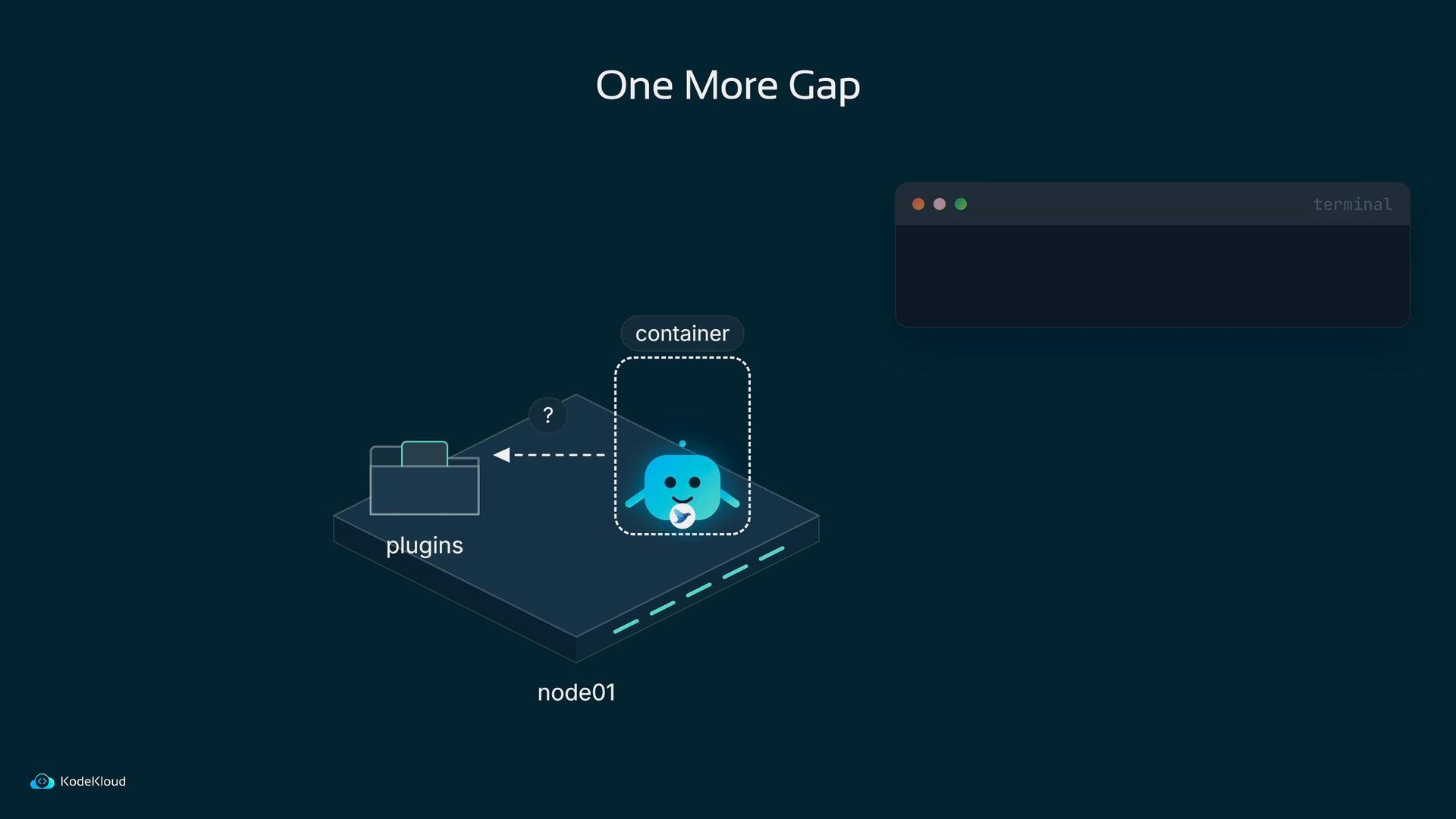
When using
hostPath mounts for plugins, ensure file permissions and SELinux/AppArmor policies allow the Fluentd container to read the plugin files.plugins folder. The pipeline now looks like this: a log line arrives, the filter (the stamp) runs inside Fluentd, and the record exits with additional_data: static_info attached before it reaches Elasticsearch.
Apply Index Lifecycle Management (ILM) in Elasticsearch
ILM policies live in Elasticsearch and are created through the ILM API. Bob’s Elasticsearch is reachable at port30200.
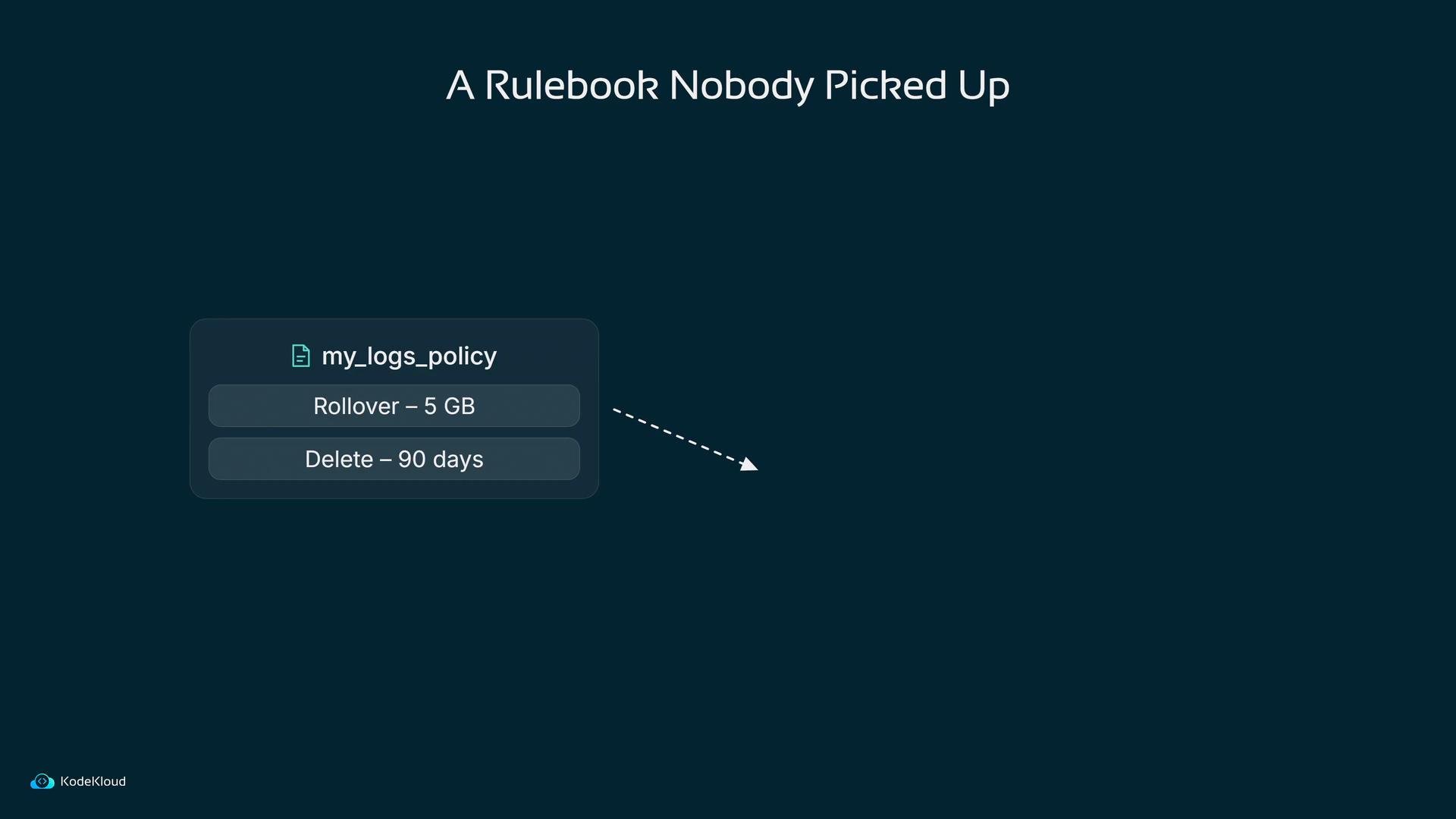
He defines a policy with a hot phase that rolls over when the index reaches 5 GB or 30 days, and a delete phase that removes indices older than 90 days:
Bob uploads the policy and verifies Elasticsearch stores it (note Elasticsearch normalizes units such as
5GB to 5gb in responses):
Create an index template with a rollover alias
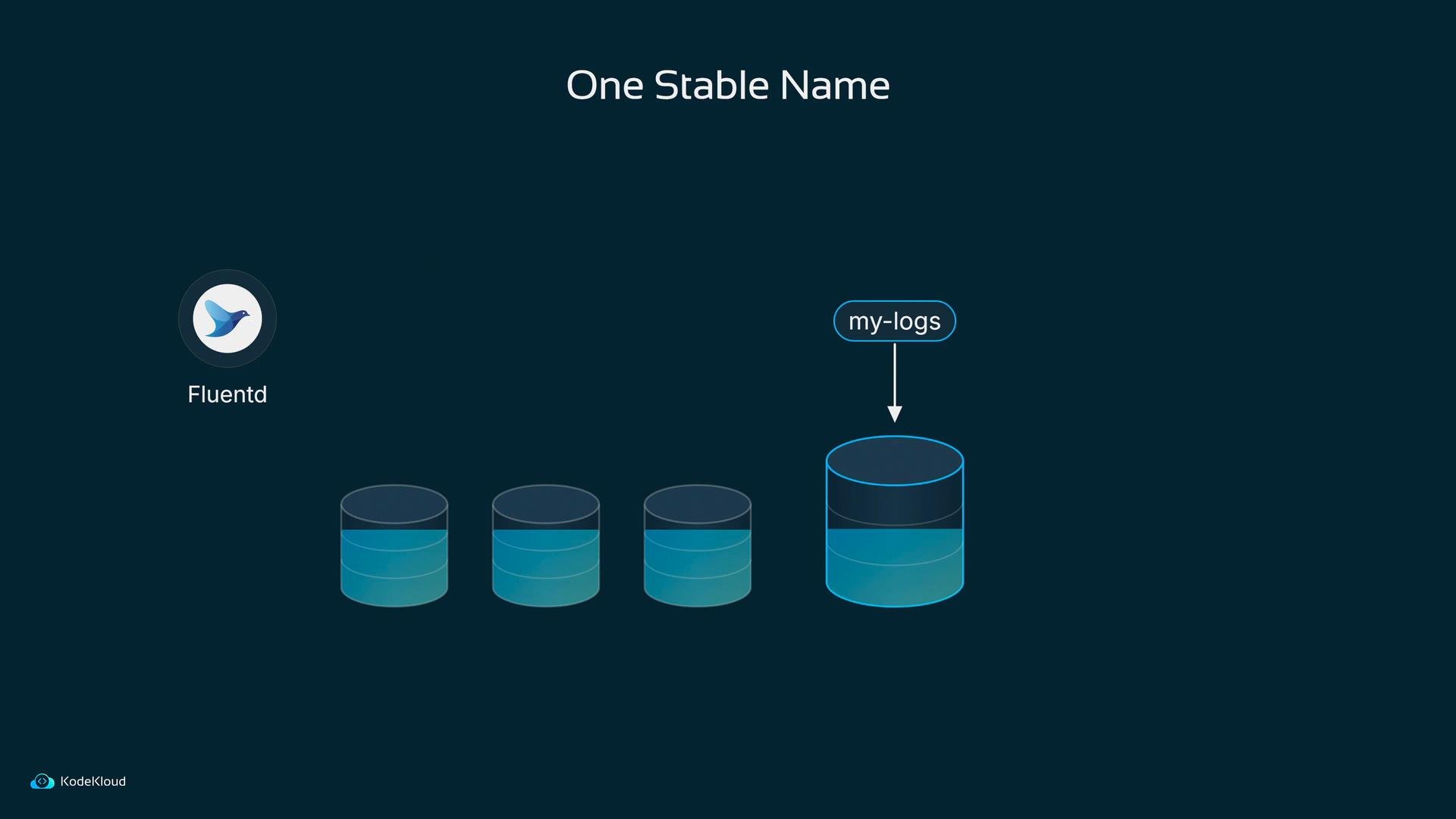
Bob creates an index templatemy_logs_template that matches Fluentd indices (for example, those beginning with fluentd-), attaches the lifecycle policy my_logs_policy, and configures a rollover alias my-logs. The alias provides a stable write target — Fluentd always writes to my-logs while the underlying indices roll over behind the scenes.
The result: searchable, stamped logs and automated retention
Remember the painful nights when a pod had been replaced and logs were gone? With the filter stamping records in Fluentd and ILM in Elasticsearch:- Every log line includes where it came from (node, team, environment).
- Indices roll over automatically and old data is deleted per policy.
- Kibana queries across nodes become simple: search for
user5and you get results from every node. - Elasticsearch can scale and surface alerts during load spikes so incidents are detected and acted on quickly.

Links and references
- Fluentd Filter Plugin docs: https://docs.fluentd.org/plugin-development
- Elasticsearch ILM: https://www.elastic.co/guide/en/elasticsearch/reference/current/index-lifecycle-management.html
- Kubernetes DaemonSet: https://kubernetes.io/docs/concepts/workloads/controllers/daemonset/