

Enable X-Pack security and TLS for Elasticsearch
Bob edits the Elasticsearch StatefulSet and adds environment variables that enable X-Pack security and TLS for transport (node-to-node) communication:The examples here use plain environment entries in the StatefulSet for clarity. In production, use ConfigMaps for non-sensitive configuration and Secrets for passwords; do not store credentials directly in manifests. Also note Kubernetes environment variable names must follow naming rules (some API versions disallow dots). How you pass these settings depends on your Elasticsearch image and deployment method.
xpack.security.transport.ssl.enabled=true secures the Elasticsearch transport layer (node-to-node). If you want the HTTP/REST API (port 9200) to use HTTPS so clients can verify certificates, enable xpack.security.http.ssl.enabled and configure certificates for the HTTP layer; otherwise HTTP remains plain and client-side TLS verification will not apply.
Bob applies the updated StatefulSet and Kubernetes replaces the Elasticsearch pods with new ones that include the settings.
Create a superuser inside the Elasticsearch pod
Bob steps into the running Elasticsearch pod and uses theelasticsearch-users tool that ships in the image to add a superuser account. He runs a single command to create elastic_user with a password:
Kibana must authenticate to Elasticsearch
Now, Bob opens Kibana — and it’s broken. The Kibana UI reports it cannot connect to Elasticsearch. Why? Because Kibana is just another client, and it’s still trying to talk to Elasticsearch without credentials. Bob edits the Kibana Deployment and adds two environment variables for the Elasticsearch username and password so Kibana can authenticate:elastic_user, and his profile shows in the corner.
To check from the terminal, he calls Kibana’s status API on the node port with the same credentials:
These example files write the password straight into manifests for demonstration so you can see how the credentials flow. In a real cluster, place credentials in a Kubernetes
Secret and reference them from the Deployment/StatefulSet; do not commit or store plaintext passwords in version control.
Locking down network access with NetworkPolicy
So Elasticsearch is locked. But is it safe? Bob tests it from an unrelated place. He goes into a web server pod in thedefault namespace and calls Elasticsearch’s in-cluster address with the username and password:
efk-stack-policy, and places it in the elastic-stack namespace. The policy restricts ingress and egress so that pods in the Elastic Stack namespace may only accept traffic from — and send traffic to — pods in the same namespace:
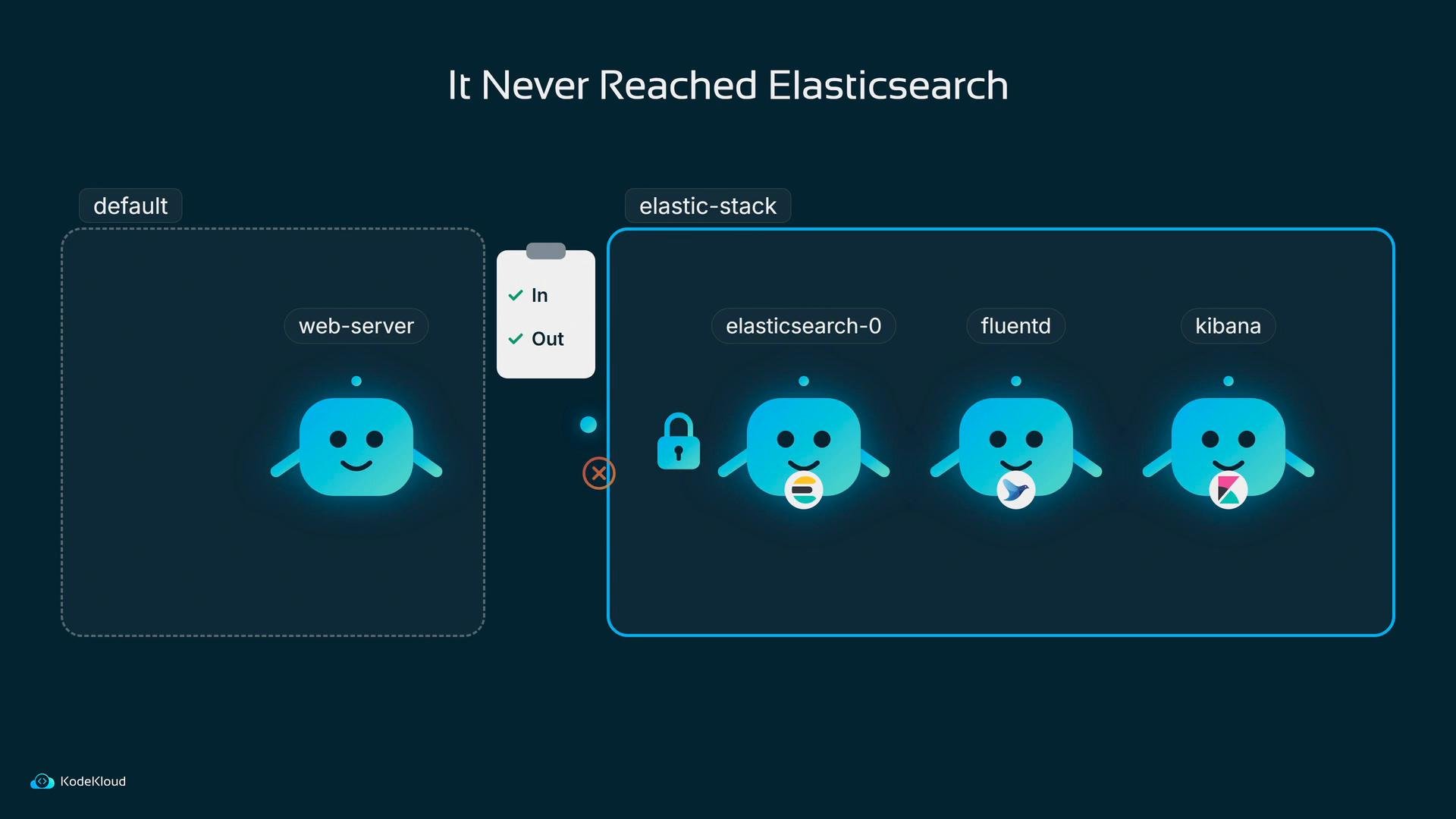
elastic-stack. Now unauthorized namespaces are blocked.
Fluentd needs credentials and certificate verification
Now there’s a casualty. Picture the line from the app to Elasticsearch, with Fluentd sitting in the middle of it — suddenly stuck. Bob reads the Fluentd pod logs and finds an authorization error:- Flip the certificate check from
falsetotrueso Fluentd verifies Elasticsearch’s HTTP/TLS certificate (this assumes Elasticsearch’s HTTP/REST API is served over HTTPS). - Add the Elasticsearch username and password so Fluentd can authenticate.
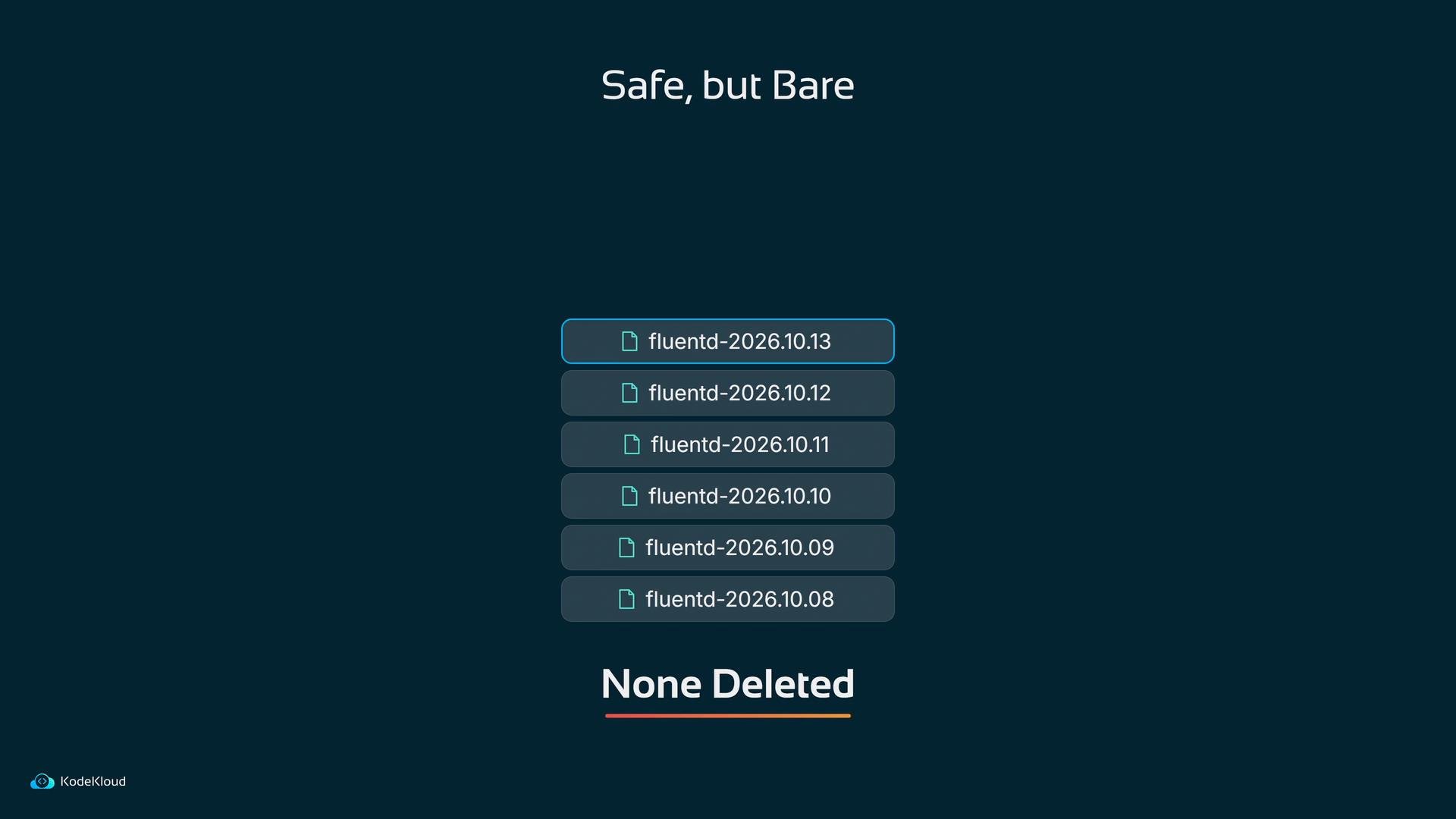
USER1 in Kibana, and a single log entry comes back with a timestamp and a message:
Next steps (quick checklist)
References and further reading: