

size parameter so results aren’t truncated, and then scan a wall of JSON for timestamps.
kibana, runs in the elastic-stack namespace, uses Kibana 7.1.0, and listens on port 5601 (Kibana’s default).
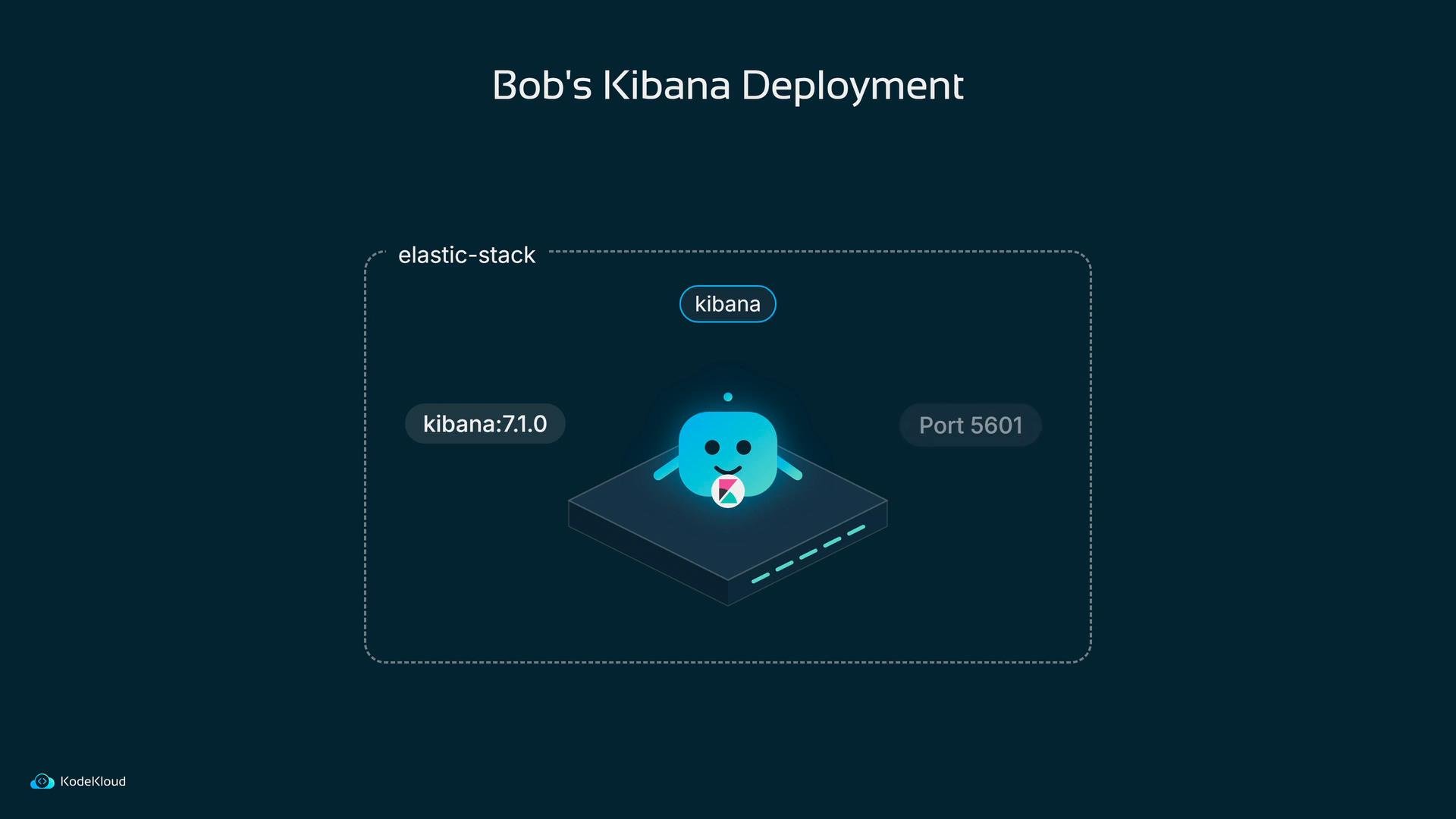
5601 on the Kibana pod. Bob types the node’s address and the NodePort into his browser:
fluentd-2026.10.12), so you get new indices every day.
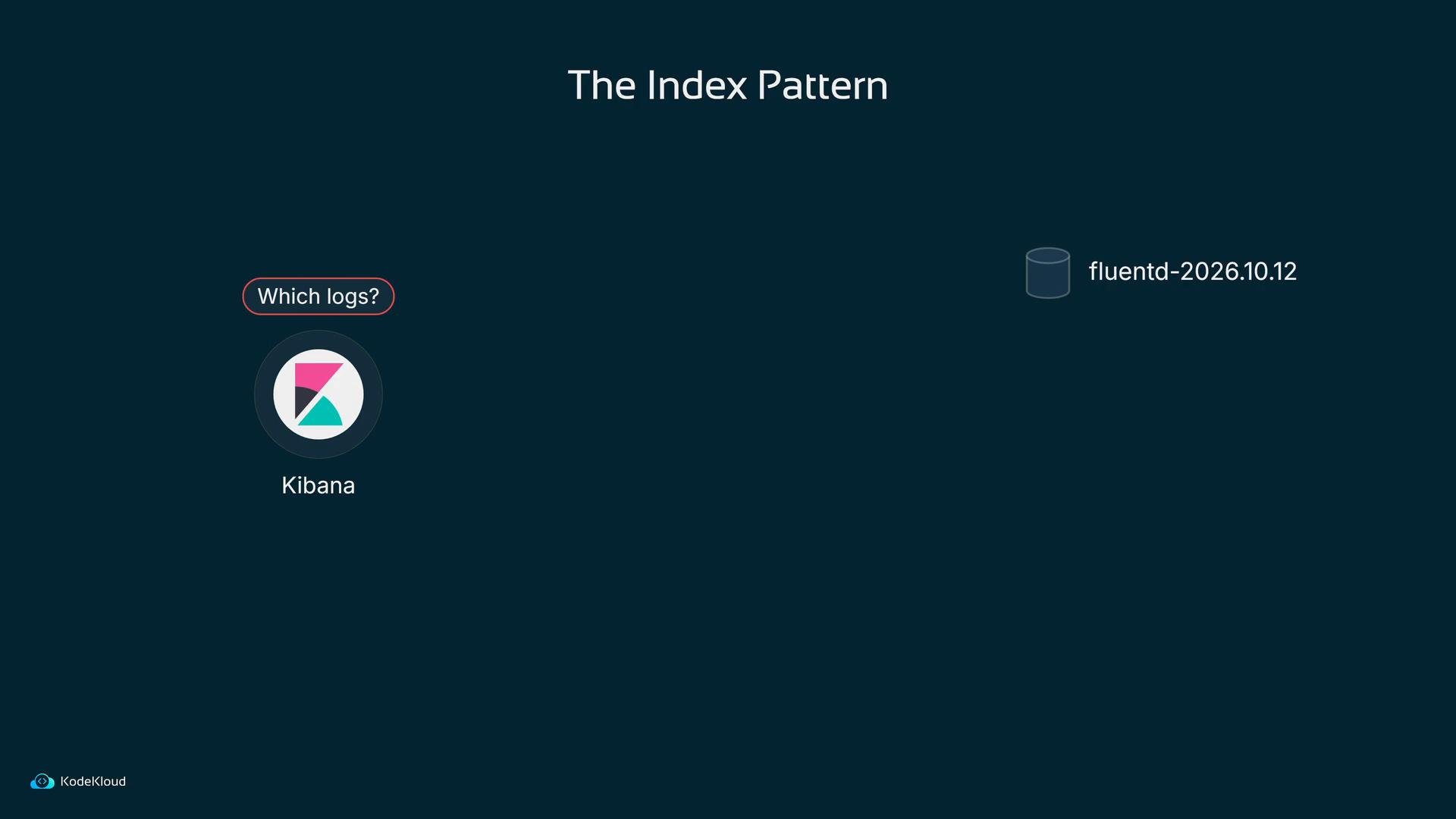
fluentd-*
He also configures the timestamp field so results can be sorted and filtered by time. That saved configuration is called an index pattern and it lets Kibana search across many time-based indices as a single logical dataset.
Create an index pattern (for example
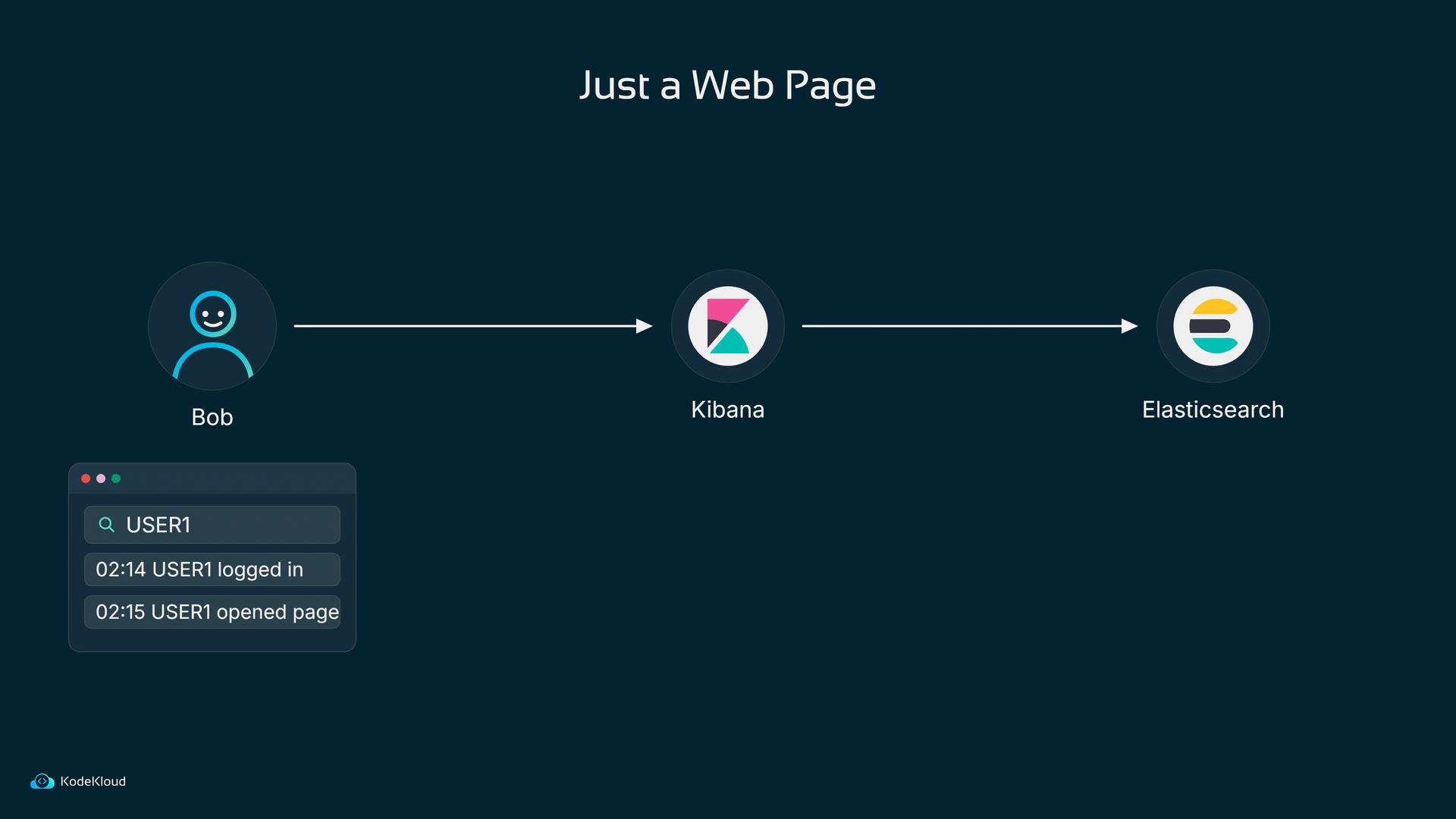
fluentd-*) and set the time field (usually @timestamp) so Discover, Visualize, and Dashboards can filter and sort logs by time.log:USER1, presses Update, and Discover returns only USER1 events:
log:USER3 and the list updates instantly. What took minutes with curl now takes seconds, and anyone with access to the Kibana page can run the same query.
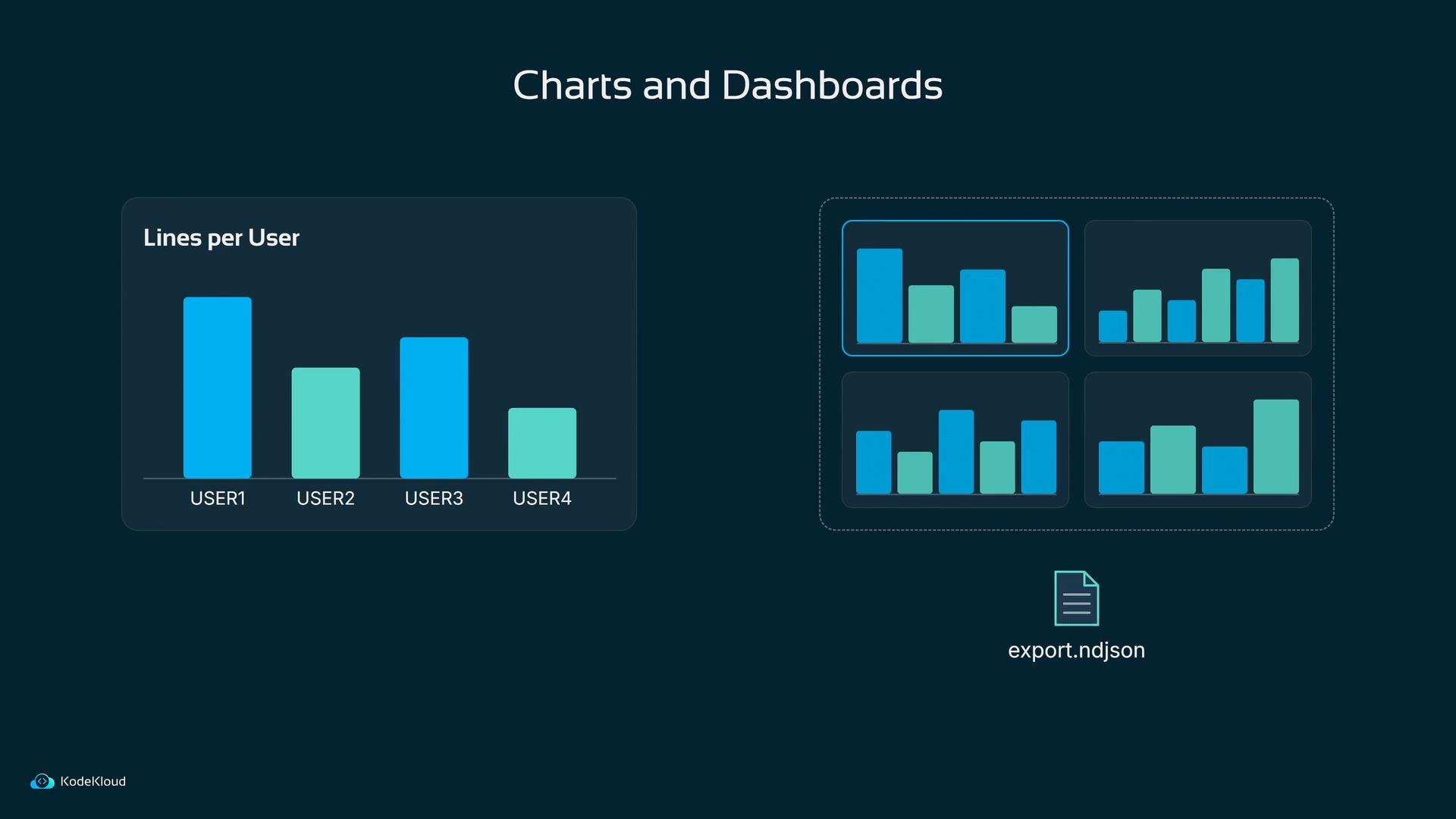
Discover is for reading individual lines, but Kibana can also convert searches into visualizations — e.g., a bar chart that counts occurrences of each user. Visualizations can be pinned to dashboards that teams keep open to monitor trends. Dashboards can be exported and imported as NDJSON files, making it easy to share saved dashboards.
Exposing Kibana via a NodePort without authentication lets anyone who can reach the node port view and query all logs. Do not use an unauthenticated NodePort in production; instead use an authenticated reverse proxy, an Ingress with TLS and authentication, or Kibana’s security features.
If you are the only person reading logs and you always know the exact line to fetch, curl is fine. The moment a second person wants to ask their own question, or you need to spot patterns over time instead of fetching a single line, put Kibana in front of Elasticsearch.
Bob’s team crossed that line on Monday morning: the manual curl that once answered questions is now replaced by a shared, searchable, visual interface.
Links and References
- Kibana docs: https://www.elastic.co/guide/en/kibana/current/index.html
- Kibana Query Language (KQL): https://www.elastic.co/guide/en/kibana/current/kuery-query.html
- Kubernetes NodePort Service: https://kubernetes.io/docs/concepts/services-networking/service/#nodeport
- NDJSON format: https://ndjson.org
- Elasticsearch docs: https://www.elastic.co/guide/en/elasticsearch/reference/current/index.html