Bob doesn’t take the war story on faith — he wants to see it with his own eyes. He chooses a pod unrelated to logging: a small NGINX webserver named webserver in the default namespace. From inside that pod he calls Elasticsearch at the cluster address and receives a full, unauthenticated response containing the cluster details.
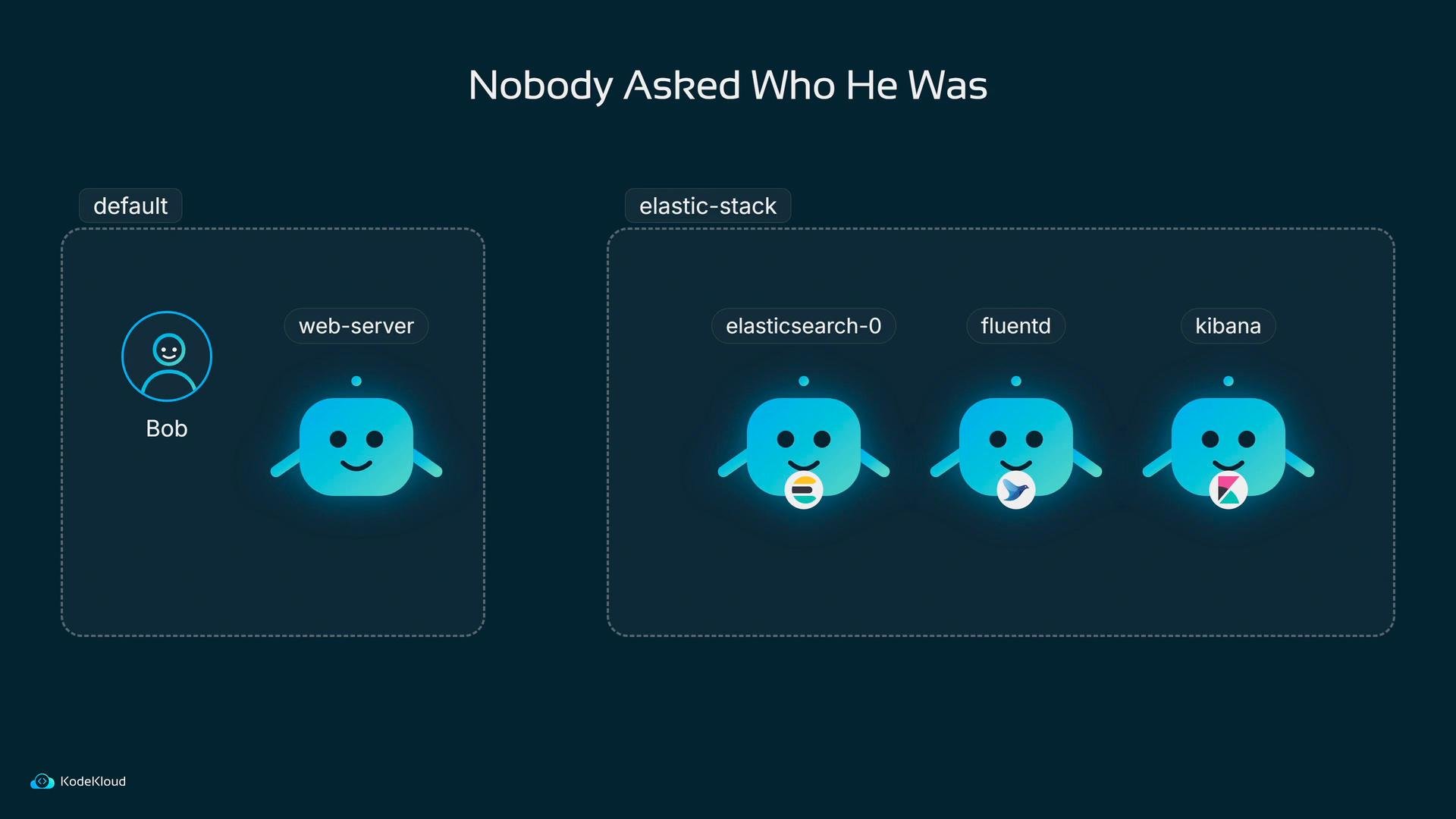
A dark-themed diagram titled "Nobody Asked Who He Was" showing two dotted containers: a "default" box with a user labeled Bob and a web-server icon, and an "elastic-stack" box with three friendly blue service icons labeled elasticsearch-0, fluentd, and kibana. Each service icon has a small logo badge (Elasticsearch, Fluentd, and Kibana) beneath it.
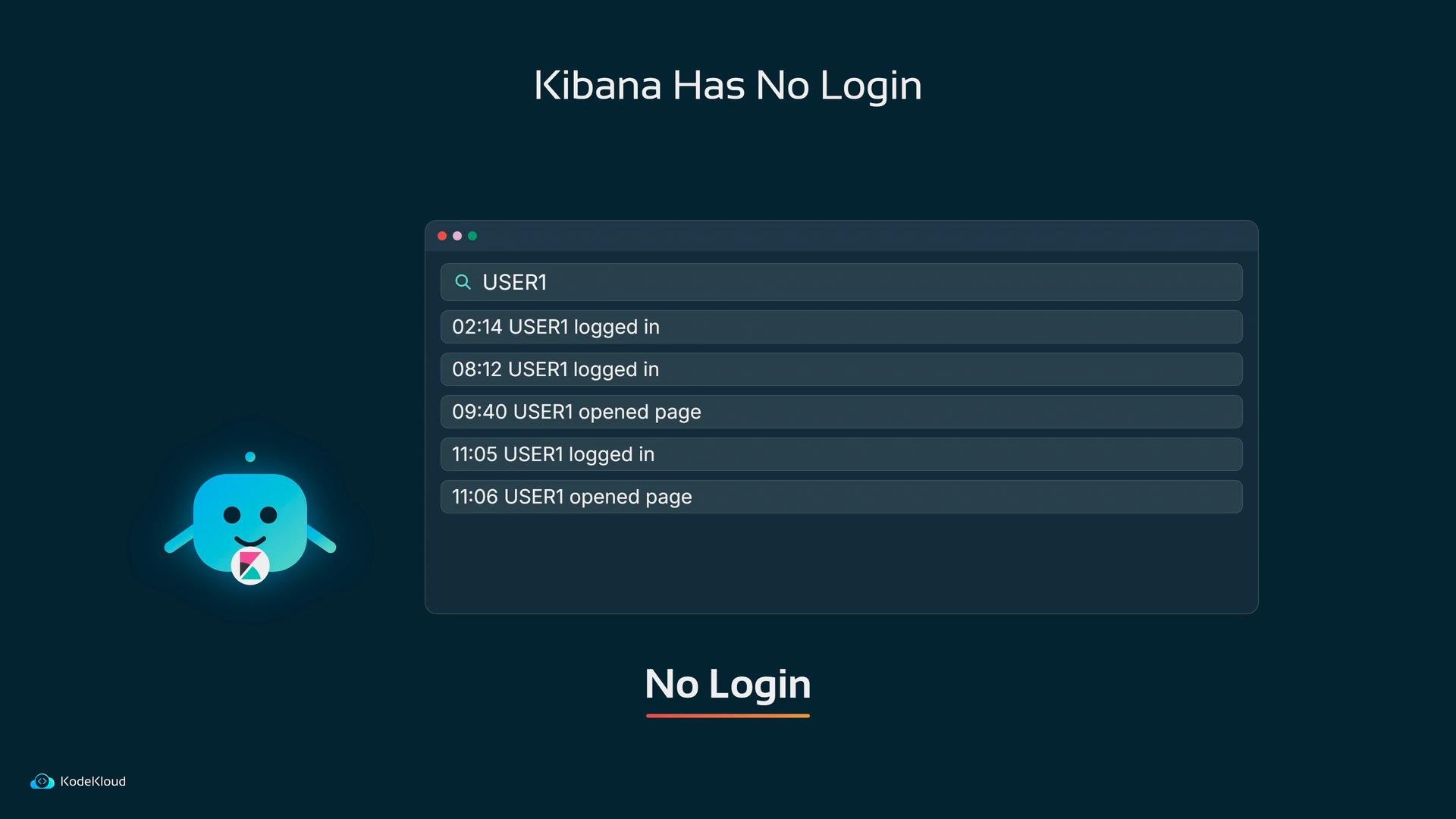
The same endpoint would hand over every user that was ever searched for — no authentication, no authorization checks. Kibana was equally permissive: the UI opened with no login prompt, which may be acceptable for a quick trial, but is unsafe for any exposed cluster.
A dark-themed mockup titled "Kibana Has No Login" showing a search panel with timestamped user events like "USER1 logged in" and "USER1 opened page." A small blue robot mascot and a KodeKloud logo appear on the left.
And that’s only the first hole. What happens to a log line on its way from Fluentd to Elasticsearch? Bob inspects the Fluentd output configuration and finds the transport is plain HTTP, certificate verification is disabled, and no username is specified. In this example the password is kept in files for simplicity, but the transport and authentication are still insecure:
Because scheme is http, no credentials are required and ssl_verify is false, every log line crosses the network as readable text. Anyone on the path can see entries such as “USER5 failed to log in, account locked.” Logs are often a rich source of usernames and occasionally secrets — data that must be protected both at rest and in transit.
Never embed secrets directly in manifests or images. Use Kubernetes Secrets or a dedicated secret store, and grant access only to the service accounts that need them.
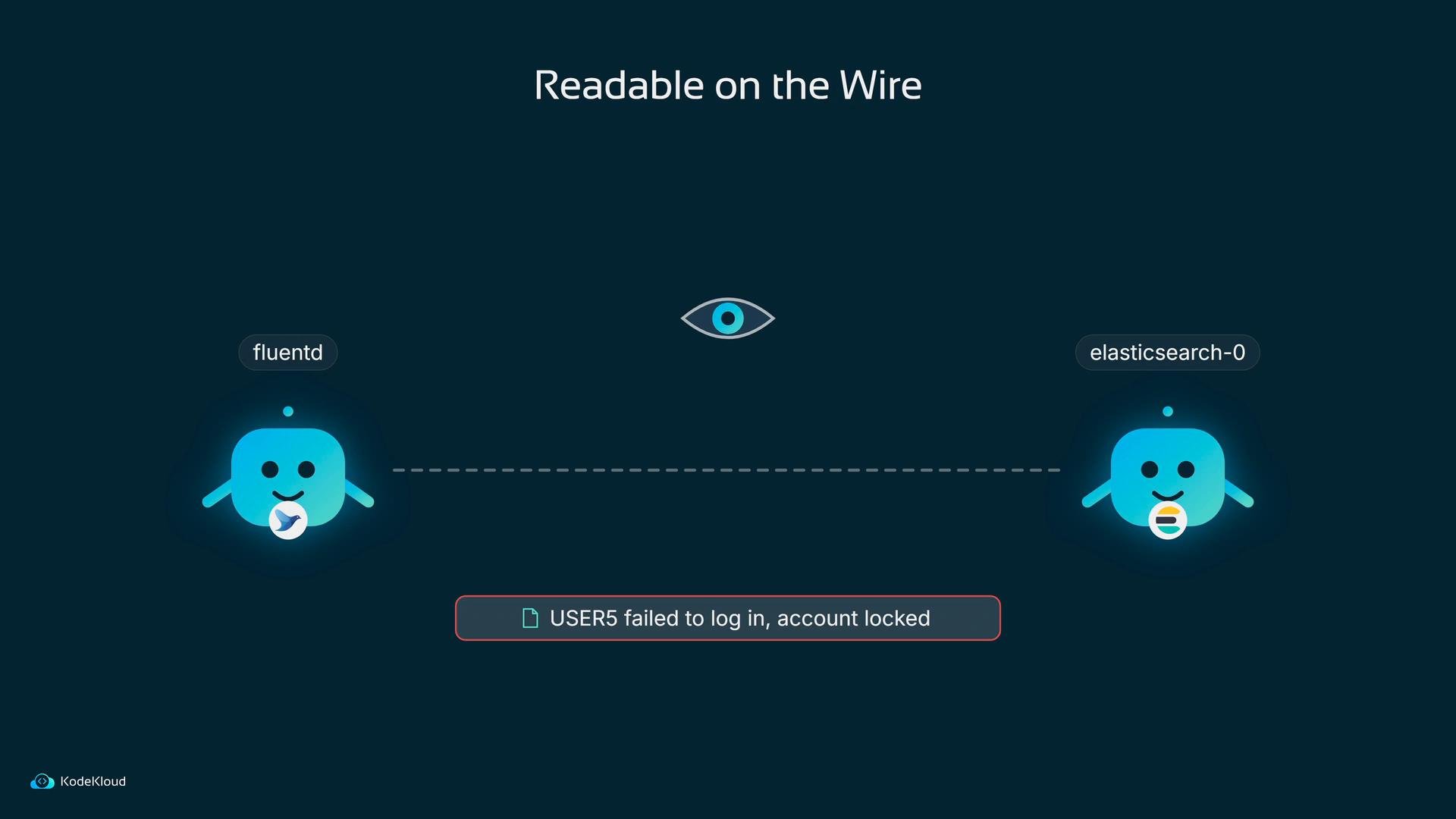
A dark infographic titled "Readable on the Wire" shows two blue mascot nodes labeled "fluentd" (left) and "elasticsearch-0" (right) connected by a dashed line with an eye icon above. A red alert below reads "USER5 failed to log in, account locked."
In short, Bob faces two primary failures:
  1. Anyone can query Elasticsearch or Kibana and retrieve sensitive log data.
  2. Anyone with network visibility can read log traffic between Fluentd and Elasticsearch.
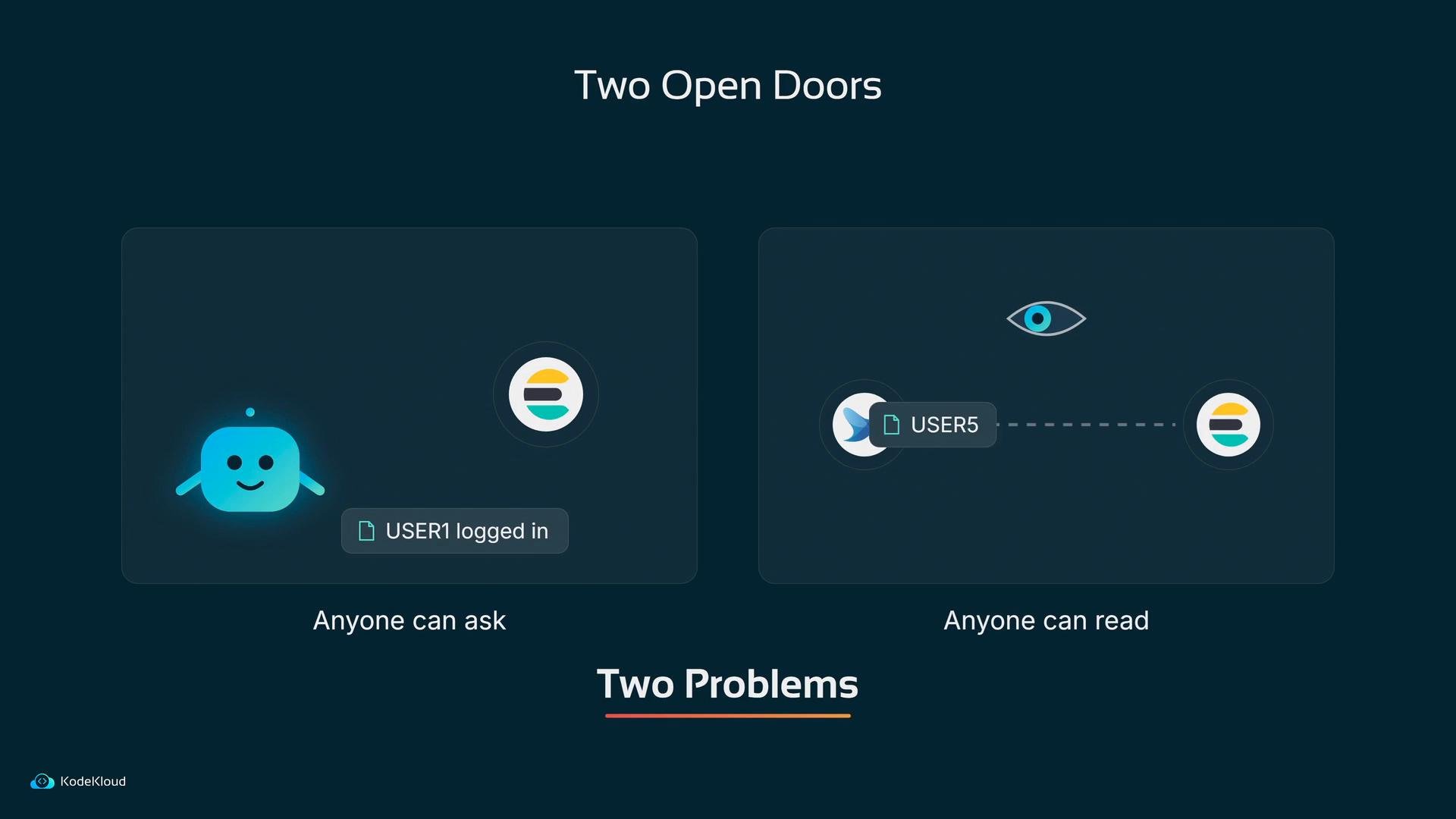
An infographic titled "Two Open Doors" showing two side-by-side panels: the left labeled "Anyone can ask" with a smiling chatbot icon and a "USER1 logged in" tag, and the right labeled "Anyone can read" with user icons, a dashed connection and an eye symbol. Below the panels the heading "Two Problems" is visible.
Next: how do we close those doors? The mitigations fall into a small number of practical controls that together provide defense in depth.
  • Authentication and authorization at the application layer: enable Elasticsearch security (X-Pack Security) and require credentials for every request.
  • Secret management: store passwords and certificates in Kubernetes Secrets (or a secret manager), not in plain manifests.
  • Network segmentation: restrict which pods can talk to the Elastic Stack using Kubernetes NetworkPolicy.
  • Encryption in transit: use TLS (and mTLS where appropriate) so log messages are encrypted between Fluentd and Elasticsearch.
  • Least privilege for secrets: use RBAC to ensure only the relevant service accounts can read the Secrets.
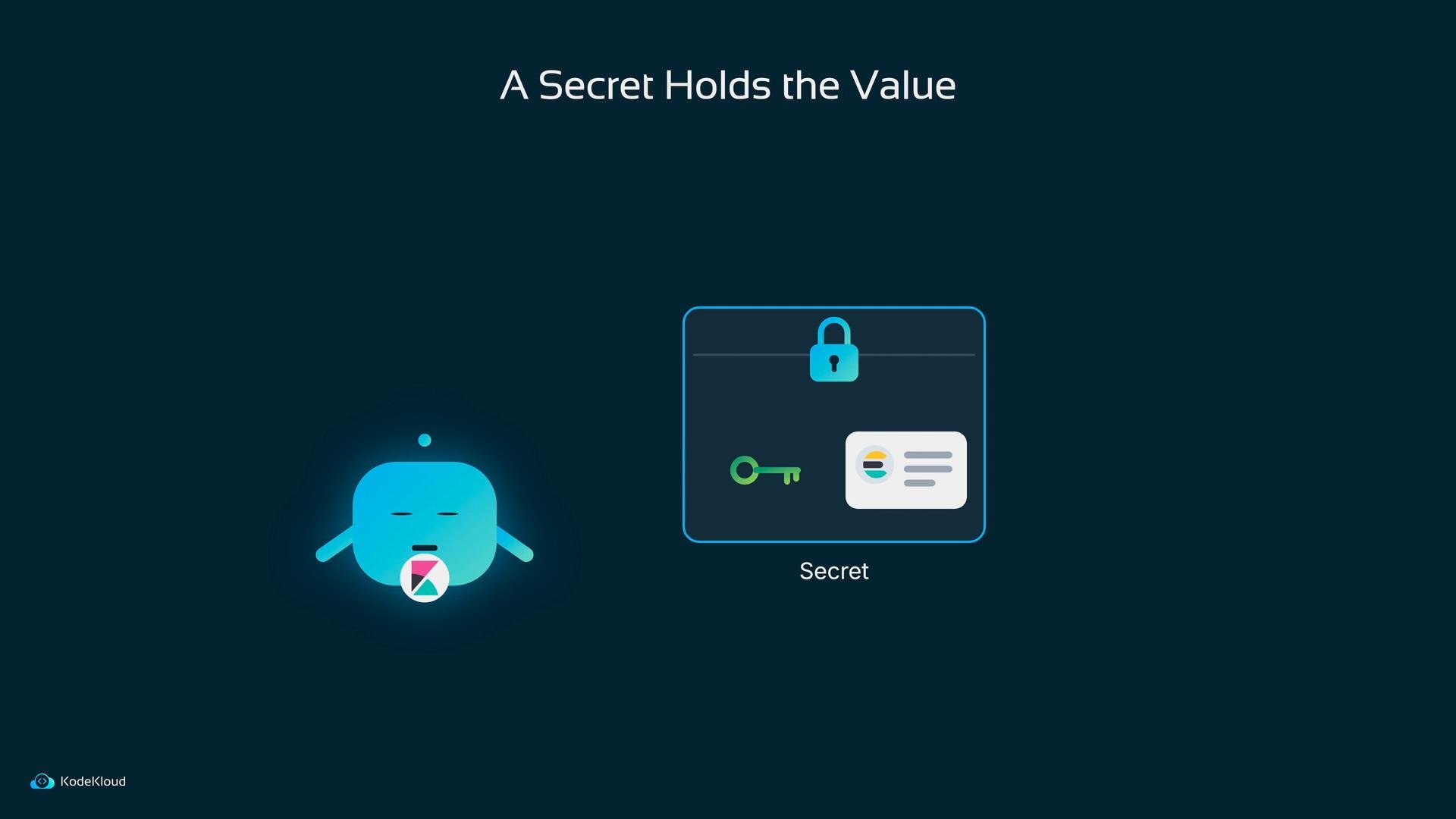
Elasticsearch includes built-in security (X-Pack Security) that, when enabled, forces clients to present valid credentials for every request. Create an internal Elasticsearch user for the team and update clients (Fluentd, Kibana, etc.) to present those credentials. Kibana is a client too, and presenting credentials will cause the UI to require a login. Where should those credentials live? Put them in a Kubernetes Secret and mount or inject them into the pod at startup instead of hard-coding them into manifests or images.
A dark-blue slide titled "A Secret Holds the Value." It shows a glowing blue mascot on the left and a locked box labeled "Secret" on the right containing a key and an ID card, with a KodeKloud logo in the corner.
A further question: should the webserver pod in default even be allowed to reach Elasticsearch? It has no business in the elastic-stack namespace. Kubernetes NetworkPolicy gives you a “guest list” for traffic: select which pods are protected, then explicitly enumerate which sources and destinations are allowed. For the Elastic Stack, define a NetworkPolicy that selects all pods in the elastic-stack namespace and permits ingress/egress only from that namespace (and any explicit, required sources).
NetworkPolicy rules are only effective if your cluster’s CNI/network plugin enforces them. Confirm your CNI supports NetworkPolicy (for example, Calico, Cilium, or Canal) before relying on policy to isolate traffic.
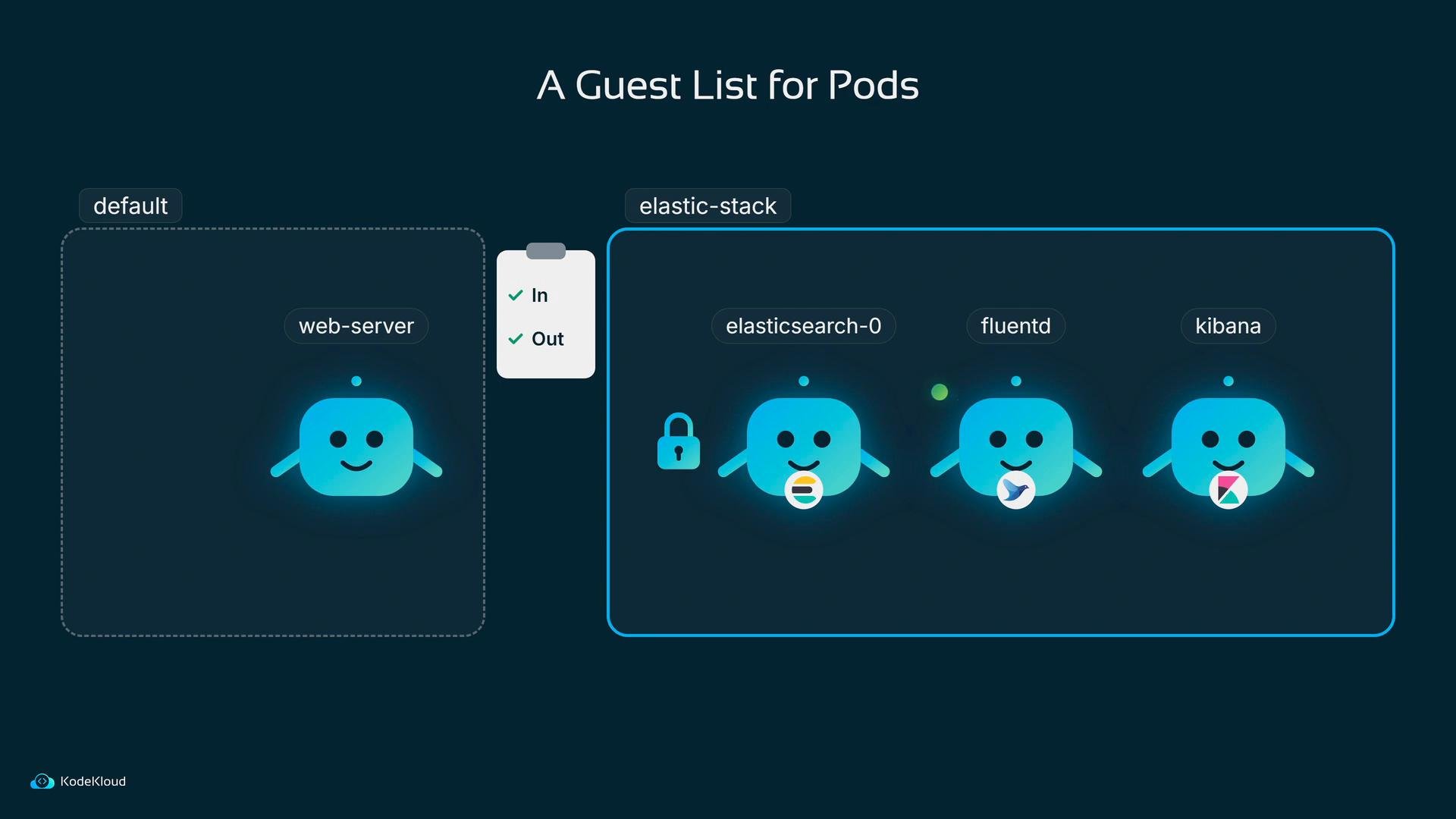
An illustrated diagram titled "A Guest List for Pods" showing two namespaces: "default" with a web-server pod and "elastic-stack" containing elasticsearch-0, fluentd, and kibana pods depicted as friendly blue icons. A small checklist and lock icon sit between the namespaces.
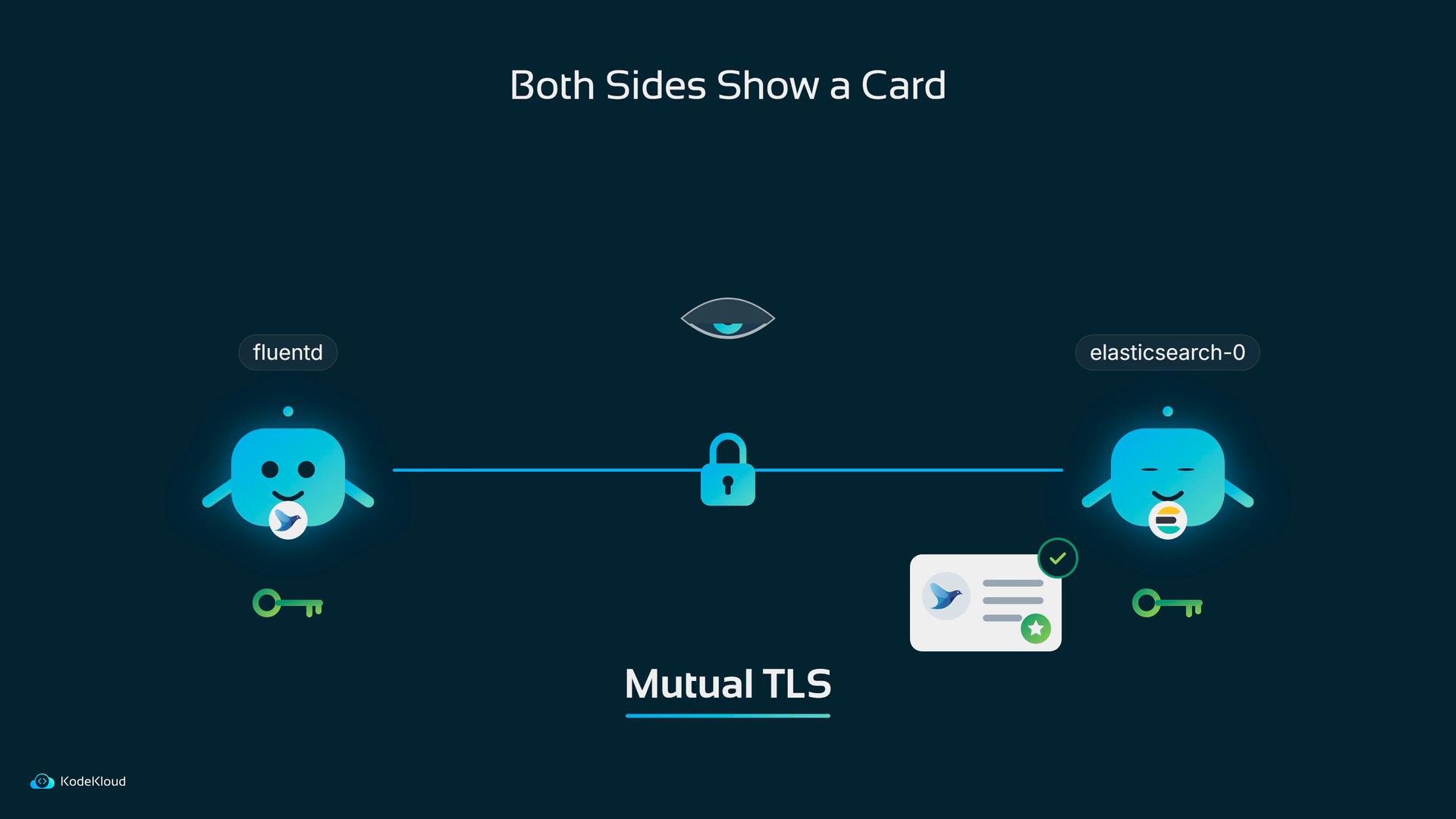
That still leaves the transit path: how do you prevent eavesdroppers from reading the payload? TLS places the data inside an envelope that only the intended recipient can open. Elasticsearch presents a certificate; Fluentd verifies it, they negotiate keys, and subsequent traffic is encrypted. HTTPS is simply HTTP over TLS. Mutual TLS (mTLS) goes one step further: Fluentd also presents a certificate, so Elasticsearch can validate the client identity before accepting data. Certificate generation and distribution are a broader topic; tools such as cert-manager or a centralized PKI are commonly used in Kubernetes environments.
An infographic titled "Both Sides Show a Card" showing mutual TLS between two blue mascot icons labeled "fluentd" and "elasticsearch-0," connected by a line with a padlock, keys, and a certificate icon.
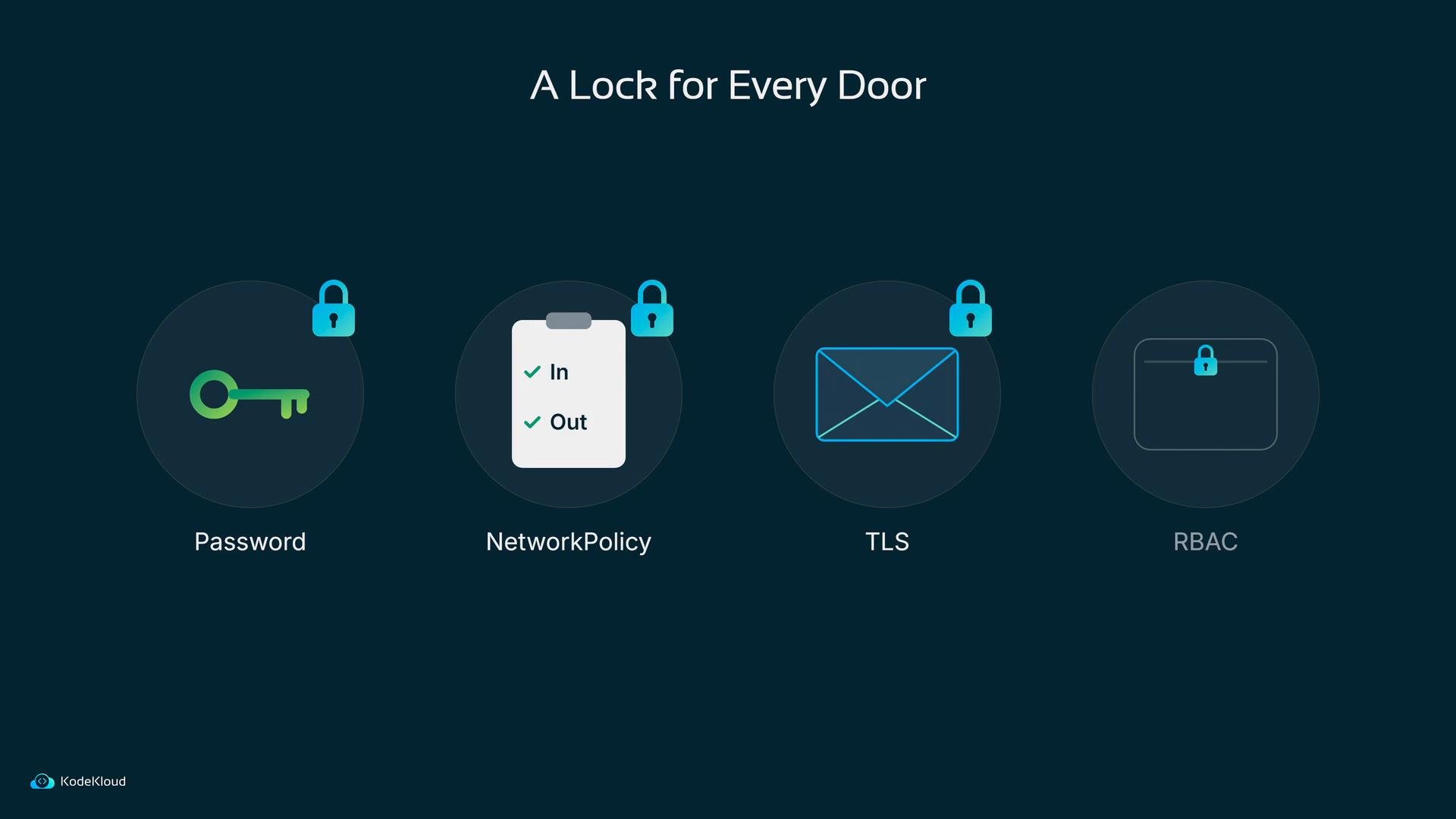
Finally, remember that Kubernetes Secrets are accessible through the Kubernetes API. Anyone with permission to read Secrets can view credentials. Use RBAC to restrict which service accounts may read the Secret containing Elasticsearch credentials — grant the Fluentd service account access only to the specific Secret it needs, and nothing more. Putting it all together: Bob ends up applying a lock for every door:
  • Password (X-Pack Security + Secrets)
  • NetworkPolicy (guest list)
  • TLS/mTLS (encrypted envelope)
  • RBAC (limit who can read Secrets)
A slide titled "A Lock for Every Door" showing four security icons. They represent Password (key), NetworkPolicy (clipboard with In/Out), TLS (envelope), and RBAC (folder), each marked with a padlock.
Which lock to fit first depends on risk and exposure: if your cluster is internet-facing, enable authentication and TLS immediately. If internal-only, start with NetworkPolicy and RBAC, then add Secrets and TLS as you harden. Once a control is in place, verify it by attempting the same unauthenticated or unencrypted connections Bob used and confirming they now fail. Summary table: at-a-glance recommended controls Links and references If you want, I can provide example manifests for:
  • enabling Elasticsearch users,
  • a Kubernetes Secret and the minimal RBAC Role/RoleBinding for Fluentd,
  • a NetworkPolicy selector for the elastic-stack namespace,
  • Fluentd output configuration using https with TLS client certs.

Watch Video