

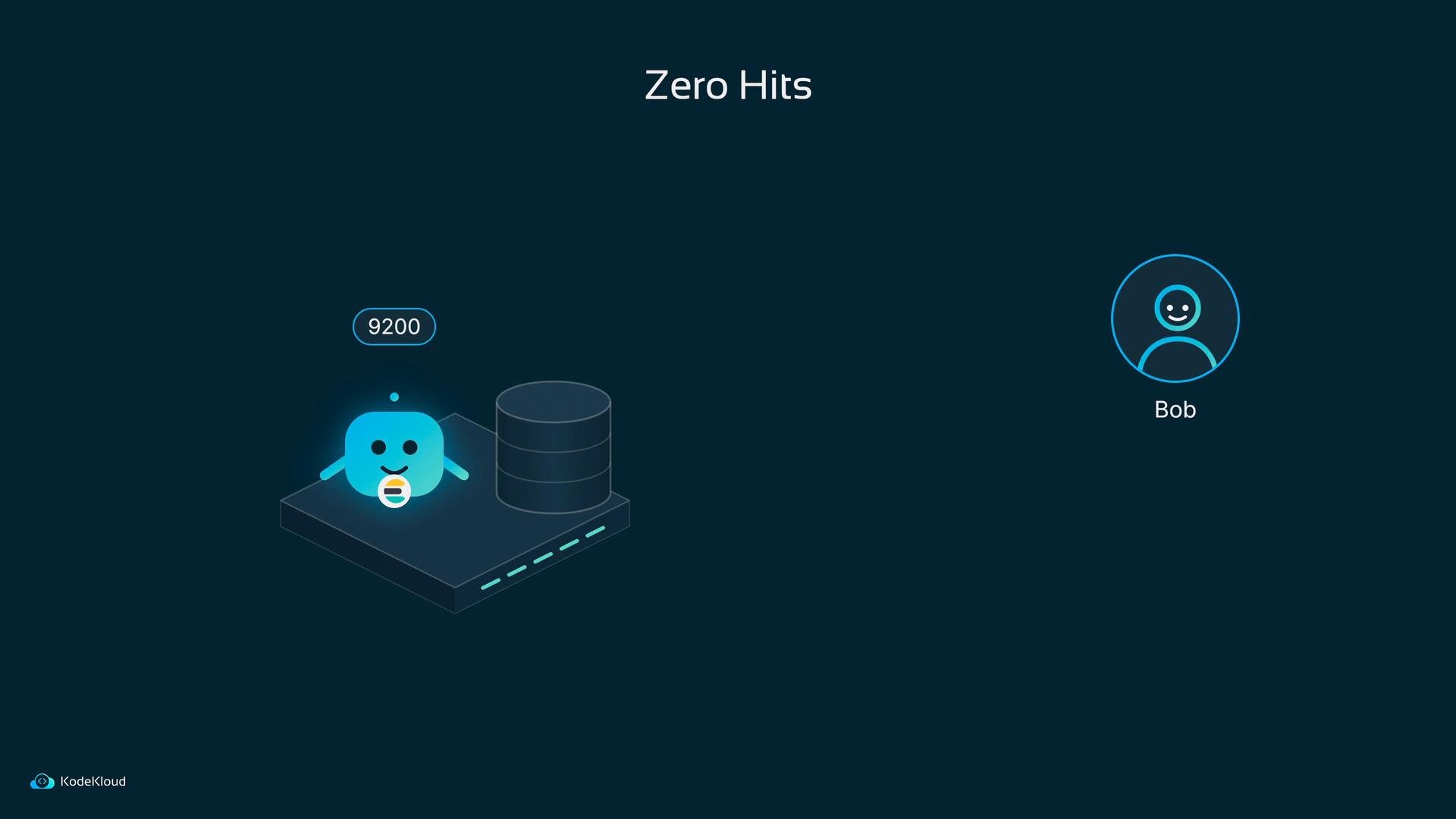
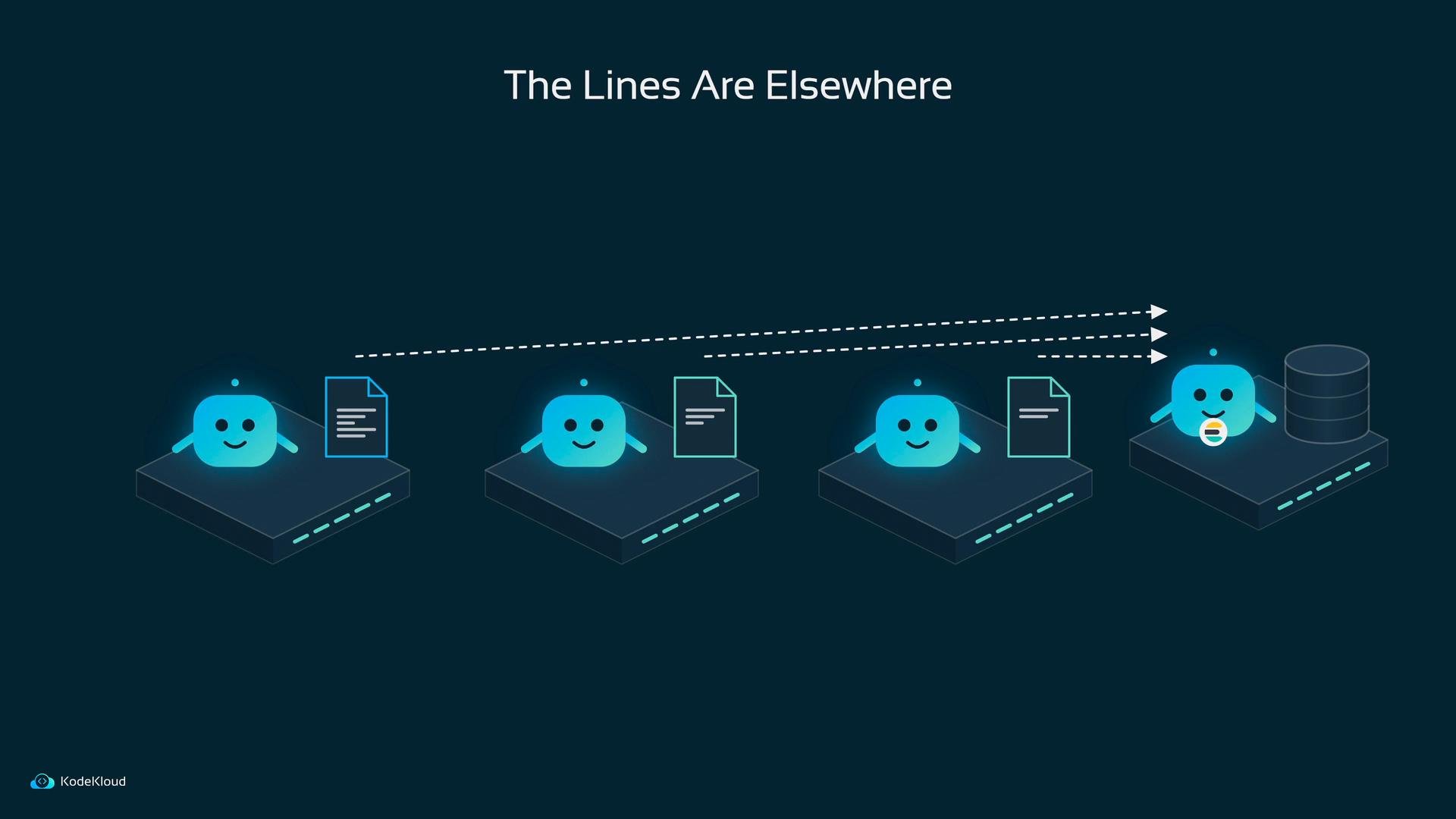
/var/log/containers (one file per container is common, though exact layout varies by runtime and host). In short: logs accumulate on the node where the container happens to run. Elasticsearch will not “go looking” for them — something else must collect and send them.
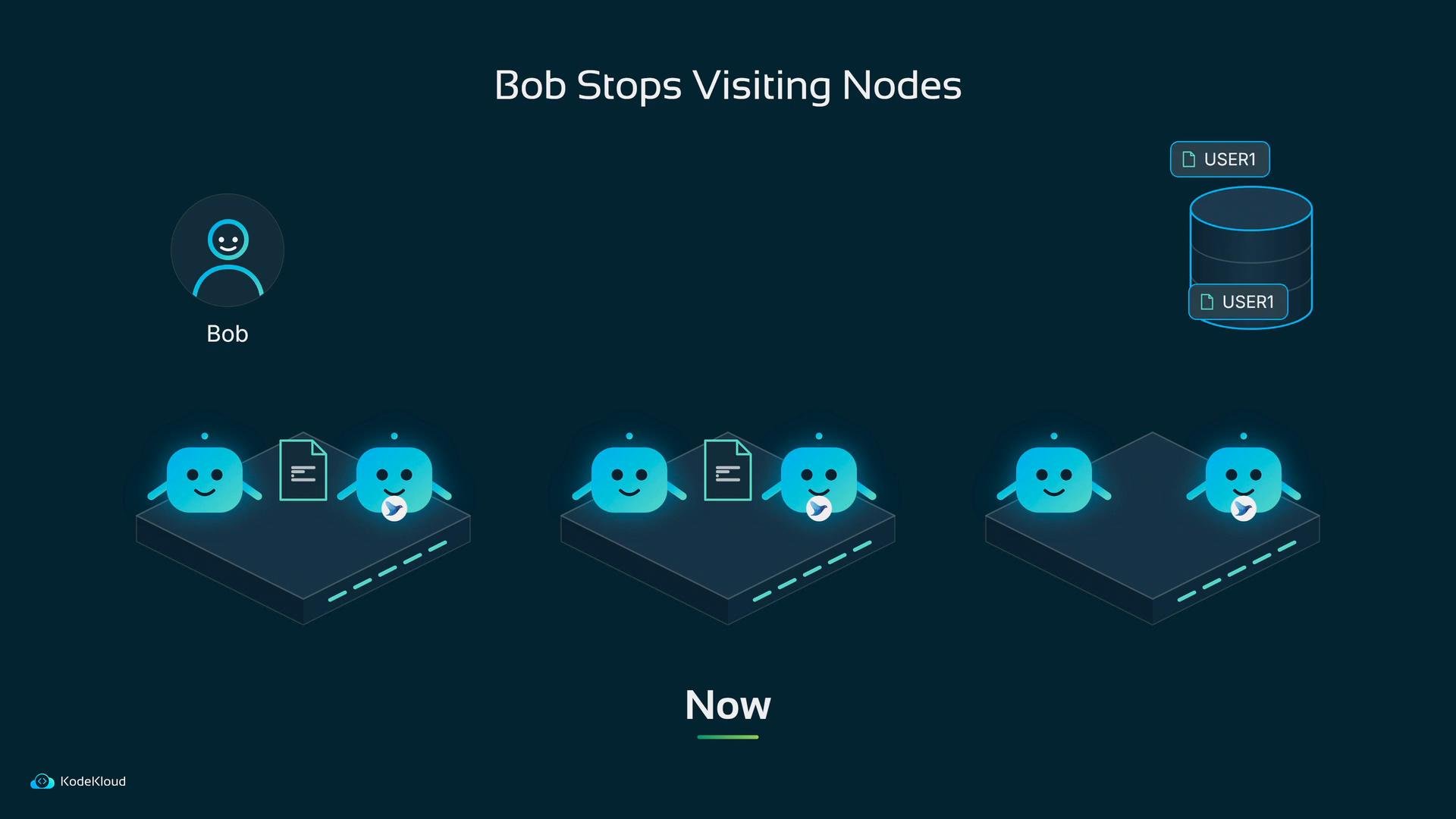
You might imagine Bob writing a cron script that copies log files from every node to a central place. That can work temporarily, but it breaks when pods are rescheduled to other nodes or when new nodes are added and the script wasn’t deployed there.
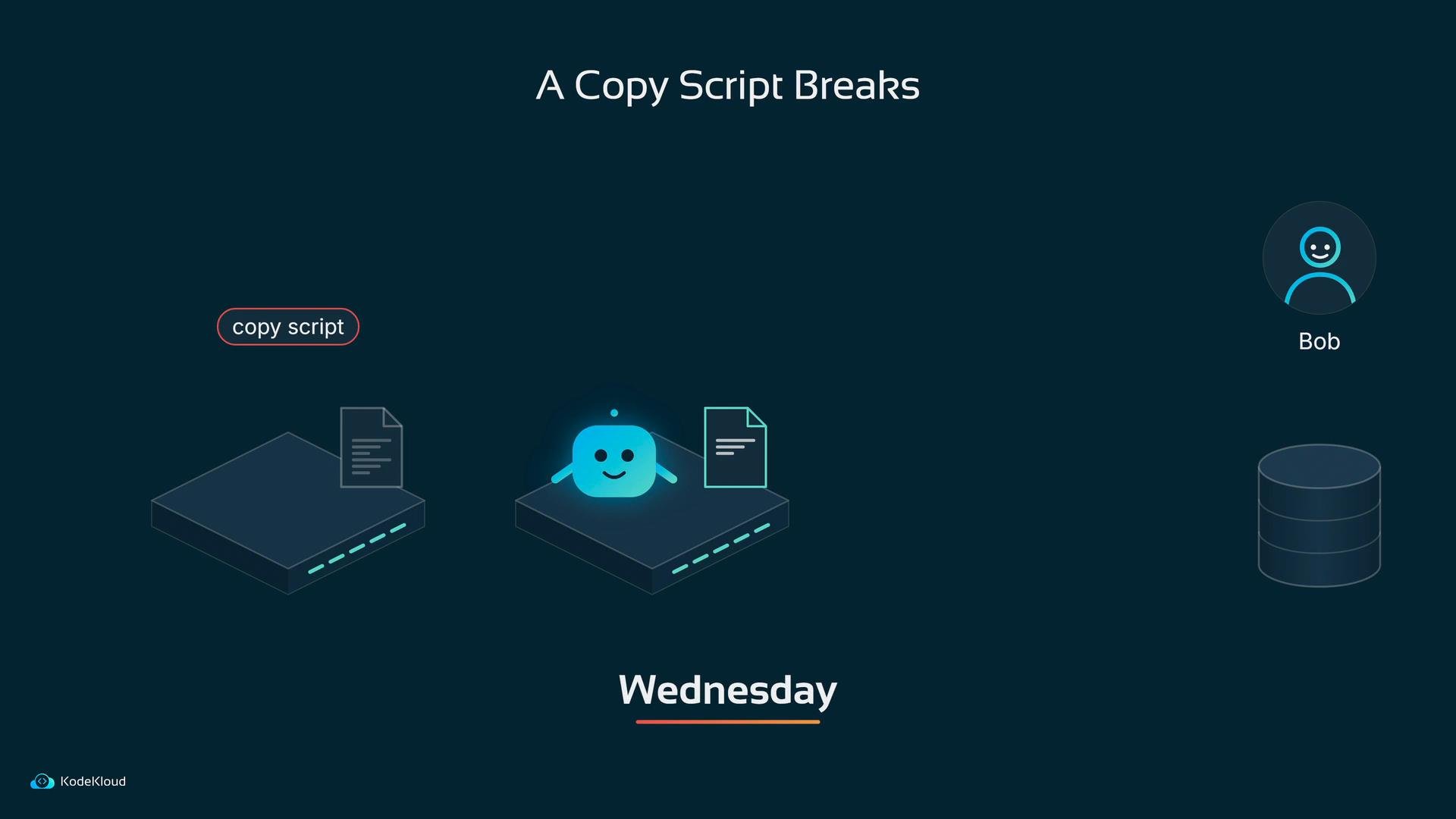
- Fluentd tails log files on the node, parses and structures each line, optionally filters or enriches events, and forwards them to outputs such as Elasticsearch.
- Picture Fluentd running on the node, watching the app’s log file. New lines appear; Fluentd reads them and immediately ships them to Elasticsearch on port 9200.
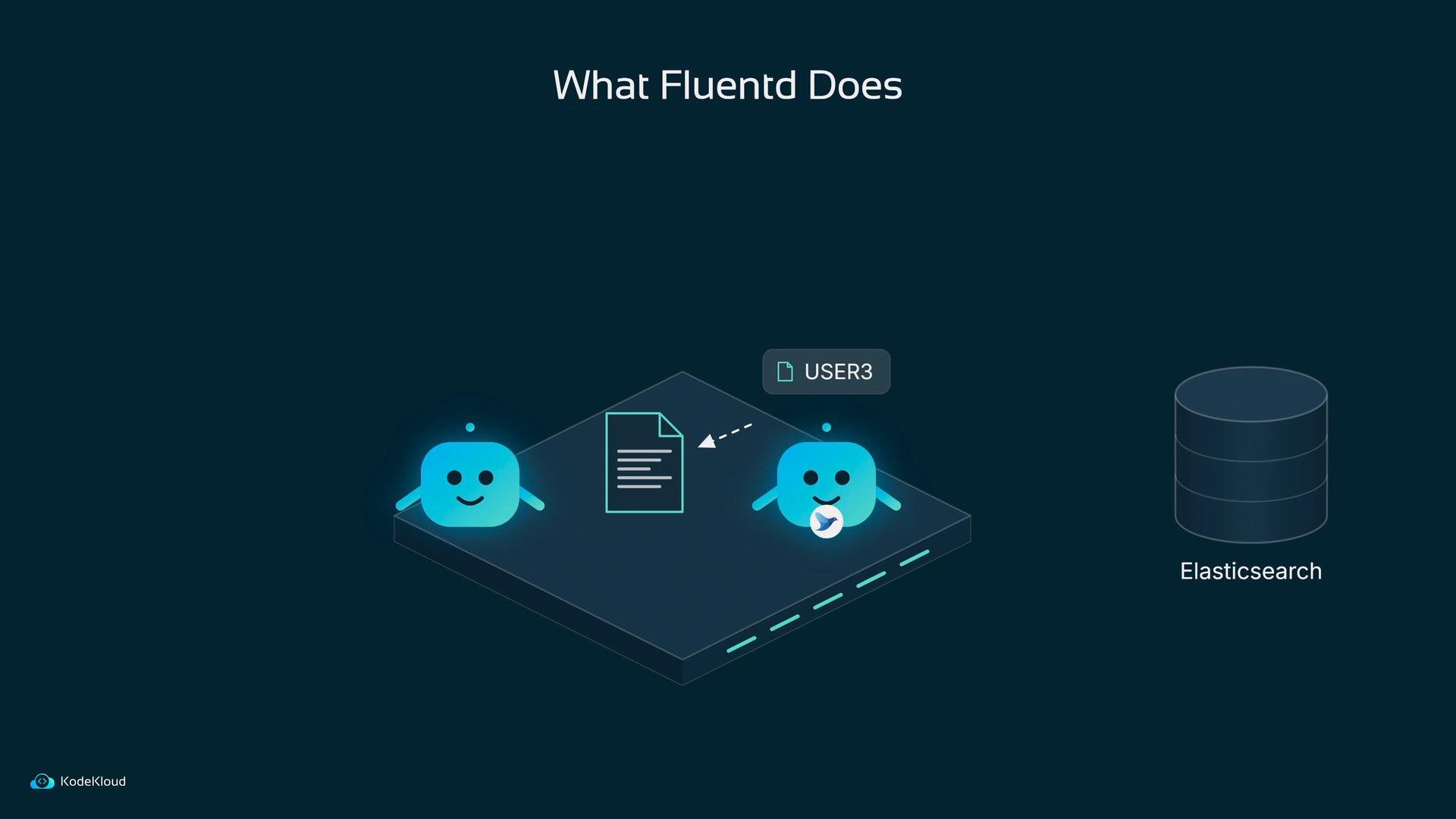

/var/log and the container runtime’s directory (paths vary with runtime). Mounts are usually read-only for safety.
Example mounts:
Fluentd can read these host files but should not modify them.
Fluentd configuration basics
Fluentd’s behavior is defined by directive blocks. The main building blocks are:
- source — where records come from (e.g., tailing files)
- parse — how to convert raw text into structured fields
- filter — optional event transformation, enrichment, or dropping
- match — route records to outputs (e.g., Elasticsearch)
/var/log/containers and parse each line
time, stream, and log. With structured records, Fluentd can route, enrich, or filter events more effectively. If logs include fractional seconds or a different timestamp format, adjust time_format accordingly.
Filtering and enrichment
After parsing you can add filter blocks (for example, to add Kubernetes metadata by querying the API server, or to drop noisy messages). Filters are commonly used in production pipelines to reduce storage usage and improve searchability.
Sending logs to Elasticsearch
A match block sends records to an output plugin. Here’s an example using the Elasticsearch output plugin and pointing to an in-cluster service:
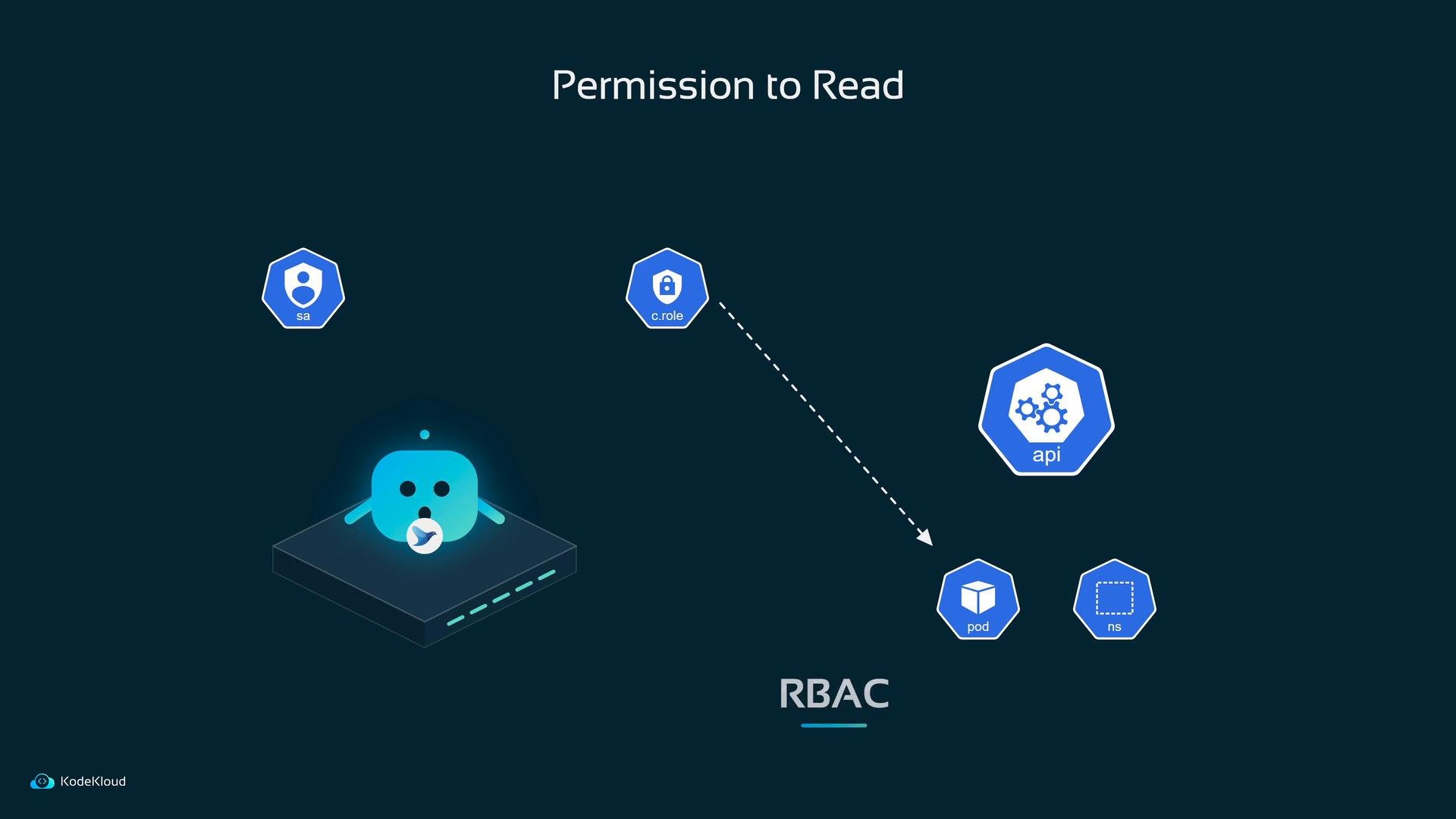
- Create a ServiceAccount for Fluentd
- Create a ClusterRole (or Role) with
get,list,watchpermissions for pods and namespaces - Bind the role to the ServiceAccount with a ClusterRoleBinding or RoleBinding
- Use a DaemonSet to ensure Fluentd runs on every node.
- Mount the host log directories into the Fluentd pod so it can tail container logs.
- Configure source → parse → (optional) filter → match to route logs to Elasticsearch.
- Grant Fluentd a ServiceAccount with RBAC permissions to enrich logs using the Kubernetes API.
Keep in mind: log file paths and formats can vary by container runtime (Docker, containerd, CRI-O) and Kubernetes distributions. Adjust the
path and parser accordingly when deploying Fluentd in your cluster. For more details, see the Fluentd docs and the Kubernetes logging concepts.