

default namespace:
app in Running state. There are no Elasticsearch, Fluentd, or Kibana pods yet — just the app.
- The app prints them to its standard output, so
kubectl logscan read them. - The app also writes them to a folder on the kube node’s filesystem.
/var/log/webapp, into the container using a hostPath volume. Later, when Bob deploys a collector (Fluentd), that hostPath is exactly where the collector will read log files.
HostPath volumes expose a directory from the Kubernetes node into a container. They are useful for simple demos and for collectors that need node-local files, but they tie data to the node and should be used with care in production.
app pod (or the node fails), the pod-local stdout history and any node-local files may be lost. The EFK stack keeps logs beyond a pod’s lifetime by collecting, aggregating, and persisting them to a separate storage layer.
Quick questions about the stack Bob will build:
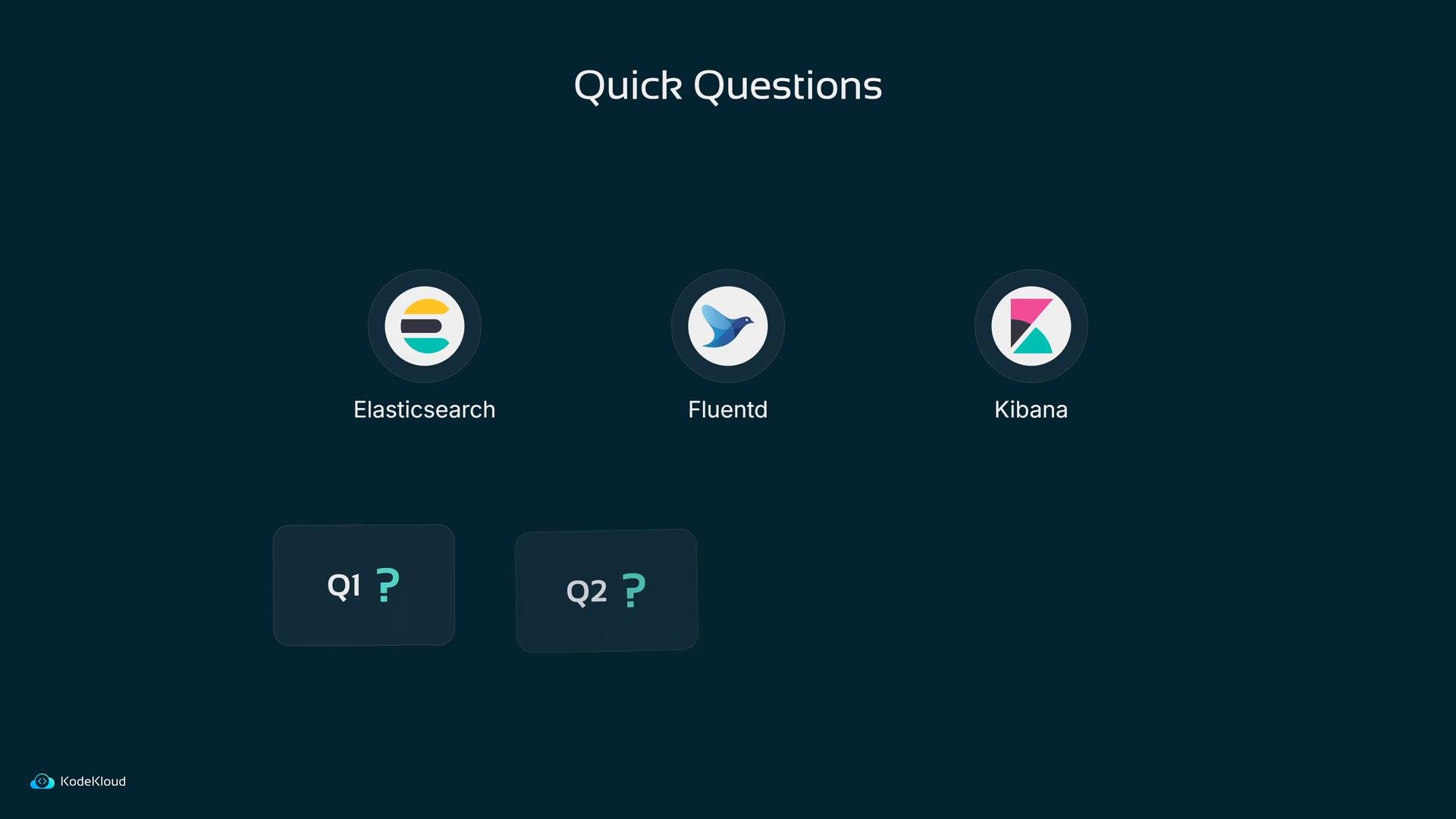
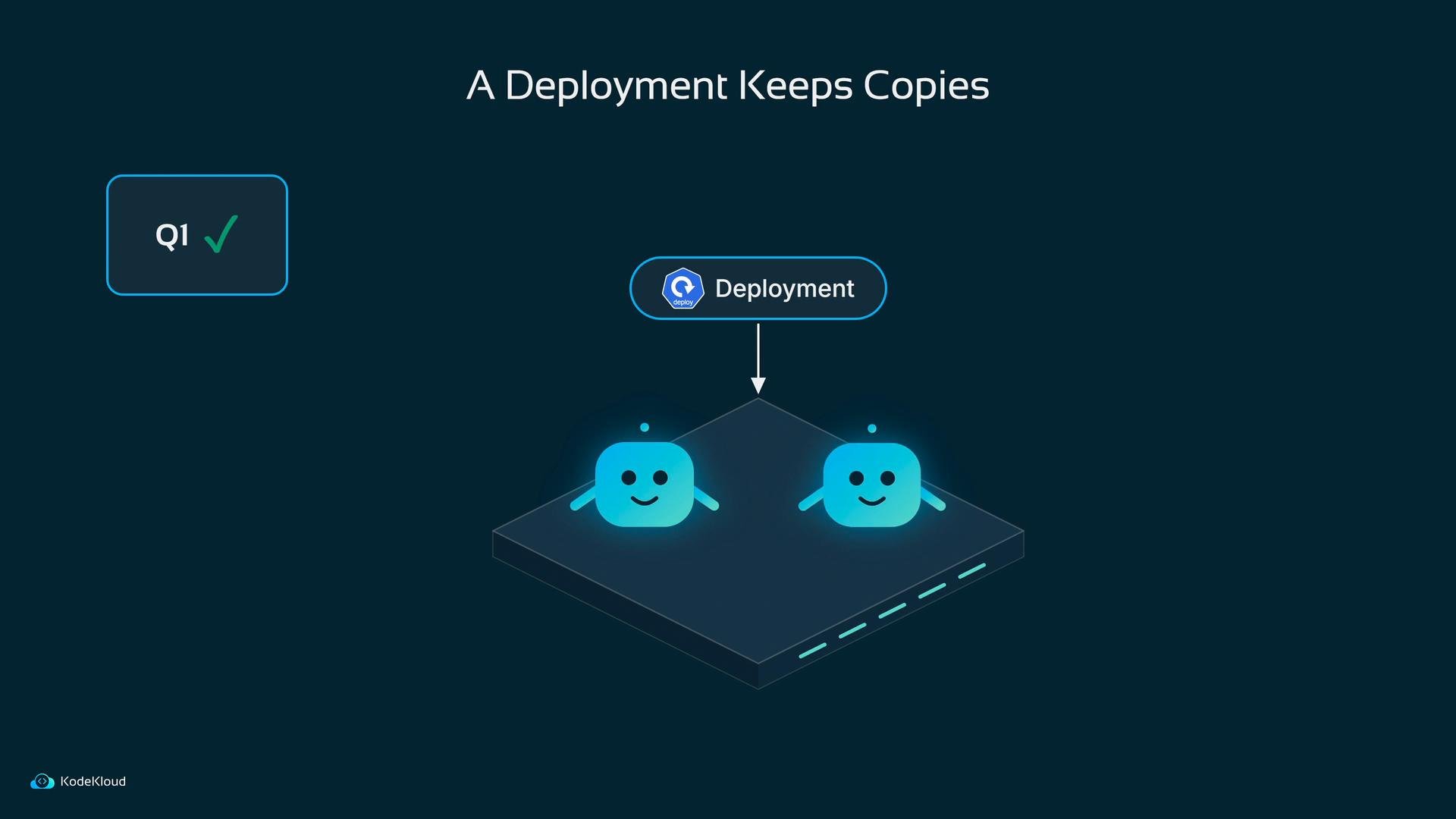
- Which Kubernetes object ensures a set of pods is kept running and can be scaled? A Deployment.
- What component gathers log lines from many sources? Fluentd.
- Where are logs stored and queried? Elasticsearch.
- What provides a web UI for searching and visualizing logs? Kibana.
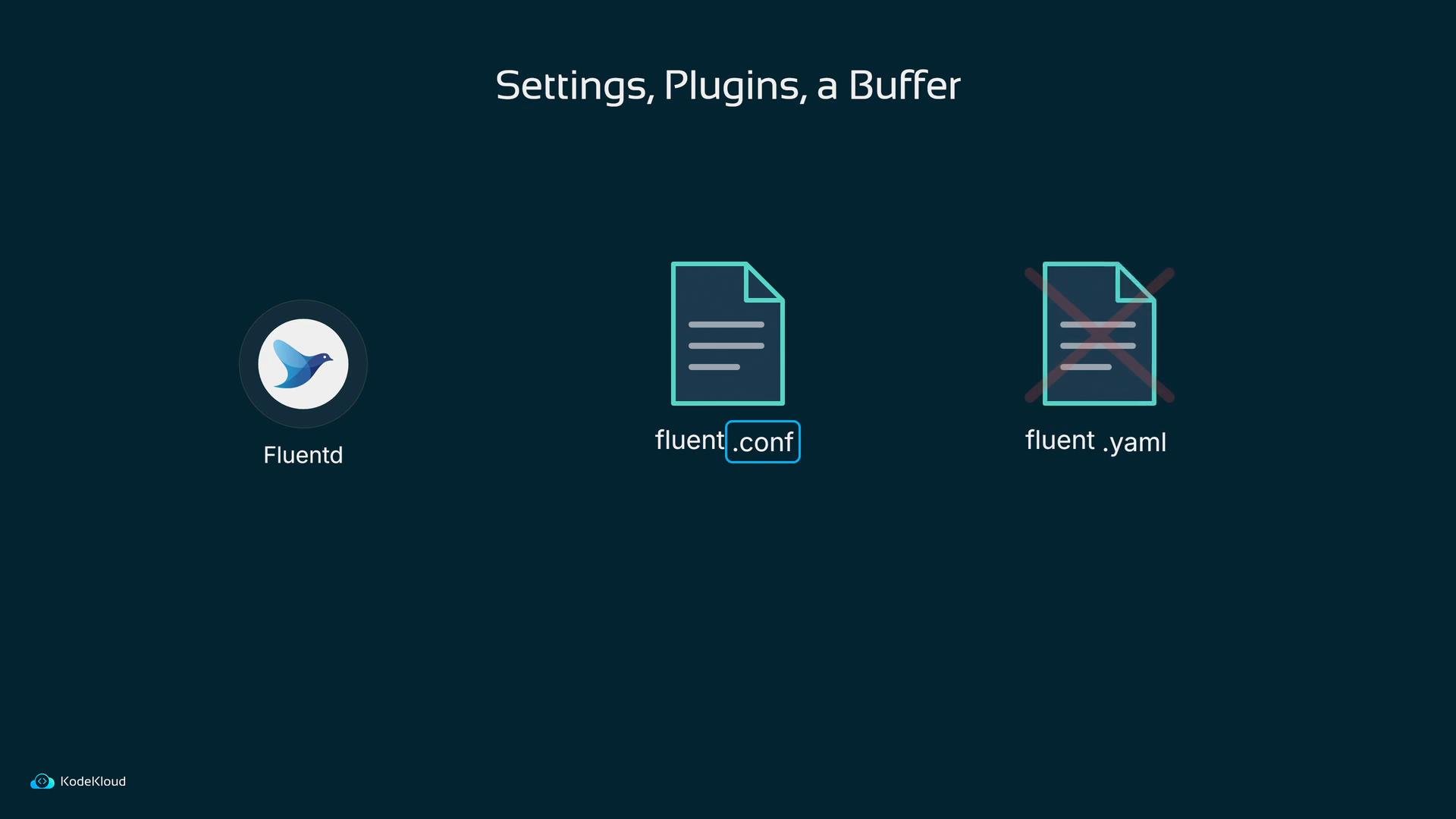
.conf files (not YAML); plugins and buffering settings are defined there so Fluentd can hold data temporarily if Elasticsearch is unavailable.
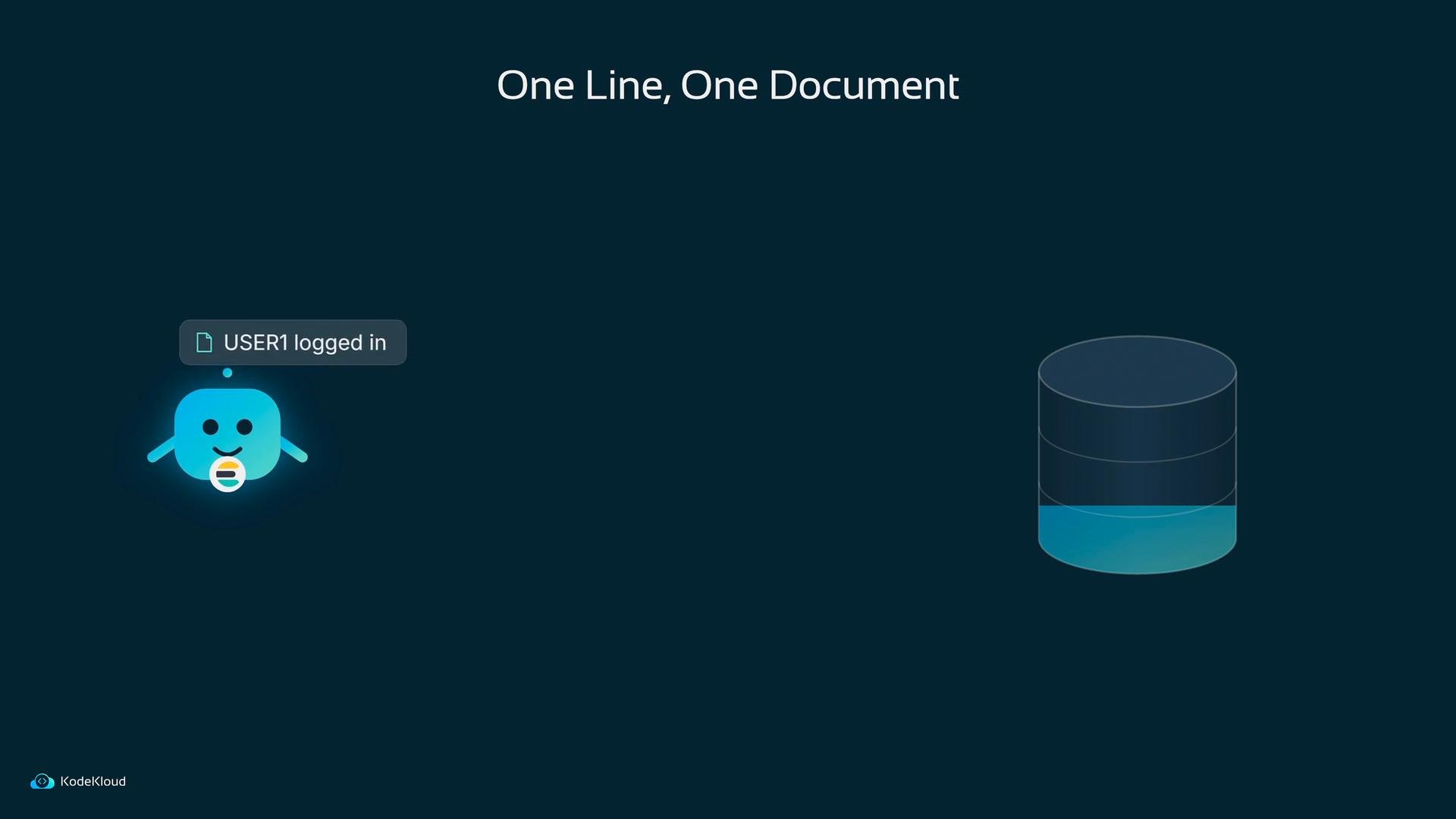
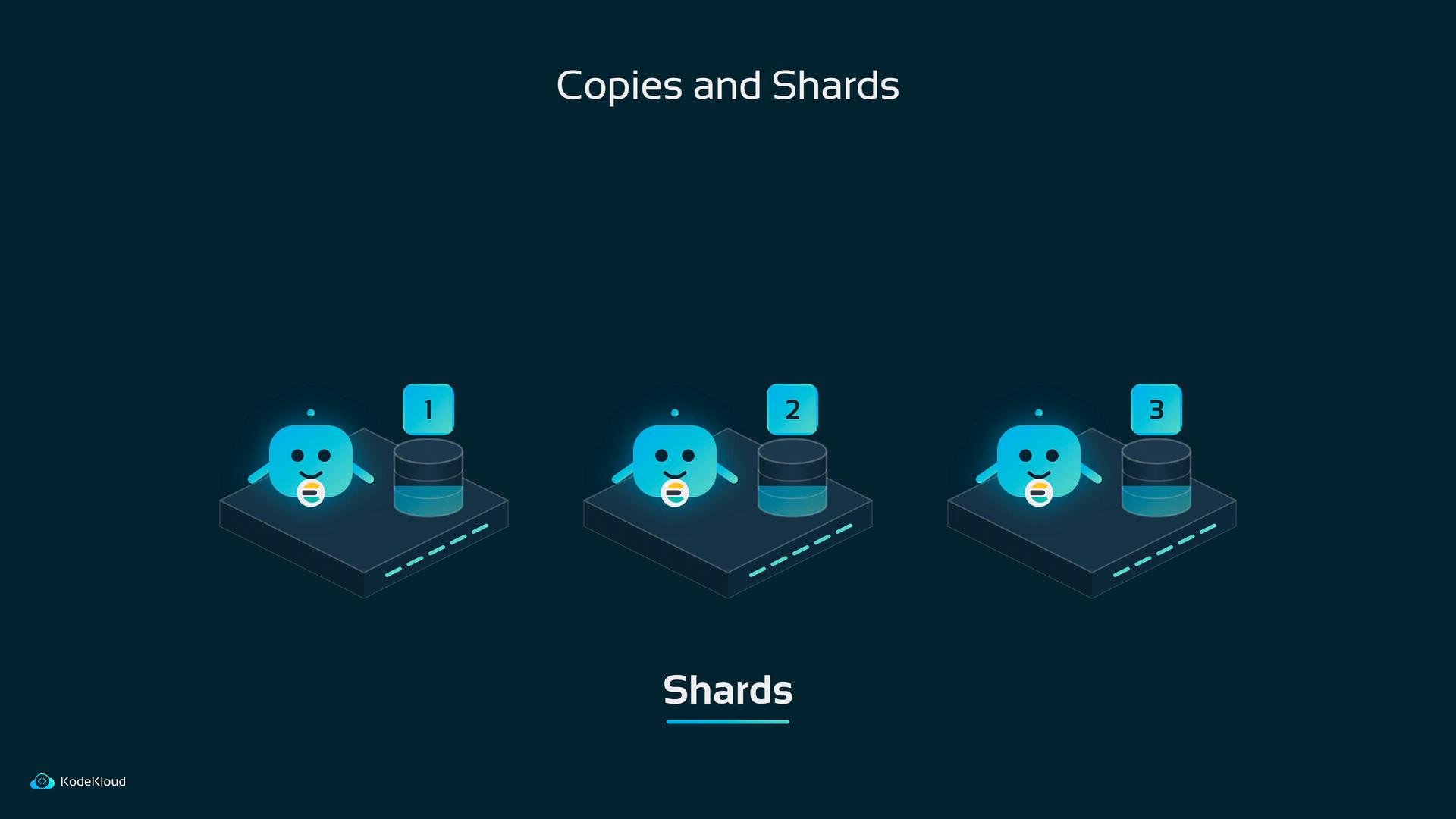
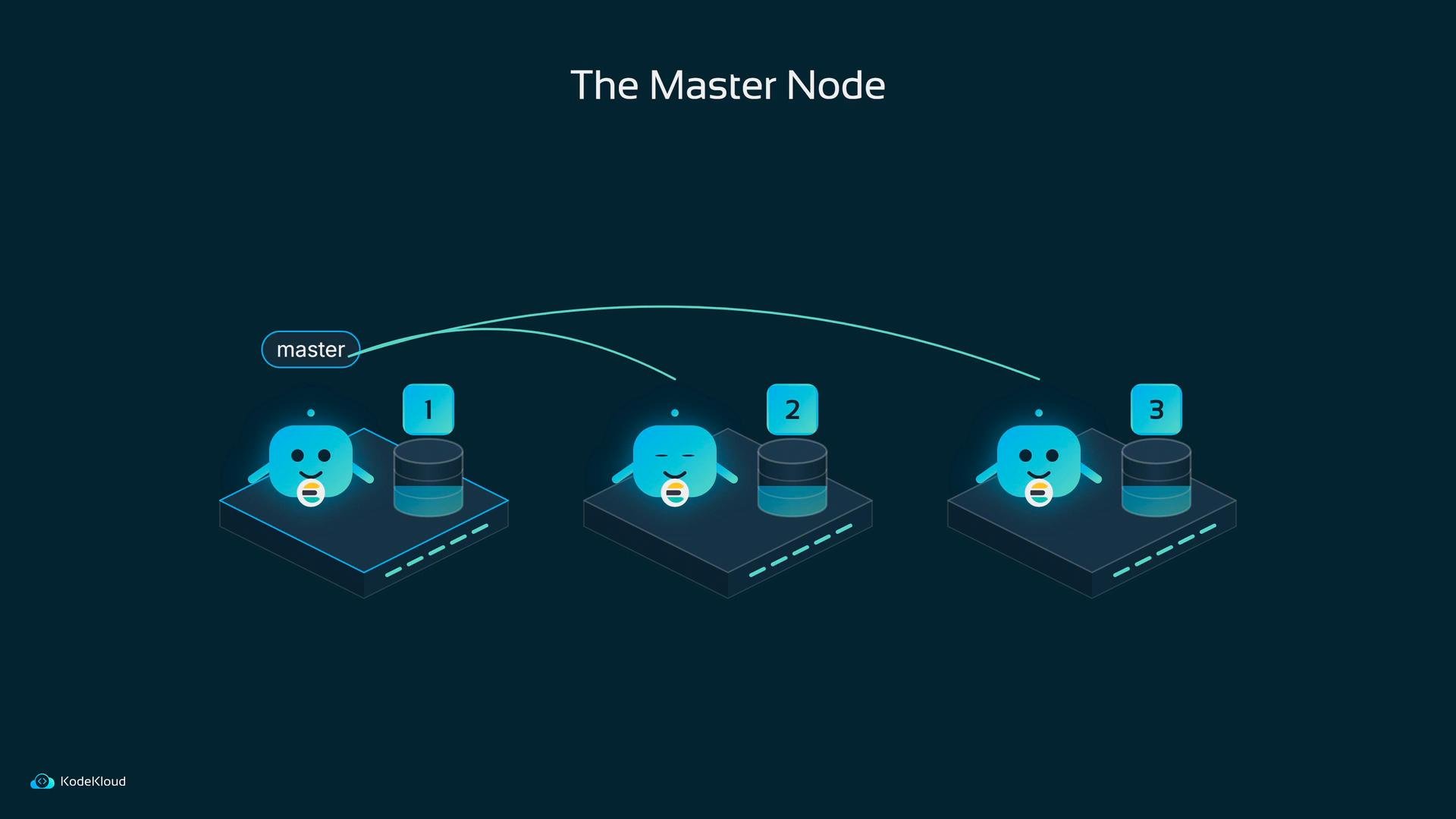
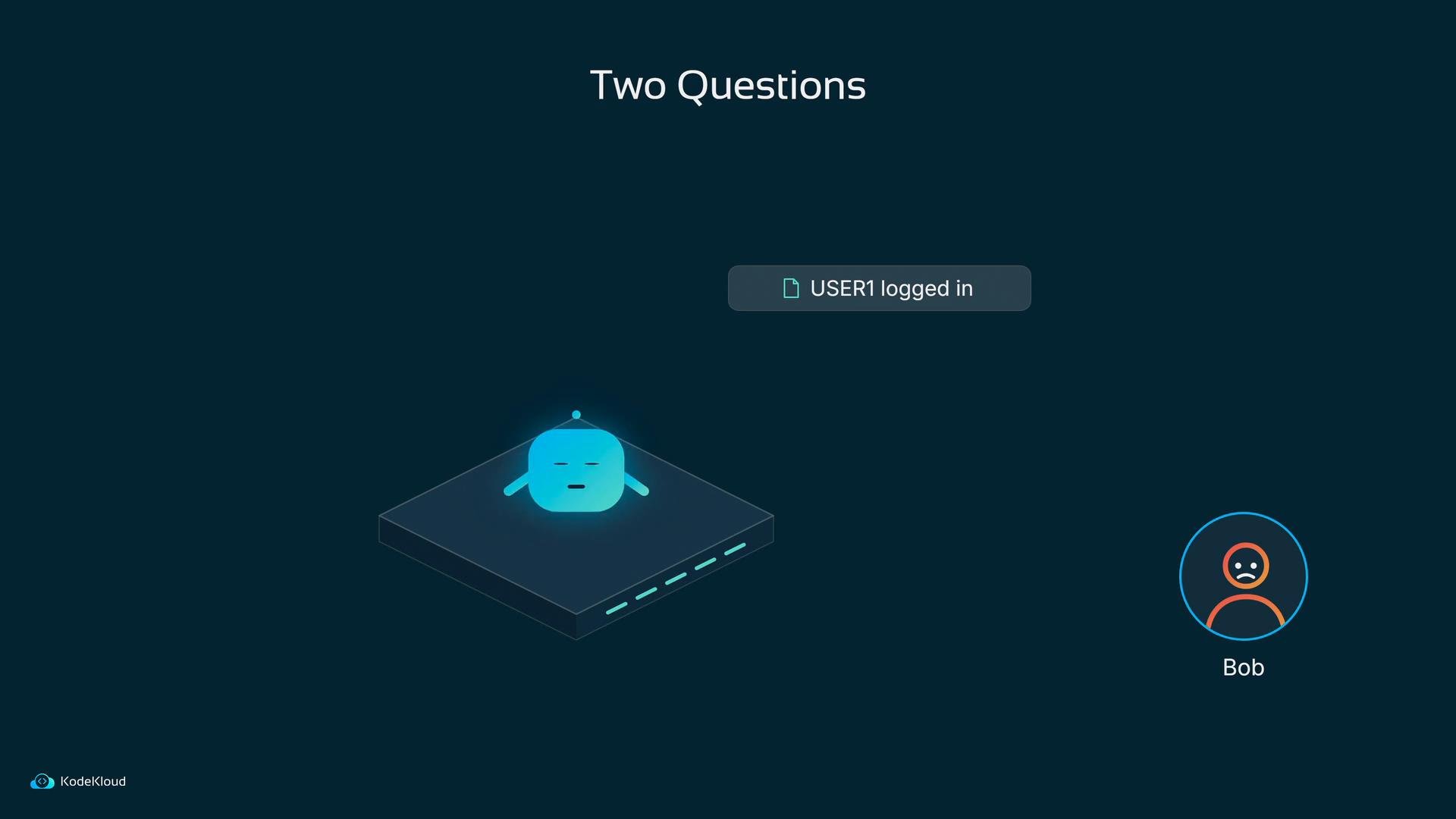
- If the app pod were replaced right now, where would the “USER1 logged in” line go?
- Where should log data live so it survives pod restarts and node failures?
Further reading and references
- Kubernetes docs — https://kubernetes.io/docs/
- Fluentd — https://www.fluentd.org/
- Elasticsearch — https://www.elastic.co/elasticsearch/
- Kibana — https://www.elastic.co/kibana/
HostPath volumes are convenient for demos but are node-local. For production logging, prefer solutions that persist logs in centralized storage (e.g., Elasticsearch backed by persistent volumes or external storage) so data survives node failures and pod rescheduling.