

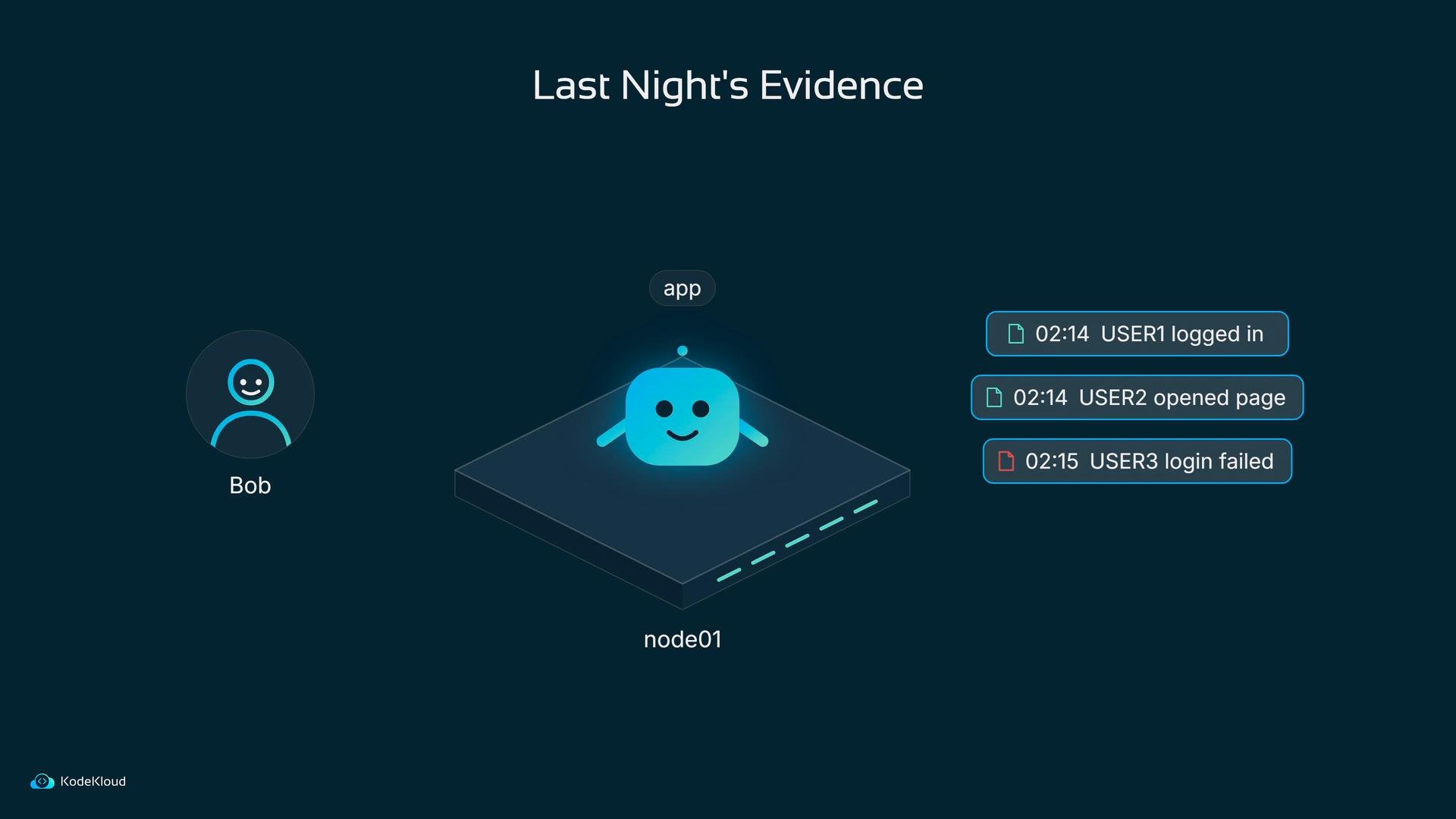
app. All day and night it writes a line every time someone does something on the website: a user logs in, another user opens a page, someone’s login fails. Each of those lines is a tiny piece of evidence.
Where does Bob go to read last night’s evidence?
kubectl logs -p if the underlying container runtime still exposes them, but that’s not reliable across node failures or long-retained history.
If you need immediate troubleshooting, try
kubectl logs -p <pod> to fetch the previous container logs when available. For long-term, cluster-wide investigation you need a centralized logging solution.- Each log line must leave the node quickly after it’s written so it survives pod replacements.
- Logs need a durable, searchable store that keeps them after pods are gone.
- Operators need a fast, intuitive UI to find relevant lines (for example: search for
user1and see all related events in order).
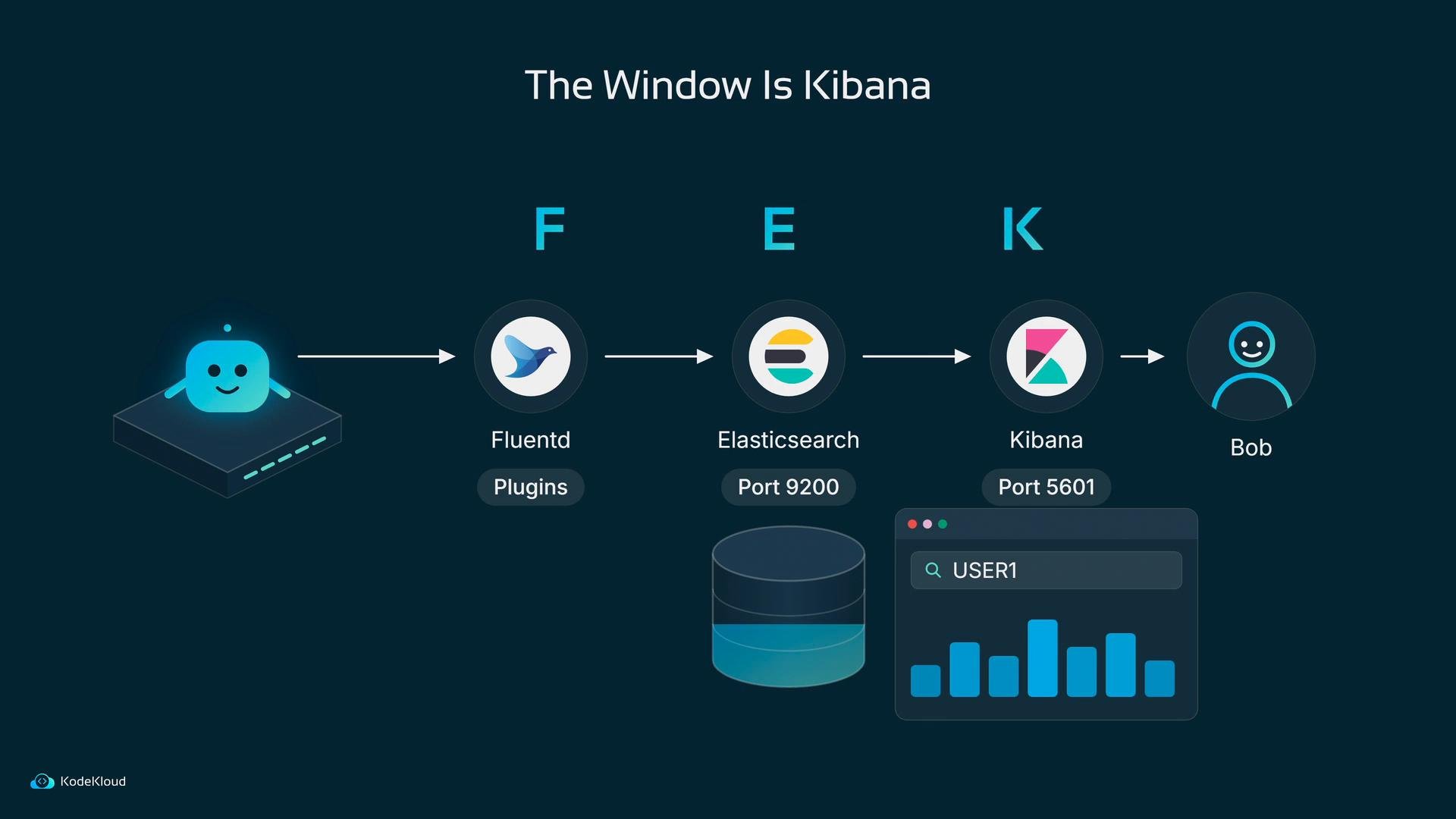
- Collector on each node: Fluentd — it tails log files or reads container stdout/stderr, normalizes and enriches records via plugins, then forwards them.
- Durable store: Elasticsearch — an HTTP-searchable document store where each log line becomes a document (default HTTP port 9200).
- UI / Window: Kibana — a web UI that queries Elasticsearch and presents search, dashboards, and visualizations (default port 5601).
Why run EFK inside Kubernetes instead of on separate servers?
Kubernetes already provides the primitives you need to run these components reliably:
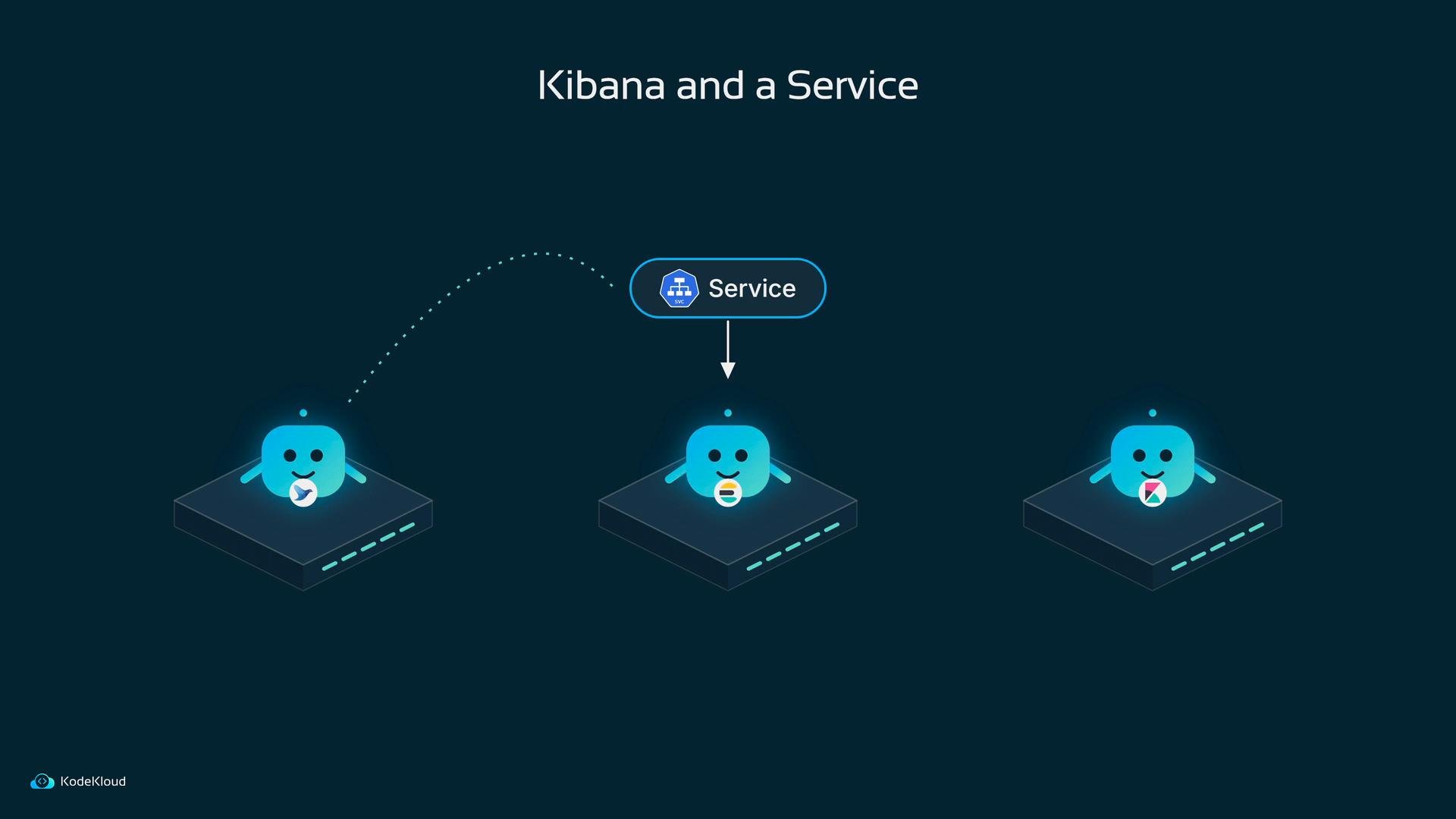
- Fluentd needs one instance per node — Kubernetes’
DaemonSetis exactly for that: add a node, and a Fluentd pod appears on it. - Elasticsearch must retain data across pod restarts — a
StatefulSetgives pods stable network IDs and makes pairing withPersistentVolumesstraightforward. - Kibana is stateless — a simple
Deploymentis sufficient. - A
Servicegives Fluentd a stable address to reach Elasticsearch even as pods are rescheduled.
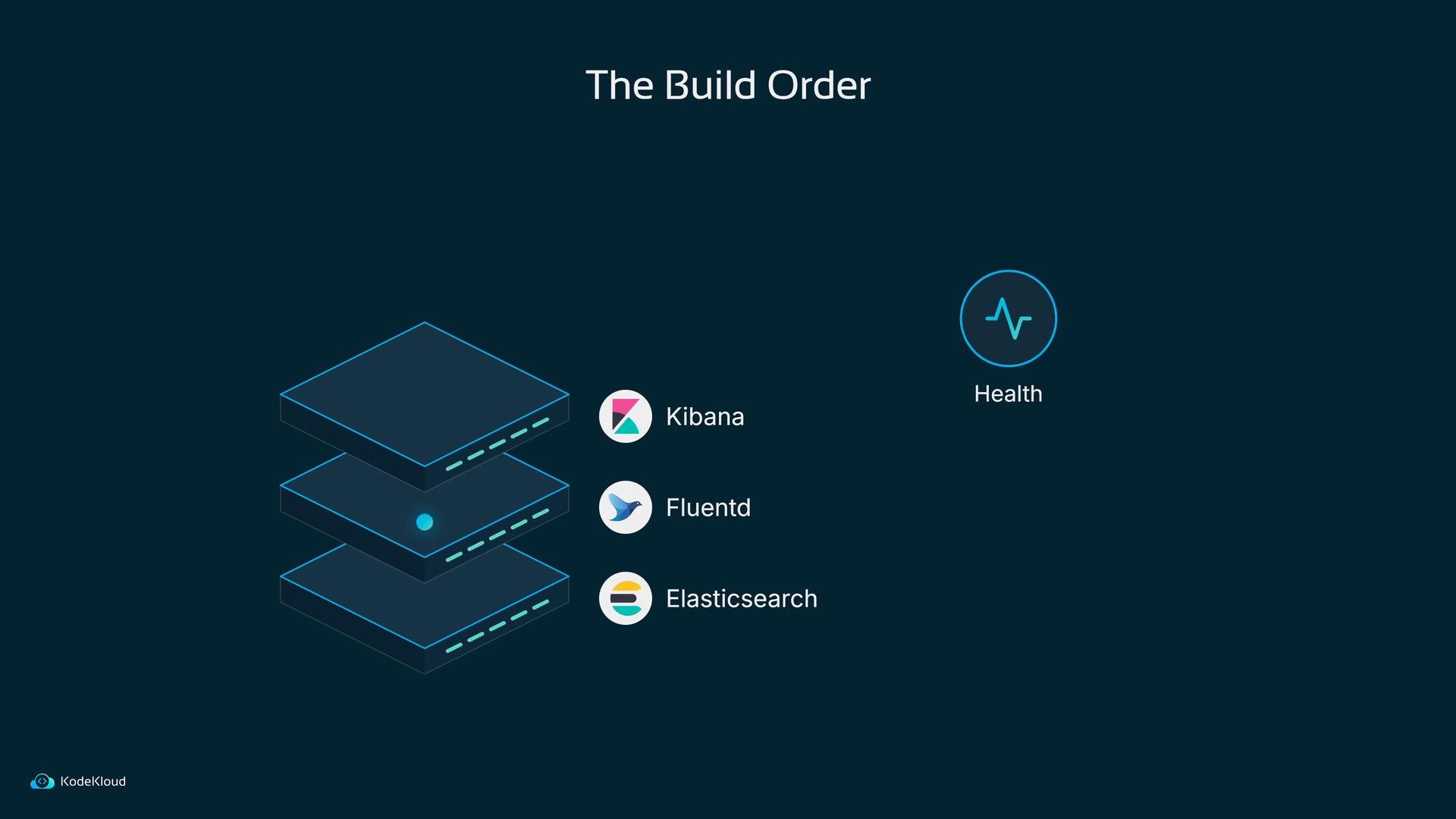
- Deploy Elasticsearch first (create
StatefulSet+PersistentVolumes). - Add Fluentd as a
DaemonSetto push logs into Elasticsearch. - Deploy Kibana on top so you can search and visualize the logs.
user1 logging in is born inside the app, Fluentd picks it up on the node, Elasticsearch stores it as a document, and Bob finds it in Kibana minutes or months later. Every log moves that line a little further along its journey.
Before adding more pods to the cluster, Bob should inventory what’s already running and confirm node-level access, storage classes, and resource quotas — the configuration choices he makes now will determine how resilient and searchable his logs are later.
Links and references