

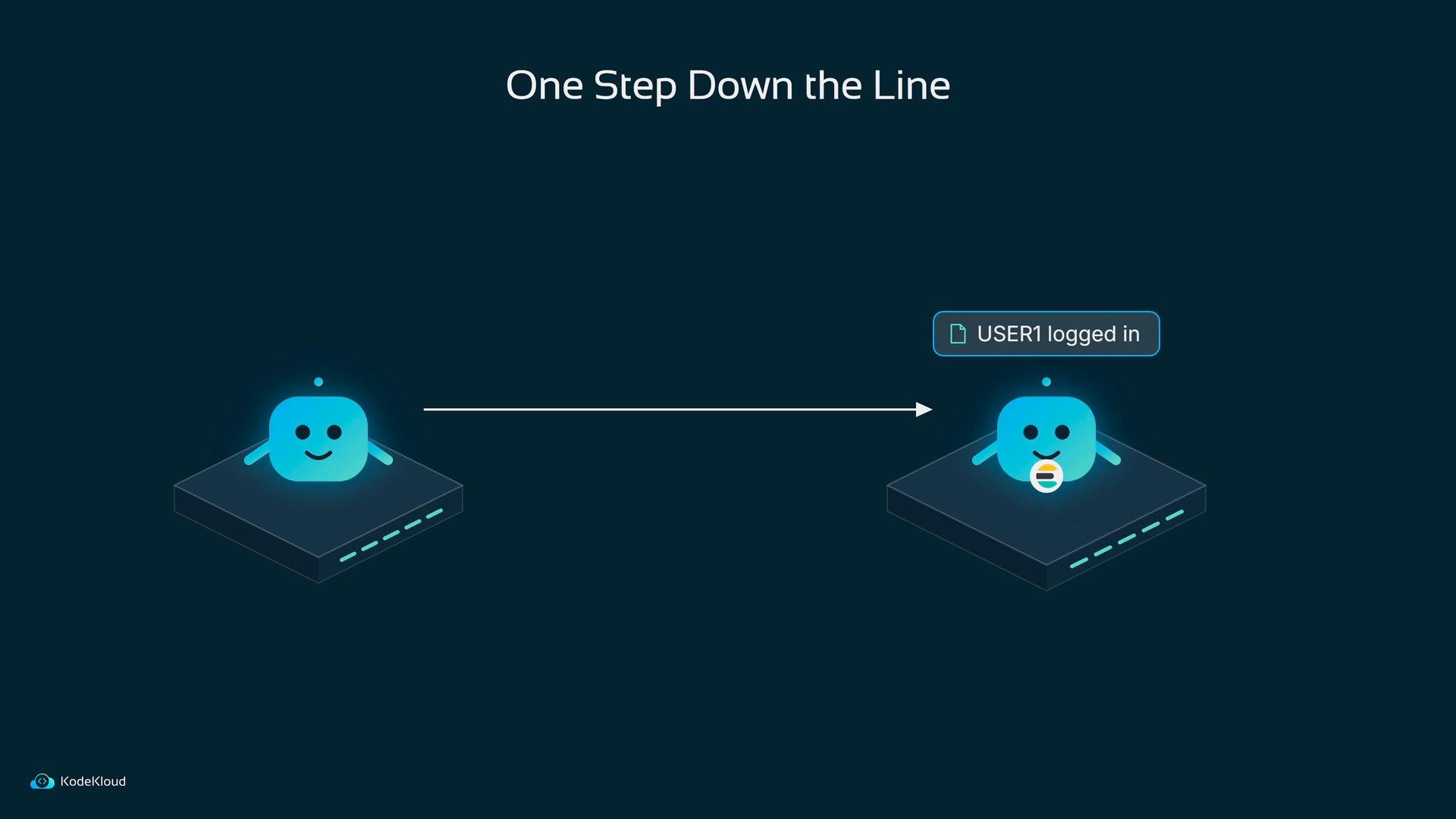
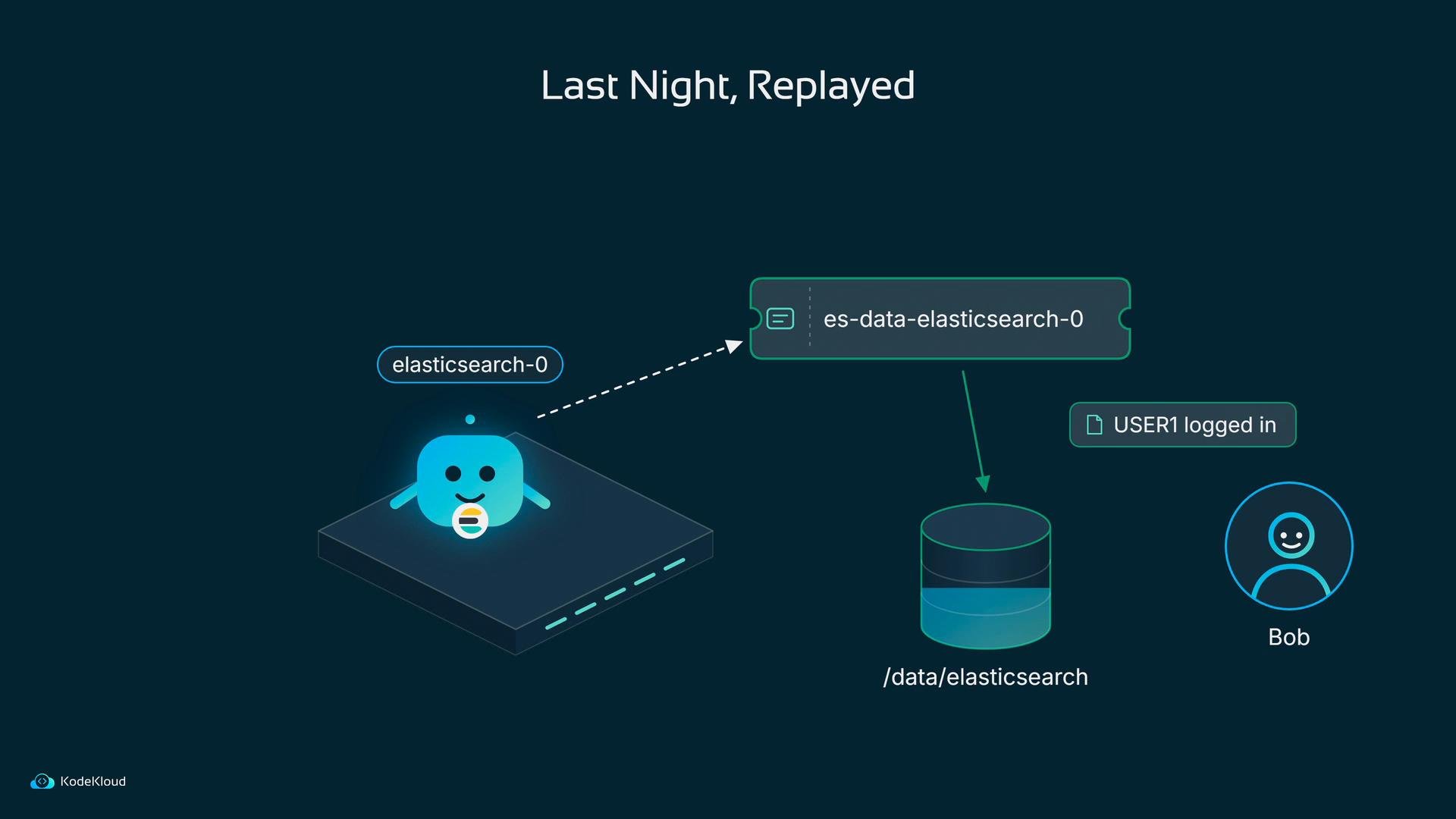
- Per-pod durable storage that outlives the pod so a replacement can pick up exactly where the old one stopped.
- A stable, predictable network identity so other Elasticsearch nodes and external clients can reliably find each pod after a restart.
Durable storage: PersistentVolume + PersistentVolumeClaim
Kubernetes separates physical storage from requests for it:- PersistentVolume (PV): the real piece of storage (e.g., a disk, network volume, or a directory on a node).
- PersistentVolumeClaim (PVC): a request/ticket a pod uses to mount storage.
This example uses a
hostPath PV for illustration. In production you should use a proper networked storage class or dynamic provisioning so each pod gets its own physical backing. A single ReadWriteOnce PV cannot be mounted by multiple pods simultaneously on different nodes.Stable identity: StatefulSet
Deployments give pods random names and perform rolling updates with interchangeable pods; that’s fine for stateless apps but not for stateful clustered systems that rely on persistent identity. StatefulSet provides:- Stable, ordinal pod names:
elasticsearch-0,elasticsearch-1, … - Ordered, deterministic startup and termination.
- Automatic creation of per-pod PVCs when
volumeClaimTemplatesare defined.
elasticsearch-0 is replaced, the new pod is again elasticsearch-0, mounts the same PVC, and user data remains intact.
Stable network names: Services (and headless Service for discovery)
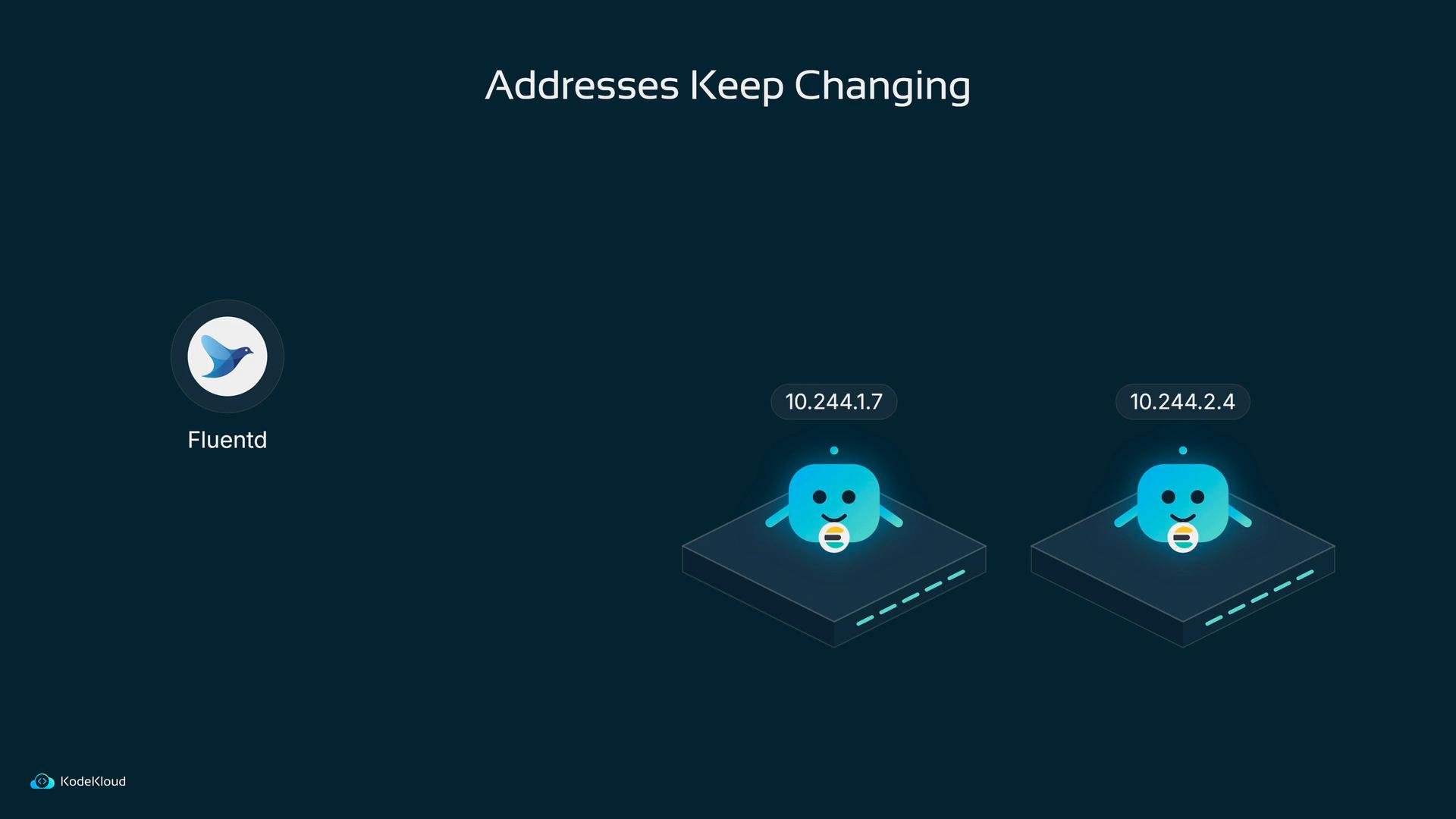
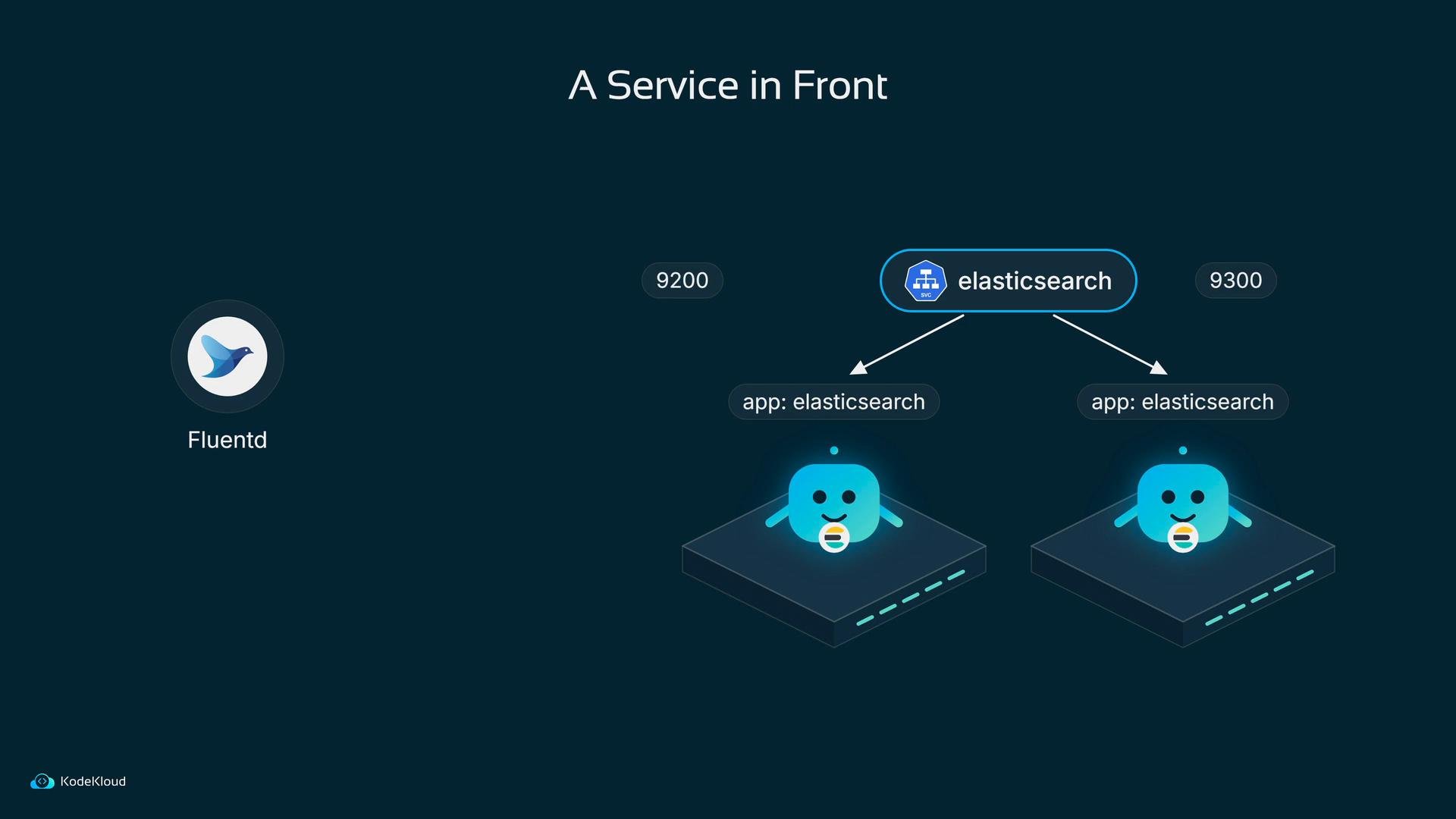
Pod IPs change on restart, so you can’t rely on recorded IP addresses for discovery. Kubernetes Services provide stable DNS names and network endpoints in front of a set of pods. Bob puts one or more Services in front of his Elasticsearch StatefulSet:- A headless Service (
clusterIP: None) gives each pod a stable DNS record such aselasticsearch-0.elasticsearch.default.svc.cluster.local, which is useful for Elasticsearch node-to-node discovery. - A ClusterIP/NodePort/LoadBalancer Service provides a stable client endpoint and can load-balance across nodes for client access.
A few other clarifications
- Don’t confuse Kubernetes “replicas” with Elasticsearch “replicas”. Kubernetes replica count controls how many pod instances run. Elasticsearch replicas are copies of indices/data across cluster nodes.
- For quick testing, run Elasticsearch in single-node mode so it doesn’t attempt cluster formation until you intentionally scale:
Quick reference table
When to use this pattern
General rule: if losing a pod’s disk loses data you care about, use a StatefulSet withvolumeClaimTemplates so each pod has stable identity and storage. If other pods or external clients need to find it by name, put a Service in front of it (headless for discovery; ClusterIP/NodePort/LoadBalancer for clients).
If persistent data matters, use a StatefulSet with
volumeClaimTemplates so each pod has a stable identity and stable storage. Use a Service to provide a stable network name (and optionally NodePort) so clients and other nodes can always reach the cluster.Links and references
- Kubernetes Persistent Volumes: https://kubernetes.io/docs/concepts/storage/persistent-volumes/
- Kubernetes StatefulSet: https://kubernetes.io/docs/concepts/workloads/controllers/statefulset/
- Kubernetes Services: https://kubernetes.io/docs/concepts/services-networking/service/
- Elasticsearch configuration: https://www.elastic.co/guide/en/elasticsearch/reference/current/settings.html