

Image classification
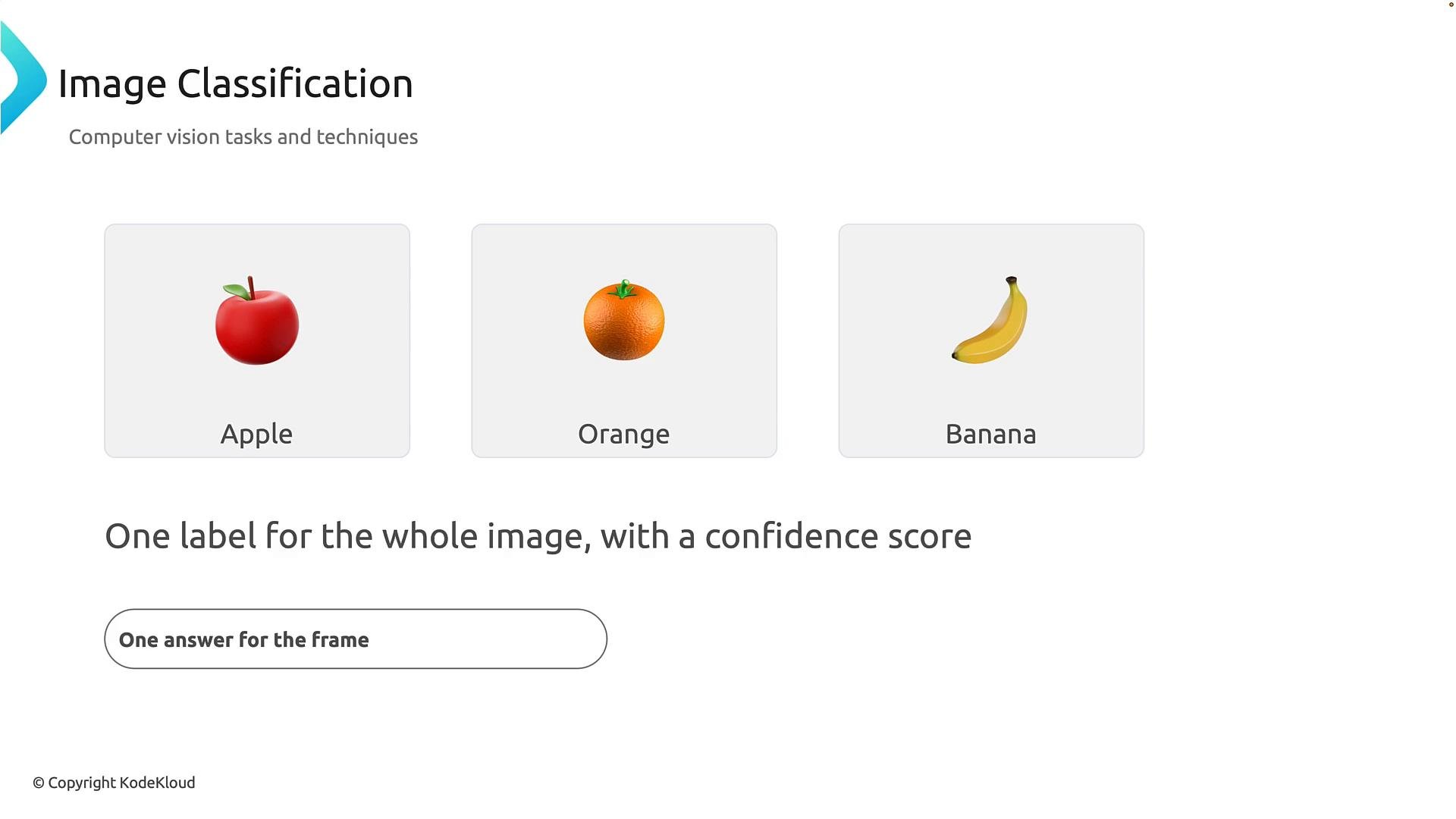
Image classification answers a simple question: What is the image showing? A classification model looks at the whole image and returns a single label describing the main content, often with a confidence score that indicates how certain the model is about the prediction. Example: given a photo of an apple, a classification model might return the label “apple” with confidence0.98. That score is an indicator of model confidence, not an absolute guarantee.
Key points:
- Single label for the entire image.
- Often includes a confidence score.
- Best for images dominated by one object or concept (e.g., “cat”, “sunset”, “invoice page”).
- Not ideal when multiple distinct objects must be listed separately.
- Photo tagging for search and organization.
- Simple binary checks (e.g., “contains a defect” vs “no defect”).
- High-level content filtering or sorting.
Object detection
When an image contains multiple objects and you need to know both what they are and where they are, use object detection. Object detection models return one label per detected object plus a location — typically a rectangular bounding box defined by coordinates. Example: in an image with an apple, an orange, and a banana, an object detector will identify each fruit and draw a box around them. Key points:- Answers “what” and “where” for each object.
- Output: one label and one bounding box per detected object.
- Useful when you need counts, positions, or separate handling of each object.
- Tracking objects in video or camera feeds.
- Inventory counting, people detection, and autonomous navigation.
Semantic segmentation
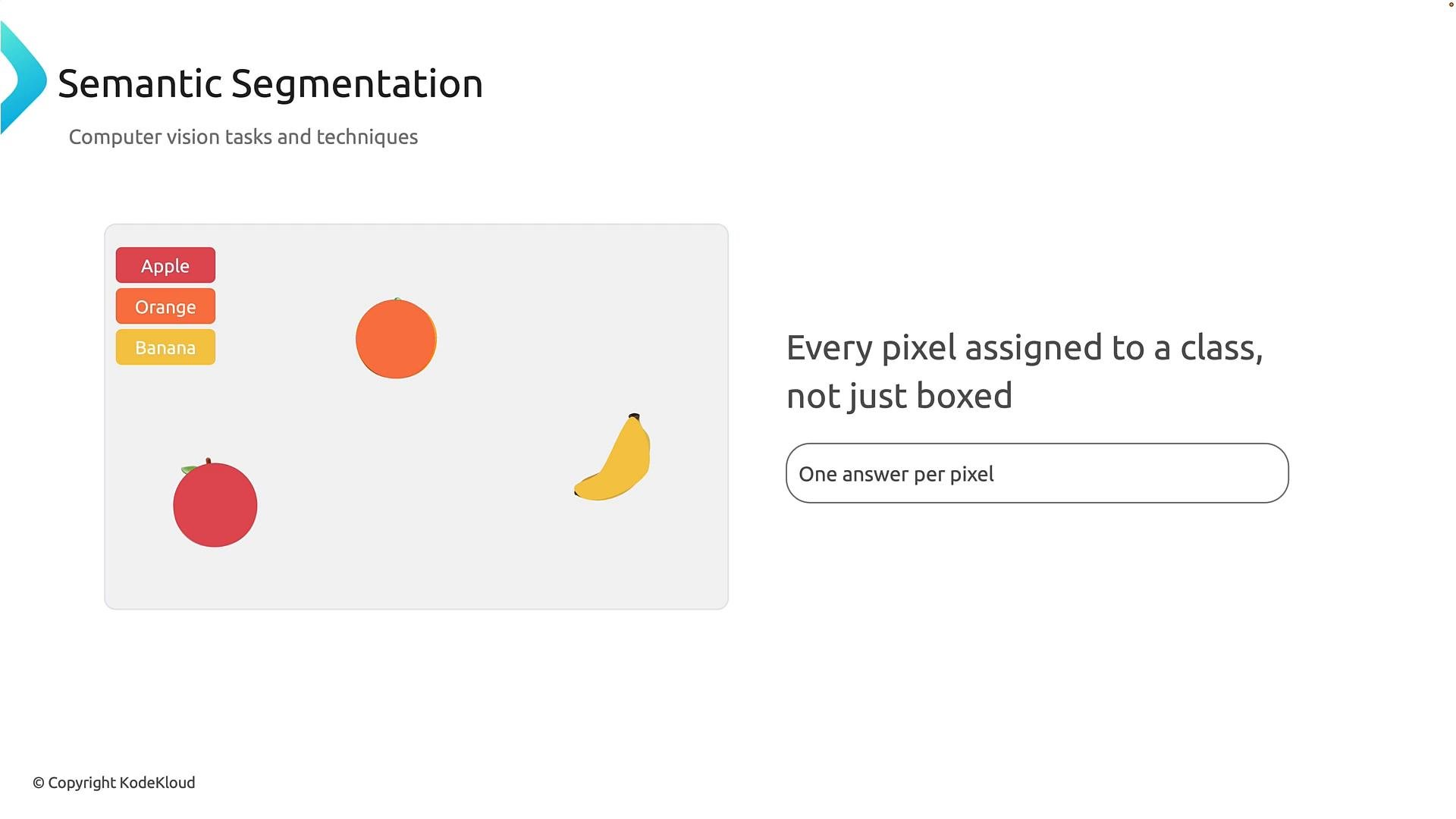
Semantic segmentation provides pixel-level understanding. Instead of boxes, segmentation assigns each pixel a class label (for example,apple, orange, banana, background), producing precise object outlines or masks.
Think of segmentation as coloring the exact shape of objects rather than drawing a rectangle around them.
Key points:
- One class per pixel.
- Higher precision than bounding boxes; suitable for tasks that need exact boundaries.
- More computationally intensive and often requires detailed annotated datasets.
- Medical image analysis (e.g., tumor boundaries).
- Image editing and background replacement.
- Precise robotic grasping and scene understanding.
Contextual image analysis
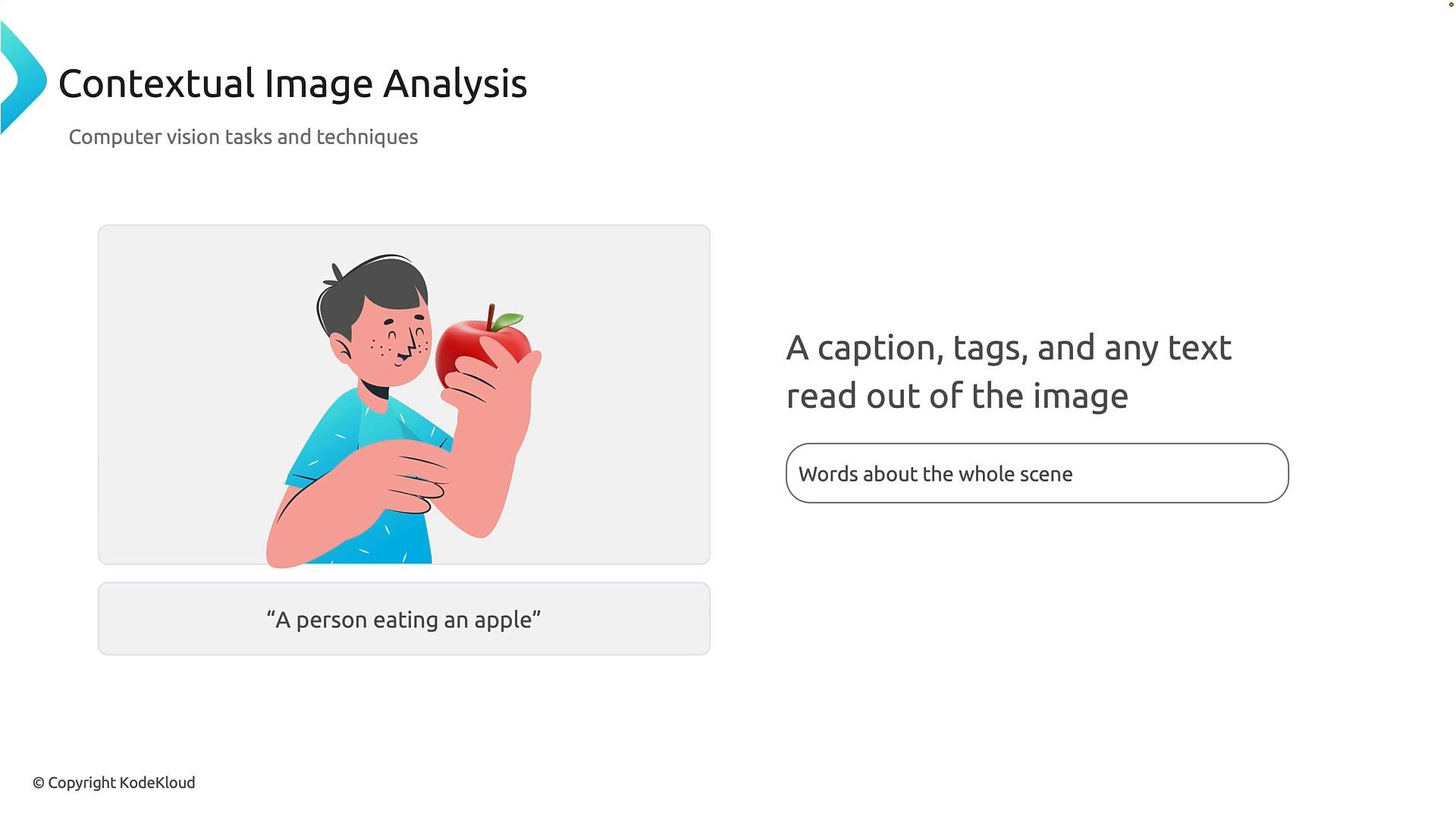
Contextual image analysis (also called scene understanding or image captioning) goes beyond detecting objects or pixels to interpret relationships, activities, and semantics in the scene. It can generate natural-language captions, extract important tags, and perform OCR (optical character recognition) to read text in an image. Example: seeing a person and an apple and producing the caption “a person eating an apple.” Contextual systems can also output key tags likeperson, food, eating and extract readable text such as menu items.
Key points:
- Produces natural language descriptions, tags, and OCR results.
- Useful for accessibility (alt text), search, indexing, and any feature that needs human-readable descriptions.
- Often combines detection/segmentation with language models for caption generation.
- Generating captions or alternative text for accessibility.
- Producing human-readable summaries for image search or recommendation.
- Reading and extracting structured text from images (receipts, signs, documents).
Summary and quick reference
As you move from simple detection to deeper understanding, each technique adds more granularity and complexity:- Image classification: one label for the entire image (+ confidence). Good for single-concept images.
- Object detection: one label + bounding box per object (what and where).
- Semantic segmentation: a class label for every pixel (precise shapes and masks).
- Contextual image analysis: natural-language captions, tags, and OCR that explain relationships and actions.
Practical selection guide:
- Need a single label (fast, simple)? Choose classification.
- Need locations for multiple objects? Choose detection.
- Need exact object shapes or masks? Choose segmentation.
- Need human-readable descriptions or to read text? Choose contextual analysis.
Remember these distinctions: classification answers “what is the image?” detection answers “what objects and where?” segmentation answers “which pixels belong to which class?” and contextual analysis answers “what is happening in the scene?” Use this checklist to pick the right computer vision approach for your problem.
Links and references
- Microsoft Azure Computer Vision documentation
- OpenCV (computer vision library)
- ImageNet dataset (classification benchmark)
- COCO dataset (detection & segmentation)
- Tutorials and overviews on semantic segmentation and image captioning from major ML libraries and research papers.