

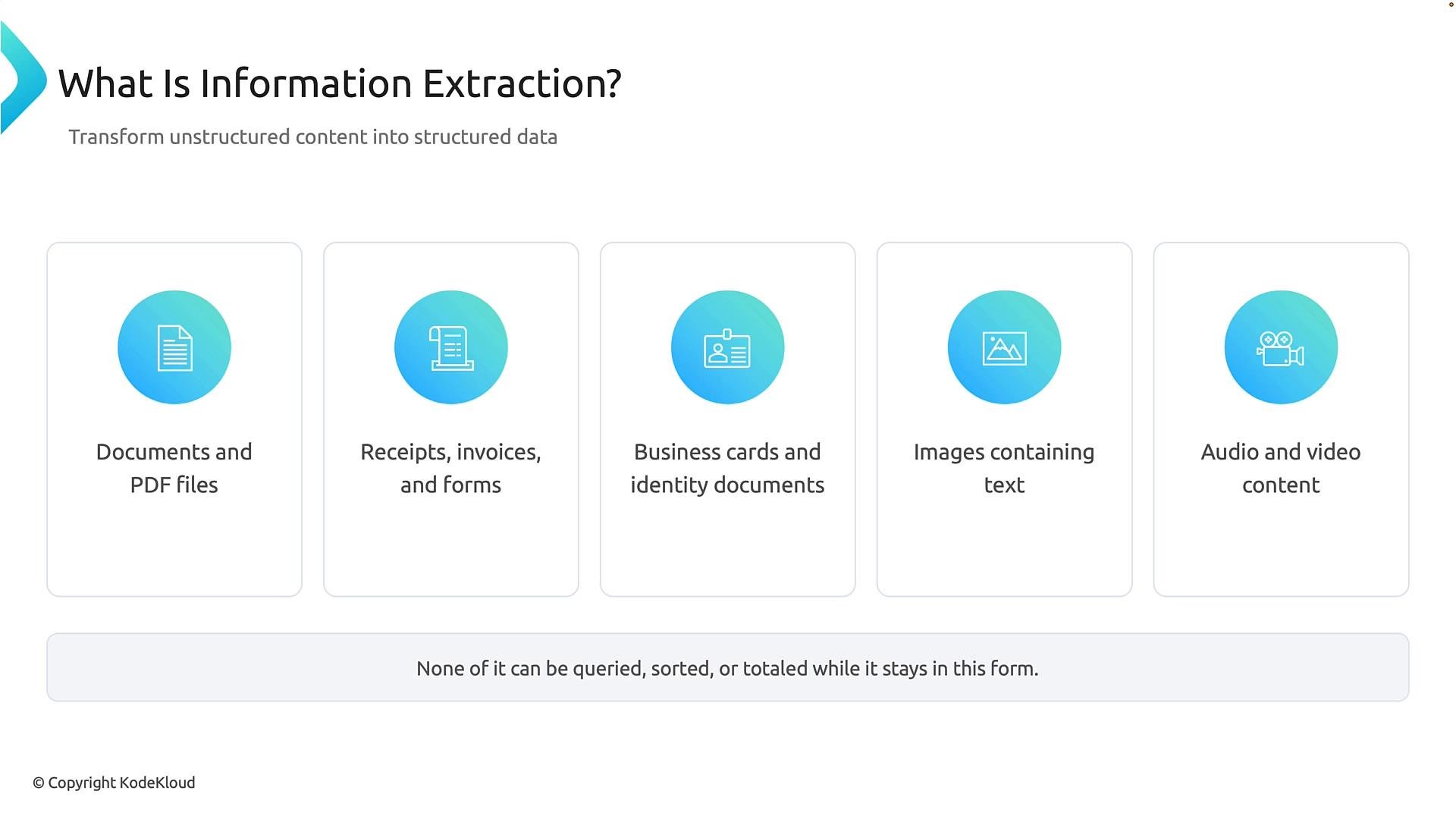
- Structured data enables querying (e.g., “show invoices over $1,000”), automation (routing, approvals), analytics (totals, trends), and integration with back-end systems.
- Information extraction recovers the fields and values that matter to business processes so they can be stored in databases or forwarded to workflows.
confidence value indicates how certain the model is about the extraction.
Reading vs. understanding
There are two distinct stages between the original content and the structured result:
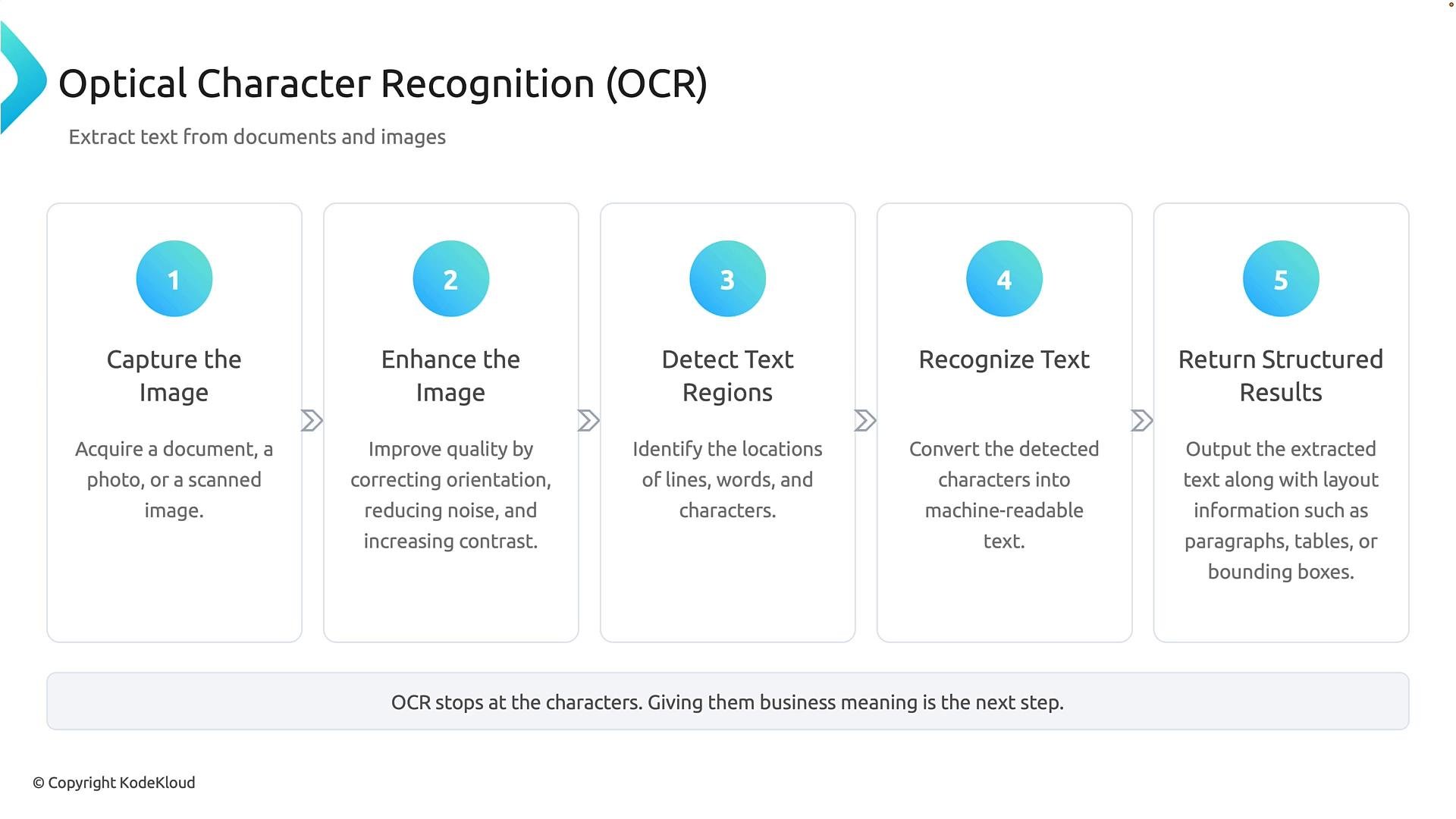
- Reading the content — for documents and images, this is typically OCR (Optical Character Recognition): converting visual glyphs into characters.
- Understanding the content — mapping extracted text to business fields, normalizing formats, validating values, and exporting to target systems.
Extraction must not invent data. It should recover and express only the information present in the source, with appropriate confidence and validation checks.
- Capture the image — obtain the document, scan, or photograph.
- Enhance the image — deskew, denoise, and adjust contrast to improve recognition.
- Detect text regions — find lines, words, and character areas.
- Recognize the text — convert glyphs into characters and words.
- Return structured results — output recognized text together with layout information (lines, paragraphs, bounding boxes).
Follow a page through OCR
- Captured image — may be skewed, noisy, or low contrast.
- Enhanced image — preprocessing corrects orientation and improves legibility.
- Text detection — boxes identify regions containing text.
- Text recognition — characters are converted to machine-readable text.
- Structured result — OCR returns the text and layout data needed for downstream field extraction.
- Read OCR results — use text and layout information.
- Identify business values — detect names, dates, totals, invoice numbers, addresses, etc.
- Map fields to a schema — assign values to defined fields (for example, map
20toamount). - Normalize values — convert dates, currencies, and phone numbers into consistent formats.
- Export structured data — send normalized data to databases, APIs, or automation workflows.
Example: sentence → business data
Document text: “Mark spent $20 on January 1st, 2026.”
- OCR output: “Mark spent $20 on January 1st, 2026.”
- Identify key fields: payee = “Mark”, amount = “$20”, date = “January 1st, 2026”.
- Map to schema:
payee = "Mark",amount = 20.00,date = "2026-01-01". - Normalize: amount as decimal, date in ISO format.
- Export: store or forward the structured record.
- Input: images, PDFs, or multimedia.
- OCR layer: converts visual text to strings + layout.
- Extraction layer: ML rules or models identify fields and entities.
- Normalization & validation: format conversion, currency detection, phone normalization, confidence thresholds.
- Export/integration: database, CRM, ERP, or automation pipeline.
OCR extracts characters and layout. Field extraction assigns business meaning, maps values to a schema, and normalizes formats so applications can consume the data.
- Kubernetes Basics — example of structured data usage
- Azure Cognitive Services — OCR and form recognizer
- General OCR background (Wikipedia)