

- Flexible, prompt-driven general-purpose AI models (e.g., GPT-style models).
- Specialized Azure Language capabilities with pre-built, production-ready NLP features.
Text analysis with general-purpose AI models
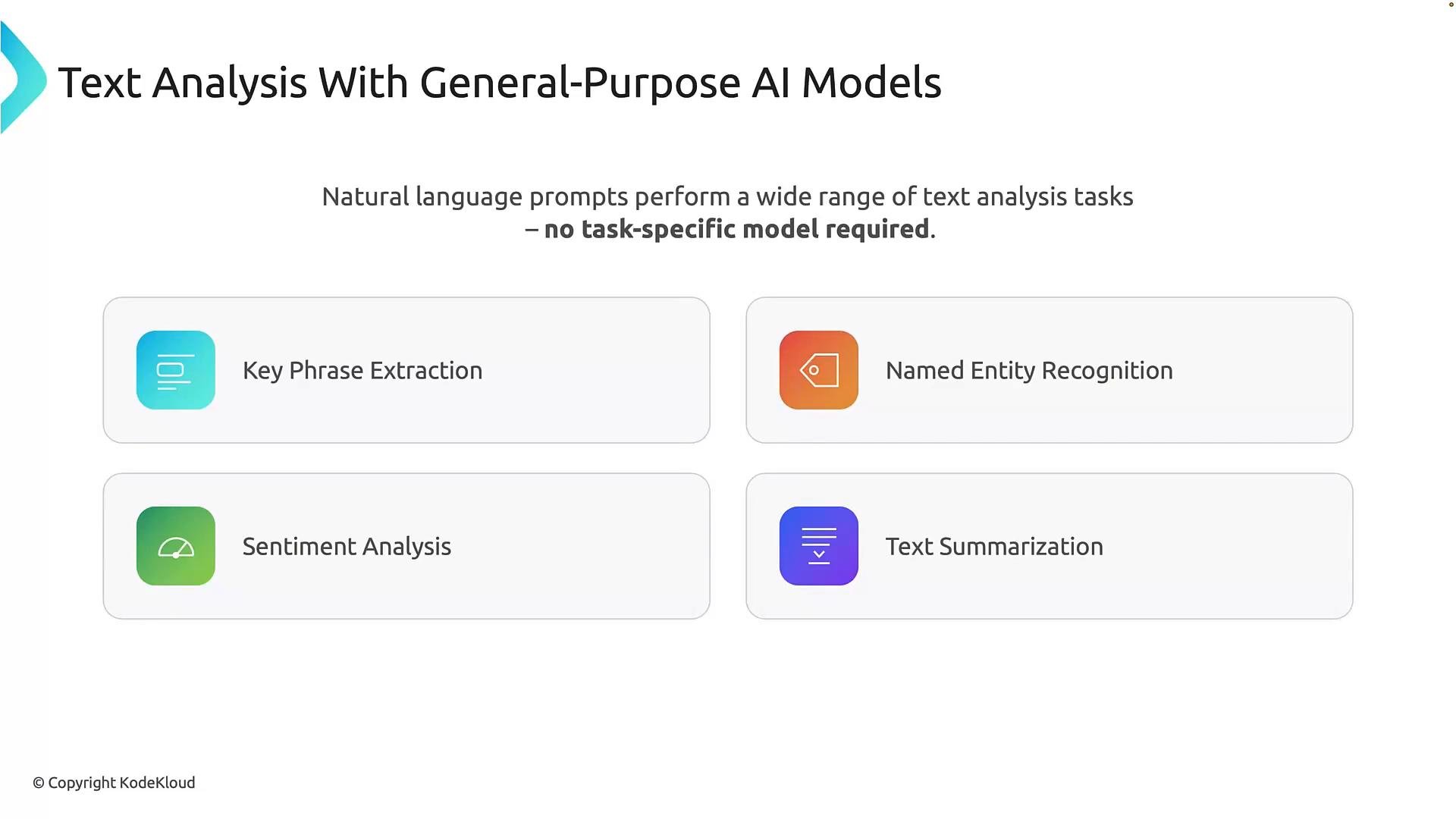
General-purpose AI models are designed to handle many language tasks through natural-language prompts instead of requiring a different model for every task. You describe what you want in plain language and the model returns the result. Common tasks you can perform with a single general-purpose model:- Key phrase extraction: Identify important words or phrases (e.g., “excellent battery life”, “bright display”).
- Named Entity Recognition (NER): Detect entities like people, organizations, locations, and dates.
- Sentiment analysis: Determine tone (positive, negative, neutral).
- Text summarization: Create concise summaries that capture the main points.
Example: prompt-driven extraction
Below is a simple playground-style example that shows how you can extract locations using a single prompt (for example usinggpt-4.1-mini or a similar general-purpose model):
General-purpose models are ideal for exploratory workflows, rapid prototyping, and tasks that change frequently—because you can refine or expand the prompt at any time.
Important: Outputs from general-purpose models can be non-deterministic. Responses may vary between runs (especially when generation settings like temperature allow randomness). For production systems that require highly consistent, structured outputs, you may need additional validation or post-processing.
Text analysis with Azure Language
Azure Language provides specialized, pre-built NLP features that return structured results suited for production use. Instead of one flexible model, you get focused tools designed for specific tasks with predictable, structured outputs. Key Azure Language capabilities:- PII detection and redaction: Detect and optionally redact personally identifiable information (names, addresses, emails, phone numbers, SSNs), returning labeled entities or redacted text.
- Language detection: Automatically identify the language of a text to route content appropriately.
- Named Entity Recognition (NER): Detect entities (type, text, and character offsets).
- Text Analytics for health: Domain-specific extraction for clinical concepts—conditions, medications, procedures.
- Confidence scores: Each detected item typically includes a confidence value to support deterministic handling.
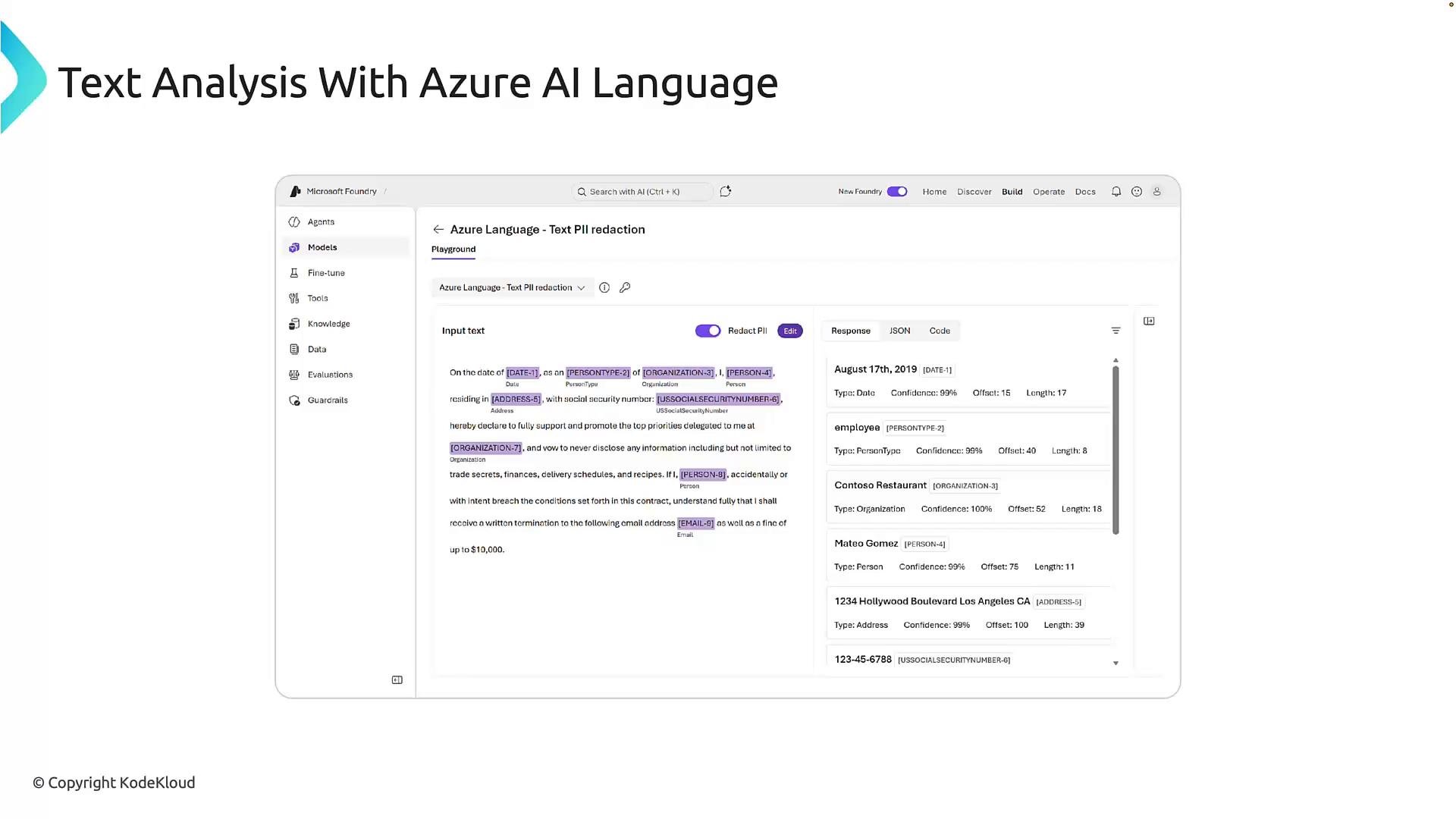
[PERSON] or [ADDRESS]) and provide the extracted items and confidence scores separately so downstream systems do not process raw PII.
Choosing the right approach
Use this quick reference to decide which approach fits your needs.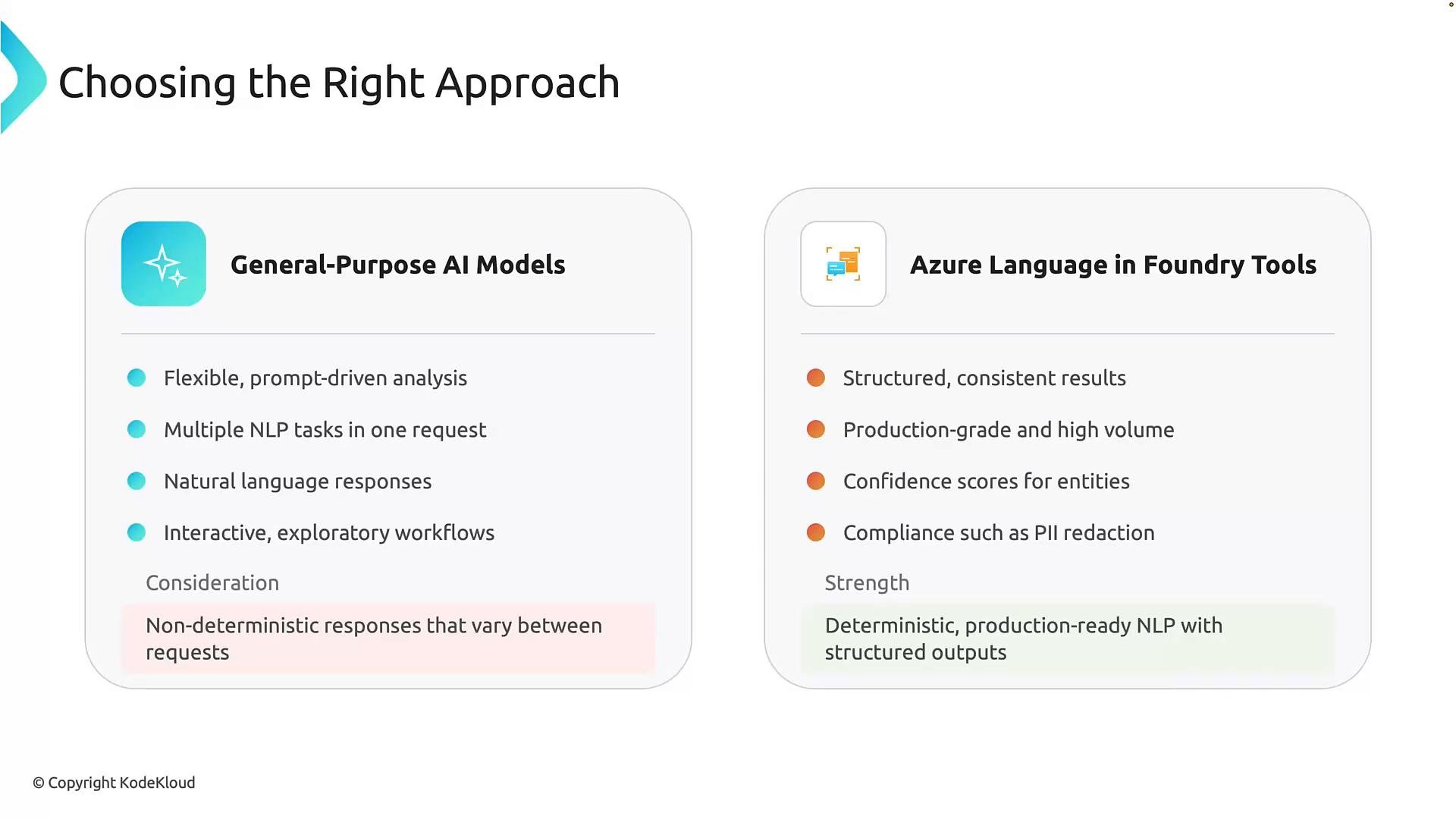
Summary and next steps
- Choose general-purpose models for flexibility, conversational outputs, and rapid iteration.
- Choose Azure Language for deterministic, structured, and compliance-focused text analysis at scale.
- In many workflows you may combine both: use general-purpose models for higher-level understanding and Azure Language for downstream, structured processing and compliance.
Links and references
- Azure Language documentation: https://learn.microsoft.com/azure/ai-services/language/
- Azure Text Analytics overview: https://learn.microsoft.com/azure/ai-services/text-analytics/
- Azure AI services: https://azure.microsoft.com/services/cognitive-services/