

What is a multimodal model?
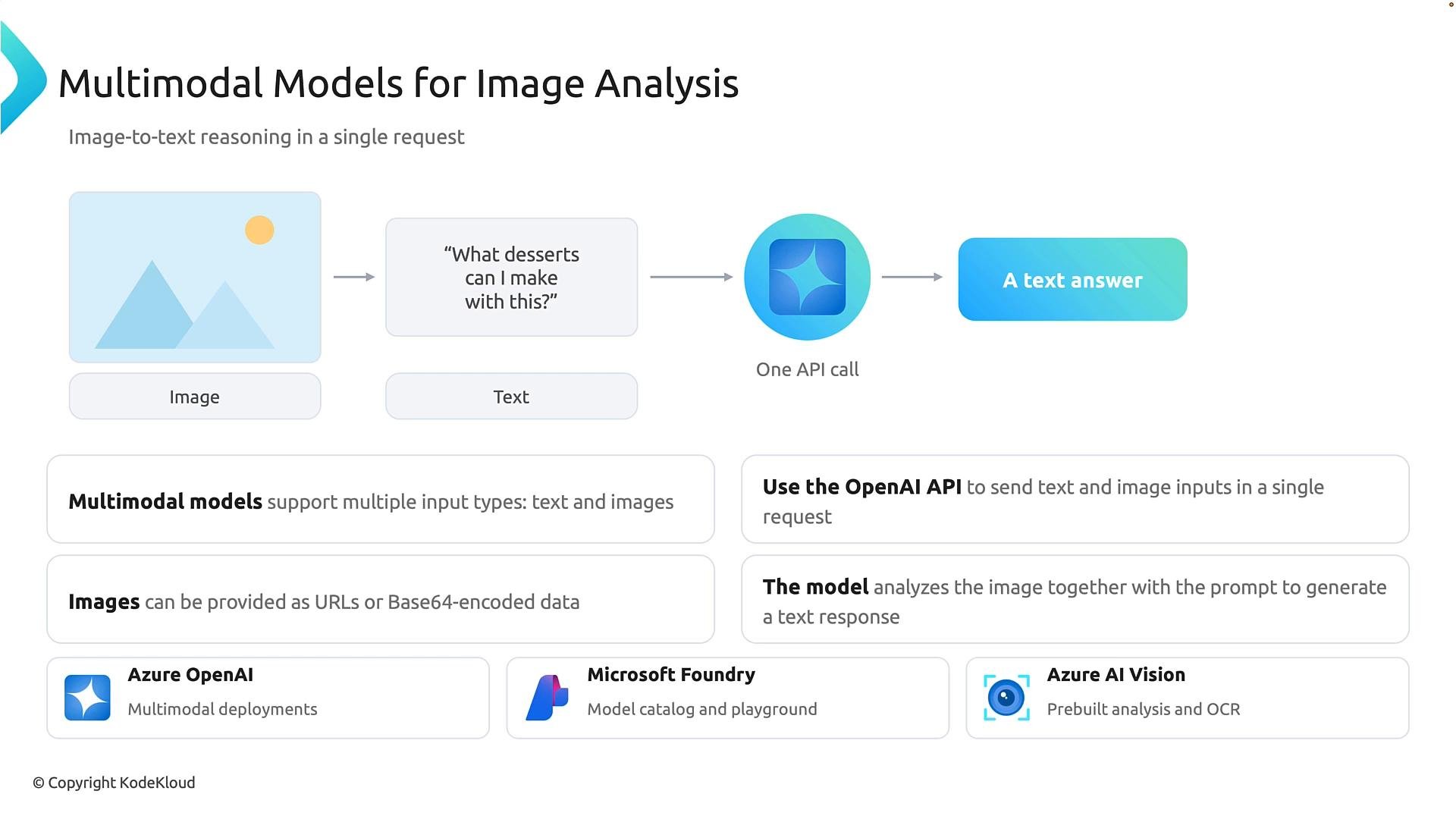
A multimodal model accepts more than one input modality (for example, images and text) and reasons across them. In practice this means you can send an image alongside a natural-language prompt in a single request, and the model will analyze both together. Example: provide a photo of a banana and ask, “What desserts can I make with this?” The model recognizes the banana in the image and uses that visual context to generate text responses such as “banana ice cream,” “banana bread,” or “banana pancakes.” You can supply images as URLs or as Base64-encoded data. Base64 converts binary image data into text so it can be embedded in an API request. Azure provides multiple options for visual AI:
Key distinction: multimodal generative models reason about images and follow language instructions, while specialized vision services provide focused, task-specific APIs (for example, OCR or invoice parsing).
Developer perspective: multimodal request example
In production you’ll typically call the model directly from application code rather than using a web playground. A common pattern:- Load a local image in binary mode.
- Base64-encode the image and embed it in a data URL that identifies the image MIME type.
- Call the Responses API (or an equivalent multimodal endpoint) and include both the input text and input image in the same user message.
- Parse and use the model’s textual output.
- Open image files with
"rb"(read-binary) because images are binary data. - In production, never hard-code API keys or endpoints; use environment variables, a secure secrets store, or Azure-managed identities.
Store API keys and endpoints in environment variables or a secure secrets store. Avoid committing credentials to source control.
- Load the image → encode the image → send prompt and image together → let the multimodal model analyze both → read the generated response.
Text-to-image generation
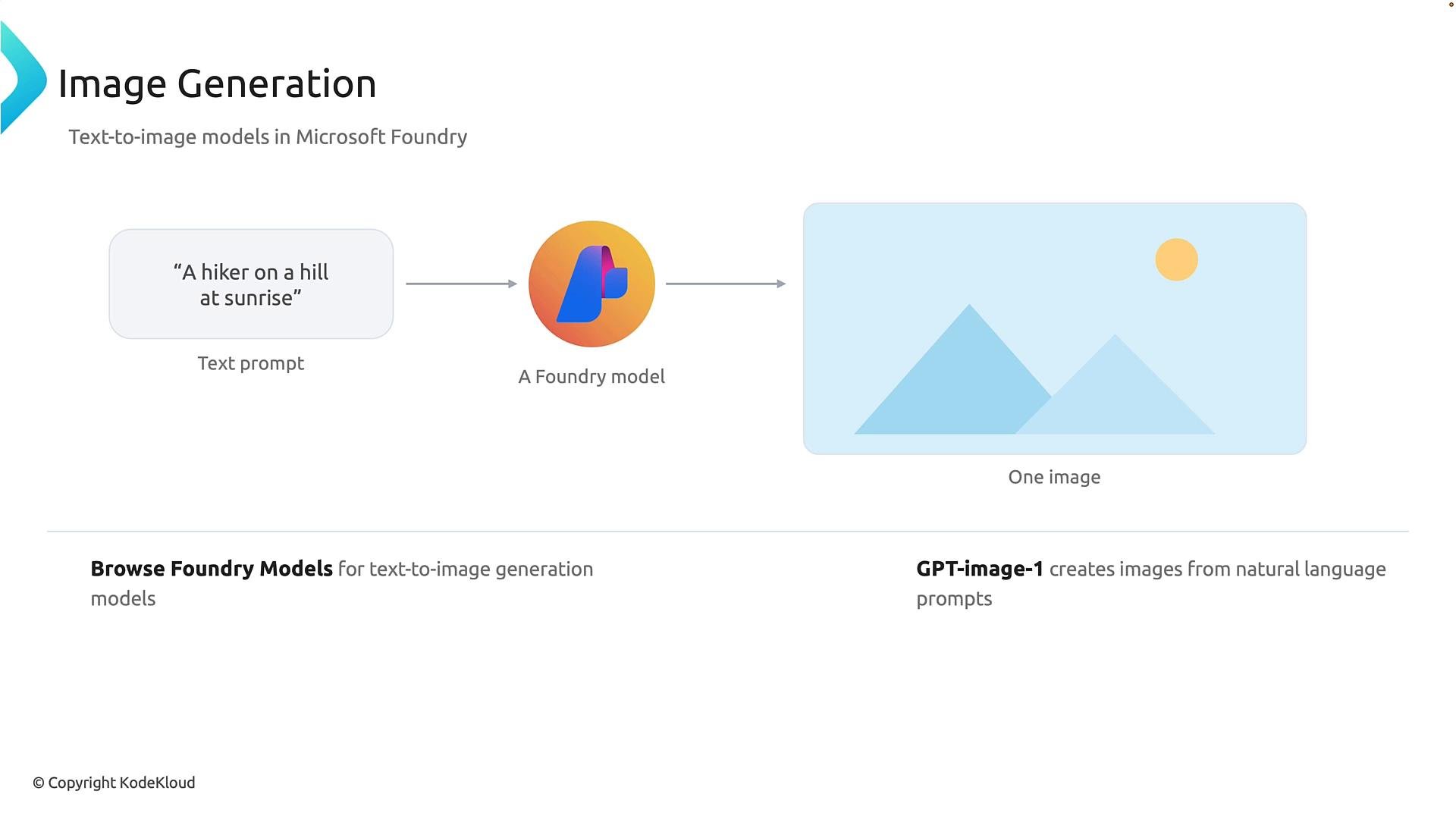
Text-to-image generation produces a new image from a natural-language prompt (for example, “a hiker on a hill at sunrise”). Generative image models synthesize imagery based on learned patterns instead of searching for an existing photo. Tips for better image generation prompts:- Include time of day, camera angle, lighting, and art style if you want a specific look.
- Short prompts give broader, more creative results; longer prompts guide specificity.
Text-to-video generation
Text-to-video extends text-to-image concepts to multiple frames. A text-to-video model generates short clips from a prompt, maintaining temporal consistency (motion, lighting changes, and camera perspective). Video generation is more computationally intensive and requires models that can maintain coherence across frames.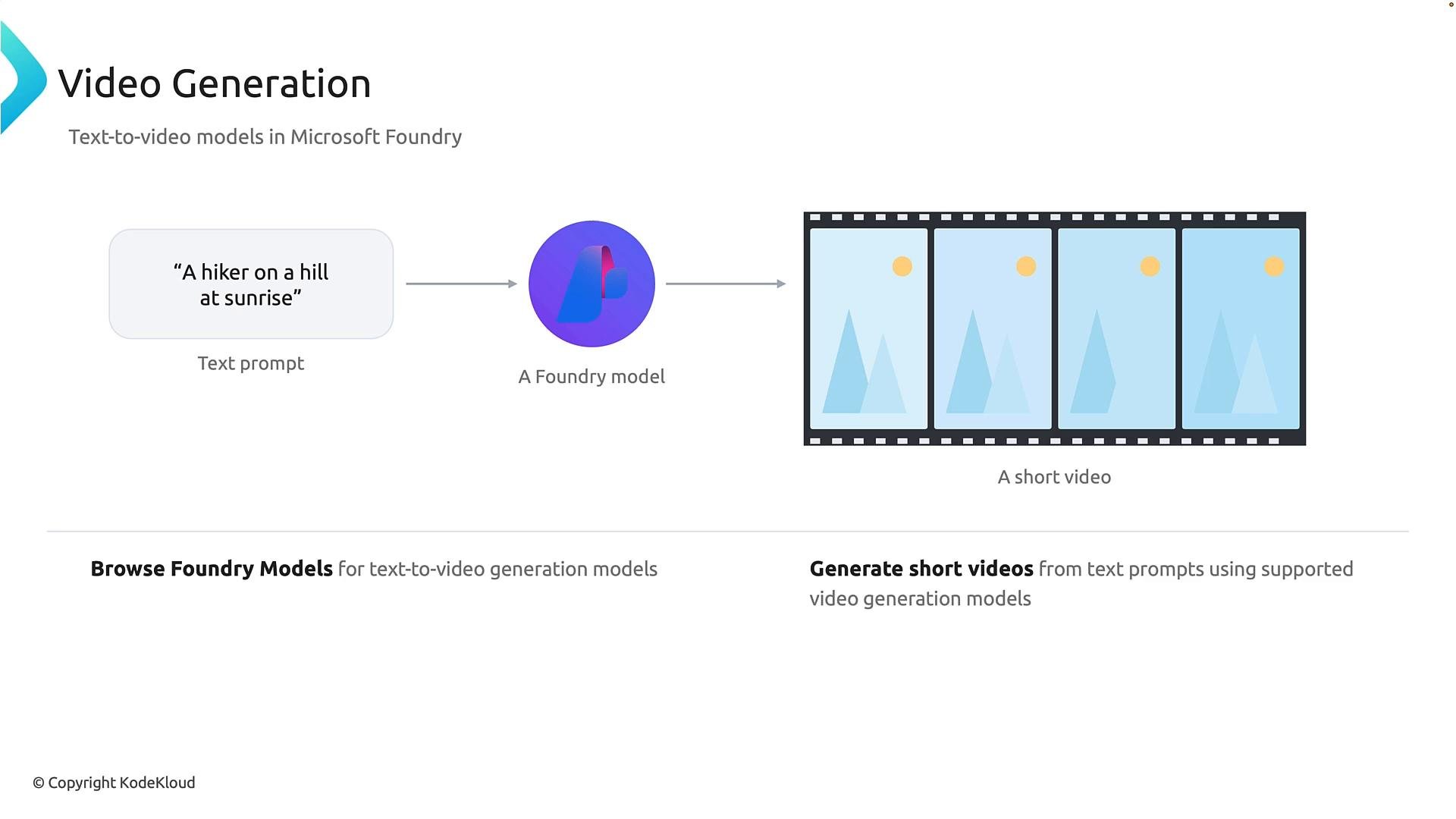
Foundry model catalog and the playground
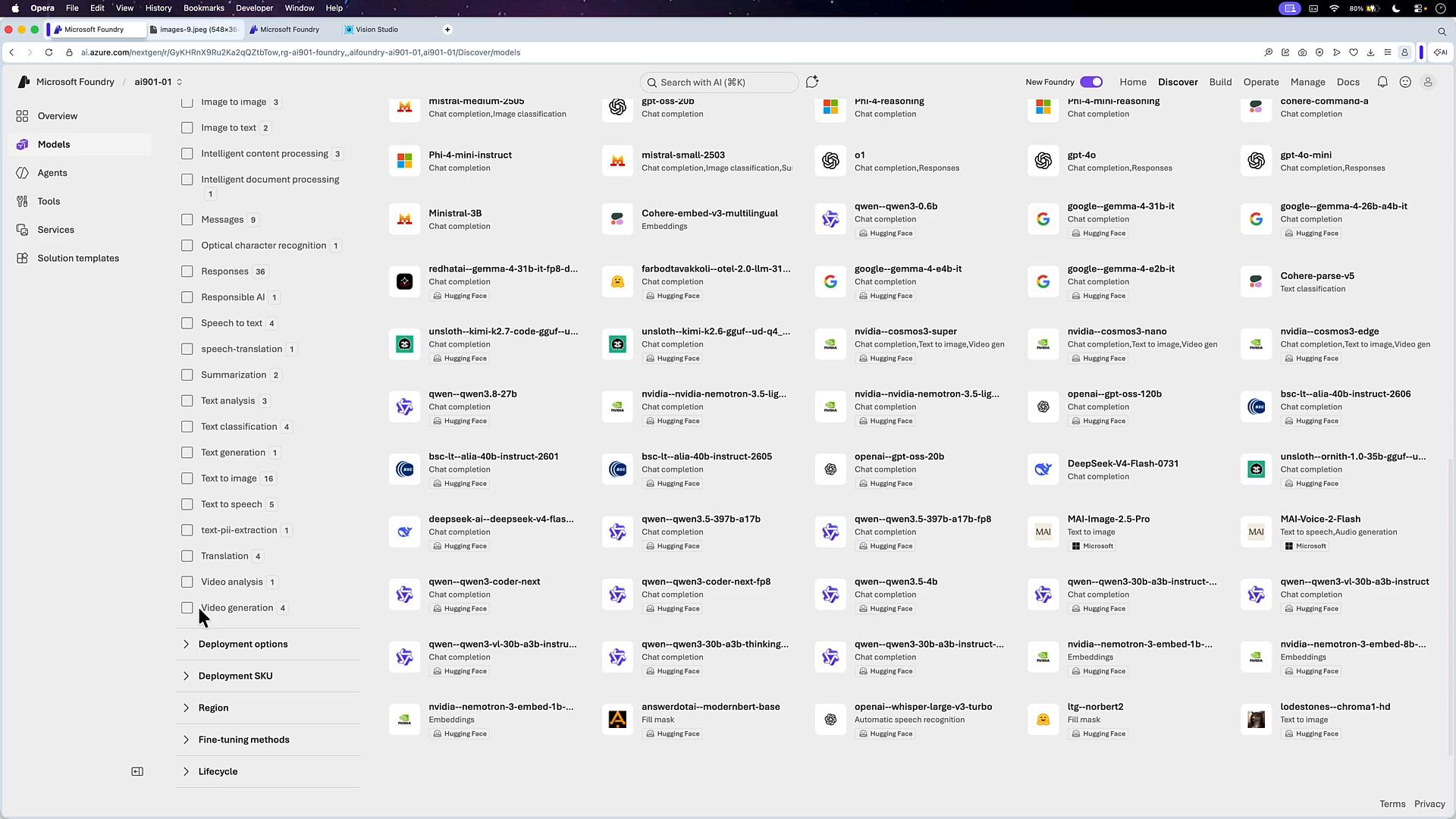
In Microsoft Foundry you can explore models by inference task (image analysis, image classification, image-to-text, text-to-image, and video generation). Foundry lists available models and providers (MAI, FLUX, Mistral, Microsoft-hosted models) and includes a playground for testing: upload images, enter prompts, and try tasks such as OCR, invoice parsing, and visual question answering.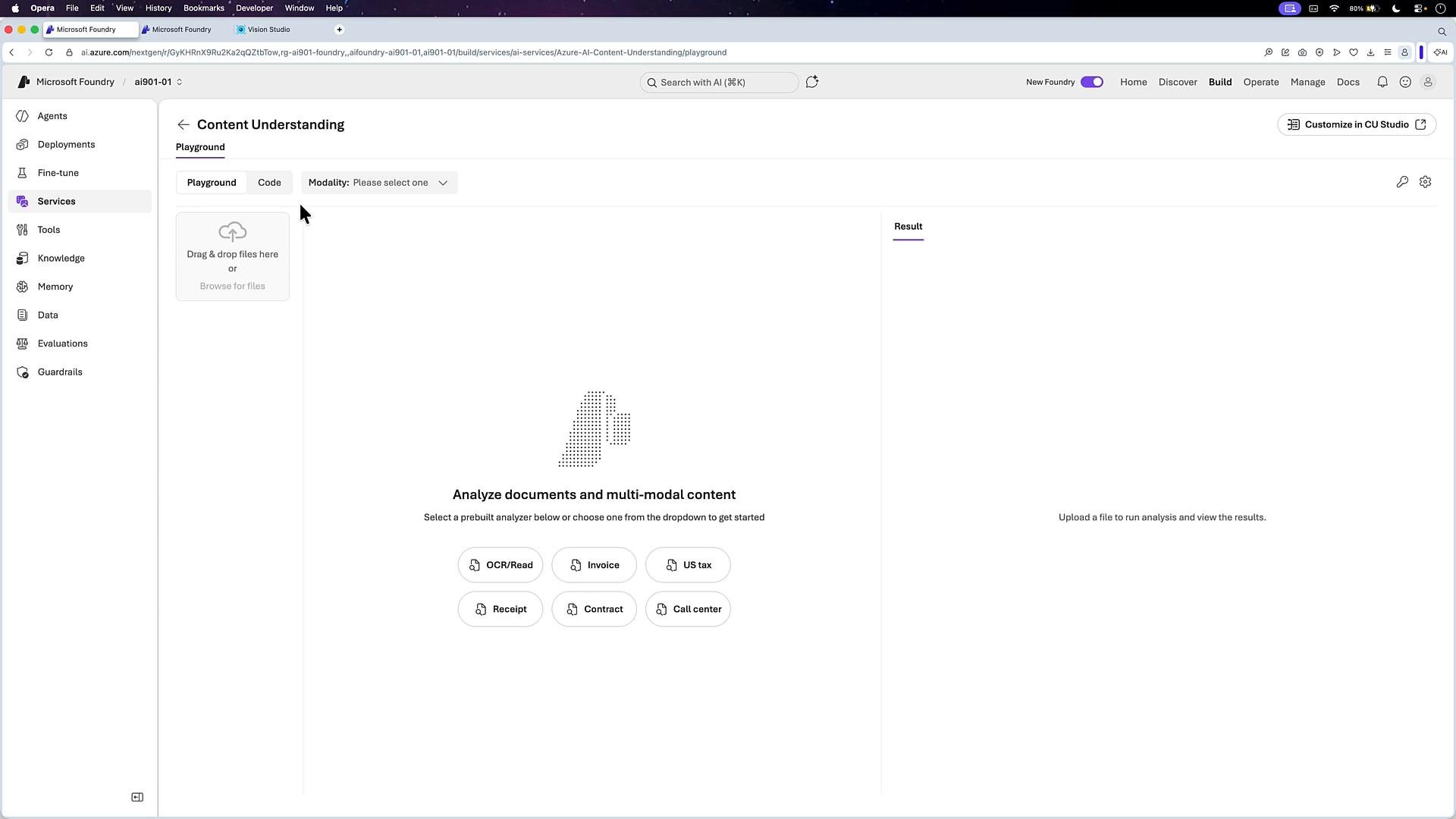
Example: multimodal interaction in the playground
Deploy a multimodal model (for example, GPT-4o) and open it in the Foundry playground. The playground supports attaching images to chat inputs and asking questions like “How many dogs are in this image?” or “Which breed is that?” The model can reply with an answer and an uncertainty estimate (for example, “I can’t be 100% certain from the image alone, but it looks like a Golden Retriever”).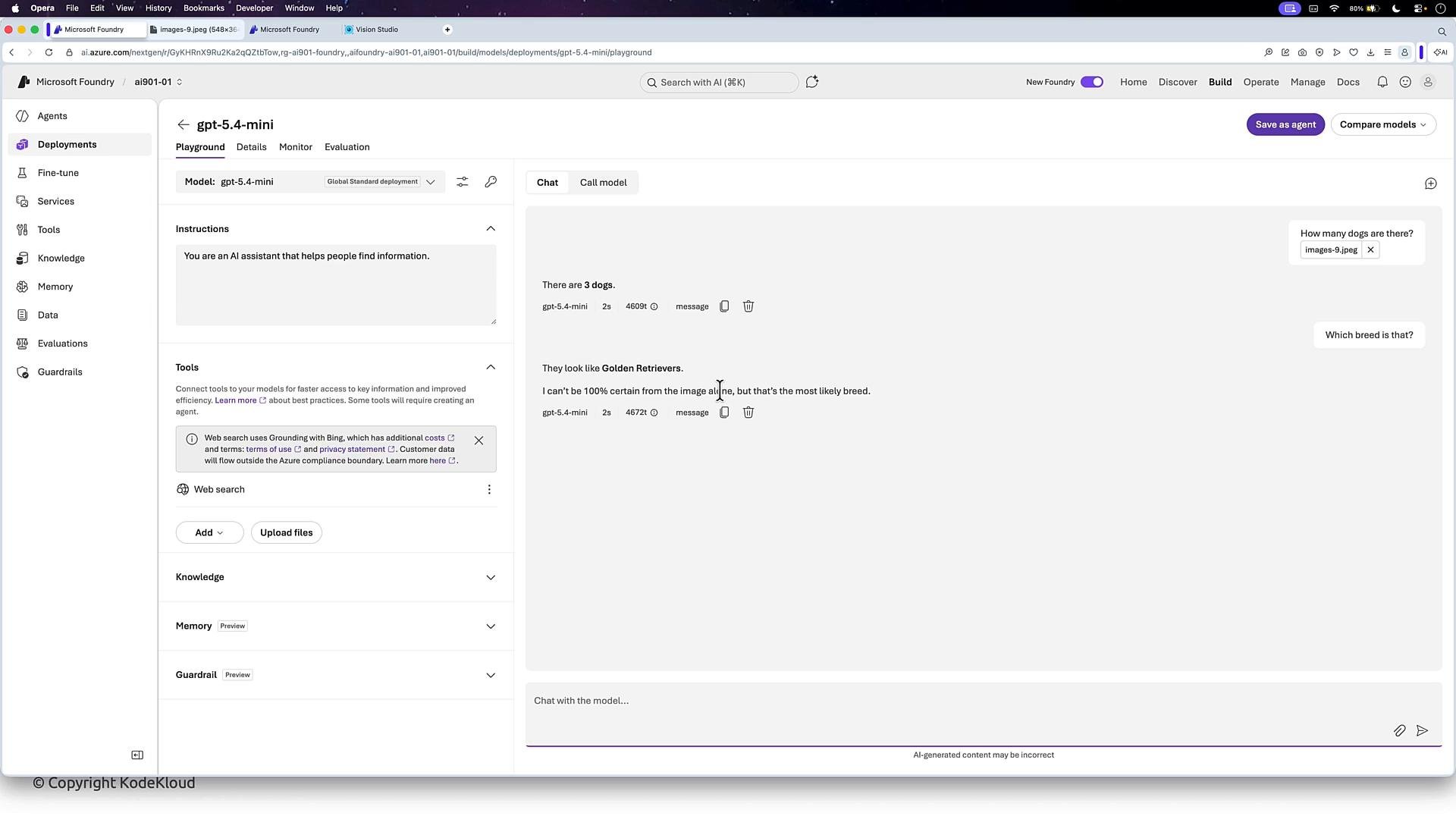
Image generation in the Foundry playground and API
Foundry supports deploying image-generation models (subject to quota and regional availability). The playground shows example cURL or SDK calls that you can copy to run generation programmatically. Example (bash/cURL):https://aifoundry-ai901-01.services.ai.azure.com and $AZURE_API_KEY with your Foundry endpoint and API key. The command decodes the Base64 payload and writes generated_image.png.
Video generation availability and quotas
Video and advanced image generation models usually require GPU-backed deployments (for example, NVIDIA A100 or H100) and are resource-intensive. Smaller subscriptions or demo accounts may lack GPU quota in certain regions. If you encounter quota limits:- Try deploying in a different region.
- Request a quota increase via your Azure subscription.
- Use smaller models or lower-resolution outputs during development to minimize quota usage.
Links and references
- Azure OpenAI Service documentation
- Microsoft Foundry overview
- Azure AI Vision overview
- Responses API guide