

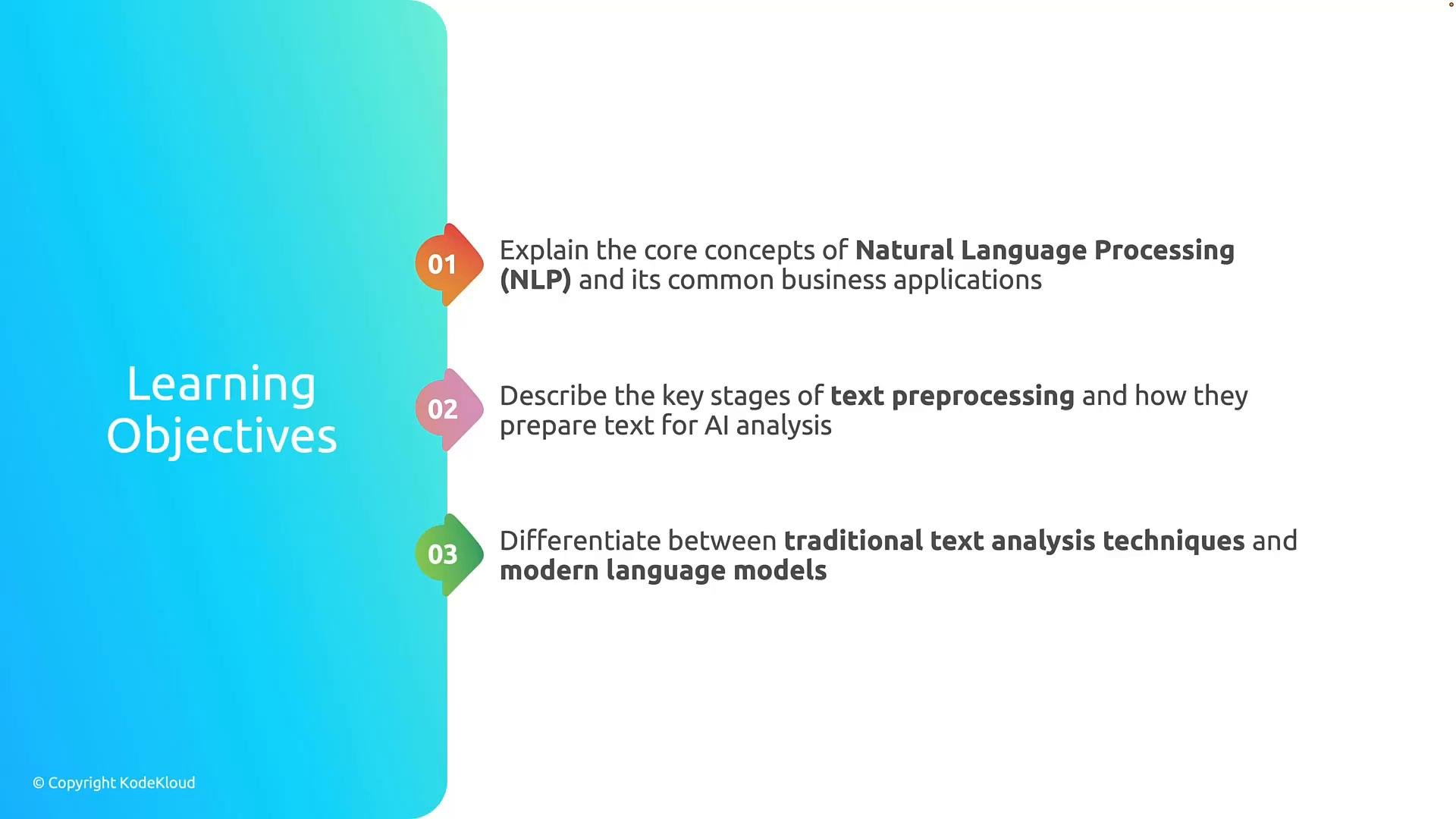
- Review NLP fundamentals and common business use cases (search, classification, extraction, summarization).
- Describe key stages of text preprocessing and why each step is important for analysis.
- Compare traditional text analysis techniques (rule-based or statistical) with modern large language models and foundation models.
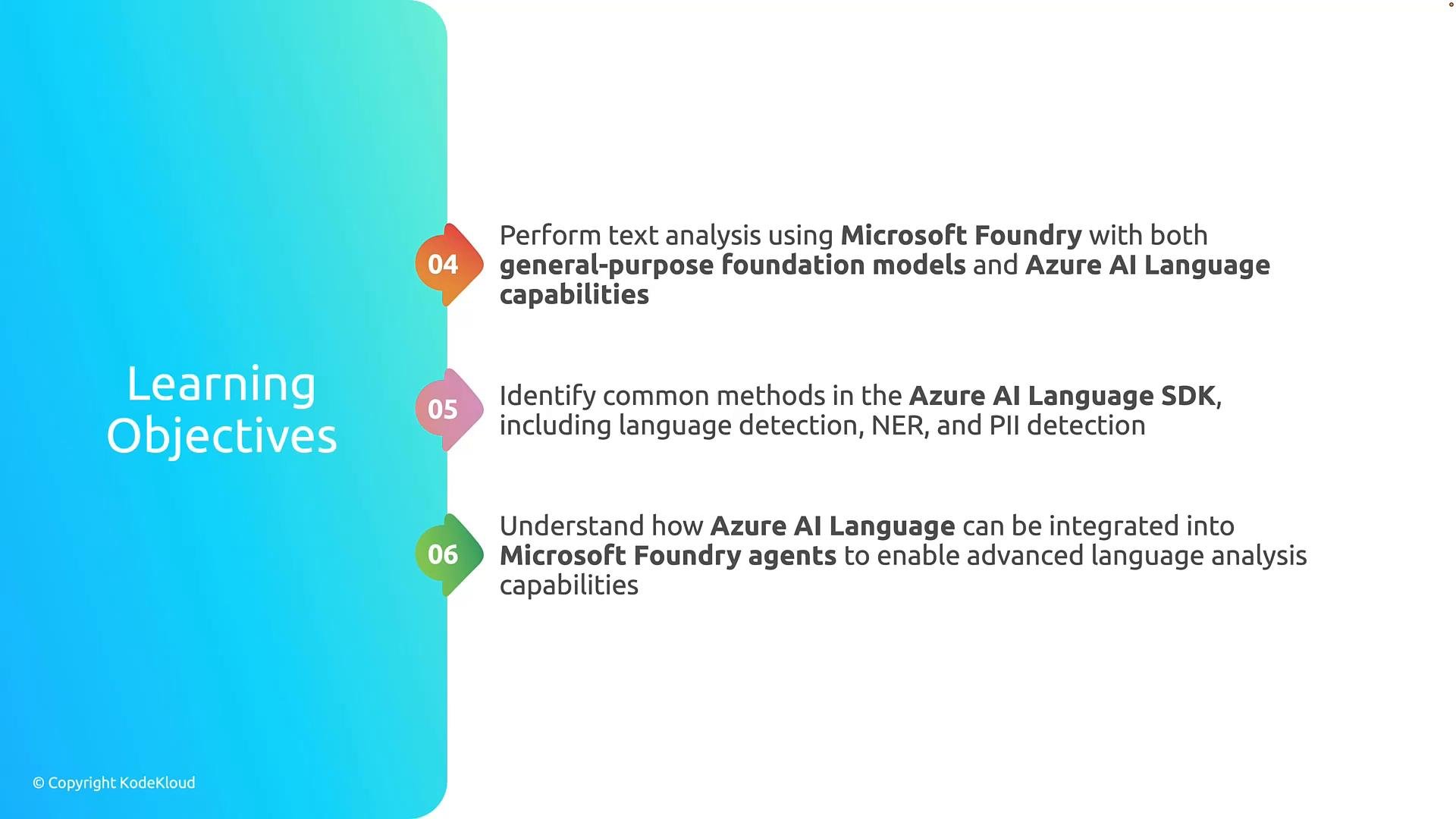
- Language detection
- Named entity recognition (NER)
- PII detection and redaction
- Sentiment analysis and key-phrase extraction
- Integration patterns for agents and automation
- Core concepts behind text analysis and NLP workflows.
- How to prepare text (tokenization, normalization, cleaning) so models and pipelines perform reliably.
- How to call Azure AI Language from code using the SDK and interpret structured results.
- How to embed language capabilities into Microsoft Foundry Agents to include analysis steps in automated workflows.
This module assumes a basic familiarity with cloud concepts. To follow the hands-on examples, you will need an Azure subscription and permissions to create or use Azure AI Language resources. For SDK references and setup guidance, see the Azure AI Language documentation linked in the Resources section below.
Recommended next steps
- Read the Azure AI Language SDK quickstart and setup your credentials.
- Try a small sample: send a short text to the SDK for language detection and NER to compare results.
- Follow the module’s hands-on lab where we integrate Azure AI Language calls into a Foundry Agent chain.
- Azure AI Language documentation: https://learn.microsoft.com/azure/ai-services/language/
- Introduction to Natural Language Processing: https://en.wikipedia.org/wiki/Natural_language_processing
- Microsoft Foundry documentation: https://learn.microsoft.com/microsoft-foundry/ (refer to your internal Foundry docs for agent integration details)
When working with PII or sensitive data, ensure compliance with your organization’s privacy policies and Azure data protection guidelines. Use data minimization, encryption, and access controls as required.