

Discovering models in the Microsoft Foundry model catalog
Think of the Model Catalog like an online library — instead of books, it contains AI foundation models. You can browse available models, compare them, and select the one that best fits your application’s requirements. The catalog exposes a large collection of models with varied capabilities such as chat completion, code generation, text classification, and other inference tasks.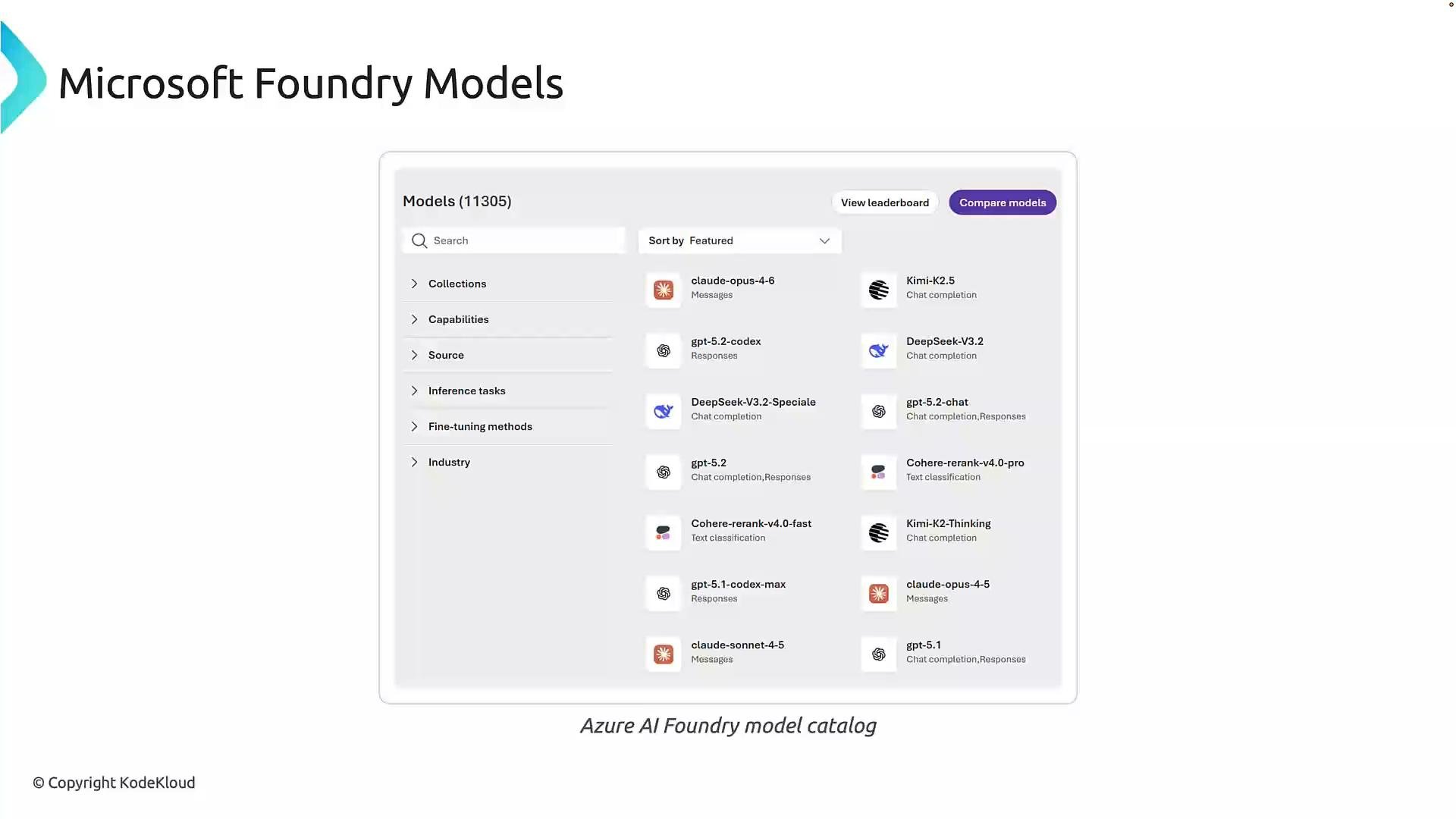
- strong natural language understanding,
- instruction-following accuracy,
- predictable and safe outputs,
- cost/performance that fits your SLA.
Where models originate
Microsoft Foundry aggregates models from multiple sources. Knowing a model’s origin matters for billing, support, security, and compliance.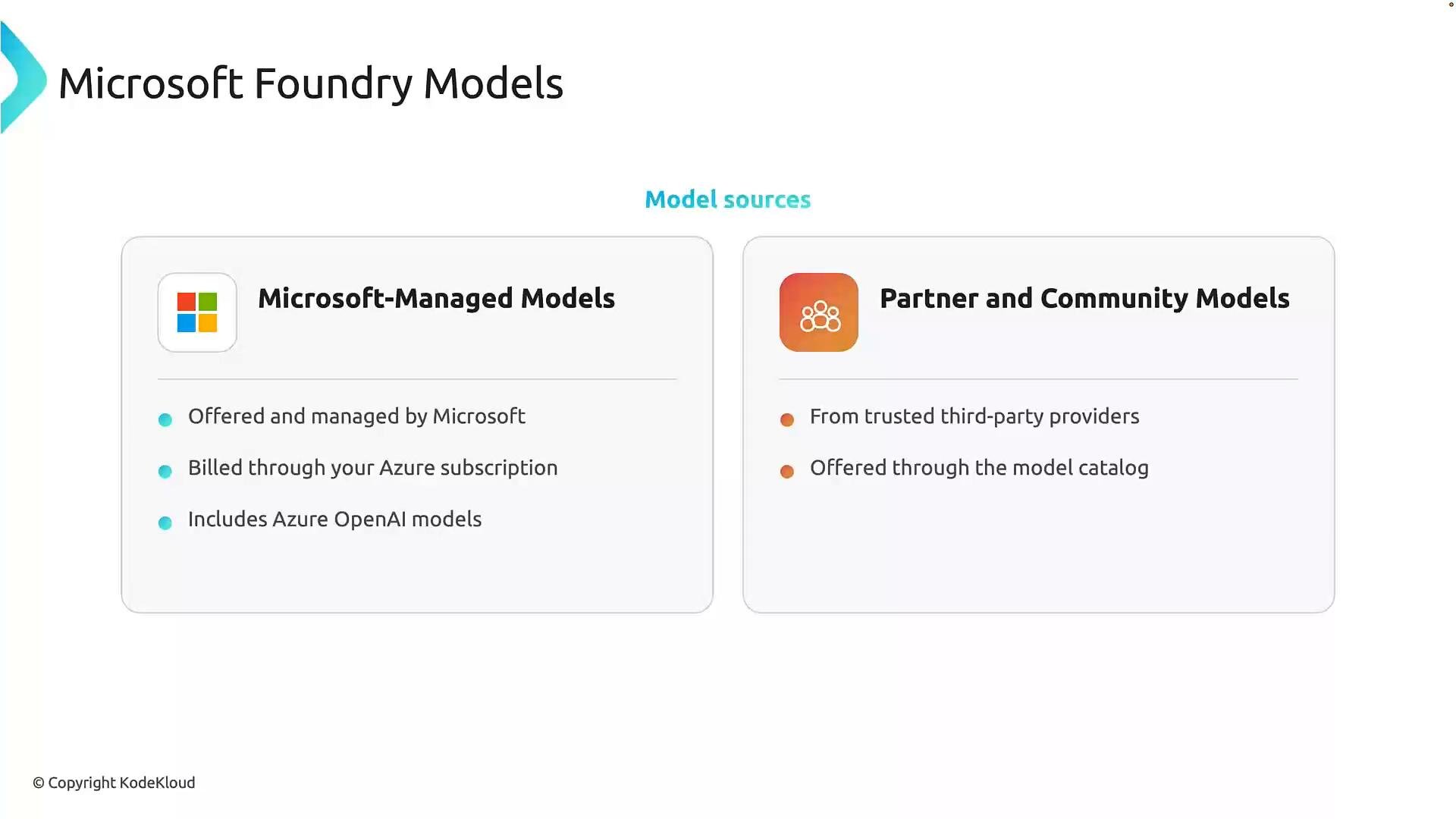
- Microsoft-managed models: Hosted and operated by Microsoft, billed through Azure subscriptions (this may include Azure OpenAI and other Microsoft-provided foundation models).
- Partner and community models: Trusted third-party providers listed in the Foundry catalog; these widen choice and enable comparisons across vendors.
Different models specialize in different tasks (free-form conversation, reasoning, code generation). The catalog helps you compare those trade-offs in one place.
Deployment and operational considerations
Choosing a model is only the first step. Before deploying it into production, evaluate these operational factors to ensure your solution meets both functional and non-functional requirements.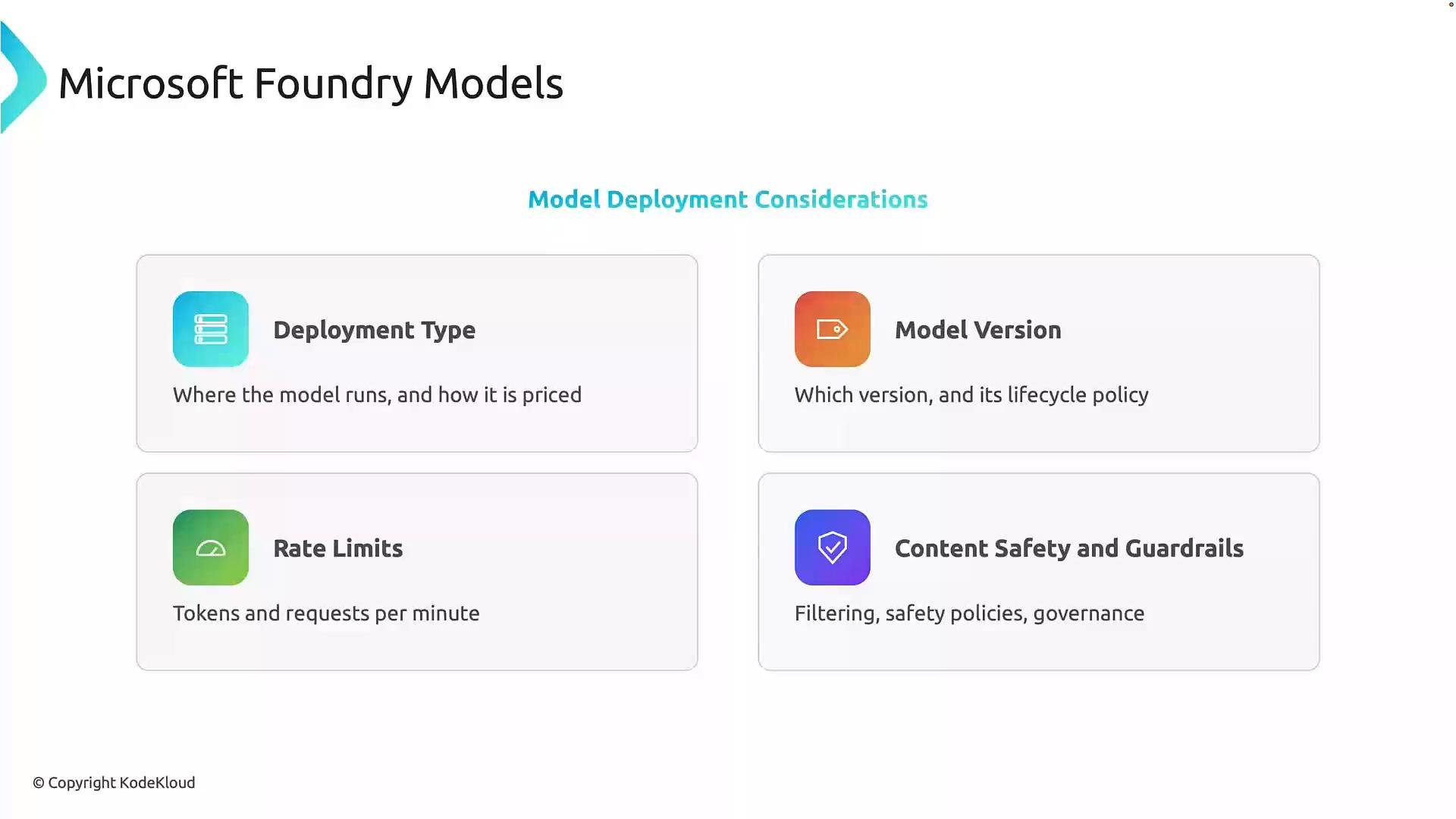
-
Deployment type
Where and how the model runs (cloud-hosted, managed inference, on-premises) affects latency, availability, data residency, and billing. Choose the option that aligns with your latency and compliance needs. -
Model version
Models evolve and different versions can change behavior, latency, and lifecycle rules. Pin to a specific version for predictable behavior and define an upgrade path for improvements or security fixes. -
Rate limits and throughput
Understand quotas such as tokens per minute or requests per minute. Plan capacity with autoscaling, batching, retry/backoff strategies, and caching where appropriate. -
Content safety and guardrails
Implement filtering, moderation, and governance controls to mitigate harmful or inappropriate outputs. Integrate enterprise-wide security and compliance requirements into your deployment.
When evaluating models, balance capability with operational requirements: deployment location, version stability, throughput limits, cost, and safety controls. These considerations help you build systems that are reliable, scalable, and responsible.
Summary
Microsoft Foundry’s model catalog helps you discover and compare foundation models from Microsoft and trusted third parties. When selecting and deploying a model, be deliberate about:- which model best fits your application needs,
- where the model is hosted and billed,
- which model version to pin to,
- throughput and rate-limit planning,
- and the safety and governance controls required.
Links and references
- Azure AI documentation
- Azure OpenAI Service documentation
- Microsoft Foundry model catalog (available through Azure portal)