Guide to mastering prompt engineering with LangChain using zero-shot, one-shot, few-shot, and chain-of-thought techniques with practical examples and best practices
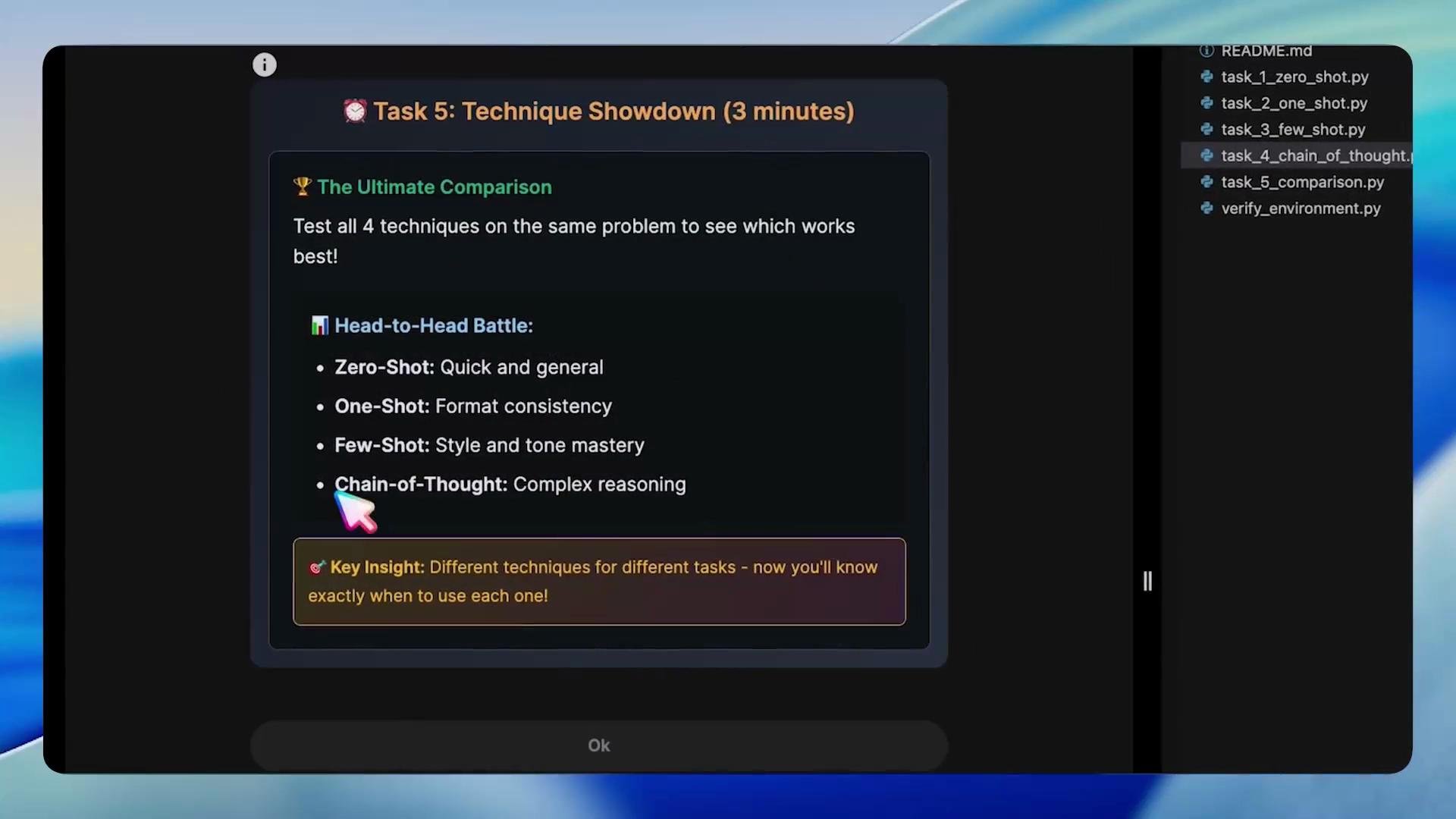
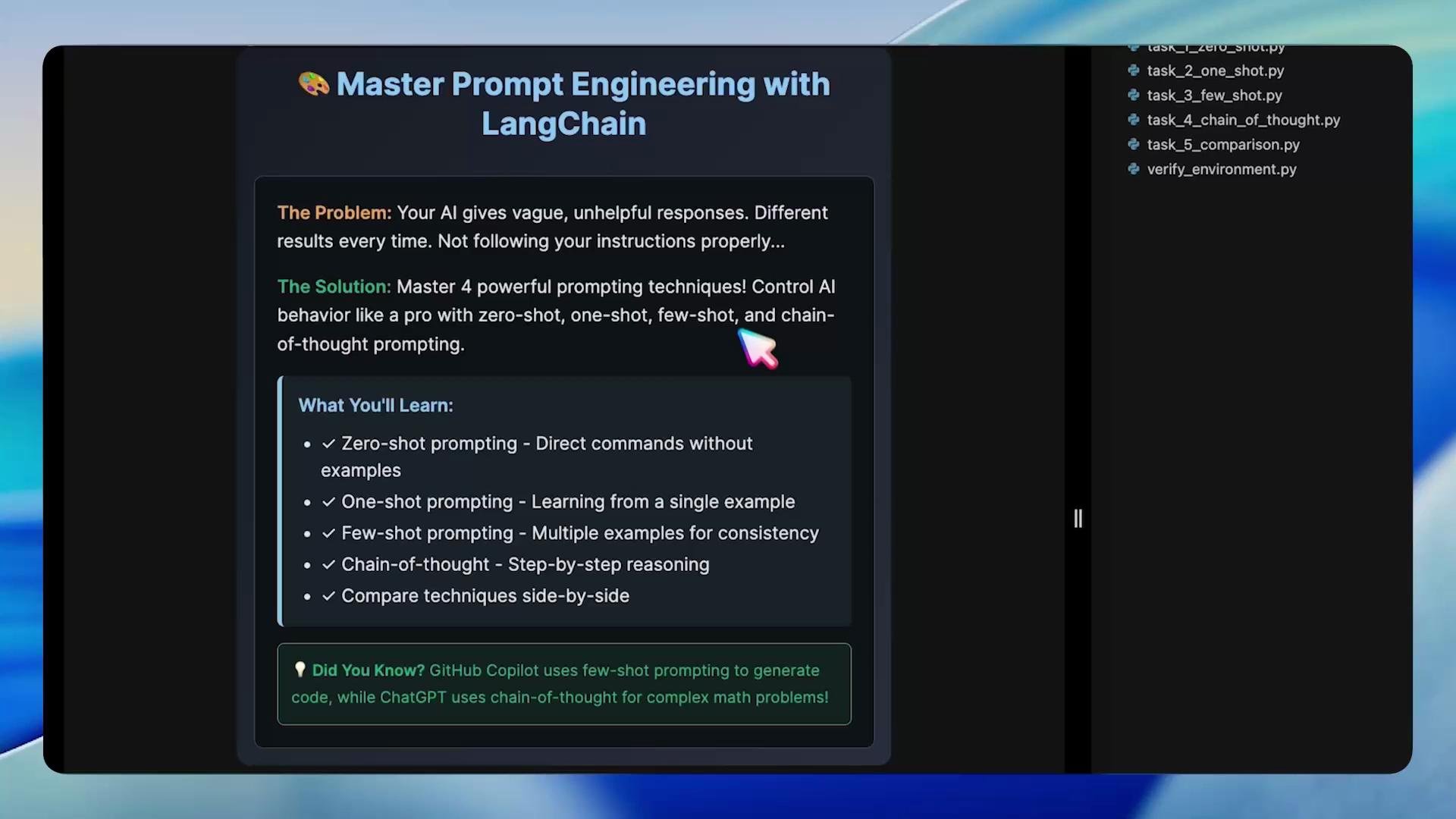
Master prompt engineering using LangChain to get consistent, useful, and controllable outputs from LLMs. This guide demonstrates practical prompting techniques — Zero-Shot, One-Shot, Few-Shot, and Chain-of-Thought — with runnable examples and recommended best practices.Why this matters: LLMs often produce vague, inconsistent, or incomplete responses when prompts lack structure. The techniques below help you control format, tone, length, and reasoning so outputs match your requirements.
High-level tip: choose the prompting technique that matches your goal — speed, format consistency, tone, or complex reasoning — and provide explicit constraints (format, length, audience) to get predictable outputs.
Environment verificationBefore starting the exercises, confirm your development environment is ready (virtualenv activated, LangChain installed, OpenAI credentials configured, and an LLM connection working). This prevents runtime errors and allows you to focus on prompt quality during experiments.Run this one-line environment check:
🔧 Verifying Prompt Engineering Lab Environment...========================================✅ Virtual environment is active✅ LangChain available (version: 0.3.27)✅ OpenAI configuration foundAPI Base: https://dev.kk-ai-keys.kodekloud.com/v1✅ LLM connection test passed🎉 All environment checks passed!Your prompt engineering lab environment is ready.
Do not commit API keys or secret files to version control. Keep credentials in environment variables or a secure secret store and verify access only from trusted machines.
Once verification passes and prompt utilities are available, proceed to the tasks below. Each task includes the concept, an example prompt or script, expected behavior, and best practices to help you reproduce consistent results.
Zero-shot prompting asks the model to perform a task with no examples. The quality of the output depends heavily on how explicit and constrained the instruction is.
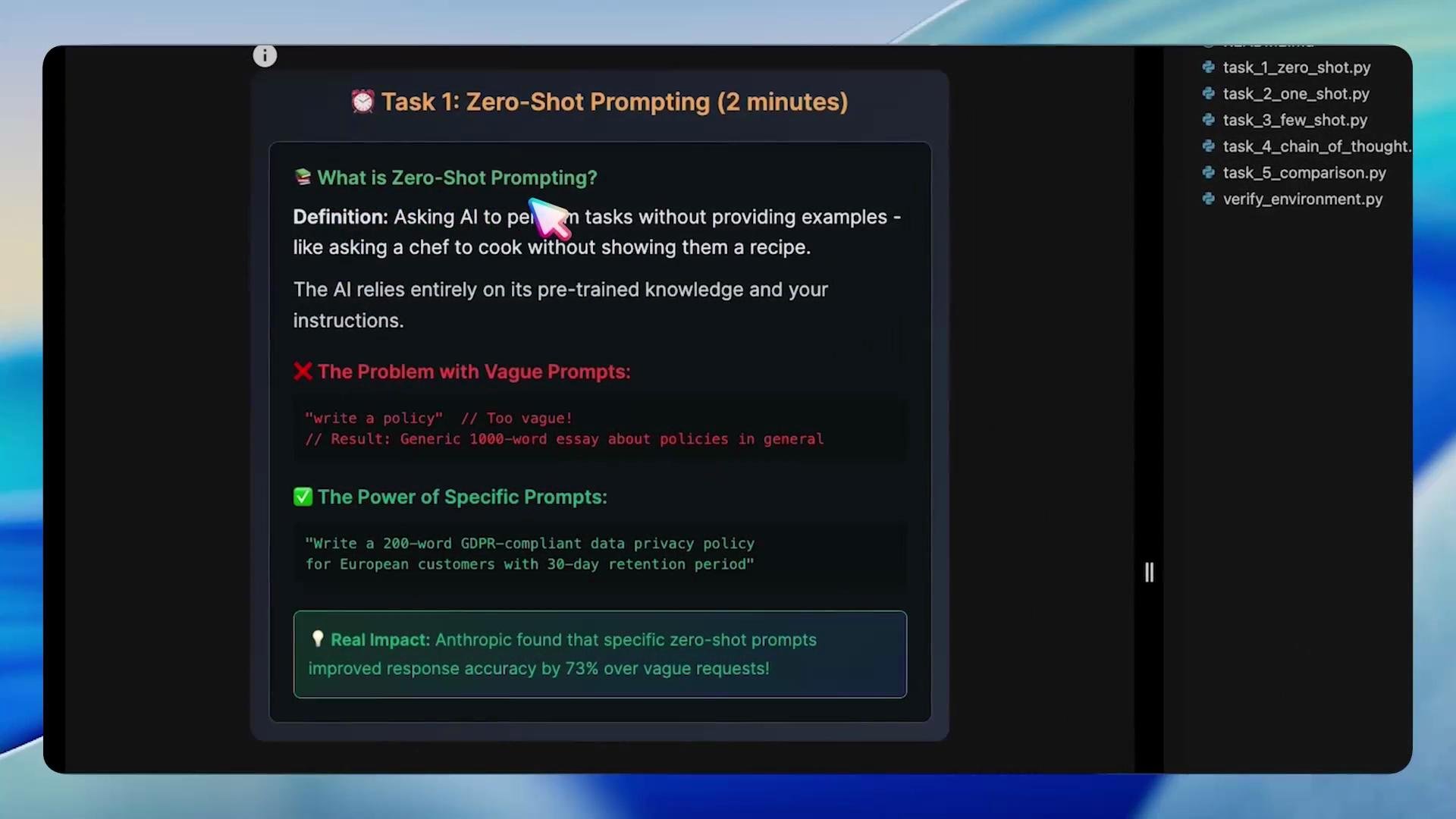
Key idea: prefer a specific instruction that includes audience, jurisdiction, required sections, and constraints (word count, tone, or format).Illustrative Python comparison (vague vs. specific zero-shot prompts):
Copy
# task_1_zero_shot.pydef main(llm): vague_prompt = "Write a privacy policy." vague_response = llm.invoke(vague_prompt) print(f"\nVague response preview: {vague_response.content[:100]}...") print("Problem: Too generic, not useful for our company!") print("\n✅ Specific Zero-Shot Prompting") specific_prompt = ( "Write a 200-word data privacy policy for European customers " "in compliance with the [General Data Protection Regulation (GDPR)](https://gdpr.eu/). " "Include retention (30 days), data subject rights, and data transfer rules." ) specific_response = llm.invoke(specific_prompt) print(f"\nSpecific response preview: {specific_response.content[:200]}...") print("Success: Clear, actionable, company-specific!") print("\n📊 Comparison Results:") print(f"Vague response length: {len(vague_response.content)} characters") print(f"Specific response length: {len(specific_response.content)} characters")
Example console output (trimmed):
Copy
Vague response preview: We are committed to protecting your privacy...Problem: Too generic, not useful for our company!✅ Specific Zero-Shot PromptingSpecific response preview: We are committed to protecting the privacy of our European customers in accordance with the GDPR. This policy covers...Success: Clear, actionable, company-specific!📊 Comparison Results:Vague response length: 263 charactersSpecific response length: 1369 characters
Zero-shot best practices:
State the exact task and desired length.
Define context (jurisdiction, audience, domain).
List required sections or bullet points the output must include.
Constrain format where necessary (e.g., JSON, Markdown, or numbered sections).
One-shot prompting supplies a single example that demonstrates the desired format, tone, or structure. It’s useful when you want the model to reproduce a template or layout across many inputs.Example: Provide a refund policy template as the one-shot example and ask the model to produce a remote work policy using the same structure.One-shot example (refund policy template):
Copy
1. Eligibility: Within 30 days of purchase2. Conditions: Product unused and in original packaging3. Process: Submit request via support@company.com4. Timeline: Refund processed within 5-7 business days5. Exceptions: Digital products and custom orders non-refundable
Then ask the model:
Copy
🧪 Using the template above, create a REMOTE WORK POLICY for our company with the same five-section format.
Generated result (example):
Copy
REMOTE WORK POLICY1. Eligibility: Employees approved by management for remote work2. Conditions: Maintain a dedicated workspace and reliable internet connection3. Process: Submit remote work request to HR at hr@company.com4. Timeline: Approval communicated within 3 business days5. Exceptions: Positions requiring on-site presence and confidential projects not eligible for remote work
One-shot benefits:
Enforces a single-template formatting.
Fast to set up for repetitive, structured documents.
Good when you want to preserve a strict layout without many examples.
Few-shot prompting gives the model several diverse examples so it can learn format, tone, and response patterns. This technique is ideal for customer support, marketing copy, or any content that requires consistent voice across variations.
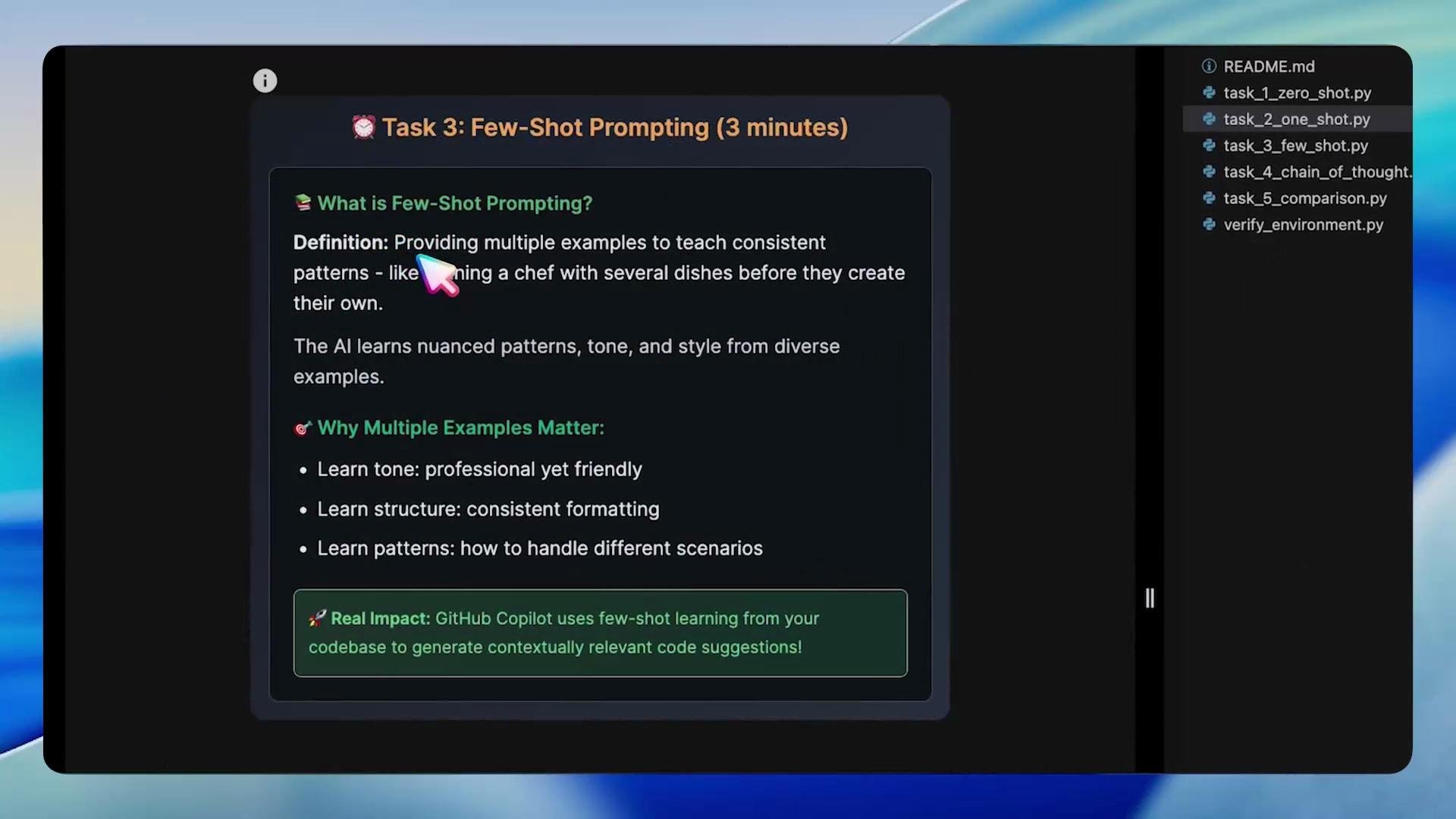
Example few-shot training set (customer support style examples):
Copy
Customer Issue: The product arrived damaged.Support Response: I'm so sorry to hear that. Please send a photo to support@company.com so we can open a replacement or refund immediately. We'll respond within 2 business days.Customer Issue: I haven't received my order.Support Response: I apologize for the delay. Please share your order number and I'll check the shipping status. Expect an update within 24 hours.Customer Issue: I need to change my billing address.Support Response: Thanks for letting us know. Please confirm the new billing address and we'll update it for future invoices. This change will reflect within 1 business day.
New prompt and model output:
Copy
🧾 New customer issue:Product not working🤖 AI Response:I'm sorry to hear the product isn't working as expected. Could you please provide a brief description of the issue and any error messages? Meanwhile, I'll check if there are known troubleshooting steps or recalls related to your product.
Quick response analysis example:
Copy
✓ Shows empathy: True✓ Takes action (asks for next steps): True✓ Provides timeline: FalseQuality Score: 2/3
Few-shot advantages:
Learns subtleties of tone and phrasing across examples.
Keeps responses consistent across agents or channels.
Reduces need for labeled fine-tuning for many use-cases.
Chain-of-Thought prompting encourages the model to expose intermediate reasoning steps. This produces more accurate and defensible answers for complex or multi-step tasks.Use CoT when you need the model to enumerate assumptions, weigh options, or provide a stepwise troubleshooting path.Example LangChain prompt templates (fixed and syntactically correct):
Copy
# task_4_chain_of_thought.pyfrom langchain.prompts import PromptTemplate, FewShotPromptTemplate# Example list of examples (each is a dict with 'input' and 'output')examples = [ {"input": "User cannot connect to WiFi", "output": "Step 1: Ask for error details. Step 2: Confirm SSID and password. Step 3: Suggest restart and driver update."}, {"input": "App crashes on startup", "output": "Step 1: Ask for device and OS. Step 2: Ask for app version and logs. Step 3: Suggest clearing cache or reinstalling."}, {"input": "Invoice not received", "output": "Step 1: Verify order number. Step 2: Confirm billing email. Step 3: Resend invoice and confirm delivery."}]# Create the example templateexample_prompt = PromptTemplate( template="Customer Issue: {input}\nSupport Response: {output}", input_variables=["input", "output"])# Create the few-shot prompt templatefew_shot_prompt = FewShotPromptTemplate( examples=examples, example_prompt=example_prompt, prefix="You are a helpful customer support agent. Here are examples of how to break problems down step-by-step:\n\n", suffix="Customer Issue: {input}\nSupport Response:", input_variables=["input"])def generate_support_response(llm, user_issue): prompt = few_shot_prompt.format(input=user_issue) response = llm.invoke(prompt) return response.content
Simple CoT instruction pattern:
Copy
When solving the problem, think through it step-by-step:1. Identify the main issue.2. List possible causes.3. Propose troubleshooting steps in order of likelihood.4. Provide a recommended next action.
CoT best practices:
Provide worked examples that demonstrate intermediate steps.
Ask the model to enumerate assumptions and order steps by likelihood.
Use models/configurations that support longer contexts for full reasoning chains.
Prefer CoT when correctness and traceability matter.