Hands-on course teaching semantic search, RAG, vector databases, and graph-based stateful AI agents with labs, code examples, and production deployment practices.
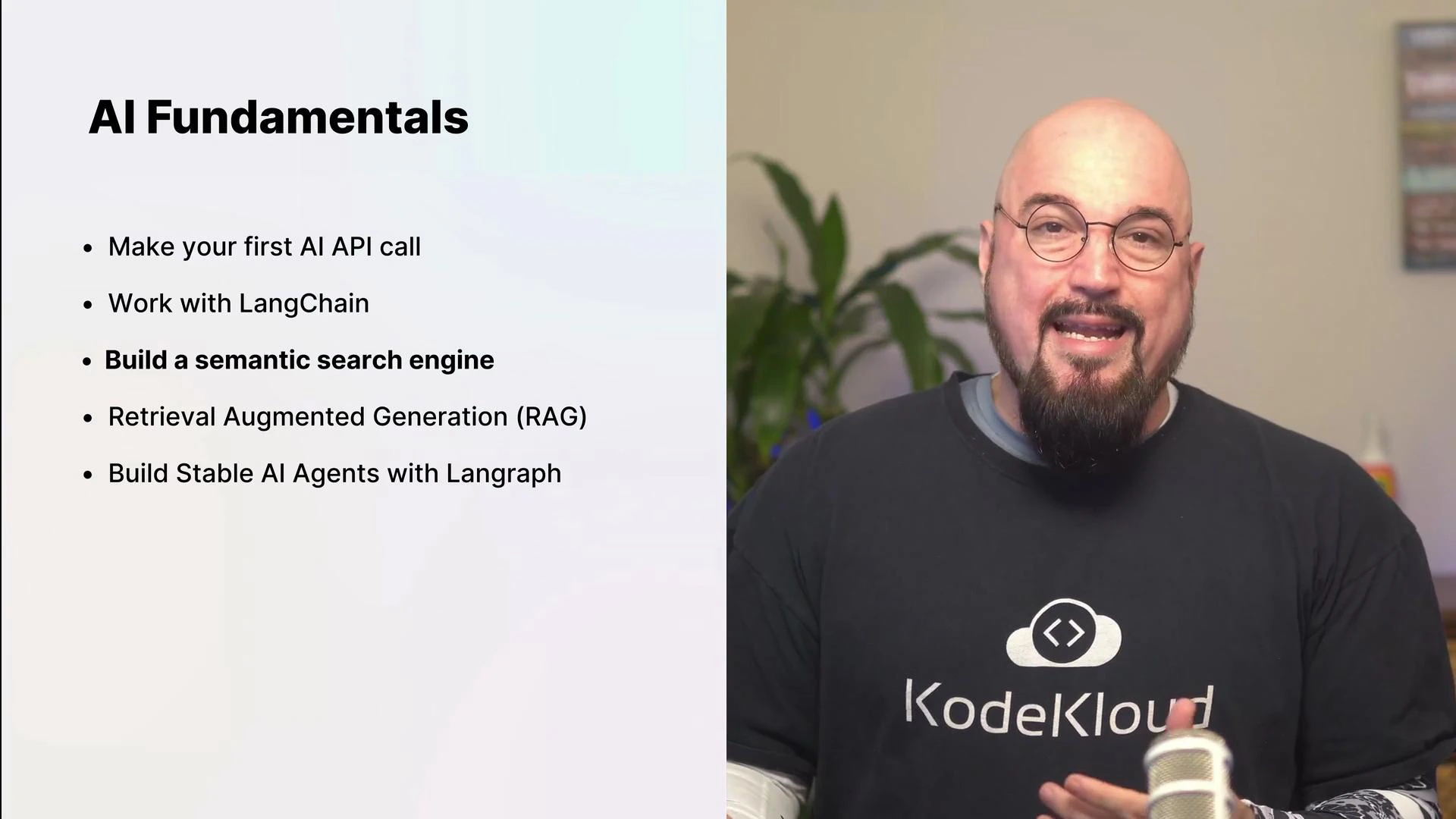
Welcome to the AI Agents Fundamentals course. AI-driven applications are transforming industries by enabling systems to reason, remember, and act — automating workflows and augmenting decision-making.This lesson provides a hands-on path from your first API call to building production-quality, stateful AI agents. You’ll move from environment verification to implementing semantic search, Retrieval-Augmented Generation (RAG), and graph-based workflows that maintain memory and reasoning. Labs include runnable code examples so you can quickly move from theory to practical implementation.What you’ll learn
Make your first AI API call and understand modern model interactions.
Build and deploy AI features using agent frameworks and prompt engineering best practices.
Implement vector databases and a semantic search engine for technical documentation to retrieve by meaning rather than keywords.
Combine retrieval and generation using Retrieval-Augmented Generation (RAG) for more accurate, context-aware outputs.
Design stateful, graph-based workflows and agents that remember, reason, and react over time.
Extend workflows with external tools, observability, and production-ready safety patterns.
First steps — verify your environment
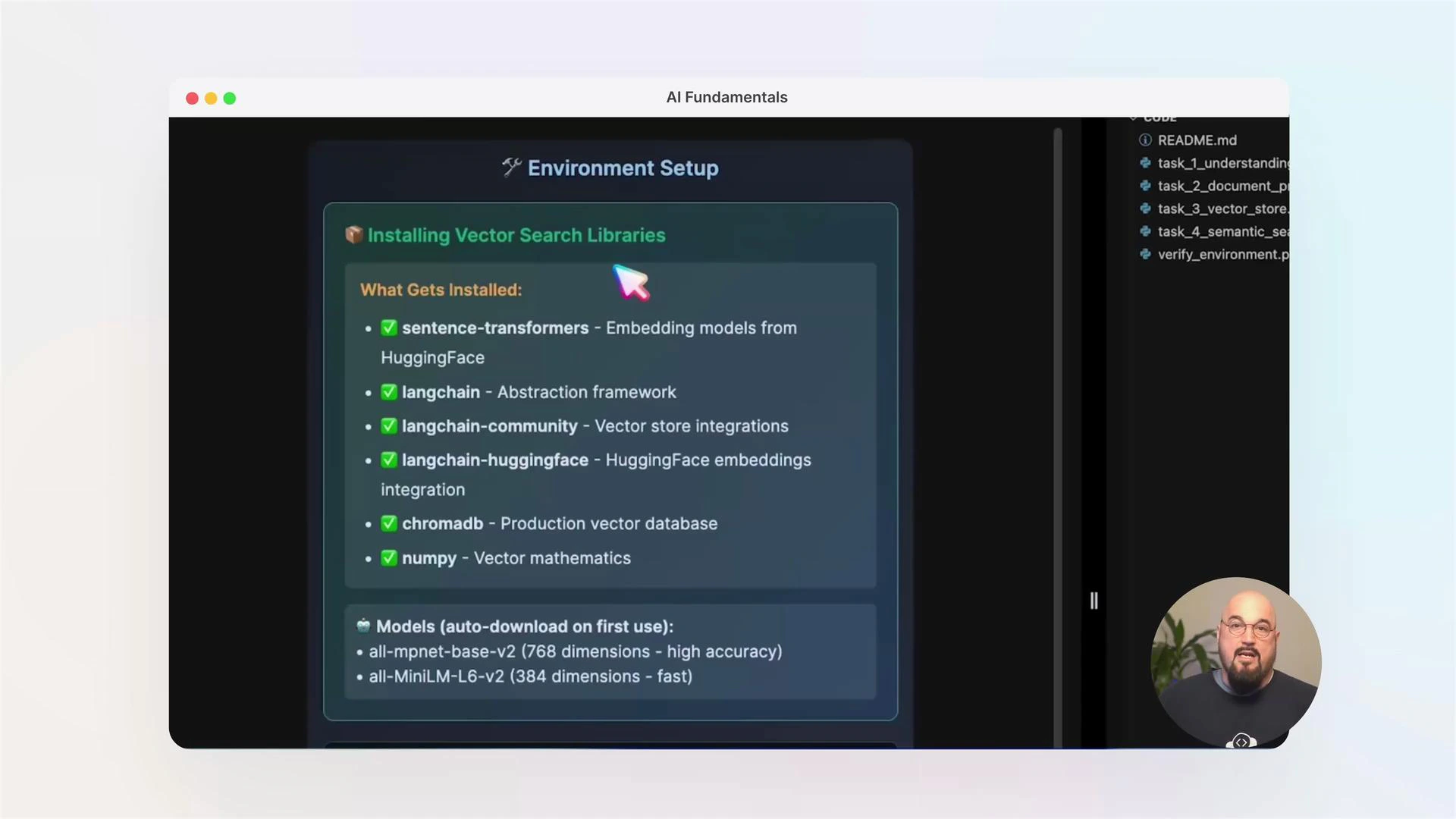
Before you run labs, activate your virtual environment and ensure required packages are installed. Typical packages used in these labs include langchain, chromadb, sentence-transformers, numpy, and related dependencies.Run this simple verification command after activating your venv:
Copy
# Example: activate your virtualenv (update path if your venv is elsewhere)source /root/venv/bin/activate && python /root/code/verify_environment.py
Make sure your virtual environment is activated before running verification or lab scripts. If you created the venv in a different path, update the source command to point to your activate script.
Vector databases and semantic search
Vector databases let you store and query embeddings so retrieval is based on semantic similarity instead of keyword matches. In this course you’ll create a semantic search engine for technical documentation, then use embeddings to retrieve relevant passages for downstream tasks.
Key steps in a semantic search pipeline
Ingest documents (split into passages / chunks).
Compute embeddings with a suitable encoder (e.g., sentence-transformers).
Store embeddings in a vector store (ChromaDB, FAISS, Milvus, etc.).
Query by embedding for nearest neighbors, then re-rank or filter before use.
Retrieval-Augmented Generation (RAG)
RAG pipelines first retrieve relevant context and then condition a generative model on that context. This reduces hallucination and improves factuality by grounding the model’s responses in retrieved documents.Common RAG flow:
User query → embedding → nearest-neighbor documents → concat or summarization → conditioned generation
Verifying package installation (sample pip output)
When installing Python packages you may see output confirming dependencies are already satisfied in your virtual environment. Example pip output:
Copy
Requirement already satisfied: watchfiles>=0.13 in ./venv/lib/python3.12/site-packages (1.1.0)Requirement already satisfied: websockets>=10.4 in ./venv/lib/python3.12/site-packages (15.0.1)Requirement already satisfied: humanfriendly>=9.1 in ./venv/lib/python3.12/site-packages (10.0)Requirement already satisfied: MarkupSafe>=2.0 in ./venv/lib/python3.12/site-packages (3.0.3)Requirement already satisfied: oauthlib>=3.0.0 in ./venv/lib/python3.12/site-packages (3.3.1)Requirement already satisfied: joblib>=1.2.0 in ./venv/lib/python3.12/site-packages (1.5.2)Requirement already satisfied: threadpoolctl>=3.1.0 in ./venv/lib/python3.12/site-packages (3.6.0)
Then run the verification script:
Copy
python3 /root/code/verify_environment.py
Building stateful agents with a graph-based approach
Graph-based workflows allow agents to maintain state across steps, support structured messaging, and enable multi-step reasoning. These primitives are useful when agents must remember past interactions, update state, and decide next actions conditionally.Example: imports and a simple message field (excerpt)
Copy
# /root/code/task_1_understanding_imports.py (excerpt)from langgraph.graph import StateGraph, ENDfrom typing import TypedDict# Example field that will hold messages in this workflowmessages: list
Conclusion
This course equips you to go from a single API call to complete, stateful AI agents that perform semantic retrieval, grounded generation, and multi-step reasoning. Follow the hands-on labs to verify your environment, build a semantic search index, implement RAG pipelines, and design graph-based agents that persist state and make informed decisions.Whether you are starting out or deepening your skills, the practical examples and lab exercises will help you build and deploy robust AI-driven applications.