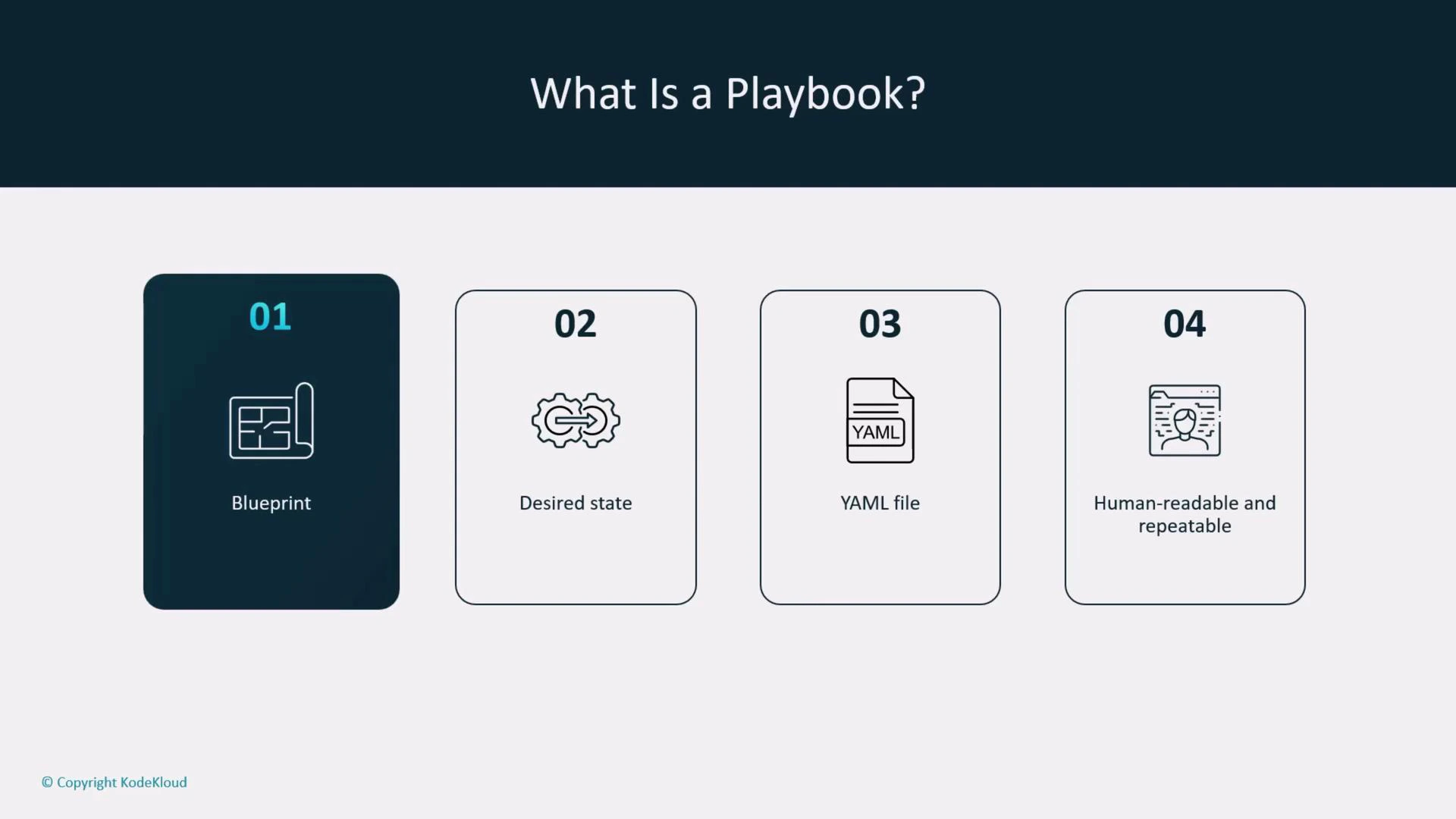
In this lesson we focus on one of the most important parts of Ansible: playbooks. Understanding how playbooks are structured and how they execute gives you a reliable foundation to automate system configuration, application deployment, and operational tasks. What is a playbook? Think of a playbook as an automation blueprint: a human-readable, declarative description of the desired end state for one or more hosts. Ansible evaluates the declaration and makes the remote systems match that state. Playbooks use YAML for readability and maintainability so teams can review, share, and version control automation easily.Documentation Index
Fetch the complete documentation index at: https://notes.kodekloud.com/llms.txt
Use this file to discover all available pages before exploring further.

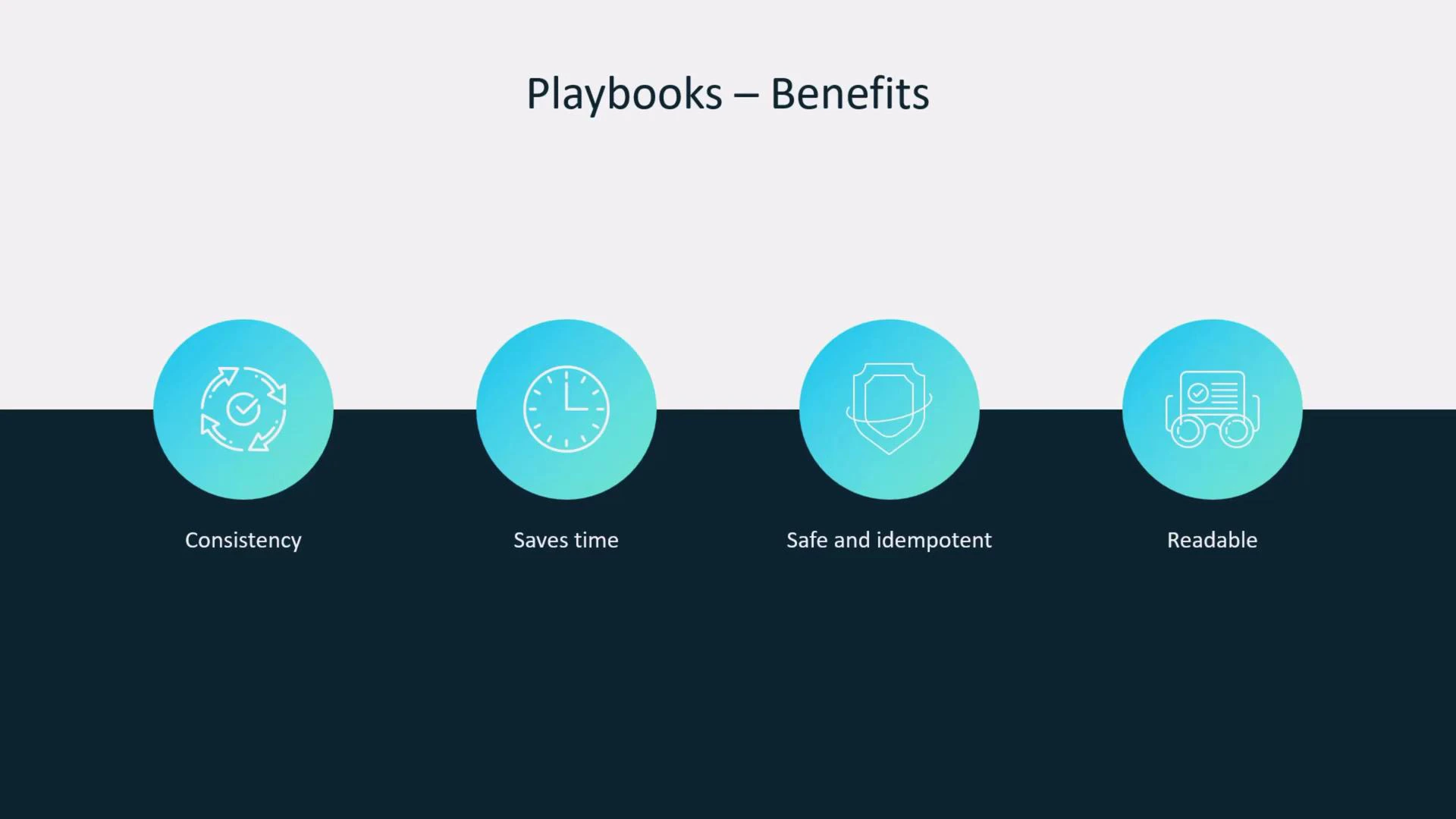
- Consistency: Running the same playbook produces the same result every time.
- Scale: Apply the same configuration across many hosts in a single run.
- Idempotence: Re-running a playbook leaves systems unchanged when they already match the desired state.
- Readability: Playbooks double as documentation for what your automation does.
name: a descriptive label for the playhosts: the inventory group or host pattern to targetbecome: whether to use privilege escalation (e.g., sudo)tasks: a list of steps (each task calls a module)
---.
Example minimal playbook:
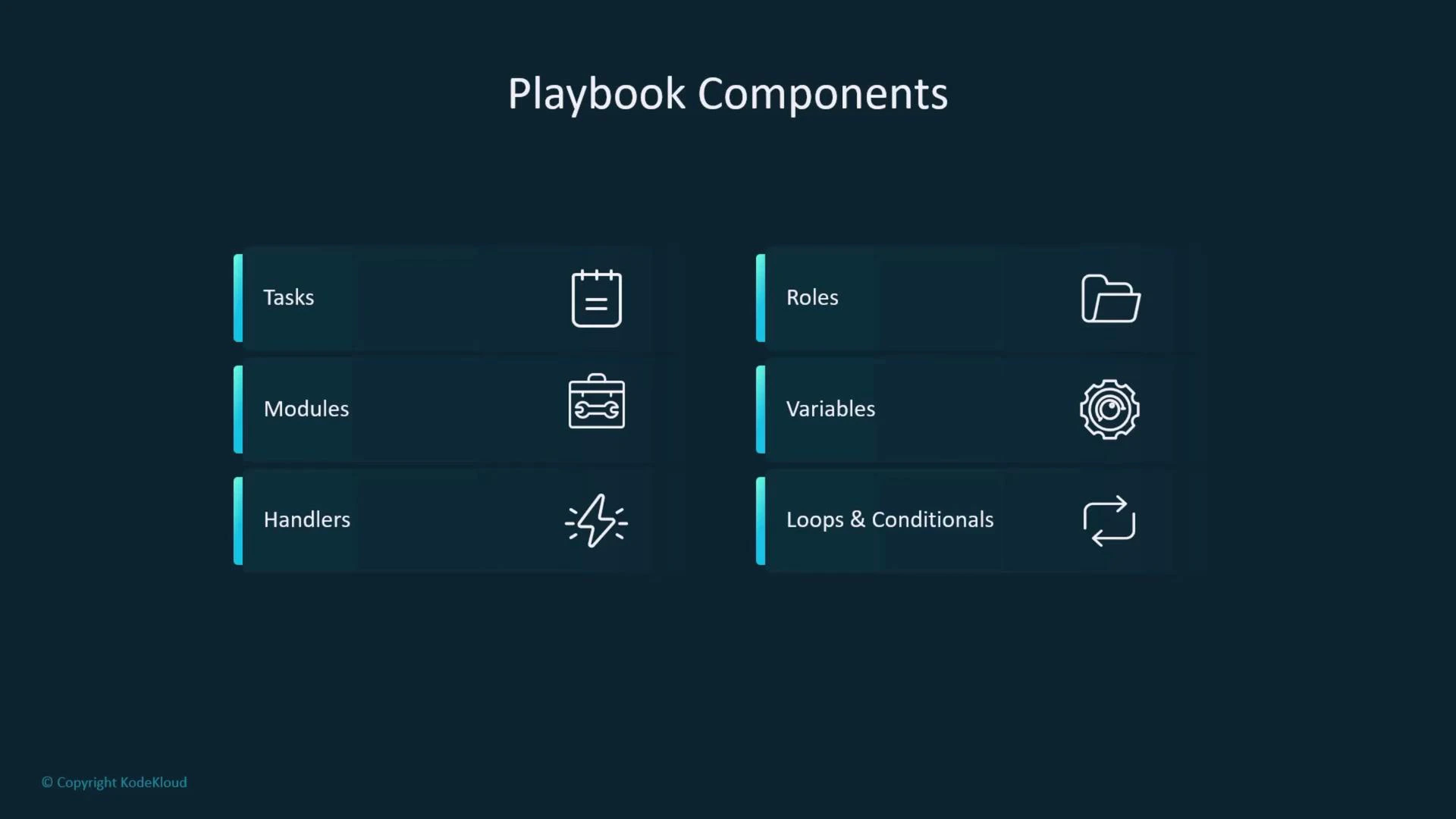
| Component | Purpose | Common examples |
|---|---|---|
| Tasks | Ordered steps executed on target hosts | Use modules like apt, yum, file, service |
| Modules | Idempotent units that perform actions | apt, copy, template, uri |
| Handlers | Tasks triggered only when notified (useful for restarts) | notify: Restart nginx |
| Roles | Directory layout for reusable code and separation of concerns | roles/nginx/tasks/main.yml |
| Variables | Parameterize values across environments | Inventory vars, vars_files, host_vars |
| Loops & Conditionals | Iterate or run tasks conditionally to avoid duplication | loop, when |

ansible-playbook to execute playbooks. Before applying changes to real systems, validate syntax and structure.
Commands:
| Task | Command |
|---|---|
| Run a playbook | ansible-playbook site.yml |
| Syntax check | ansible-playbook --syntax-check site.yml |
| Check inventory | ansible-inventory --list -i inventory/ |
- Always include a
namefor plays and for every task — it improves readability and troubleshooting. - Run
ansible-playbook --syntax-checkbefore applying changes. - Use handlers to avoid unnecessary service restarts when multiple tasks might trigger the same action.
- Prefer loops and conditionals over duplicating similar tasks to keep your playbooks concise and adaptable.
- Keep roles focused and small; one role should do one job.
- Use
check_mode(ansible-playbook --check) for dry runs where appropriate. - Store secrets in Ansible Vault and avoid committing secrets to version control.
- Keep host- and group-level variables in separate
host_vars/andgroup_vars/directories for clarity.