In this lesson you’ll use Red Hat Ansible Lightspeed (within the VS Code Ansible extension) to generate a complete, production-ready Ansible playbook from a natural-language prompt such as “install and start httpd”. Lightspeed will propose tasks, modules, parameters, and proper indentation. You will create a workspace, generate and refine a playbook named site.yml, add a templated page and a handler, ask Lightspeed to explain the result, and validate and run the playbook.
A slide titled "Lightspeed Playbook Test" showing a DevOps team on the left and a flow on the right from the Red Hat Ansible Lightspeed logo to the VS Code logo, with the caption "Prompts to playbooks."
Scenario: your team has connected Red Hat Ansible Lightspeed to VS Code and wants to evaluate how effectively Lightspeed converts plain-English prompts into playbooks that follow best practices for RHEL-based targets. The goal: a working playbook that installs and starts Apache (httpd), deploys a simple templated index page, and restarts the service when the template changes.
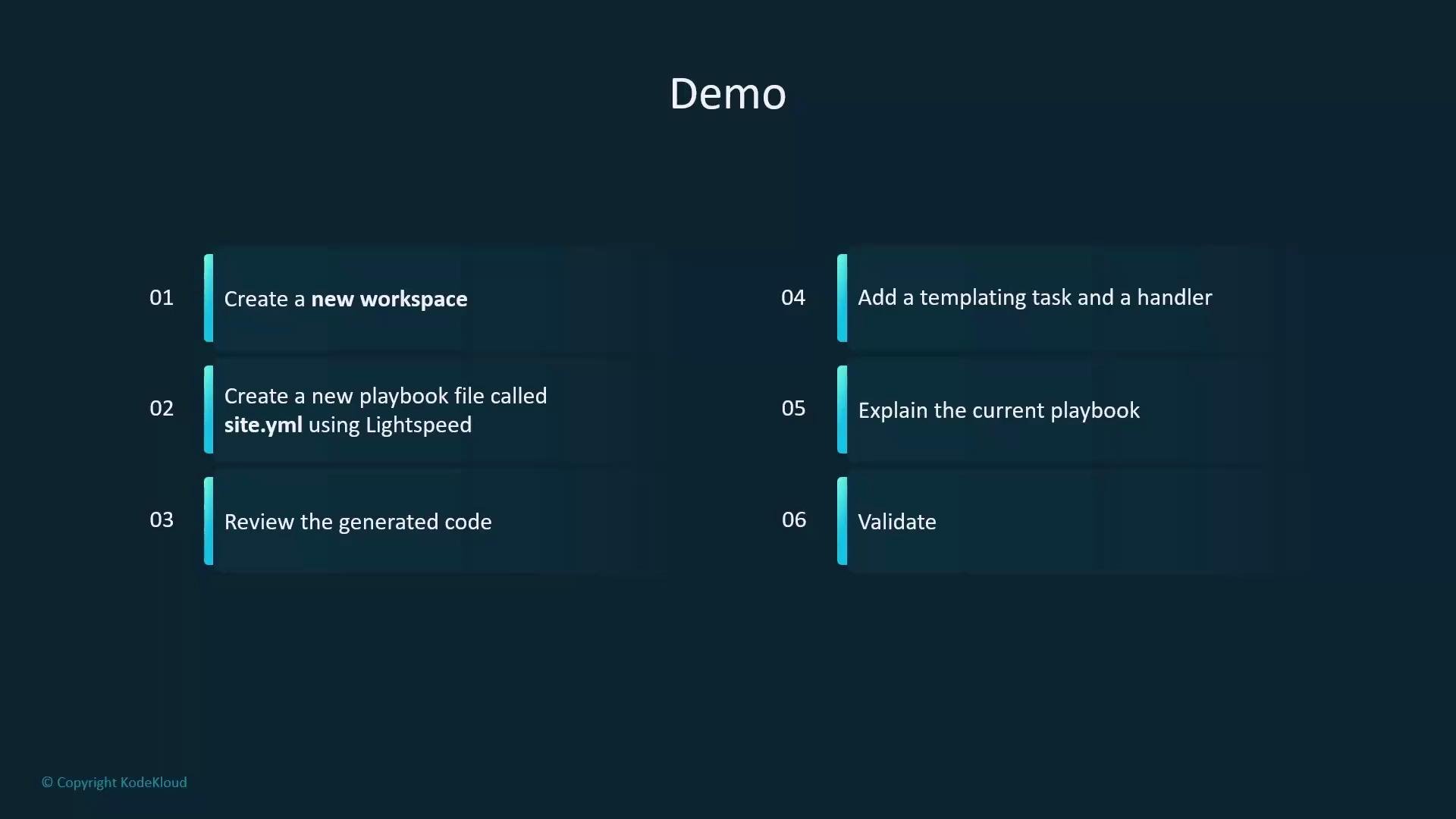
A dark-themed slide titled "Demo" showing a six-step checklist split into two columns. Steps include creating a new workspace, creating a playbook file called site.yml using Lightspeed, reviewing generated code, adding a templating task and handler, explaining the playbook, and validating.
Quick checklist (what you’ll do)
  • Create a workspace and inventory
  • Create a playbook file site.yml using Lightspeed
  • Review and refine generated tasks and naming
  • Add a templated index.html and a handler to restart Apache
  • Ask Lightspeed to explain the playbook
  • Validate and run the playbook
Step-by-step: create the workspace and basic configuration on your control node. Create the workspace directory:
student@control:~$ mkdir lightspeed
student@control:~$ cd lightspeed
Create a minimal inventory file that defines the webservers group:
# inventory
[webservers]
servera
Create a minimal ansible.cfg that points to the inventory and configures privilege escalation:
# ansible.cfg
[defaults]
inventory = inventory

[privilege_escalation]
become_method = sudo
become = True
become_user = root
become_ask_pass = False
Open the lightspeed working directory in VS Code and use the Ansible extension / Lightspeed UI controls to generate a playbook.
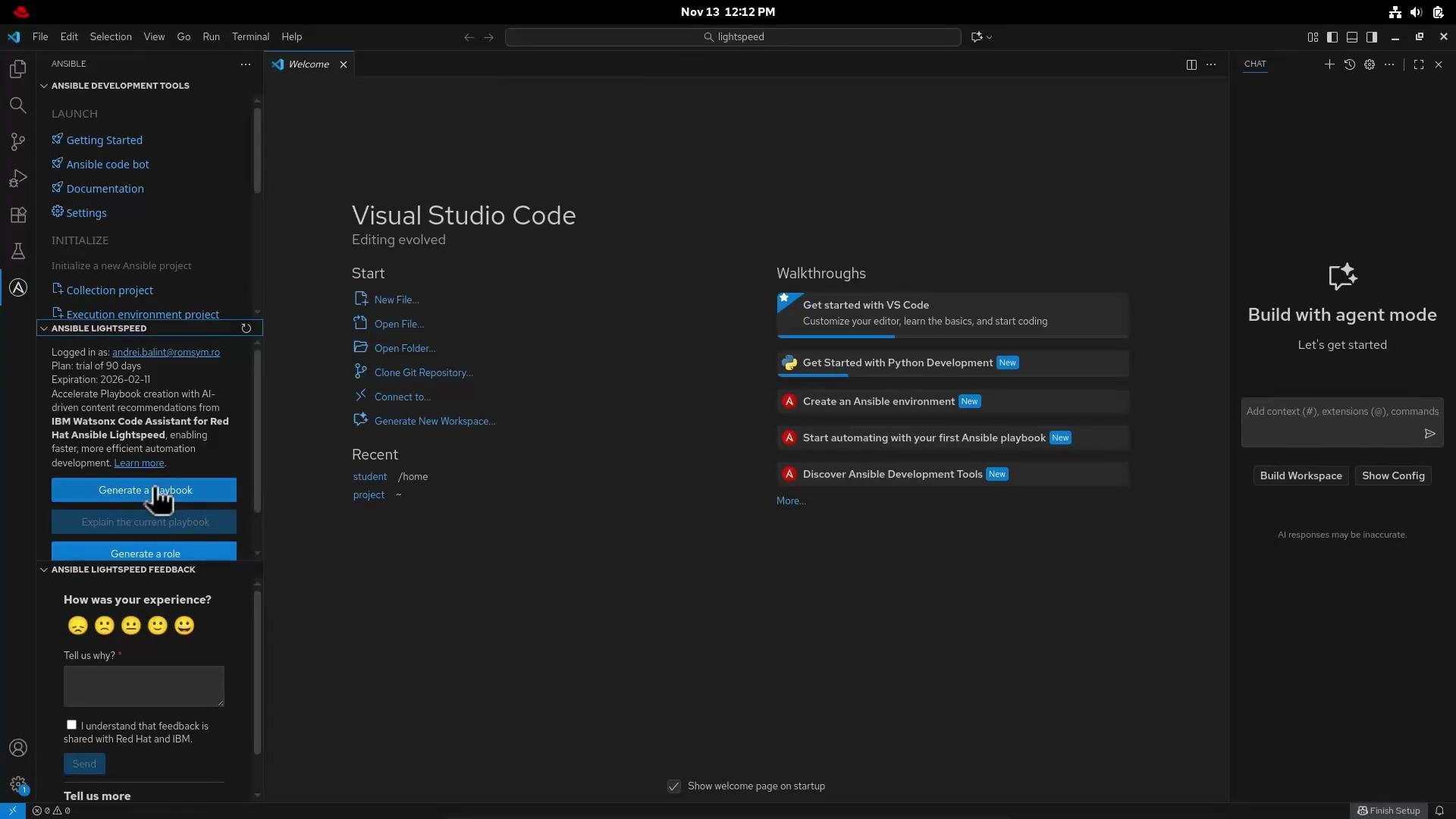
A dark-themed Visual Studio Code welcome screen showing Ansible Lightspeed controls in a left sidebar, walkthroughs and start options in the center, and a "Build with agent mode" pane on the right. The UI also displays buttons for generating playbooks and roles and a feedback section.
Prompt provided to Lightspeed (example):
Create a playbook which installs Apache on RHEL-based systems. Ensure Apache is started and enabled at boot. The target system is the group webservers from the inventory.
Lightspeed analyzes that prompt and proposes a complete playbook. After reviewing and refining the generated content for naming consistency and best practices (for example: capitalized task names, consistent module namespaces), this demo uses the following site.yml:
---
- name: Install Apache
  hosts: webservers
  become: True
  tasks:
    - name: Install Apache package
      ansible.builtin.yum:
        name: httpd
        state: present

    - name: Ensure Apache is Started
      ansible.builtin.service:
        name: httpd
        state: started
        enabled: true

    - name: Place a template called index.html.j2 within /var/www/html/index.html
      ansible.builtin.template:
        src: templates/index.html.j2
        dest: /var/www/html/index.html
        owner: root
        group: root
        mode: '0644'
      notify: Restart Apache

  handlers:
    - name: Restart Apache
      ansible.builtin.service:
        name: httpd
        state: restarted
Why these choices
  • ansible.builtin.yum: appropriate for RHEL-based systems (CentOS, RHEL, Alma, Rocky).
  • become: True: ensures privileged operations (package install, service control) run with elevated privileges.
  • Template + handler pattern: updates the site content idempotently and restarts Apache only when the template changes.
Create the template referenced by the playbook at templates/index.html.j2:
<!-- templates/index.html.j2 -->
<!doctype html>
<html>
  <head>
    <title>Welcome</title>
  </head>
  <body>
    <h1>Welcome to {{ ansible_facts['nodename'] }}</h1>
    <p>Managed by Ansible Lightspeed</p>
  </body>
</html>
Ask Lightspeed to “explain” the playbook — it will list prerequisites, describe each task and handler, and summarize expected results in plain language. For example: the playbook installs httpd on hosts in group webservers, ensures the service is running and enabled, deploys a templated index.html, and restarts Apache only when the template changes.
Lightspeed generates code, explains it, and suggests improvements — but always review generated playbooks for naming conventions, idempotence, and environment-specific constraints (for example SELinux context, firewall rules, or custom package sources).
Save the playbook as site.yml and run it from the control node:
student@control:~/lightspeed$ ansible-playbook site.yml
Example (abridged) output when running the playbook:
[WARNING]: Host 'servera' is using the discovered Python interpreter at '/usr/bin/python3.12'.
See https://docs.ansible.com/ansible-core/2.20/reference_appendices/interpreter_discovery.html

PLAY [Install Apache] *************************************************************

TASK [Gathering Facts] ************************************************************
ok: [servera]

TASK [Install Apache package] *****************************************************
ok: [servera]

TASK [Ensure Apache is Started] ***************************************************
ok: [servera]

TASK [Place a template called index.html.j2 within /var/www/html/index.html] ******
changed: [servera]

RUNNING HANDLER [Restart Apache] *************************************************
changed: [servera]

PLAY RECAP ************************************************************************
servera                   : ok=5    changed=2    unreachable=0    failed=0    skipped=0    rescued=0    ignored=0
Artifacts you created
File / ArtifactPurposePath
InventoryDefines target group webserversinventory
ansible.cfgPoints to inventory and configures privilege escalationansible.cfg
PlaybookInstalls and manages Apache, deploys template, notifies handlersite.yml
TemplateJinja2 HTML template using host factstemplates/index.html.j2
Notes on limitations and follow-ups
  • Lightspeed excels at generation and explanation from natural language prompts, accelerating playbook creation.
  • For larger, already-complex projects you may still need source-focused refactoring tools or manual review to enforce organization (roles, variables, testing pipelines).
  • Consider adding SELinux and firewall tasks if your environment requires them, and include molecule tests for role-level validation.
References Congratulations — you now have a simple, production-ready playbook generated and refined with Lightspeed, complete with a templated index.html and a handler to restart Apache when the template changes.

Watch Video