This guide demonstrates a practical workflow for diagnosing and fixing a broken Ansible playbook by running it, collecting real error output, and iterating with ChatGPT. The goal is to correct syntax, module usage, and variable issues while following Ansible best practices. What you’ll learn:
  • How to run a broken playbook and capture errors
  • Which common mistakes cause playbooks to fail
  • How to iterate with ChatGPT (or another LLM) to produce a corrected playbook
  • Best practices: FQCNs, correct service names, and privilege escalation

Scenario

You joined a DevOps team that uses Ansible. Playbooks were written at different times by different people (and sometimes generated by AI). Many fail on first run or show syntax errors. Your task: take a broken playbook, run it, gather errors, and iterate with ChatGPT until the playbook runs successfully on the target hosts.

Environment

I switched into a VM in the working directory named buggy. The inventory and Ansible config are already present.
student@servera:~/buggy$ ls
ansible.cfg  inventory
student@servera:~/buggy$ cat inventory
[webservers]
servera
student@servera:~/buggy$ cat ansible.cfg
[defaults]
inventory=inventory
[privilege_escalation]
become=true
become_user=root
become_method=sudo
become_ask_pass=false
student@servera:~/buggy$
Create a deliberately buggy playbook called site.yml (or site.yaml) and iterate until fixed. Open the repository in an editor (VS Code) to inspect and edit site.yml.
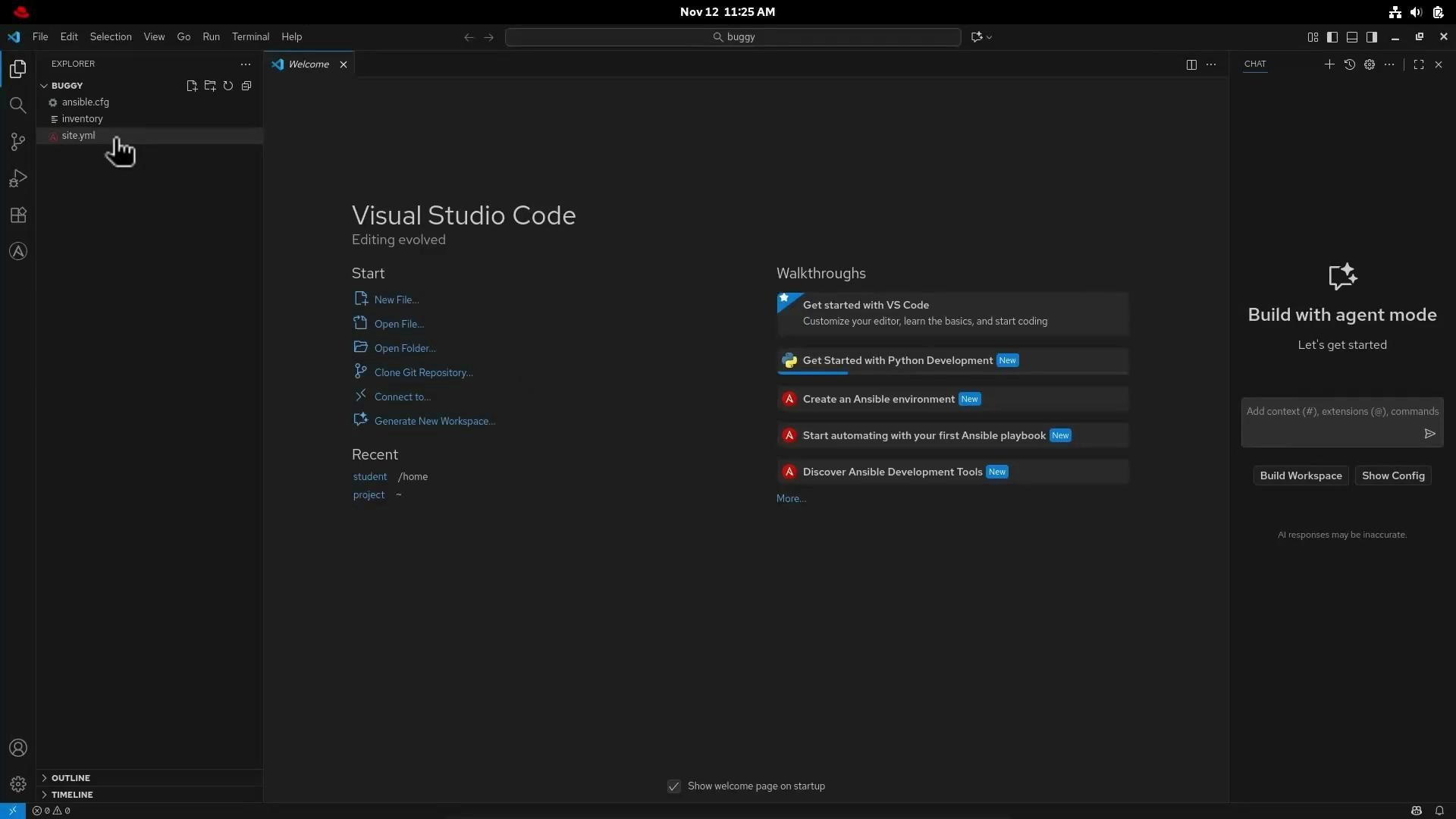
A screenshot of Visual Studio Code in dark theme showing the Welcome page and Explorer panel with a folder named "BUGGY" containing files like ansible.cfg, inventory, and site.yml. The right side shows walkthroughs and an "Build with agent mode" panel.
When saving, linting and editor diagnostics will highlight obvious YAML issues. Copy the broken playbook and paste it into ChatGPT, asking for issues and corrections. I pasted the following broken playbook into ChatGPT:
# Broken playbook (initial)
- name: Broken playbook
  hosts: webservers
  become: yes
  vars:
    page_title: "Hello World"
  tasks:
    - name: Install_apache
      dnf_install:
        name: httpd
        state: present

    - name: Deploy and index.html file
      copy:
        content: "{{ page_title }}"
        dest: /var/www/html/index.html

    - name: Activate httpd
      service:
        name: apache2
        state: started

    - name: Add a line to index.html
      lineinfile:
        path: /var/www/html.index.html
        line: "Edited by ansible"
        state: present
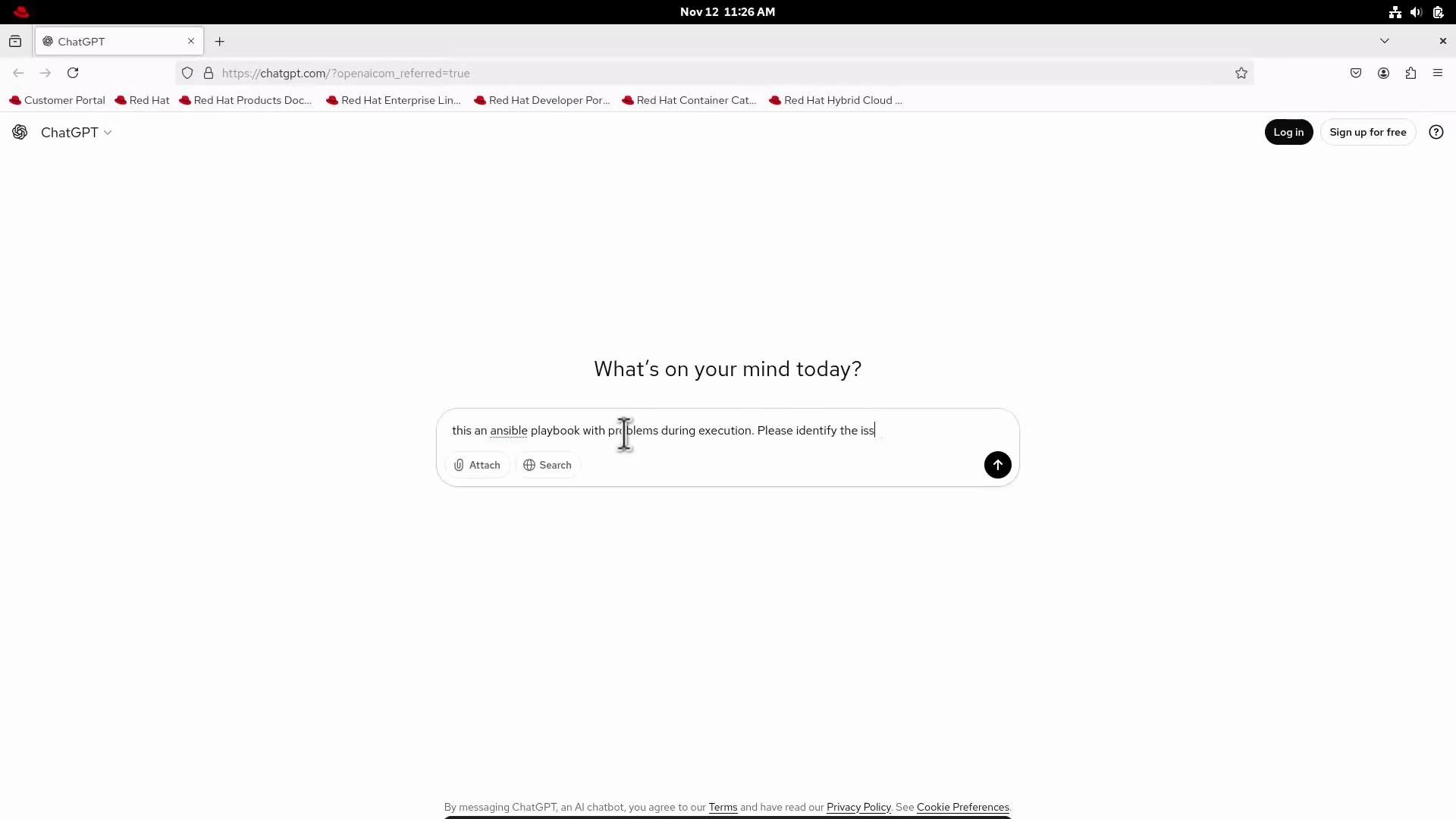
I used a prompt like: “This is an Ansible playbook with problems during execution. Please identify the issues and fix all possible problems.” Here’s the ChatGPT interface I used (for context):
A screenshot of the ChatGPT webpage with the central prompt "What's on your mind today?" and a typed message mentioning an Ansible playbook. Browser tabs and a Red Hat-themed toolbar are visible along the top.

Common issues found

ChatGPT identified the following key problems and recommended fixes. The table below summarizes each issue and what to change.
ProblemWhy it failsRecommended fix
Nonexistent module name dnf_installNot an Ansible module — causes module not foundUse ansible.builtin.dnf (FQCN preferred) or dnf
Wrong service name apache2 on RHEL/CentOSRHEL uses httpd service nameUse httpd for service operations
Incorrect file path /var/www/html.index.htmlTypo — invalid pathCorrect to /var/www/html/index.html
Inconsistent become valuesbecome: yes is okay, but use become: true consistentlyUse become: true at play or task level
Linting/complianceNot using FQCNs and missing file ownership/permissionsUse ansible.builtin.*, set owner, group, mode as needed
Handler notifications mismatchnotify name must match handler name exactly (case-sensitive)Define handler matching notify string
Other best practices: ensure you run playbooks against test hosts, verify OS/distribution, and set correct file ownership for web content.

Fixed playbook

After iterating with ChatGPT, incorporating the correct context (RHEL target, need for privilege escalation, best practices), we consolidated a single corrected playbook. It uses FQCNs, become: true, correct service/module names, and properly configured handlers.
---
- name: Install and configure Apache on RHEL systems
  hosts: webservers
  become: true  # Elevated privileges for tasks that require it
  vars:
    page_title: "Hello from Ansible Best Practices"

  tasks:
    - name: Ensure Apache is installed
      ansible.builtin.dnf:
        name: httpd
        state: present
      notify: restart apache

    - name: Deploy index.html file
      ansible.builtin.copy:
        content: "<html><body><h1>{{ page_title }}</h1></body></html>"
        dest: /var/www/html/index.html
        owner: apache
        group: apache
        mode: '0644'
      notify: restart apache

    - name: Ensure Apache service is running and enabled
      ansible.builtin.service:
        name: httpd
        state: started
        enabled: true

    - name: Add a line to index.html
      ansible.builtin.lineinfile:
        path: /var/www/html/index.html
        line: "Edited by Ansible"
        state: present
        insertafter: EOF
      notify: restart apache

  handlers:
    - name: restart apache
      ansible.builtin.service:
        name: httpd
        state: restarted
Always verify the environment (OS/distribution), service names, and file ownership before applying changes to production systems. Run playbooks against a non-production or test host first.

Run the corrected playbook

Save the fixed file as site.yml, then execute it with ansible-playbook:
student@control:~/buggy$ ansible-playbook /home/student/buggy/site.yml
Expected (successful) output:
TASK [Ensure Apache is installed] *************************************************
ok: [servera]

TASK [Deploy index.html file] *****************************************************
changed: [servera]

TASK [Ensure Apache service is running and enabled] *******************************
ok: [servera]

TASK [Add a line to index.html] ***************************************************
changed: [servera]

RUNNING HANDLER [restart apache] **************************************************
changed: [servera]

PLAY RECAP *********************************************************************
servera                   : ok=6    changed=3    unreachable=0    failed=0    skipped=0    rescued=0    ignored=0

Conclusion

Iteratively feeding real error output and context to ChatGPT can speed up diagnosing and fixing broken playbooks. Key takeaways:
  • Provide correct context up front (OS distribution, required privileges, intended service names).
  • Prefer FQCNs (ansible.builtin.*) to satisfy linters and avoid ambiguity.
  • Test playbooks on non-production hosts before rolling out changes.
  • Human review remains essential: validate generated changes and verify ownership/permissions.
Further reading:
  • Ansible module index and FQCN guidance in official docs
  • Best practices for handlers and notifications

Watch Video