

- VS Code with the GitHub Copilot extension installed and signed in.
- An Ansible project directory with ansible.cfg and an inventory file.
- Ansible installed on your control host.
- Optionally: the Ansible VS Code extension and ansible-lint for editor feedback.
- When you prompt Copilot with a generic comment, its first suggestion will often target Debian/Ubuntu systems and use apt. Example suggestion:
- If your managed hosts are RHEL-family (RHEL, CentOS, Rocky, Fedora), update your prompt to indicate that. Copilot will adapt package/module choices (yum/dnf and systemd). Example RHEL-style suggestion:
- When refining prompts, ask Copilot to:
- Use ansible.builtin.service for broader compatibility across init systems.
- Use fully-qualified collection names (FQCN) like ansible.builtin.yum and ansible.builtin.template to avoid ambiguity.
- Add variables for package name, service name, document root, and template names.
- Notify a handler to restart the service after template changes.
Using FQCNs (for example, ansible.builtin.yum and ansible.builtin.template) is recommended to avoid ambiguity and make your playbooks explicit about which modules they use.
Copilot can produce a helpful scaffold but may generate incorrect assumptions (wrong package names, missing variables, or security issues). Validate generated tasks, run ansible-lint, and test in a safe environment before using in production.
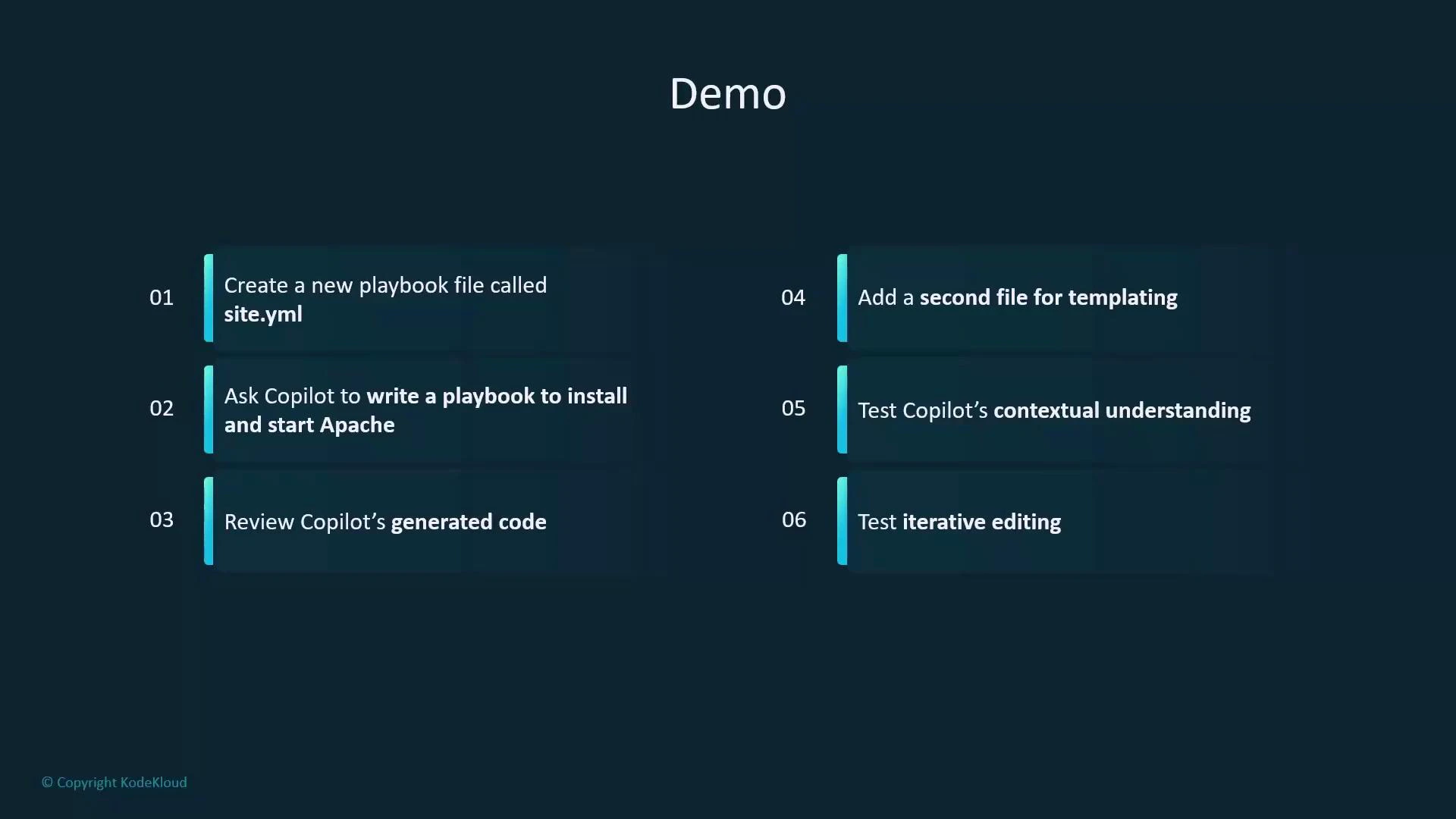
- After iterating with Copilot and refining prompts (service module, FQCN, handler, vars, enable/start service, append a footer line), a consolidated site.yaml can look like this:
- Save the following as index.html.j2 (project root or role/templates). This minimal Jinja2 template renders the page_content variable.
- Use the Ansible VS Code extension and ansible-lint for style and correctness suggestions:
- ansible-lint may flag quote style, variable usage, or package pinning.
- The extension highlights syntax, YAML indentation, and module FQCN recommendations.
- Treat linter output as guidance; resolve critical issues and decide which stylistic rules match your project.
- From your control host, run:
- On the managed host (serverA) verify the web page:
- Use short, descriptive comments as prompts (e.g., include target OS and desired behavior).
- Iterate: ask Copilot to change modules (yum vs apt), add variables, enable handlers, and use FQCNs.
- Validate all generated code with ansible-lint and functional testing.
- Keep templates, handlers, and service management explicit and well-documented.
- Let Copilot scaffold repetitive tasks but perform manual review for security and correctness.
- Extend the playbook with SSL configuration, virtual hosts, or more advanced Jinja2 templates.
- Add role separation (tasks, handlers, templates) and ask Copilot to scaffold role structure.
- Integrate CI checks that run ansible-lint and a dry-run to catch regressions early.
- GitHub Copilot in Action (course)
- VS Code
- GitHub Copilot extension
- Ansible basics (course)
- Jinja2 Basics (Mini Course)
- Ansible Documentation
- ansible-lint
- Ansible VS Code extension