In this lesson, we’ll explore Red Hat Ansible Lightspeed — an AI-powered assistant built to speed up Ansible automation authoring, reduce errors, and surface best-practice guidance directly inside your editor. Lightspeed integrates with Visual Studio Code through the Red Hat Ansible Extension and uses IBM watsonx Code Assistant on the backend to generate and refine Ansible YAML (tasks and playbooks) from natural language prompts. It’s specifically trained and tuned for Ansible, so suggestions emphasize certified modules, official collections, and recommended patterns.
A presentation slide titled "Lightspeed – Introduction" with three cards. The cards describe Red Hat’s AI assistant for Ansible, integration with VS Code via an Ansible extension, and that it’s powered by IBM watsonx Code Assistant.
Why use Lightspeed?
  • Describe the desired outcome in plain English (for example, “install Apache and ensure it is started”) and Lightspeed proposes YAML tasks or a playbook scaffold.
  • Because it’s powered by IBM watsonx Code Assistant and trained on Ansible-specific content, suggestions are aligned with Red Hat best practices and compatible modules.
  • The result is faster playbook creation, fewer syntax mistakes, and recommendations that map to official documentation.
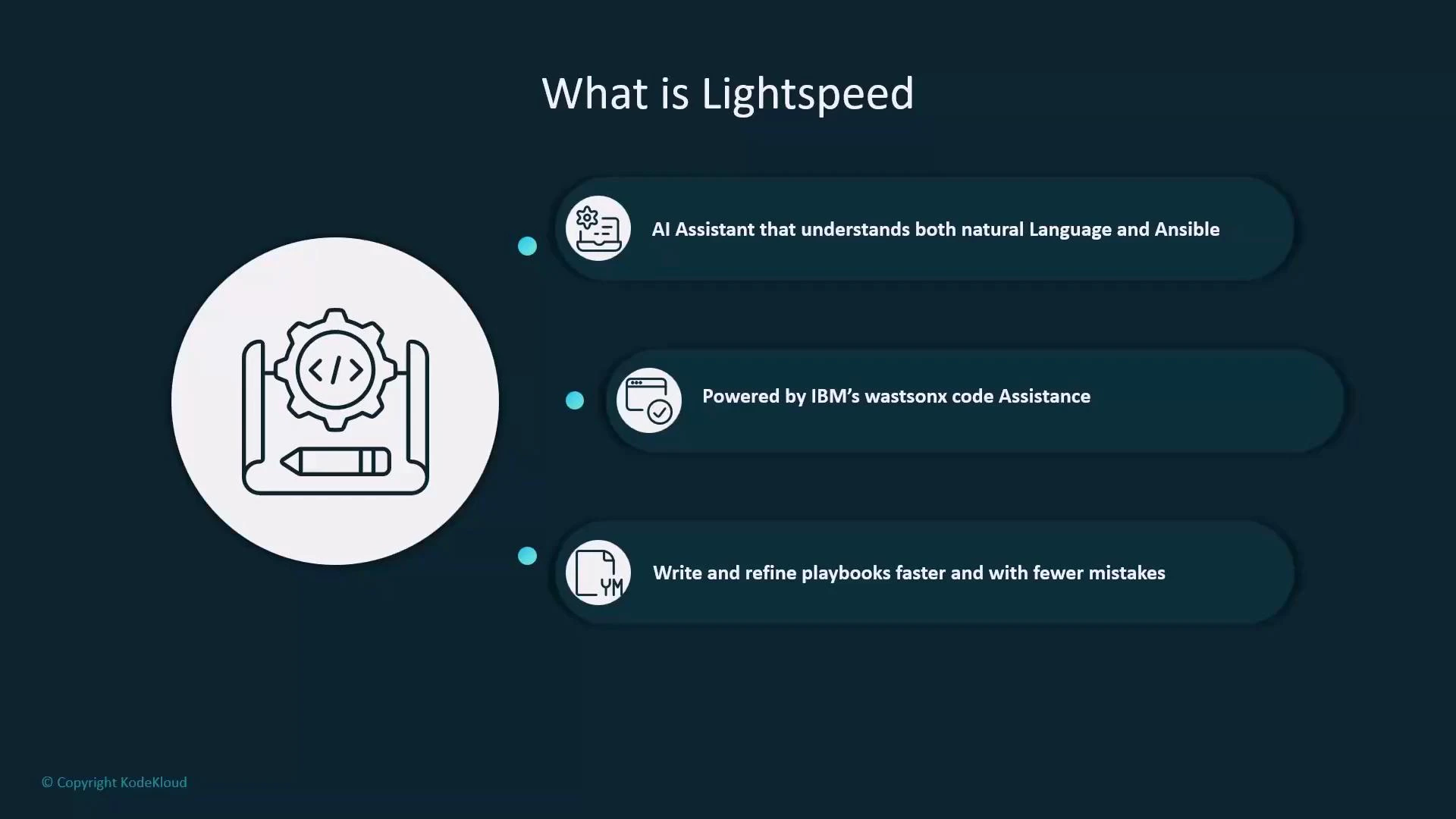
A presentation slide titled "What is Lightspeed" with a large coding/automation icon on the left. Three bullet points explain it as an AI assistant that understands natural language and Ansible, is powered by IBM's watsonx code assistance, and helps write/refine playbooks faster with fewer mistakes.
Built-in VS Code integration Lightspeed runs directly inside Visual Studio Code via the Red Hat Ansible Extension so you can write, validate, and refine automation without leaving your editor. The extension’s integration delivers several advantages:
  • Suggestions that prioritize certified Ansible modules, roles, and collections instead of generic completions.
  • Inline YAML validation and quick links to module documentation while you edit.
  • Context awareness: Lightspeed reads YAML structure, the tasks you’re authoring, and modules already present in your file to produce more accurate output.
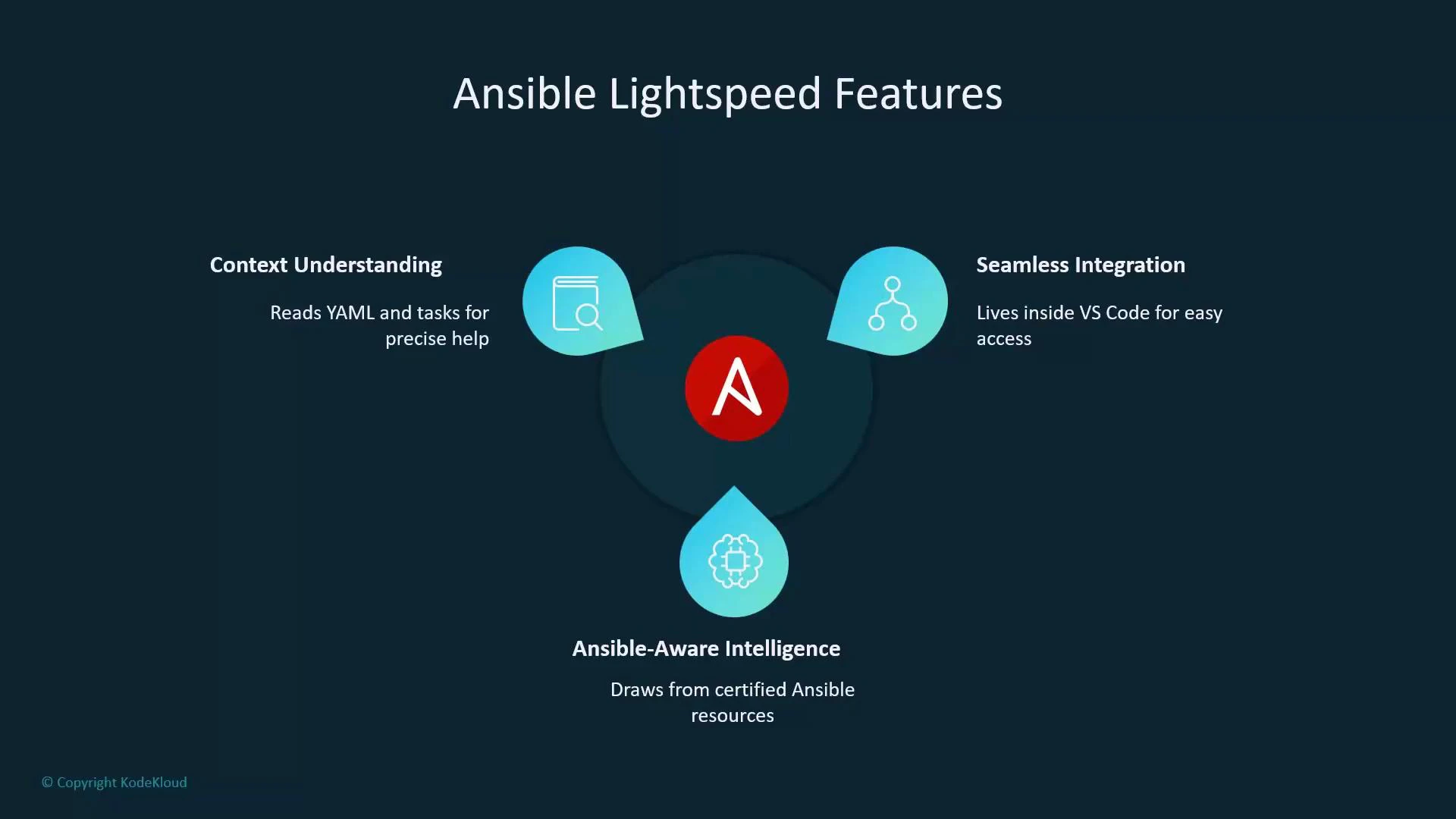
This Ansible-specific intelligence differentiates Lightspeed from general-purpose coding assistants such as GitHub Copilot.
A presentation slide titled "Ansible Lightspeed Features" with a central Ansible logo connected to three feature callouts: Context Understanding ("Reads YAML and tasks for precise help"), Seamless Integration ("Lives inside VS Code for easy access"), and Ansible-Aware Intelligence ("Draws from certified Ansible resources").
How Lightspeed works — end-to-end flow
  1. You type a natural language prompt or a commented instruction inside VS Code (e.g., “install Apache and start the service”).
  2. The prompt is sent to the Red Hat Lightspeed service, which forwards it to IBM watsonx Code Assistant.
  3. IBM watsonx Code Assistant generates the corresponding Ansible YAML (tasks, handlers, or a playbook scaffold).
  4. The generated YAML is returned to VS Code for preview, acceptance, or iterative refinement.
  5. The Red Hat Ansible Extension validates YAML syntax in real time and surfaces module docs and hints while you work.
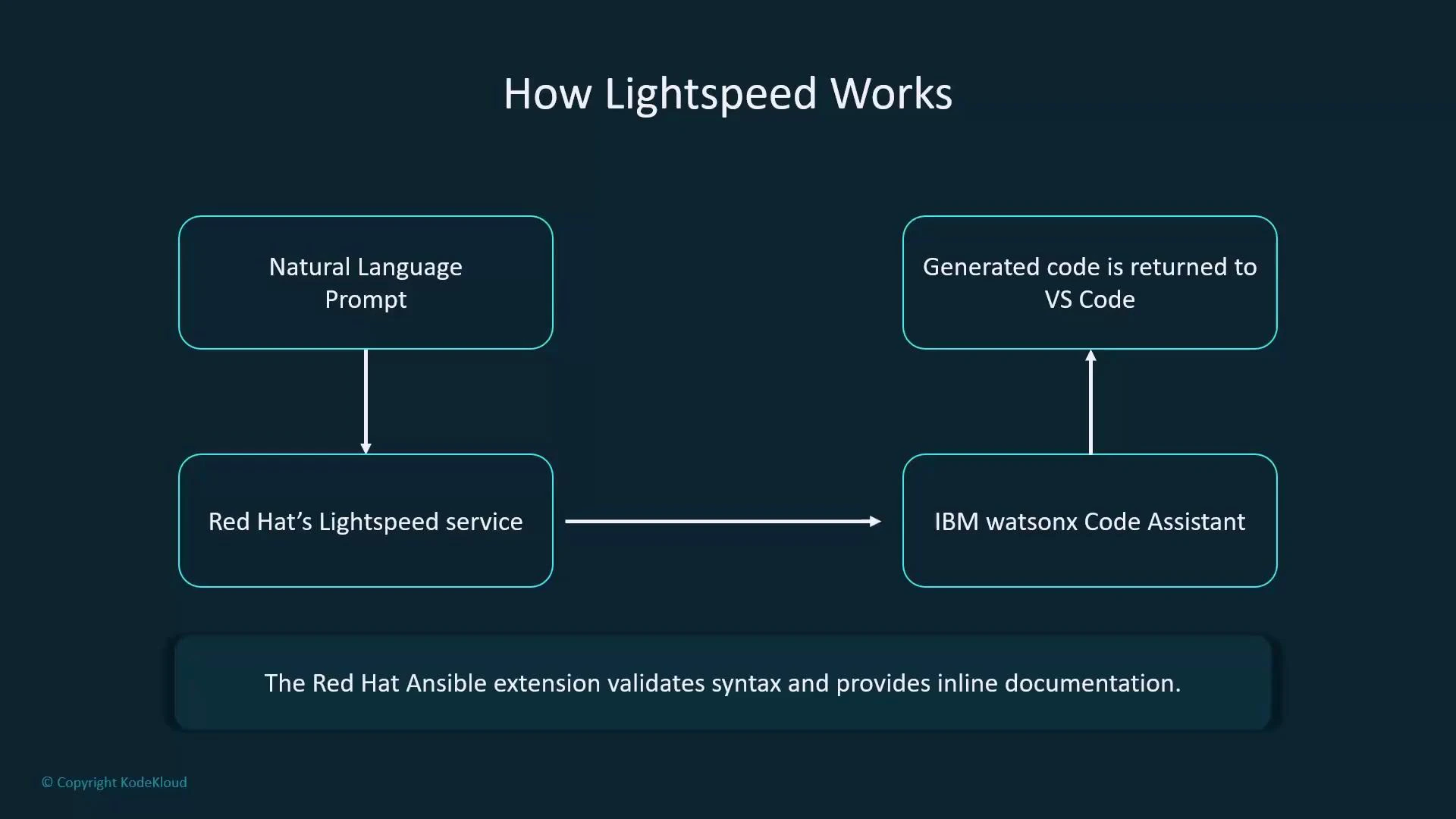
Keeping the edit → validate → review loop inside the editor reduces context switching and helps ensure generated content uses supported modules and correct syntax.
A flowchart titled "How Lightspeed Works" showing a Natural Language Prompt sent to Red Hat's Lightspeed service, which interacts with IBM watsonx Code Assistant and returns generated code to VS Code. A caption at the bottom notes the Red Hat Ansible extension validates syntax and provides inline documentation.
Lightspeed is Ansible-aware and context-sensitive: it favors certified modules and official collections, validates YAML inline, and links to module documentation. Always review and test any generated code before deploying it in production.
Key capabilities of Ansible Lightspeed
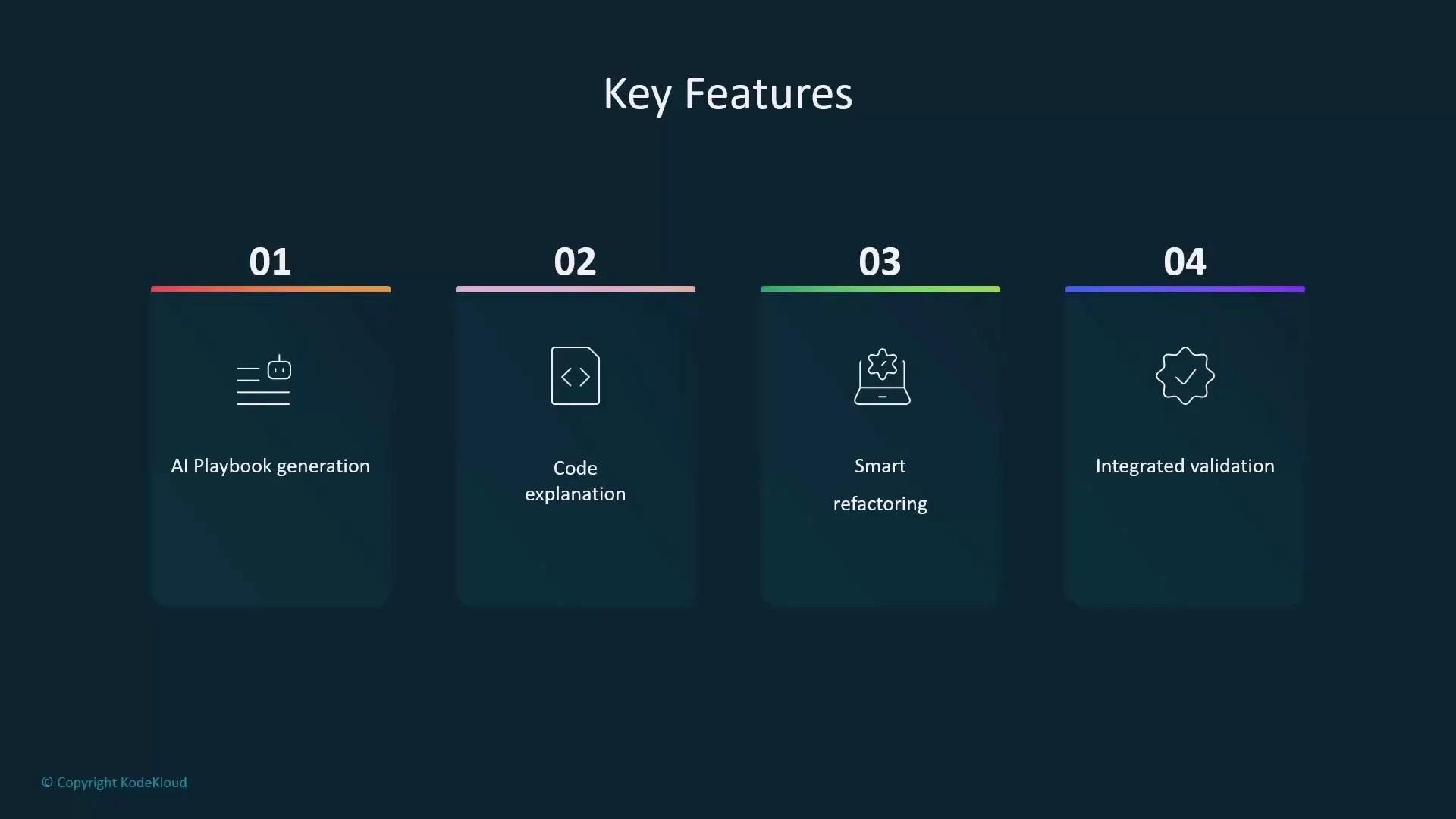
  • AI playbook generation: Describe an outcome and receive tasks or a full playbook scaffold.
  • Code explanations: Ask Lightspeed to explain what a task or playbook does so you can understand existing automation.
  • Smart refactoring: Get suggestions to simplify tasks, combine steps, or improve structure.
  • Integrated validation: The extension flags YAML issues and links suggestions to official Ansible module docs.
Feature summary
FeatureBenefitExample
AI playbook generationRapidly produce task lists and playbook scaffolds“Create a playbook to install and start httpd on RHEL”
Code explanationFaster understanding of existing automation“Explain what this task does”
Smart refactoringCleaner, more maintainable playbooksSuggestions to use loops, handlers, or roles
Integrated validationFewer syntax and module-usage errorsInline linting and links to module docs
A dark-themed slide titled "Key Features" showing four numbered cards: 01 AI Playbook generation, 02 Code explanation, 03 Smart refactoring, and 04 Integrated validation. Each card has a small icon and a colored top border.
Together, these capabilities simplify writing, reviewing, and maintaining Ansible automation—making playbook development faster, more consistent, and less error-prone. Links and references

Watch Video