A practical course teaching how to combine AI tools with Ansible to rapidly author, validate, and secure playbooks using VS Code, linters, ChatGPT, Copilot, Claude Code and Ansible Lightspeed.
Welcome — and thanks for joining the AI-Assisted Ansible course. This demonstration-driven program shows how top engineering teams combine Ansible automation with AI to build playbooks faster, reduce human error, and troubleshoot infrastructure with greater confidence. I’m Andrei Balint, your instructor.As infrastructure grows more distributed and complex, traditional automation practices can become slow to author and brittle to maintain. This course teaches practical techniques for integrating AI into your Ansible workflow so you can:
Generate and iterate playbooks quickly
Validate code automatically using linters and language servers
Reduce repetitive authoring with intelligent code suggestions
Produce secure, production-ready automation aligned with best practices
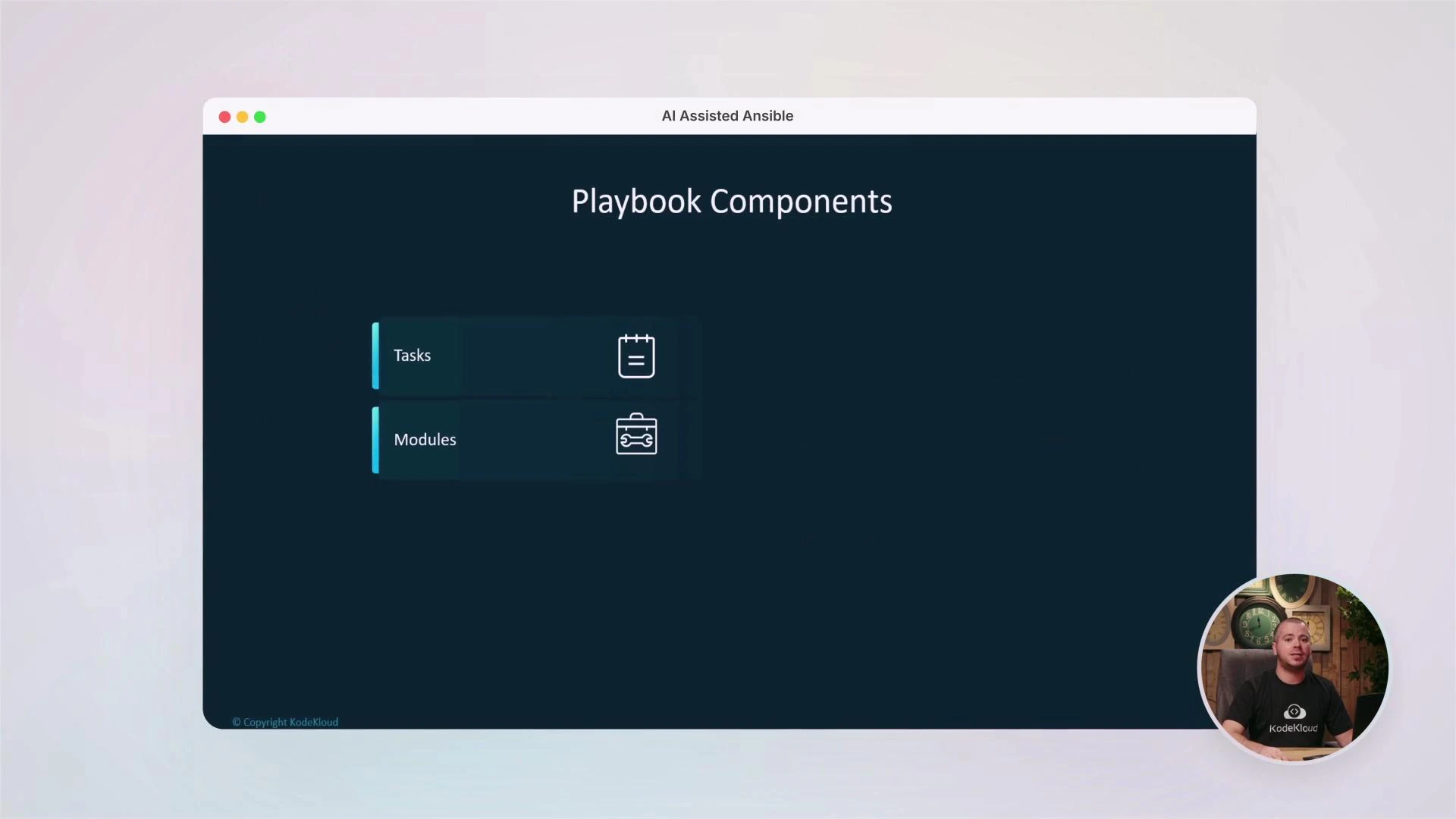
You’ll revisit Ansible fundamentals (YAML basics, playbook structure, tasks, modules) and then learn how to use modern AI tooling to accelerate development and improve reliability.
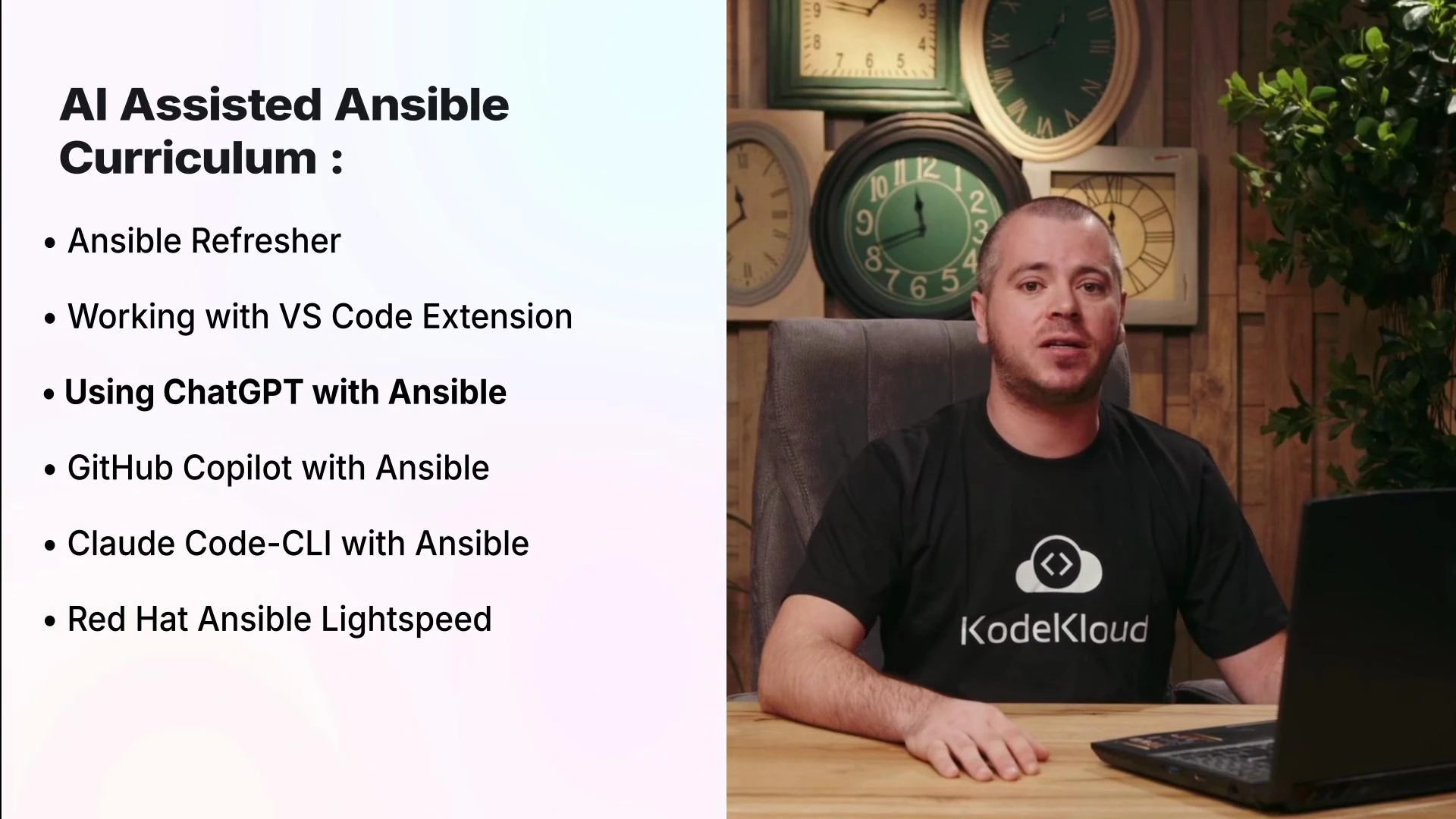
What you’ll learn
How to author clear, maintainable Ansible playbooks (YAML structure, tasks, modules)
How to use VS Code’s Ansible extension plus ansible-lint and ansible-language-server to catch issues early
How to prompt and iterate with ChatGPT to generate and refine playbooks
How to use GitHub Copilot inside VS Code to speed routine tasks and parameter suggestions
How to run Claude Code from the CLI to produce reproducible, templated playbooks
How Red Hat Ansible Lightspeed helps generate secure, Ansible-aware automation
Tools covered (quick reference)
Tool
Use Case
VS Code Ansible extension
Linting, autocompletion, validation
ansible-lint / ansible-language-server
Enforce style and surface problems early
ChatGPT
Conversational prompt-driven playbook generation
GitHub Copilot
Inline suggestions and context-aware completions
Claude Code CLI
Scripted prompt templates and terminal-first workflows
Red Hat Ansible Lightspeed
Enterprise-grade, Ansible-aware AI assistance
Tip: Combine linters and language servers in your editor to get immediate feedback as you author. This reduces iteration time when using AI-generated output.
Editor integrations: VS Code and linting
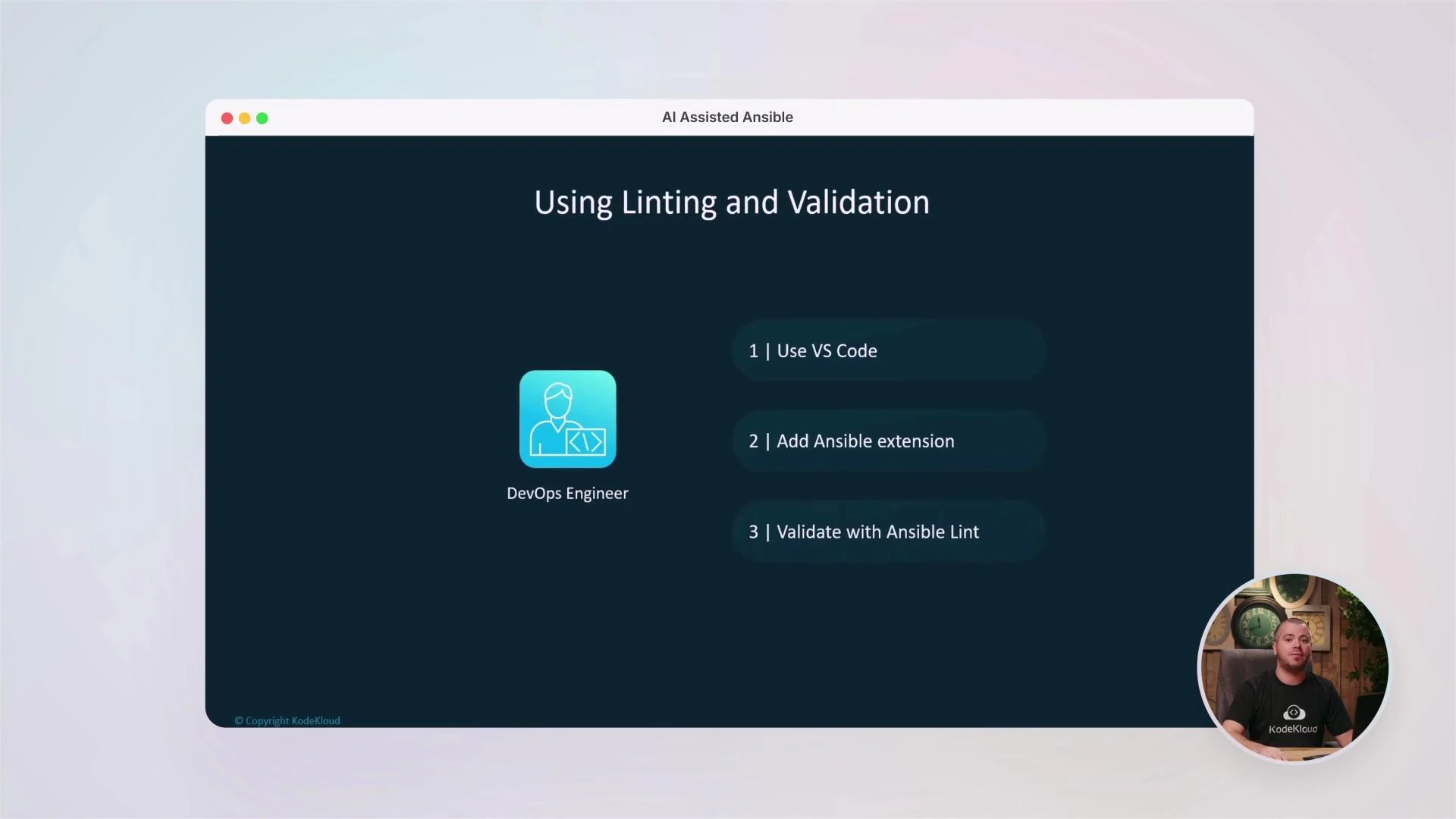
You’ll set up the VS Code Ansible extension and learn how editor tooling improves authoring speed and playbook quality. The extension, together with ansible-lint and the ansible-language-server, provides autocompletion, validation, and inline diagnostics so you can detect common issues during development instead of in CI.
AI-assisted authoring: ChatGPT, Copilot, and Claude Code
We compare multiple AI approaches and show when to use each:
ChatGPT: Best for iterative, conversational playbook generation and debugging. Learn how to craft prompts that produce usable playbooks and how to validate the output against best practices.
GitHub Copilot: Works inside VS Code to suggest tasks, modules, and parameter values based on surrounding context — ideal for boosting day-to-day productivity.
Claude Code CLI: Generates playbooks from the terminal using structured prompts, which is useful for reproducible prompt templates and automated pipelines.
You’ll see side-by-side examples of how each tool behaves and the trade-offs between conversational refinement (ChatGPT), inline completion (Copilot), and CLI-driven reproducibility (Claude Code).
Red Hat Ansible Lightspeed
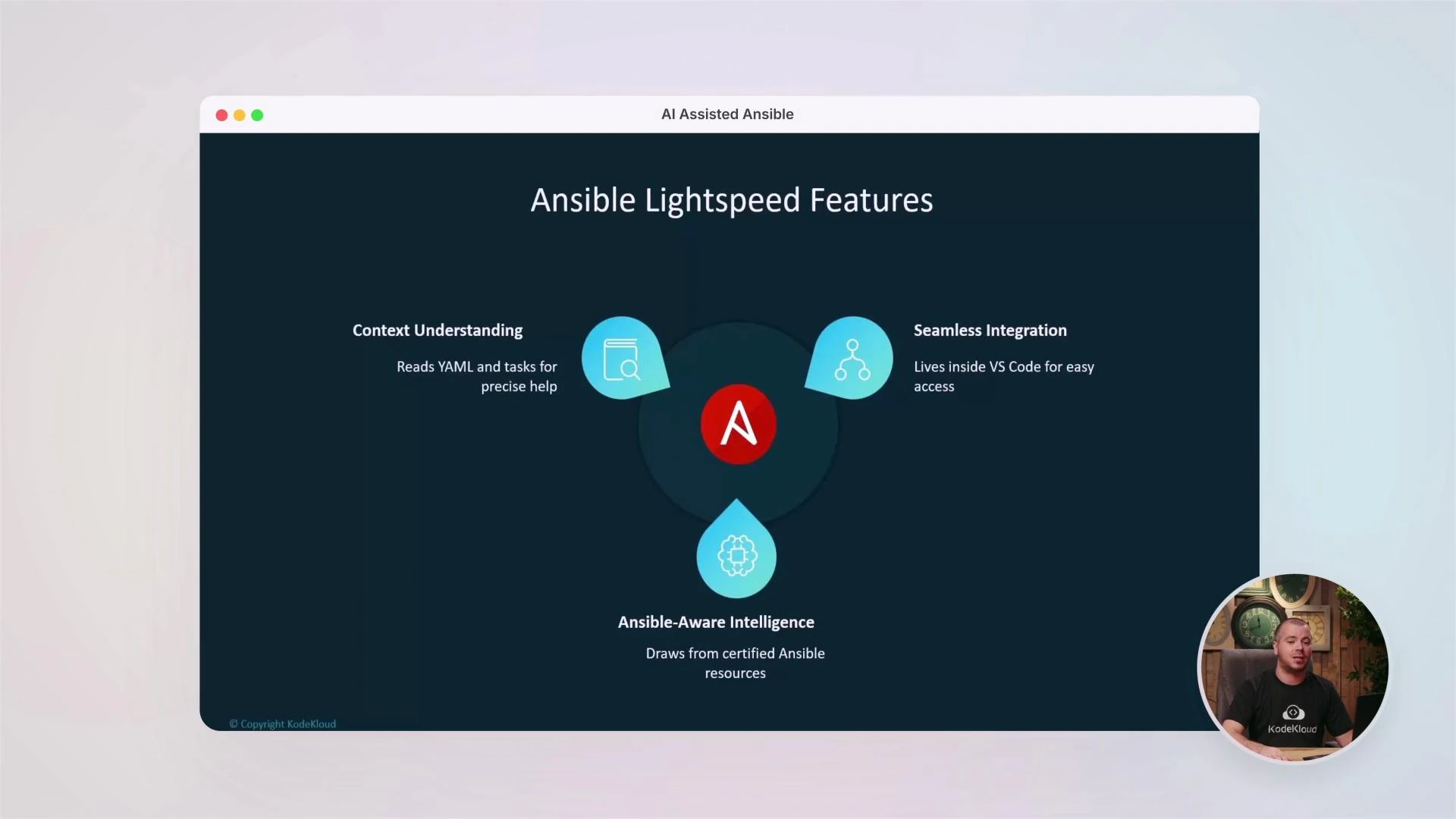
We’ll explain what Ansible Lightspeed is, how to integrate it into your workflow, and why it’s valuable for generating secure, production-ready playbooks aligned with Red Hat best practices. Expect demos showing context-aware suggestions and how Lightspeed applies Ansible-aware intelligence to reduce manual rework.
Who should take this course
DevOps engineers, SREs, system administrators, and platform teams
Engineers who maintain large infrastructure, CI/CD pipelines, or multi-cloud deployments
Anyone looking to add AI-driven authoring and validation to their Ansible workflows
Warning: AI-generated automation should always be reviewed and validated. Use linters, testing playbooks in staging environments, and code review practices to ensure safe, idempotent operations.
Community and next steps
At KodeKloud you’ll join an active learning community — ask questions, share your work, and learn with others. By the end of this course you’ll have practical, repeatable skills to integrate AI into your automation lifecycle and accelerate how you build and maintain Ansible playbooks.