

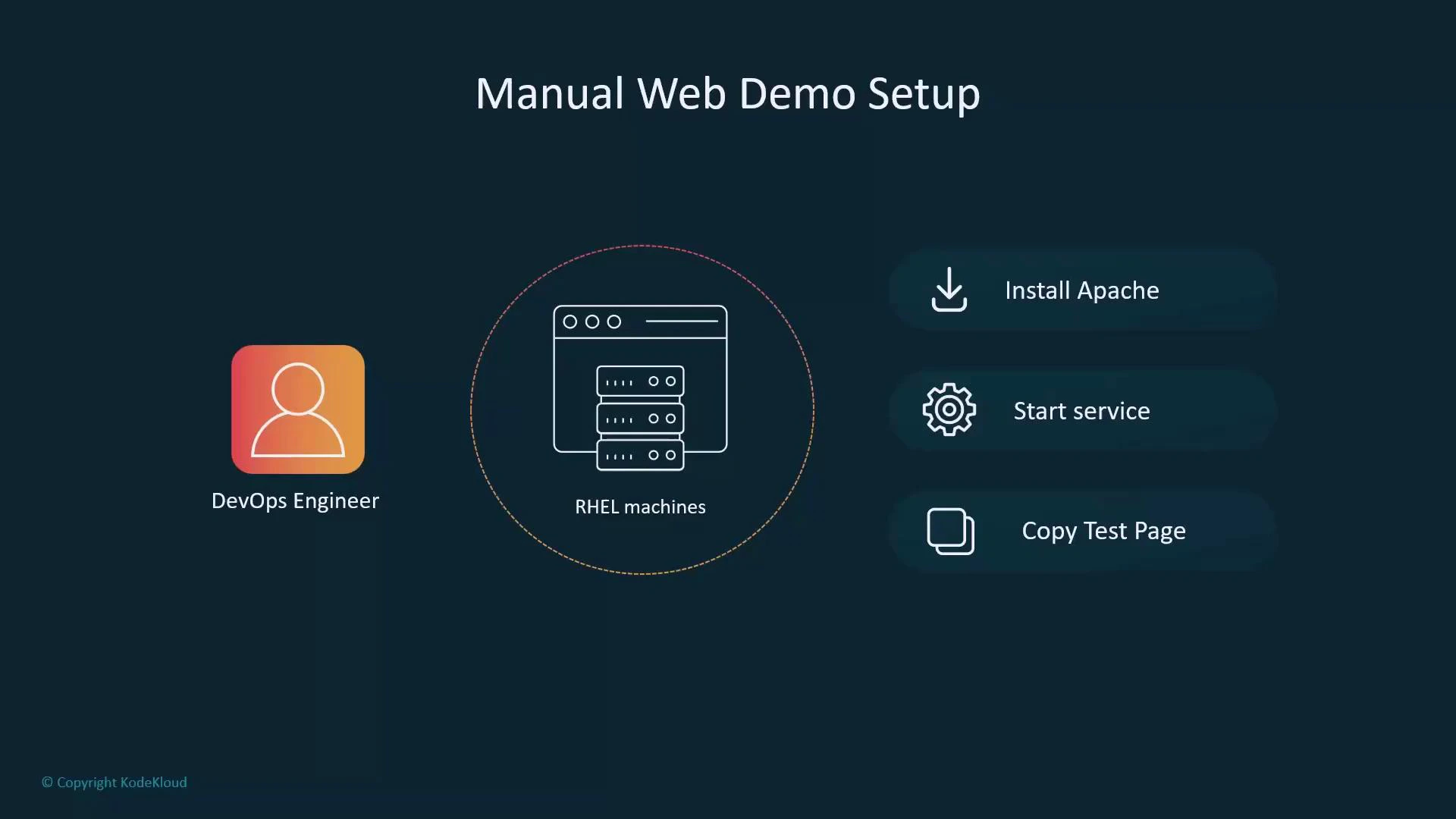
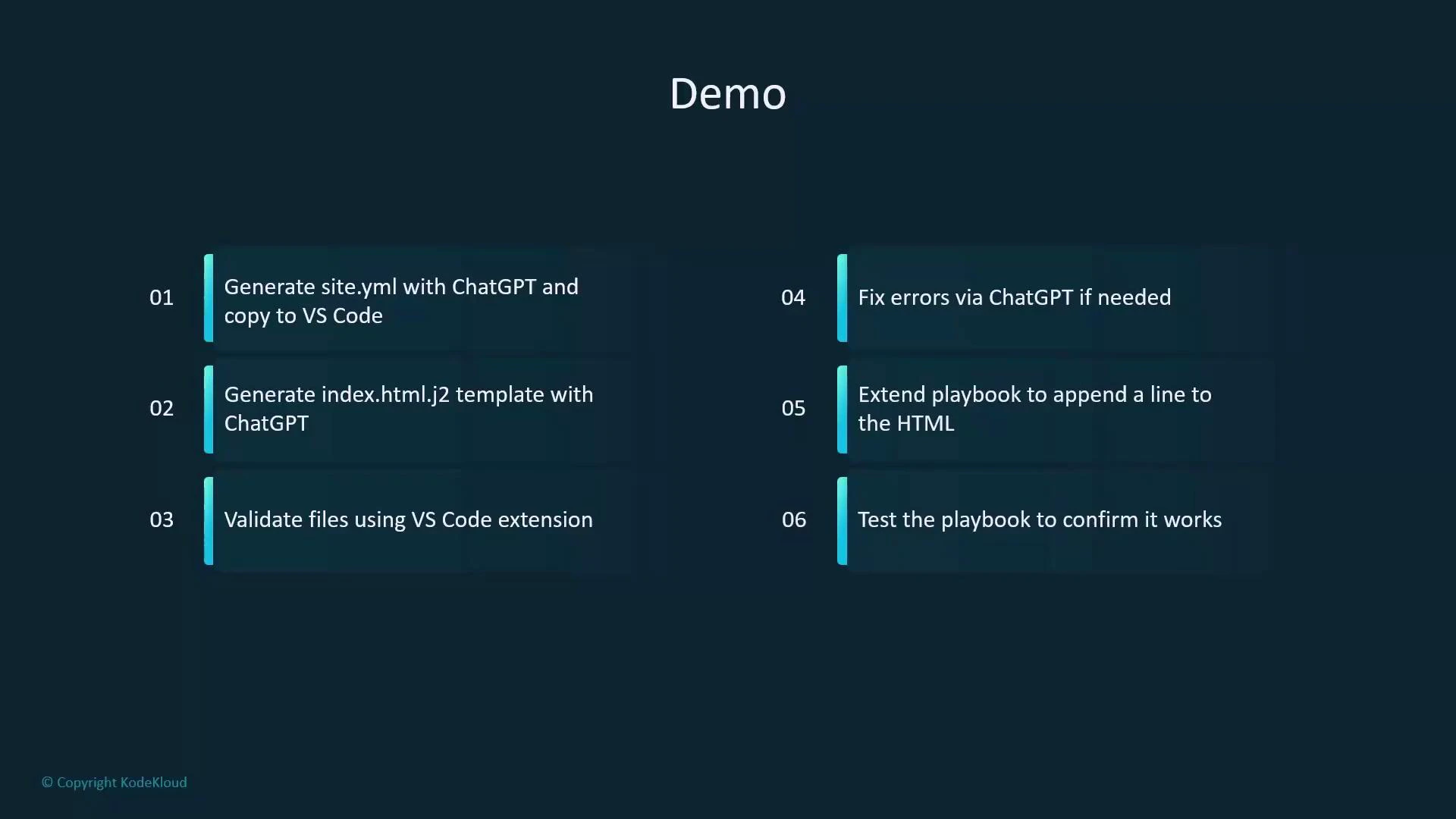
- Ask ChatGPT to create a playbook (site.yml) that installs httpd and deploys a Jinja2 template.
- Paste the playbook into VS Code.
- Ask ChatGPT to generate the Jinja2 template file (index.html.j2).
- Validate files in VS Code using the Ansible extension and ansible-lint.
- If there are lint or validation issues, iterate by giving the errors back to ChatGPT.
- Once the base version is working, extend the playbook (for example, add an idempotent footer append).
- Run the playbook and confirm the results on the demo server.
- Environment setup
- Create a working directory and change into it:
- Create a simple inventory file named
inventorywith a groupwebservers:
- Create
ansible.cfgthat points to the local inventory and configures privilege escalation:
- Generate the initial playbook with ChatGPT
-
Prompt example used:
“As a DevOps engineer, create an Ansible playbook called site.yml for RHEL-based hosts in the group webservers that installs httpd, deploys a Jinja2 template named index.html.j2 to /var/www/html/index.html, enables and starts the httpd service, uses handlers, and keeps tasks idempotent.” -
After getting the reply, paste it into VS Code and make lint-friendly corrections:
- Use fully-qualified collection names (ansible.builtin.<module>) to satisfy ansible-lint fqcn checks.
- Use lowercase
true/falseYAML booleans for compatibility with YAML linters. - Ensure
gather_facts: truewhen the template uses facts likeansible_fqdn.
Tips:
- Always prefer FQCNs like
ansible.builtin.templateto avoid collection ambiguity and satisfy ansible-lint rules. - Keep
gather_facts: truewhen templates reference facts such asansible_fqdn.
- Create the Jinja2 template
- Request ChatGPT to create
index.html.j2with a friendly message. Example template:
- Validate and run the playbook
- Tools to use:
- VS Code Ansible extension: https://marketplace.visualstudio.com/items?itemName=redhat.ansible
- ansible-lint: https://ansible-lint.readthedocs.io/en/latest/
Some lint messages are recommendations (deprecations, style). Address critical errors first; non-blocking warnings can be deferred while iterating with ChatGPT.
- Run the playbook:
- Install/template/start tasks report changed/ok as appropriate.
- Handlers run only when a task notifies them (i.e., only on change).
- Verify on the target
- SSH to the target and curl the local site:
- Extend the playbook — append a footer line idempotently
- To demonstrate iterative improvements, add a
lineinfiletask that appends one footer line to/var/www/html/index.htmlonly if it does not already exist. Place this task after the template task so it operates on the deployed file.
- Re-run the playbook and confirm idempotence
- Run again:
- First run: template and lineinfile may be “changed” and will trigger the handler.
- Subsequent runs:
lineinfilereports ok (no change) if the footer already exists, and the handler will not run because no task reported changed.
Wrapping up — best practices
- Use ChatGPT to scaffold and iterate quickly; always validate generated content with linters and human review before running in production.
- Keep tasks idempotent (use modules like
templateandlineinfilerather than raw shell append). - Use handlers to restart services only when necessary, preventing needless restarts.
- Fix lint errors progressively—feed the specific messages back to ChatGPT for faster iteration.
- Ansible documentation: https://docs.ansible.com/ansible/latest/index.html
- Jinja2: https://jinja.palletsprojects.com/en/latest/
- Apache HTTP Server: https://httpd.apache.org/
- VS Code: https://code.visualstudio.com/
- Ansible extension for VS Code: https://marketplace.visualstudio.com/items?itemName=redhat.ansible
- ansible-lint: https://ansible-lint.readthedocs.io/en/latest/