

This lesson briefly reviews the prerequisites needed for the course — both the knowledge you should already have and the lab resources you’ll need to complete the exercises.Documentation Index
Fetch the complete documentation index at: https://notes.kodekloud.com/llms.txt
Use this file to discover all available pages before exploring further.
Knowledge prerequisites
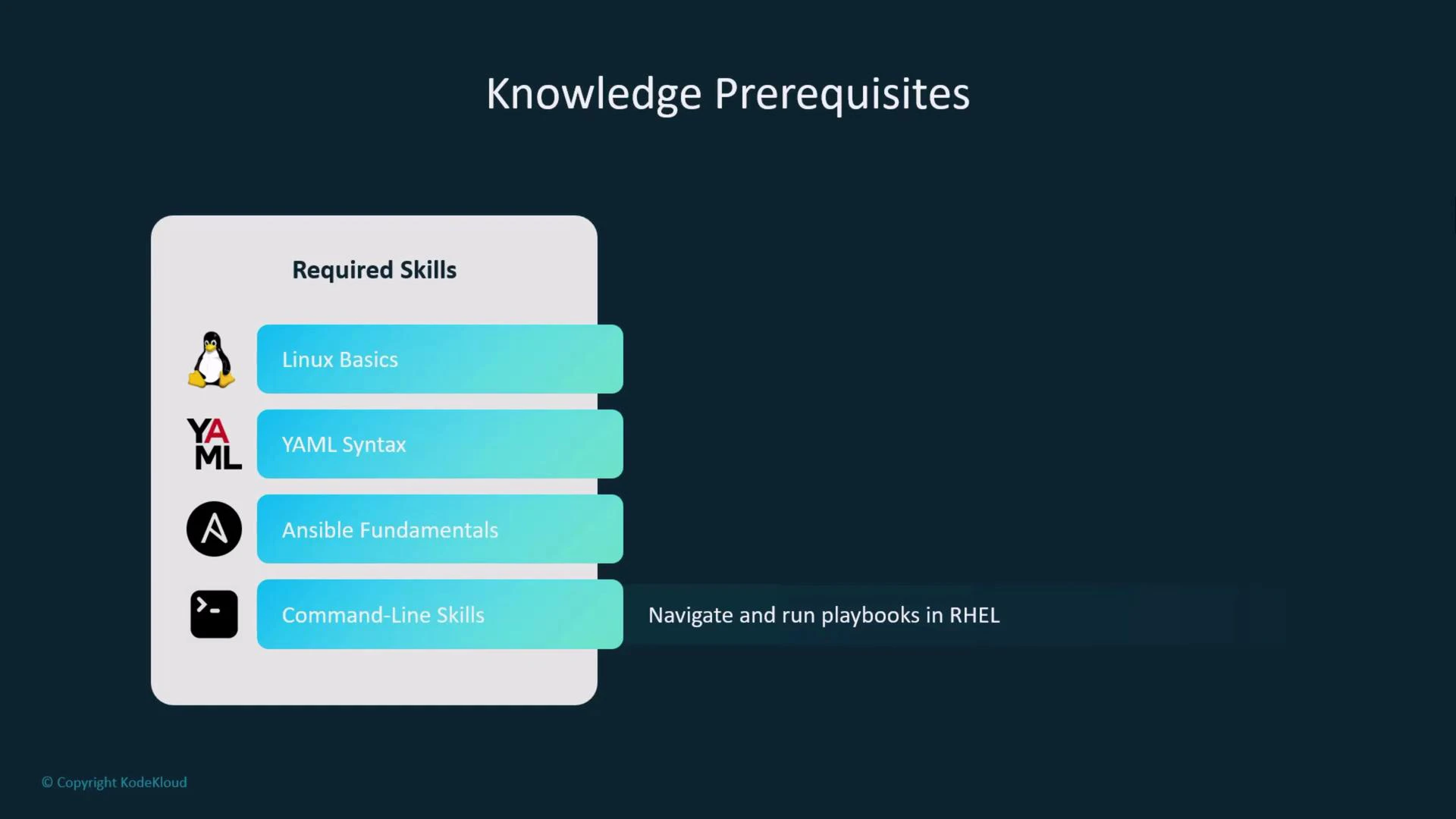
You should be comfortable with the following fundamentals before proceeding:| Skill | Why it matters | Example / What to practice |
|---|---|---|
| Linux basics | You’ll administer the control and managed nodes (install packages, manage services, work with files and permissions) | Install packages with dnf, manage systemd services |
| YAML syntax | Ansible playbooks are written in YAML | Practice indentation, lists, and mapping structures |
| Ansible fundamentals | Helps you focus on AI-assisted workflows rather than relearning concepts | Understand playbooks, plays, tasks, handlers, and inventories |
| Command-line navigation | We’ll run and validate playbooks from a terminal | Use ssh, scp, and basic shell commands |
Lab environment requirements
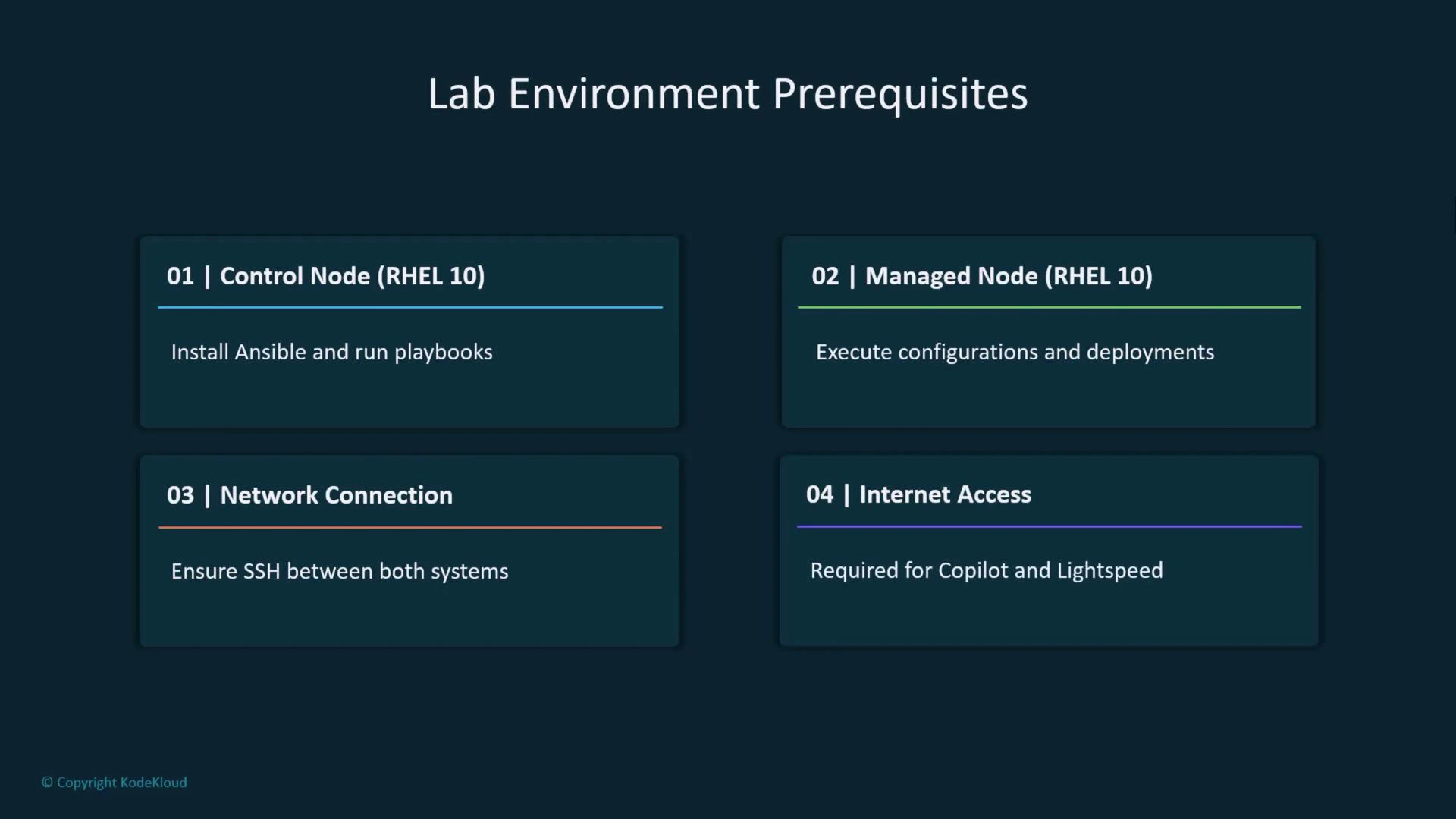
For hands-on labs you will need an environment with the following components. This setup mirrors typical enterprise RHEL deployment scenarios and ensures the examples work as shown.| Resource | Purpose | Recommendation |
|---|---|---|
| Control node (RHEL 10) | Install Ansible and run playbooks from a central location | RHEL 10 VM or physical host |
| Managed node(s) (RHEL 10) | Targets where Ansible applies configurations | At least one RHEL 10 VM |
| Network connectivity | Ansible uses SSH to connect to managed nodes | Ensure SSH access and routing between nodes |
| Internet access | Required for cloud-authenticated AI tools and downloading packages | Required for Copilot, Lightspeed, and package repos |
Account and access requirements
You will need the following accounts and access configured before starting the labs:| Account / Service | Purpose | |
|---|---|---|
| Red Hat Developer account | Access RHEL packages and developer resources | |
| GitHub Copilot trial | AI-assisted code suggestions while authoring playbooks (GitHub Copilot course) | |
| Red Hat Ansible Lightspeed trial | AI-enhanced Ansible content and recommendations | |
| Cursor trial account | Optional: for additional AI coding tools (Cursor course) | |
| Cloud account (optional) | Host lab VMs if you are not using local VMs | Note: cloud service free-tier availability varies; plan accordingly |
Configure SSH key-based authentication between the control node and managed node(s) before running playbooks. SSH keys prevent repeated password prompts and are the recommended practice for secure, automated Ansible runs.
Quick checklist
- Install RHEL 10 on control node and managed node(s).
- Ensure network connectivity and SSH reachability.
- Create and distribute SSH keys for key-based authentication.
- Sign up for required trials (GitHub Copilot, Red Hat Ansible Lightspeed, Cursor if needed).
- Confirm internet access from your control node for downloads and AI auth.
Next steps
With prerequisites satisfied, proceed to:- Install Ansible on the control node.
- Configure SSH key-based access to managed node(s).
- Run a first, simple playbook to verify connectivity and apply a basic configuration.
Links and references
- Ansible Documentation
- Red Hat Enterprise Linux Documentation
- GitHub Copilot information
- Cursor AI course
- Red Hat Ansible Lightspeed