

-
GitHub Copilot
- Optimized for assisting while you code with real-time suggestions and completions.
- Operates on local file context — it understands the current project, variable names, and nearby code.
- Produces short, focused snippets and line completions.
- Ideal for fast editing, refactoring, and filling repetitive patterns.
-
ChatGPT
- A reasoning-oriented assistant that helps with design, planning, and clear explanations.
- Operates on conversational context — useful for translating requirements into higher-level structures.
- Produces more structured outputs such as complete Playbooks, roles, tasks, and documentation.
- Ideal for designing reusable Ansible content and troubleshooting complex logic.
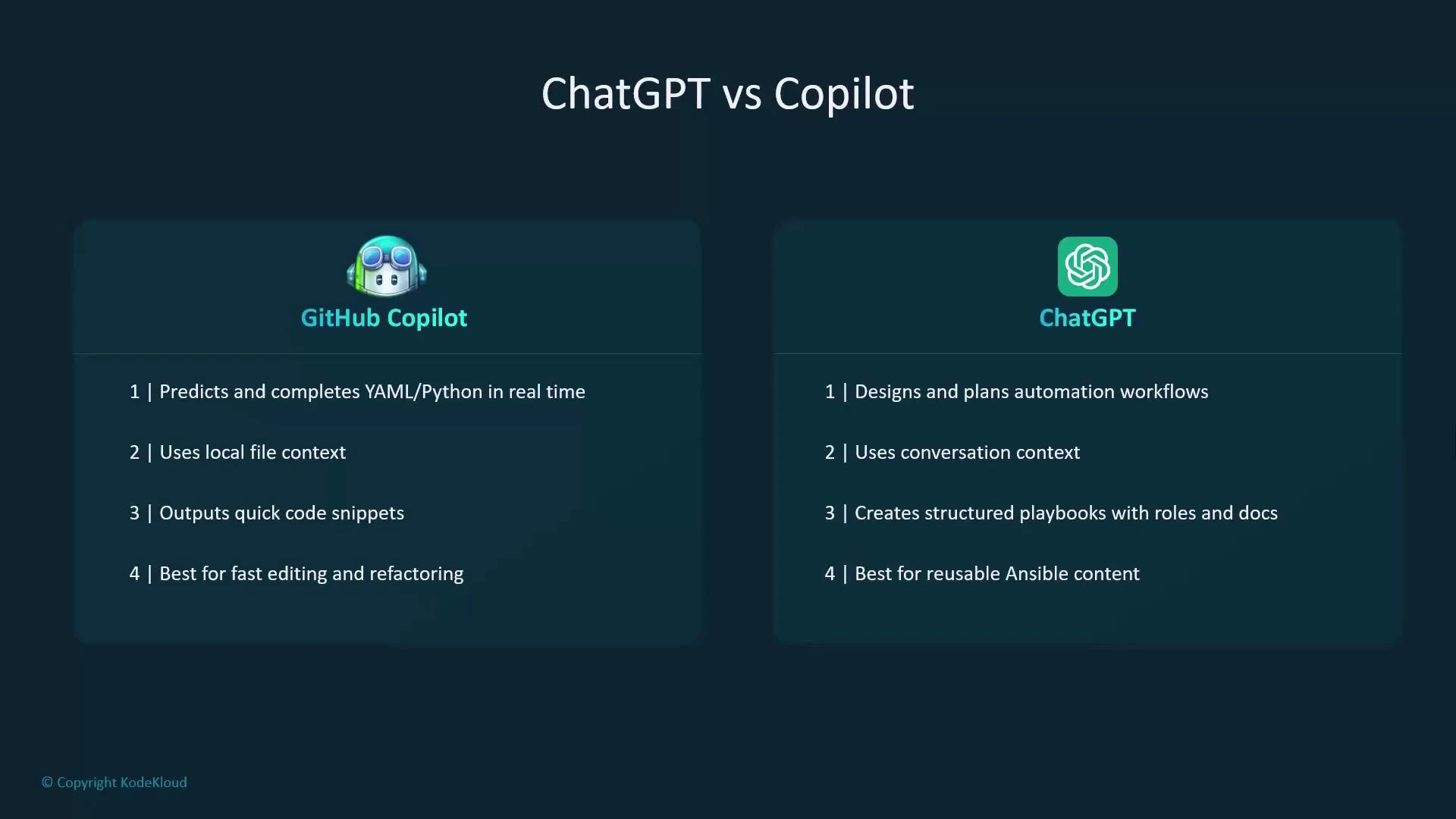
- Copilot is like autocomplete on steroids — it predicts and completes the lines you are about to type based on your project context.
- ChatGPT is like a technical teammate — it listens to prompts, reasons through design choices, and explains trade-offs.
-
Use GitHub Copilot when:
- You’re inside VS Code writing or refining YAML, Jinja2 templates, or Python modules for Ansible.
- You need quick, context-aware completions and consistent code patterns (loops, task lists, handlers).
- You want to speed up boilerplate or repetitive edits across roles and playbooks.
-
Use ChatGPT when:
- You’re designing Playbooks, roles, or an overall automation architecture.
- You need step-by-step reasoning, structured playbooks, or clear explanations for debugging.
- You want to create documentation, examples, or reusable role templates.
A practical approach: use ChatGPT to design and outline the automation (goals, environment, task logic), then use Copilot inside your editor to implement and refine the syntax with project-aware completions.
-
Plan with ChatGPT
- Define the objective, inventory/environment, and required variables.
- Ask ChatGPT to produce a high-level Playbook structure or a role layout. Request explanations for each task, expected inputs, and idempotency considerations.
- Example prompts:
- “Create a role layout for installing and configuring NGINX with variableized ports and systemd service checks.”
- “Explain common failure modes for this playbook and suggest retries or handlers.”
-
Implement with Copilot (in VS Code)
- Open the project files; Copilot will suggest completions based on nearby code and variable names.
- Use Copilot to fill in syntax, parameters, modules, and repetitive task blocks (e.g., creating many similar tasks or templating Jinja2 fragments).
- Review suggestions for security and correctness—Copilot can suggest plausible but incorrect code, so always validate.
-
Validate and iterate
- Run linters like ansible-lint and perform a syntax check with
ansible-playbook --syntax-check. - Test playbooks in a staging environment or use CI pipelines to run convergence tests.
- Use ChatGPT to explain error messages or propose fixes; then apply fixes with Copilot inside the editor.
- Run linters like ansible-lint and perform a syntax check with
Avoid pasting sensitive credentials or proprietary code into public chat models. Use secret management (Ansible Vault), environment variables, or enterprise-grade models with proper privacy guarantees when handling secrets.
-
Design phase (ChatGPT)
- “Generate an Ansible playbook to deploy a three-node Redis cluster using systemd and show idempotent tasks and handlers.”
- “Suggest variables and a role layout for deploying a Python web app with uWSGI and NGINX.”
-
Implementation-phase prompts (Copilot-friendly)
- Inside a role tasks file: begin typing a tasks list for
install_packagesand let Copilot propose the package names and loop structure. - In a Jinja2 template: start a conditional and allow Copilot to complete repeated template sections.
- Inside a role tasks file: begin typing a tasks list for
- Copilot accelerates coding with local, context-aware completions — best for implementing and iterating inside your IDE.
- ChatGPT helps design playbooks, explain complex logic, and produce reusable role templates — best for planning and debugging.
- Combined workflow: design with ChatGPT → implement with Copilot → validate with linters, tests, and staging.