

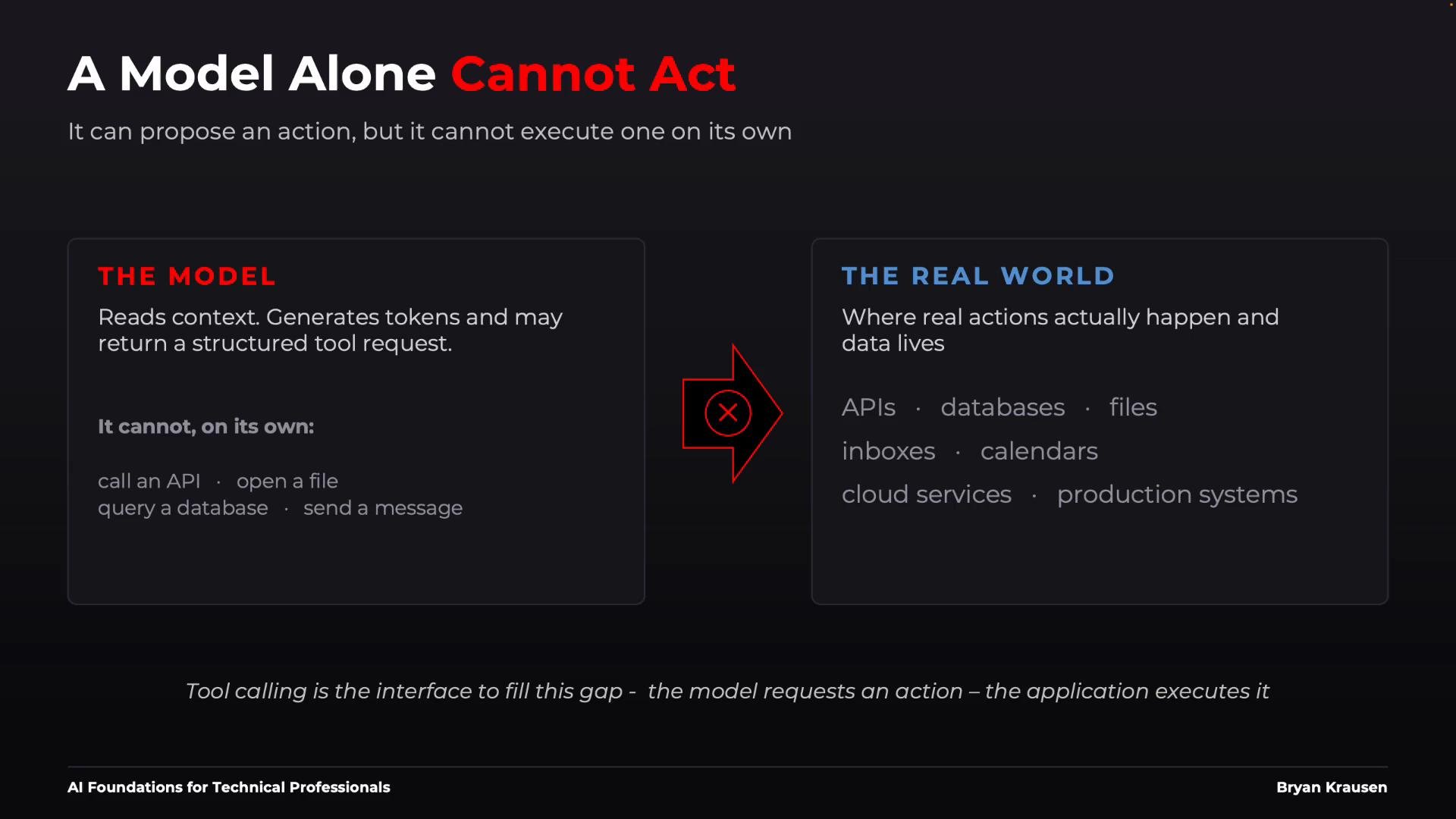
Core idea: the model proposes structured requests (which look like function calls). The surrounding application validates and executes those requests against external systems (APIs, databases, filesystems, cloud services).
How the model knows which actions are available
You provide the model a “menu” of tools. Each tool entry should include:- a
name(used in structured requests), - a human-facing
description(helps the model choose the right tool), - and an
input_schemathat describes expected arguments.
Execution flow (step-by-step)
- Model decides it needs external data or an action, and returns a structured request: a tool
nameplusarguments. - The application (harness/runtime) validates the request against the declared schema and permission rules.
- If valid, the harness executes the corresponding operation (API call, DB query, local file read, etc.).
- The harness returns the execution result to the model, injecting it into the model’s context.
- The model runs again and either produces a final answer or requests additional tools. Repeat as needed.
Example: model request and tool response
Model’s structured request:Risk considerations: read vs write tools
Different tool types carry different risks and operational requirements. Use the table below to quickly compare them.Write-capable tools can cause irreversible effects (financial transactions, data deletion, email sends). Always add strong validation, authorization, audit logging, and human approval gates where appropriate.
Tool chains and multi-step agent workflows
Agents often perform multi-step flows where each tool’s output feeds the next tool. Example customer-service workflow: Execution chain (example):- Each tool result becomes part of the subsequent model context.
- The harness should validate outputs, perform permission checks, and handle retries/error cases between steps.
Operational considerations
- Cost & latency: Each tool call usually requires another model invocation plus network or I/O. Longer chains increase cost and response time.
- Failure modes: Every additional step increases the chance of partial failure. Plan retries, backoffs, and compensating actions.
- Observability: Log structured requests, responses, and authorization decisions. Correlate logs across model calls for traceability.
- Security: Enforce least privilege for tools; isolate sensitive actions; redact secrets from logs.
Best practices for tool design
- Keep tool descriptions concise and explicit.
- Use strict input schemas (JSON Schema or equivalent) to prevent malformed requests.
- Provide examples in the tool description to clarify expected formats.
- Differentiate read-only vs write-capable tools and apply stricter controls for the latter.
Summary
- Models generate structured requests (tool calls) but do not execute side effects.
- The application/harness is responsible for validating, executing, and returning results to the model.
- Carefully design tool descriptions and input schemas to improve reliability.
- Treat write-capable tools with strong safeguards: validation, authorization, logging, and human review if needed.
- Monitor cost, latency, and failure modes for multi-step agent workflows.