

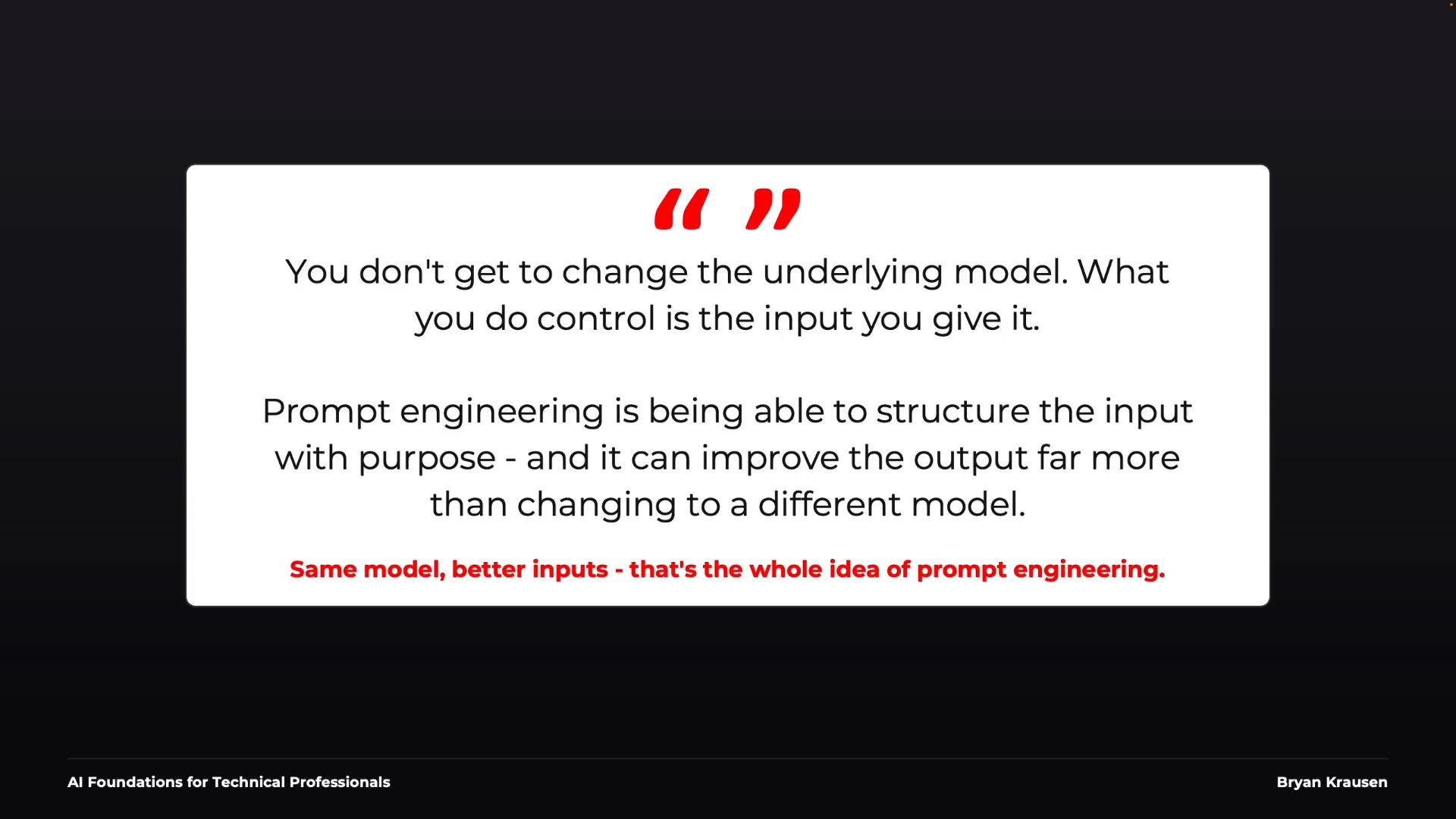
What makes a good prompt?
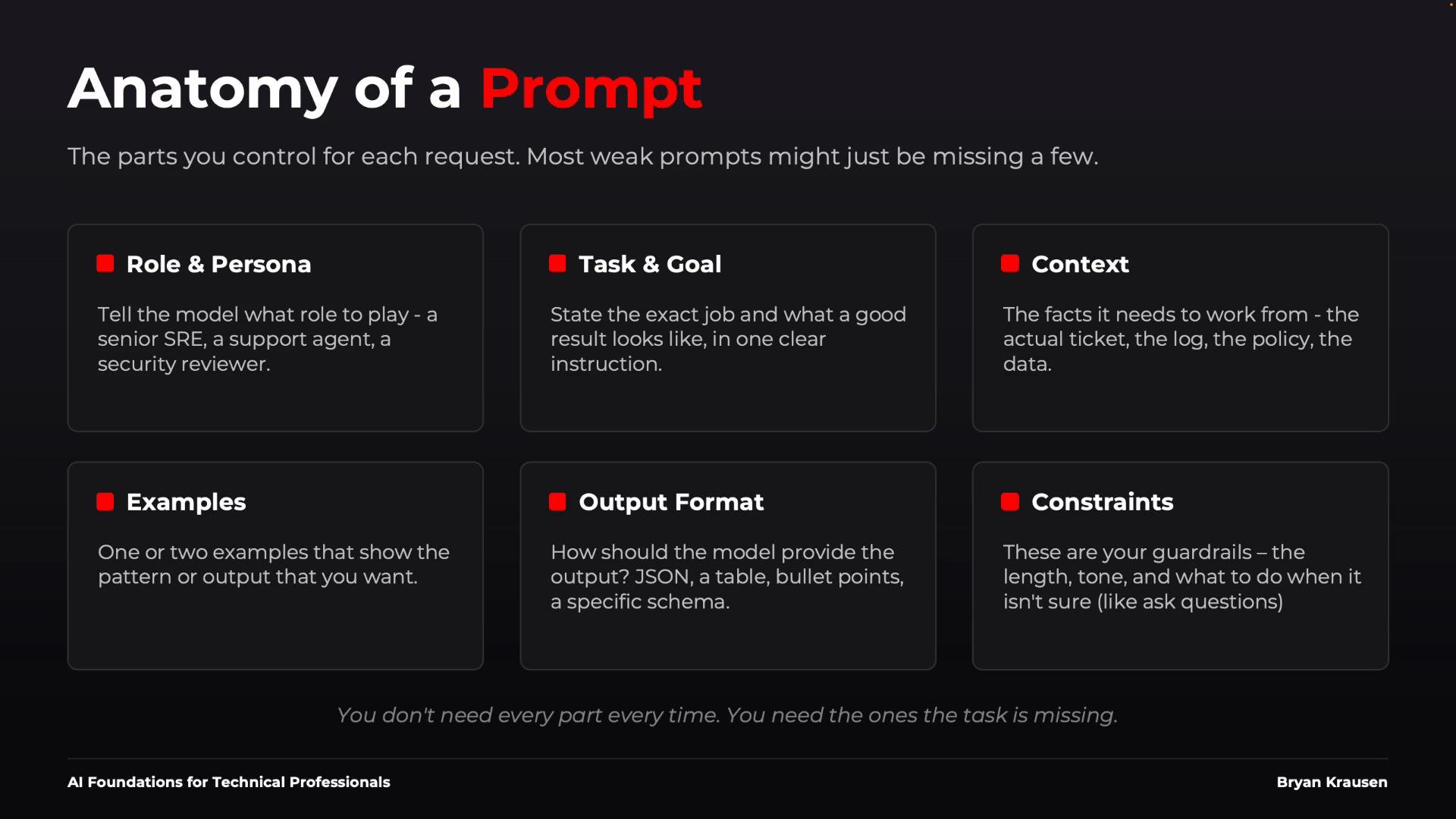
A reliable prompt usually combines several focused components. You don’t need all of them every time — treat these as tools you pick from depending on task complexity.
When a prompt fails, check which of the six components you omitted or under-specified.
System prompts vs. user prompts
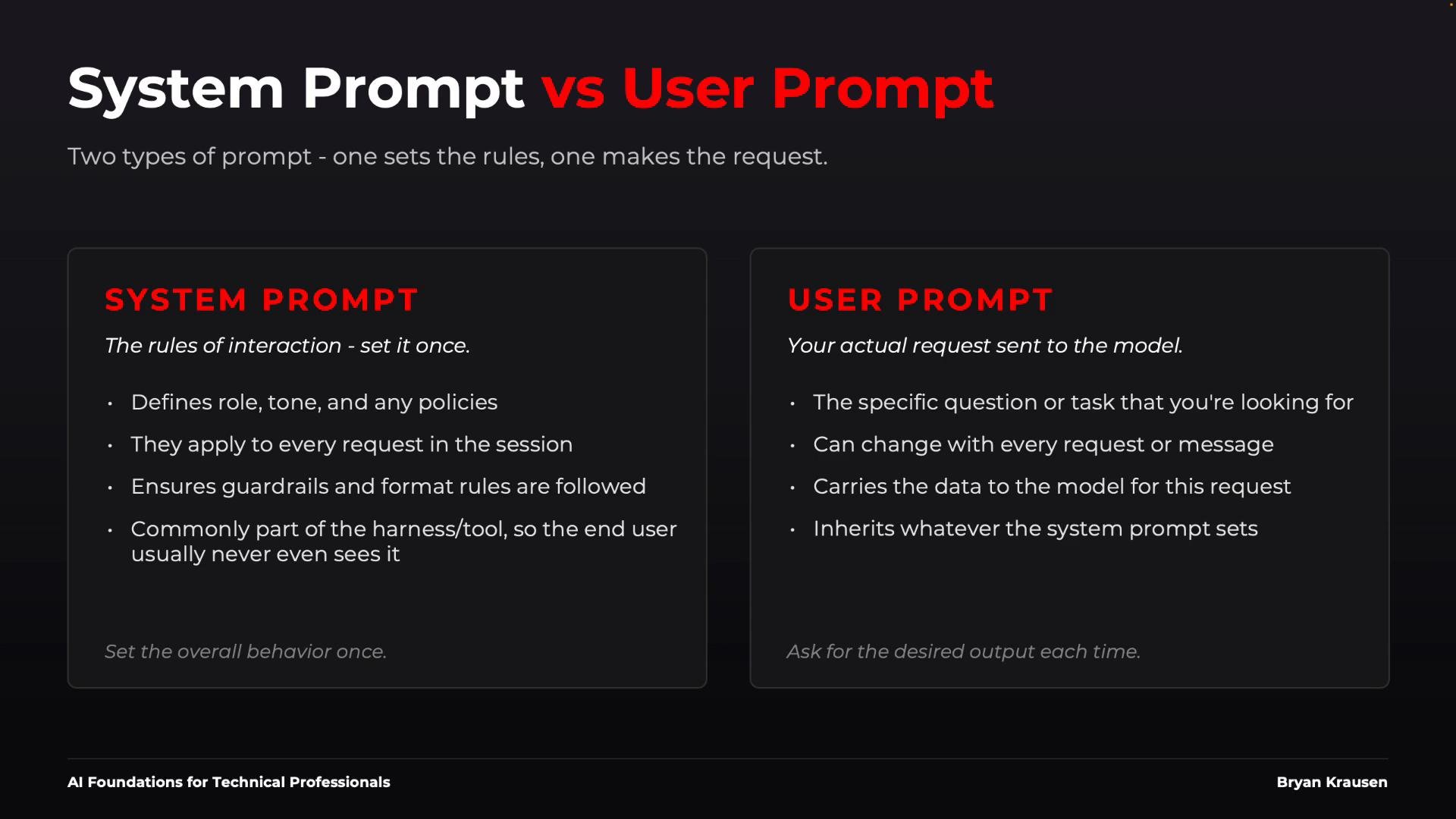
A key operational distinction:- System prompt: persistent instructions or operating rules for the assistant (role, tone, guardrails). Often hidden and applied at session start.
- User prompt: the specific request and data for a single interaction (the changing input).
{"role":"system","content":"Act as a security analyst. Follow company policy. Return only the approved JSON schema and never invent evidence."}
Each user prompt then asks a concrete task:
Review this IAM policy and identify excessive permissions.
Treat the system prompt as part of your application’s harness and the user prompt as the one-off input. The division helps you keep guardrails consistent while varying tasks.
Examples: zero-shot, one-shot, few-shot
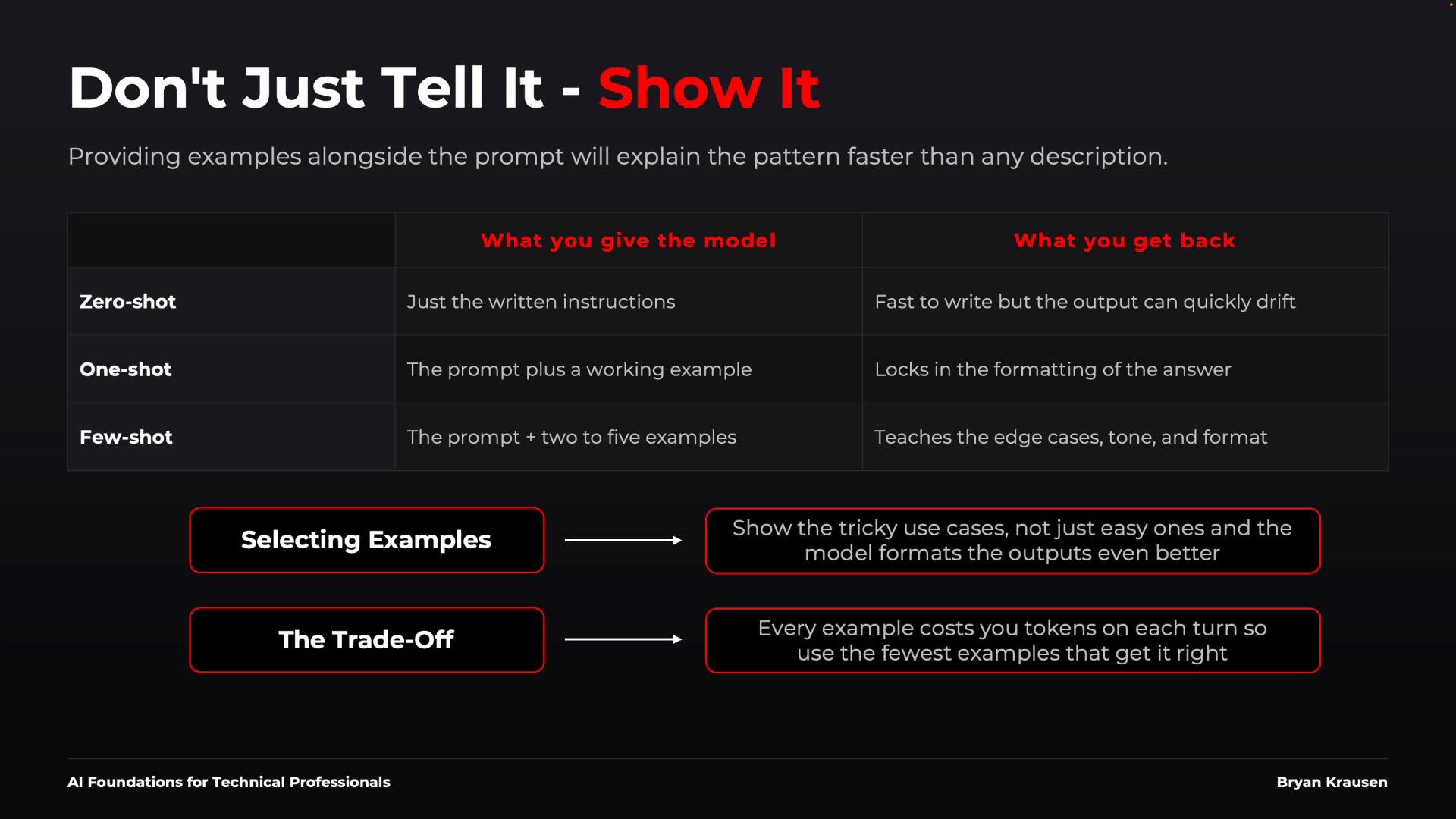
- Zero-shot: Instructions only (no examples). Best for simple, well-constrained tasks.
- One-shot: One example plus instructions. Useful to show formatting and one pattern.
- Few-shot: Several examples (commonly 2–4). Demonstrates patterns and edge cases.
Reasoning and chain-of-thought
Some tasks require multi-step reasoning: architecture comparisons, incident root-cause analysis, or multi-step calculations. Historically, instructing the model to “think step by step” or “show your work” improved performance on these tasks. Note:- Many modern models perform internal chaining automatically; you may not get raw internal reasoning output.
- What matters is that the final answer is verifiable and contains the reasoning you need.
- “Analyze the problem, provide your recommendation, and summarize key contributing factors.”
- “Show the formula, key intermediate values, and the final result.”
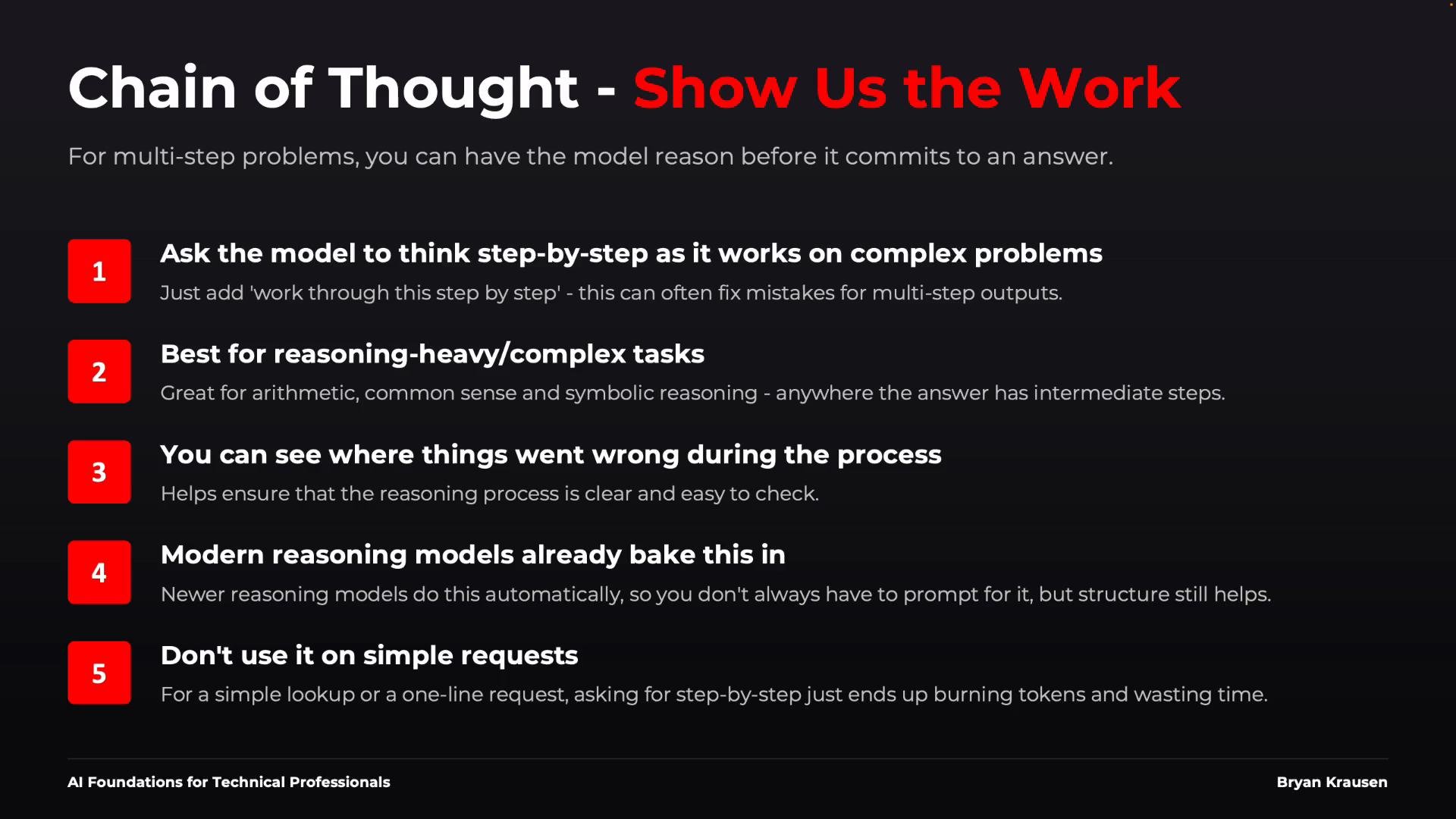
Practical example — summarizing a support ticket
A naive prompt like:Summarize this support ticket.
is likely to produce inconsistent summaries (length, focus, or missing details). Improve it by adding role, audience, format, and an example.
Example improved prompt (conceptual):
- Role:
You are a support lead. - Audience:
The summary is for an on-call engineer. - Format:
Return exactly three bullet points: Issue, Impact, Next Step. - Example: provide one sample ticket and a sample three-bullet summary.
You are a support lead. Read the ticket below and return exactly three bullet points labeled "Issue", "Impact", and "Next Step". Be concise; do not invent details. If data is missing, say "missing data".
Then append the ticket text. For automation, prefer a strict schema:
Return JSON with keys: "issue", "impact", "next_steps".
This level of specificity yields predictable and machine-consumable summaries.
When automating ticket summarization, prefer a fixed output schema (JSON or fixed bullet labels). It simplifies downstream processing and reduces variability.
Common prompt anti-patterns
Avoid these habits that reduce prompt reliability:- Vague requests — e.g., “Make this better.” Be explicit about how.
- Buried instructions — put the primary task first, supporting context later.
- Prompt bloat — split unrelated jobs into separate prompts or stages.
- Contradictory instructions — don’t ask for both “very short” and “comprehensive”.
- No output format — if structure matters, define it.
- No examples — when structure is complex, show examples.
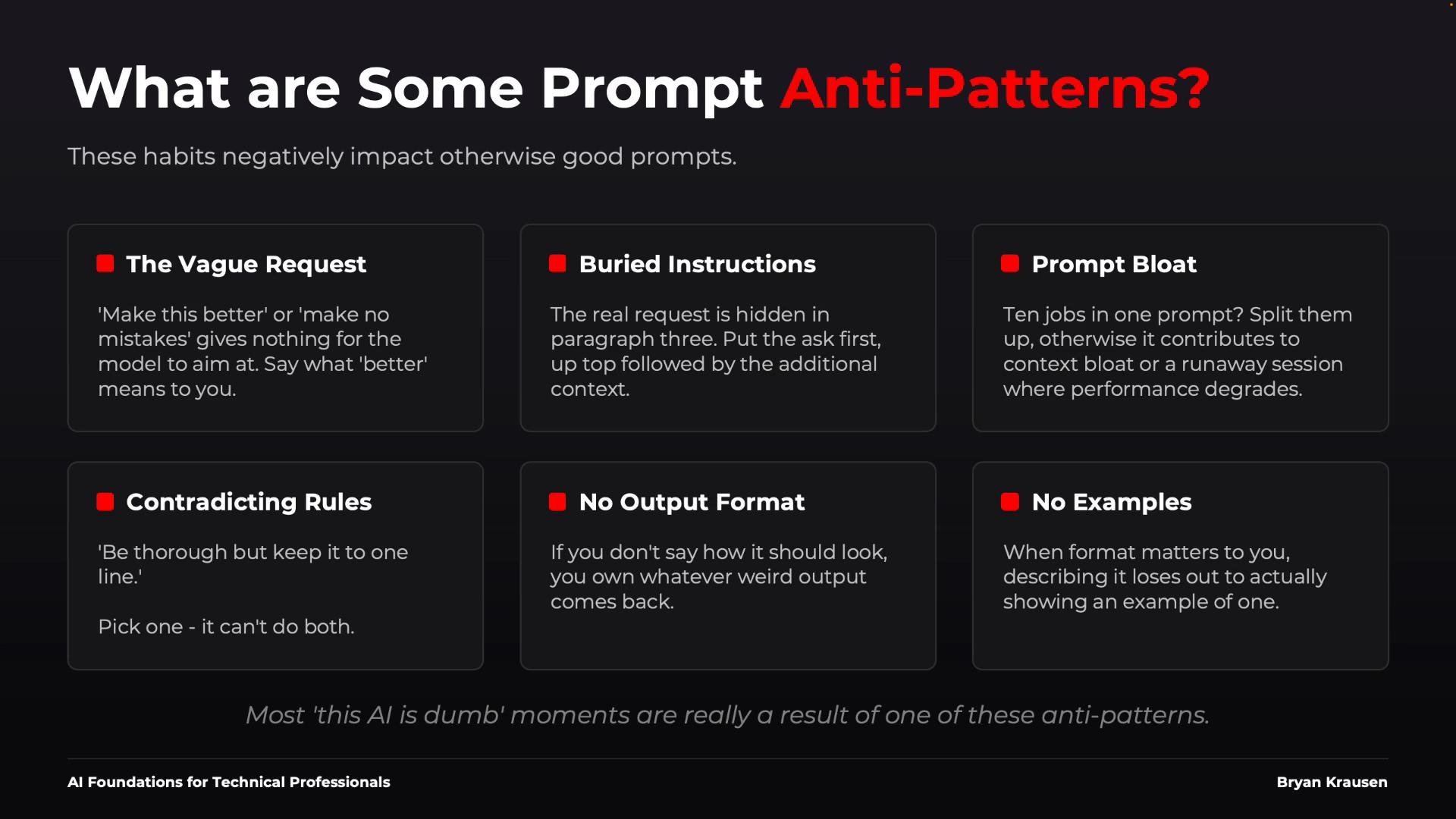
Avoid contradictory or underspecified instructions. These create nondeterministic outputs and brittle automation pipelines.
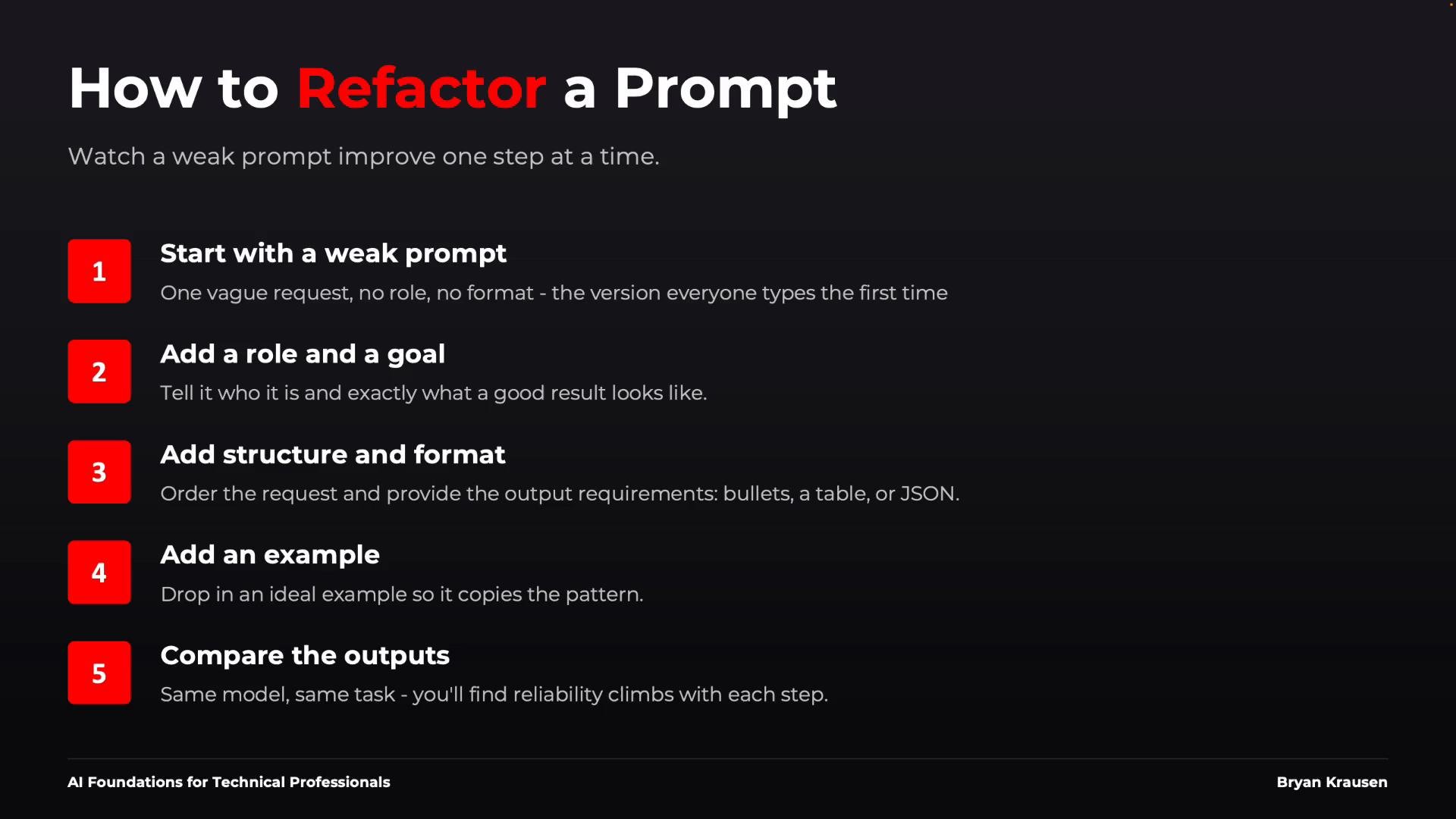
Refactor prompts iteratively
Treat prompts like code: write small, test often, and add complexity only when needed.- Start with a minimal prompt (e.g.,
Review this log). - Test and observe the output.
- Add role and goal (e.g.,
You're an SRE... Identify the most likely cause.). - Add structure and format (e.g.,
Return suspected cause, supporting evidence, and recommended next action as three bullet points or JSON.). - If inconsistency persists, add a concise example and repeat.
Key takeaways
- Better inputs lead to better outputs — invest in prompt clarity.
- Prompt engineering is communication and structure, not secret tokens.
- Always specify: job (role), objective (goal), and the required context.
- Use examples when pattern or edge-case handling matters.
- Define output formats when other systems or automation depend on structure.
- Start simple, iterate, and add complexity only to resolve observed issues.
Links and references
- OpenAI: Prompt design best practices — https://platform.openai.com/docs/guides/prompt-design
- Research on chain-of-thought reasoning — https://arxiv.org/abs/2201.11903
- Practical prompt engineering guide — https://www.deeplearning.ai/short-courses/prompting/
- Practical automation patterns and guardrails — https://docs.microsoft.com/semantic-kernel/