Header-based routing directs requests to different backends by inspecting request attributes (headers, cookies, query parameters, path, HTTP method, etc.). Compared with weight-based routing, header-based routing gives you finer-grained control for A/B experiments and progressive feature rollouts because you can evaluate any information the client sends and apply precise rules to route traffic. A common A/B test use case: you want to test a redesigned registration flow only for new customers. The gateway or an upstream service validates whether a user is new (by consulting cookies, caches, or other data sources) and then injects an attribute such as new-customer: true. The HTTP gateway uses that attribute to route the request to the new registration backend; other users continue to the existing flow—transparent to the end user.
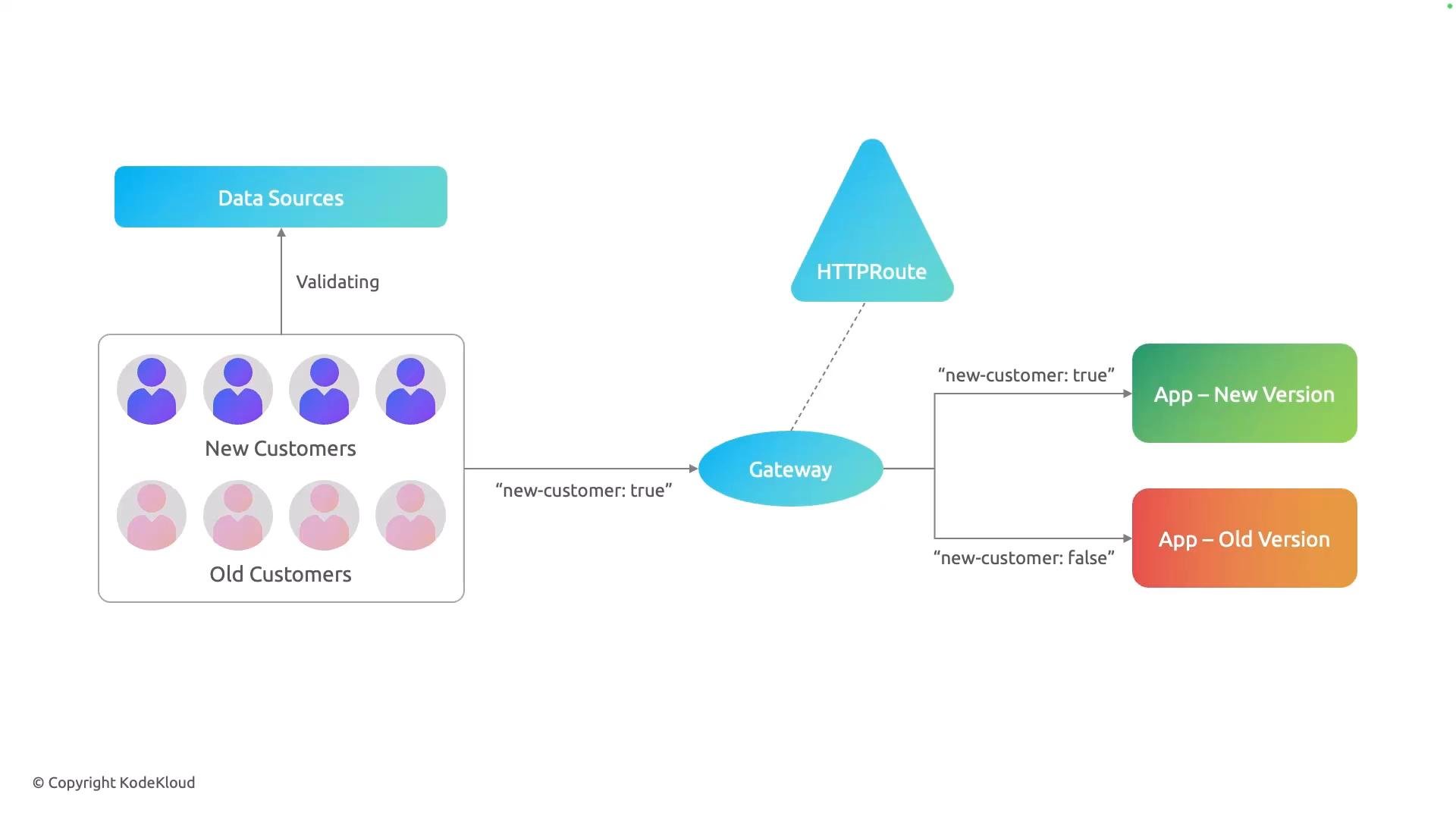
A simple architecture diagram showing customers classified as "New" or "Old" (validated by data sources), with a gateway adding a "new-customer: true/false" flag. Requests are routed via an HTTPRoute to either the App — New Version or App — Old Version.
When the backend receives the registration request, it gets the full request body plus any flags or headers the gateway added (for example, new-customer: true). The backend uses that metadata to complete the appropriate registration flow. In an NGINX Fabric Gateway environment, you implement this behavior with the Gateway API’s HTTPRoute resource. An HTTPRoute rule defines:
  • one or more matches (what attributes to inspect), and
  • backendRefs (where to send matching requests).
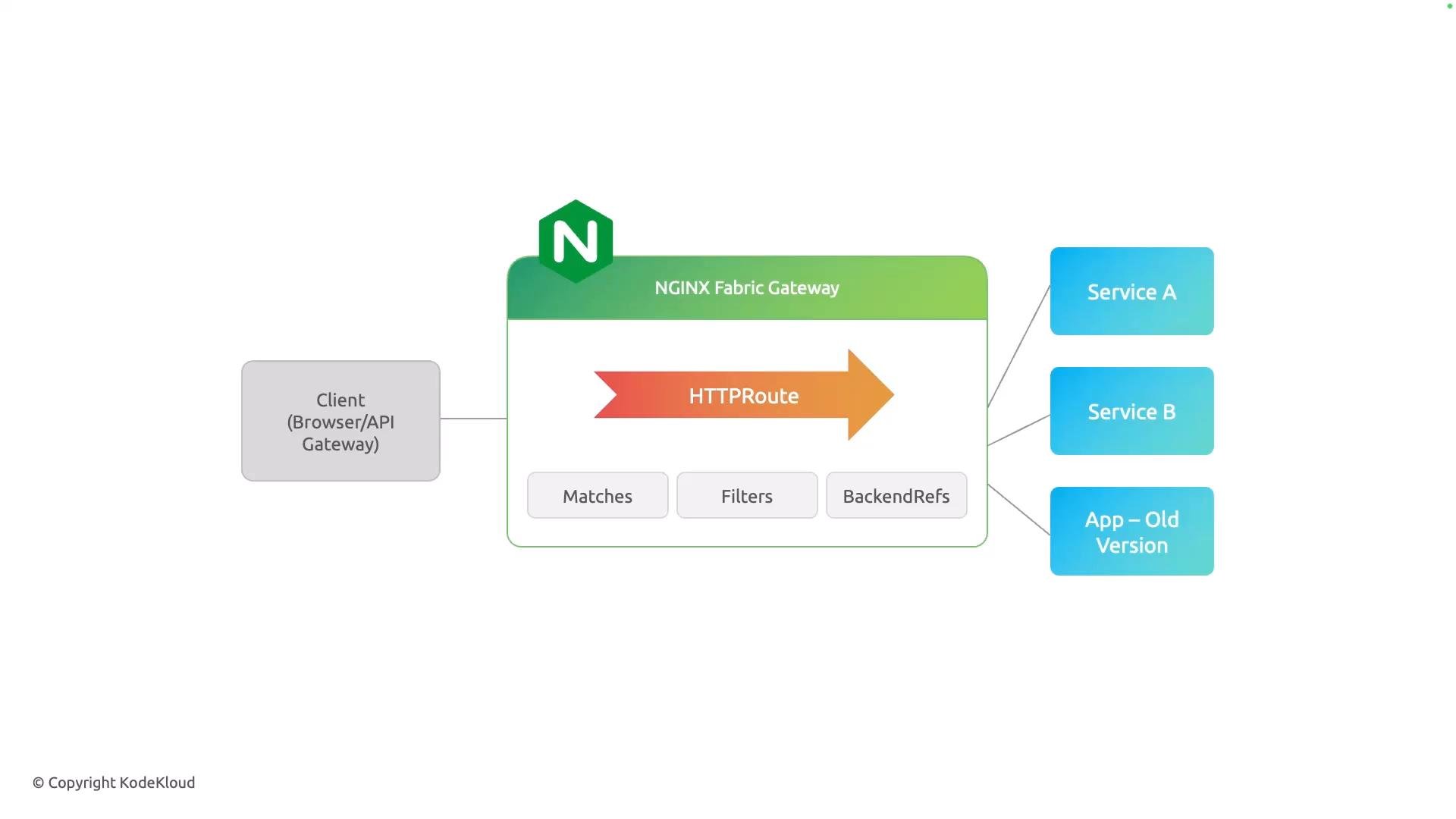
Matches can include path, headers, query parameters, and HTTP methods. You can also apply filters and other Gateway API features as needed.
A simple architecture diagram of an NGINX Fabric Gateway routing client (browser/API) requests via an HTTPRoute. The route uses Matches, Filters and BackendRefs to forward traffic to Service A, Service B, and an older app version.
At a high level:
  • A match declares what to look for (path, header, method, query).
  • backendRefs list the target services for traffic that meets those matches.
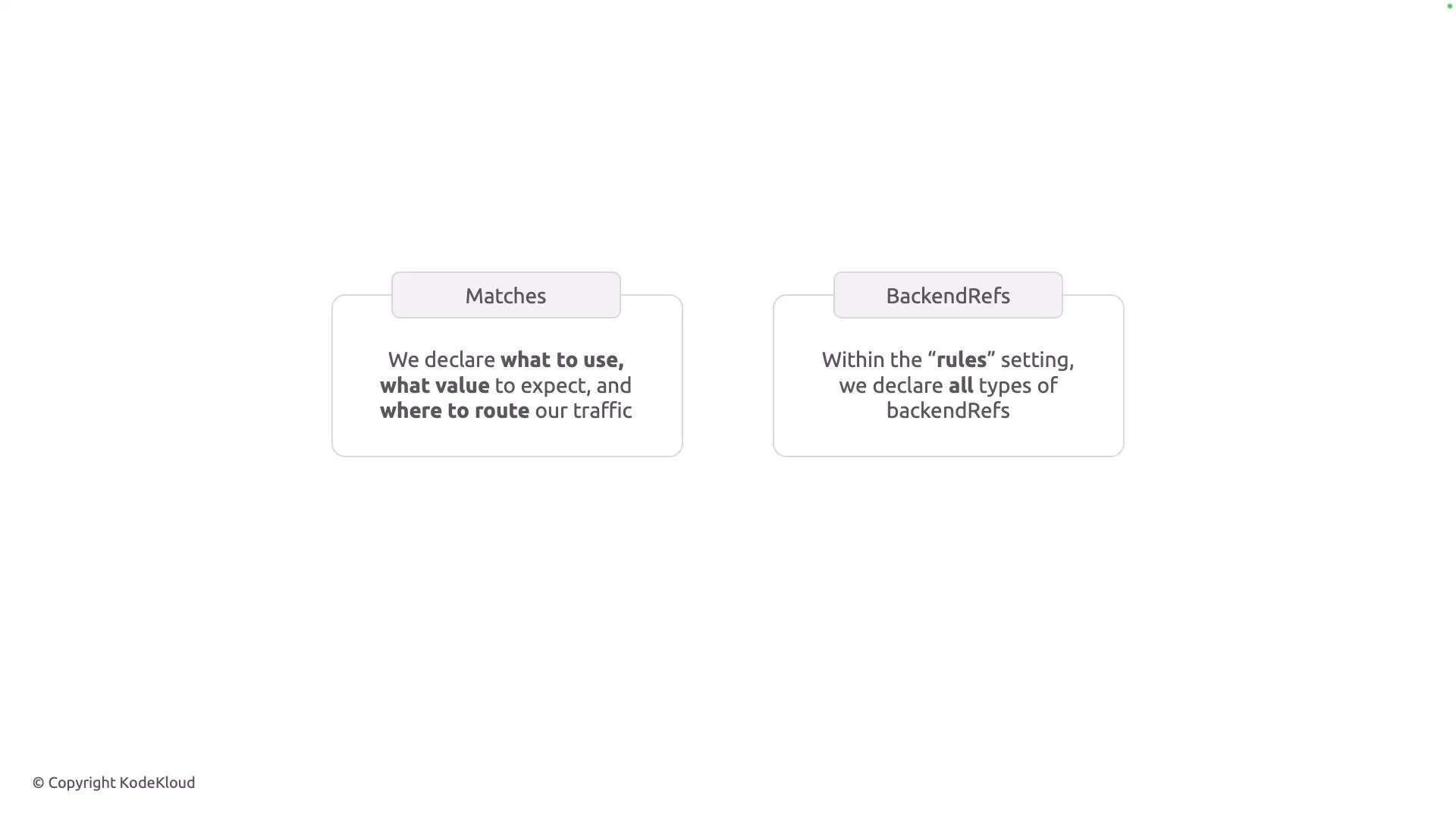
A minimalist slide showing two rounded boxes labeled "Matches" and "BackendRefs." The "Matches" box explains what to use, what value to expect, and where to route traffic, while the "BackendRefs" box notes declaring backendRefs within the "rules" setting.
You can combine multiple match criteria to build precise rules. For example, route requests whose path starts with /coffee and that include a header version: v2 to coffee-v2; route other /coffee requests to coffee-v1. Note: the YAML snippets below are conceptual fragments showing match logic. In an actual HTTPRoute resource, matches are nested under a rules entry and backendRefs are declared at the rule level. See the Gateway API schema for exact field layout and supported match options: https://gateway-api.sigs.k8s.io/references/spec/. Example: path + header match (route to coffee-v2 when header version: v2 is present)
Example: path-only match (route to coffee-v1 for /coffee requests that do not match the header-based rule)
Method-based routing is another option (less commonly used for A/B testing). For example, route POST requests to a specific backend:
Because Gateway API implementations evaluate matches according to their semantics (for example, longest prefix, specificity, or explicit rule order), design your rules to avoid unintended overlaps. Prefer specific matches (new flows) before more general fallbacks (existing flows). Table: common match types and typical use cases
You can combine path, header, query-parameter, and method matches in a single HTTPRoute match. Use the most specific rules first (for new flows) and fall back to broader rules (legacy flows) to prevent ambiguous routing.
References and further reading That’s the core idea: use header-based matching (and other request attributes) in HTTPRoute rules to implement targeted A/B tests and controlled rollouts in an NGINX Fabric Gateway / Gateway API environment.

Watch Video