

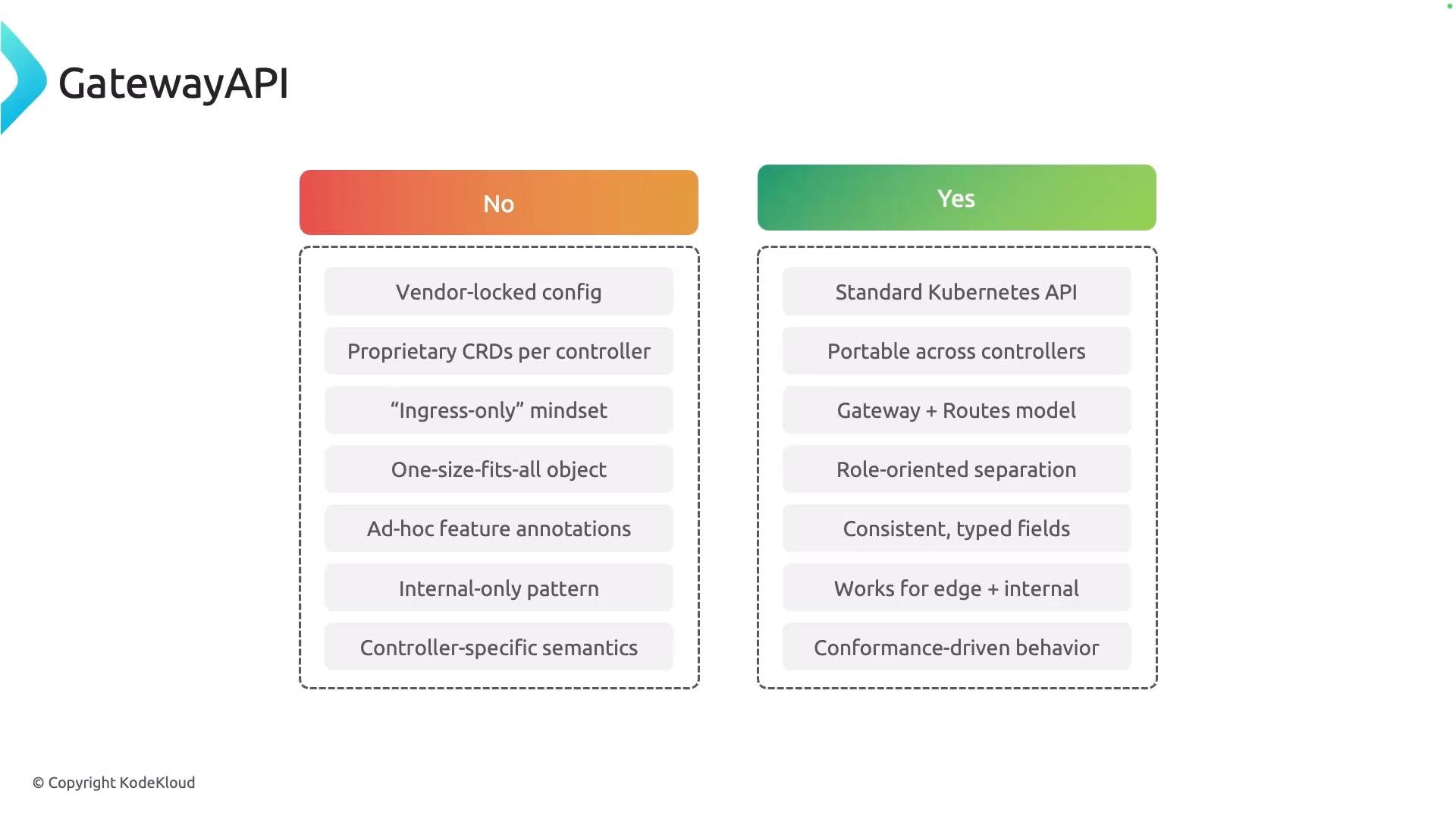
- Clear separation of responsibilities (control plane vs data plane).
- Portable resource definitions across different controller implementations.
- Richer routing and TLS features (e.g., header rewrites, request mirroring, gRPC routes).
- Better support for both edge (ingress) and service-to-service (east-west) traffic patterns.
To start using a Gateway API implementation, you must register the controller with a cluster-scoped GatewayClass. The GatewayClass acts as the registration entry for a controller and declares which implementation handles Gateways that reference it.
GatewayClass manifest example (commonly created by a Helm chart):
spec.controllerNameis the critical identifier: it tells Kubernetes which controller will manage Gateways that reference this GatewayClass.- Helm charts for controllers often provision this GatewayClass automatically and add helpful annotations and labels for management and lifecycle.
GatewayClass is cluster-scoped and acts as a registration entry for a controller. Gateways reference a GatewayClass to declare which controller will manage them.
- After installing a controller (or its Helm chart), inspect the GatewayClass to confirm supported features and validate whether the controller meets your requirements.
- Use
kubectl describeto viewsupportedFeaturesand other controller-provided details.
supportedFeatures?
- Confirms support for specific route types (HTTPRoute, GRPCRoute, etc.).
- Verifies advanced capabilities like TLS policies, WebSocket support, header manipulation, and mirroring.
- Helps you design Gateway and Route resources that the controller actually supports, reducing troubleshooting time.
- Ensure Gateway resources reference the correct
GatewayClassname. - If a feature is missing, check the controller documentation or its Helm chart values — some features may be opt-in or require extra configuration.
- Use controller logs and events (
kubectl get events) to surface conflicts or rejected resources.
- Gateway API project documentation
- Kubernetes Ingress documentation
- Helm — The Kubernetes Package Manager
- NGINX Gateway Controller
- Traefik Proxy