

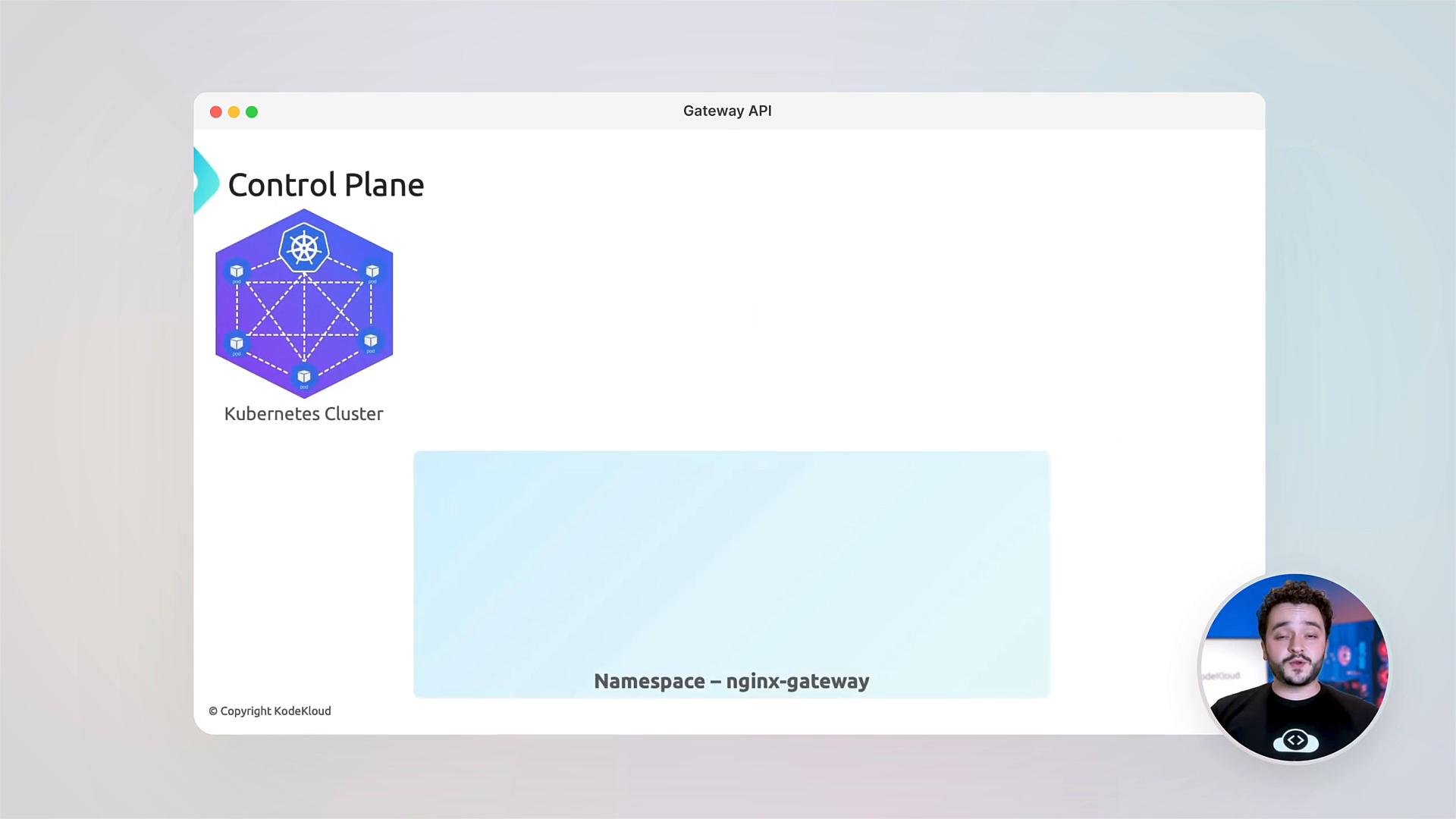
This lesson assumes you have access to a Kubernetes cluster, and that
kubectl and helm are installed and configured to target your cluster.You will need sufficient cluster permissions to create CRDs, namespaces, and install Helm charts (typically cluster-admin or equivalent). If you’re on a shared cluster, coordinate with your cluster administrators.
- Why Gateway API matters: differences from Ingress and the problems it solves.
- Gateway API resource model: GatewayClass, Gateway, and Routes (HTTPRoute, TCPRoute, gRPCRoute), plus the control-plane vs data-plane persona model.
- NGINX Fabric Gateway as a data plane: installation, configuration, and operational checks.
- Advanced traffic management: cross-namespace routing, traffic splitting, header-based routing (A/B tests), request/response filters, and zero-downtime canaries.
- TLS management and secure cross-namespace references using ReferenceGrant.
- Troubleshooting: interpreting status fields and debugging common errors.
- Hands-on labs and an assessment to validate your learning.
Getting started — quick verification examples
- Early checks commonly include looking for Route resources and active pods:
- Apply the required CRDs for Gateway API extensions used by NGINX Fabric Gateway:
- Example Helm install for NGINX Fabric Gateway using NodePort listeners for ports 80 and 443:
- Check pods and services in the
nginx-gatewaynamespace. Pods may show0/1while images download or init jobs run; they should quickly converge to1/1:
- Confirm the gateway service exists:
- The labs included with this lesson walk through deploying example services (
coffeeandtea) and configuringGatewayandHTTPRouteresources for routing, traffic splitting, and canary deployments.
- You will configure TLS termination on the Gateway, enable HTTPS redirects, and use
ReferenceGrantobjects to authorize controlled cross-namespace references (for example, allowing a Gateway in namespace A to reference a secret in namespace B). This explicit grant model improves security and auditability.
- Learn to read and interpret the
statusfields on Gateway API resources to diagnose issues. - Common failure modes include:
- Gateway controller not reconciling (check controller logs).
- Route selection mismatches (ensure
gatewayRefand selectors match). - Secret or ReferenceGrant misconfigurations for TLS (verify
ReferenceGrantallows the specific resource kinds and namespaces).
- Debugging tips:
- Use
kubectl describeon Gateway, GatewayClass, and Routes to inspect conditions. - Check controller pod logs for errors or rejected configurations.
- Use
kubectl get events -Ato spot API-level errors.
- Use
- The course concludes with an assessment to validate your knowledge and recommended next steps:
- Explore advanced features like Filters in Routes, BackendTLSPolicies, and policy integration.
- Read the Gateway API specification and NGINX Fabric Gateway documentation for advanced configuration patterns.
- Gateway API specification: https://gateway-api.sigs.k8s.io/
- NGINX Gateway Fabric (charts & repo): https://github.com/nginx/nginx-gateway-fabric
- Kubernetes documentation: https://kubernetes.io/docs/
- At KodeKloud, we foster a hands-on community for questions and learning. Share your configurations, ask for help, and collaborate on real-world Gateway API scenarios.