

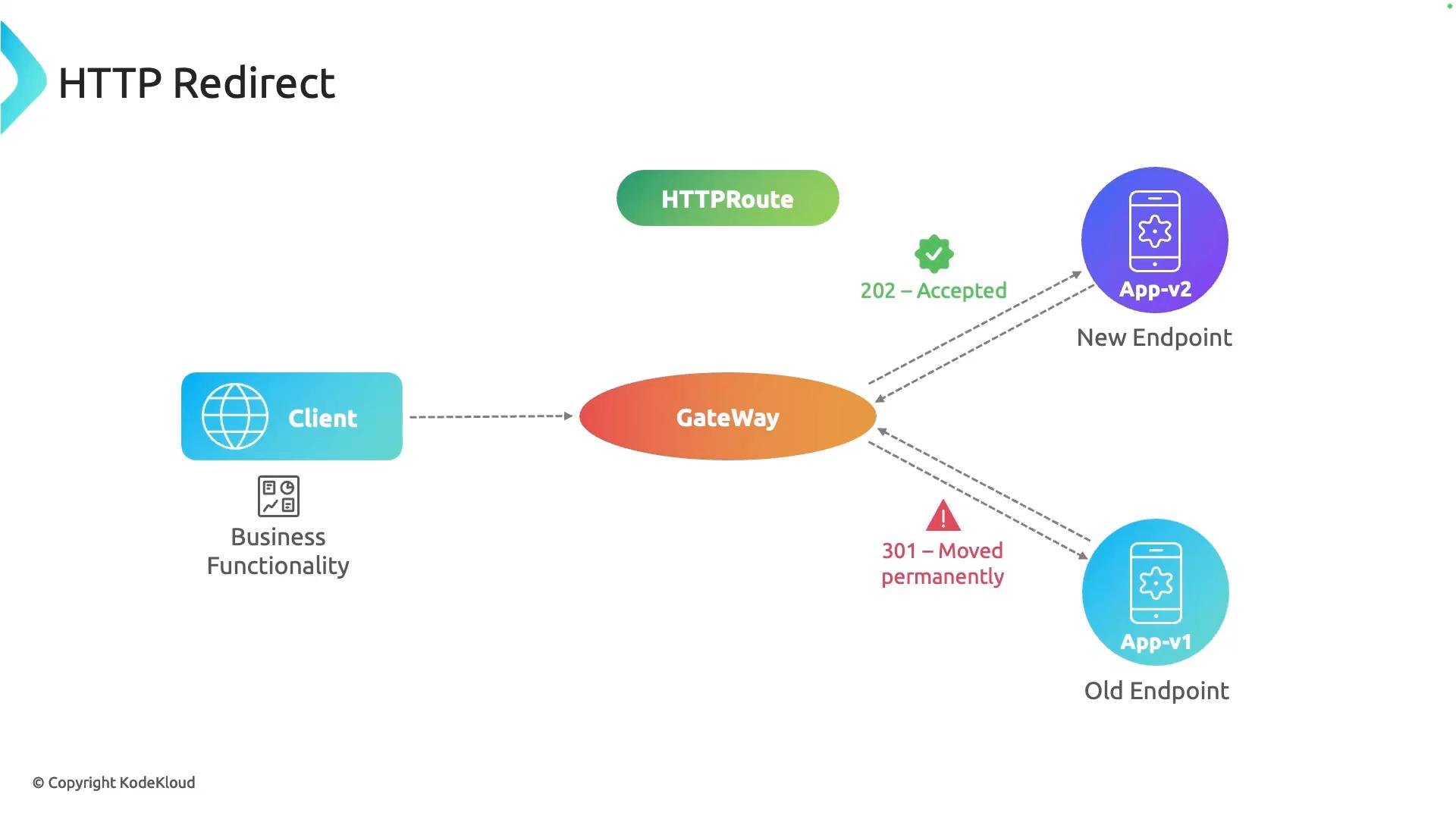
- Centralizes TLS termination and certificate management on the Gateway resource.
- Ensures all plain HTTP traffic is consistently redirected to secure HTTPS.
- Avoids forwarding insecure traffic to application backends.
- Allows flexible control of redirect status codes (permanent vs temporary) and target ports/schemes.
- The Gateway exposes a listener on port 80 (HTTP) and a listener on port 443 (HTTPS).
- An HTTPRoute attached to the Gateway’s HTTP section uses a RequestRedirect filter to return a redirect response (e.g., to
https://...:443). - A separate HTTPRoute attached to the Gateway’s HTTPS section handles actual traffic and forwards to backend services.
- Configure TLS on your Gateway (certificates, trust, etc.). The Gateway’s TLS configuration applies to the HTTPS listener.
- Create an HTTPRoute for the HTTP section with a RequestRedirect filter that points to
httpsand port443. - Create an HTTPRoute for the HTTPS section that matches hostnames/paths and forwards to the service backend.
parentRefswithsectionName: httpattaches this route to the Gateway’s HTTP listener.- The
RequestRedirectfilter returns the redirect immediately; it does not forward the request to any backend. schemeandportdefine the new destination clients should use.
- Attach this to the Gateway’s HTTPS listener using
sectionName: https. - Configure
hostnames,matches(paths, methods, headers), andbackendRefsnormally, just like any other HTTPRoute. - TLS termination is handled by the Gateway (ensure your Gateway resource has the appropriate TLS configuration and certificates).
Choose the appropriate redirect status code for your use case:
301— Moved Permanently: browsers and search engines may cache. Use when the resource permanently moved to HTTPS.302— Found / Temporary Redirect: do not be treated as permanent by clients.308— Permanent Redirect that preserves the HTTP method (useful for non-GET requests where method preservation matters).
Related links and references
- Gateway API: https://gateway-api.sigs.k8s.io/
- Kubernetes Gateway API specification: https://gateway-api.sigs.k8s.io/v1alpha2/ or the current stable version
- TLS and certificate management for Gateways (provider-specific docs)