

- Understand the Gateway API architecture and primary resources:
GatewayClass,Gateway, andRoutes. - Learn where to configure listeners, listener modes, hostnames, and
parentRefs. - Learn how request filters and cross-resource references influence traffic routing.
- Be ready to deploy a Gateway and publish an application using the Gateway API with NGINX Fabric Gateway.
Recommended prerequisites: basic familiarity with Kubernetes resources (Pods, Services, Deployments) and
kubectl. If you’re using a managed cluster or a specific Gateway controller (for example, NGINX Fabric Gateway), confirm controller compatibility with the Gateway API version you plan to use.- Install and configure a
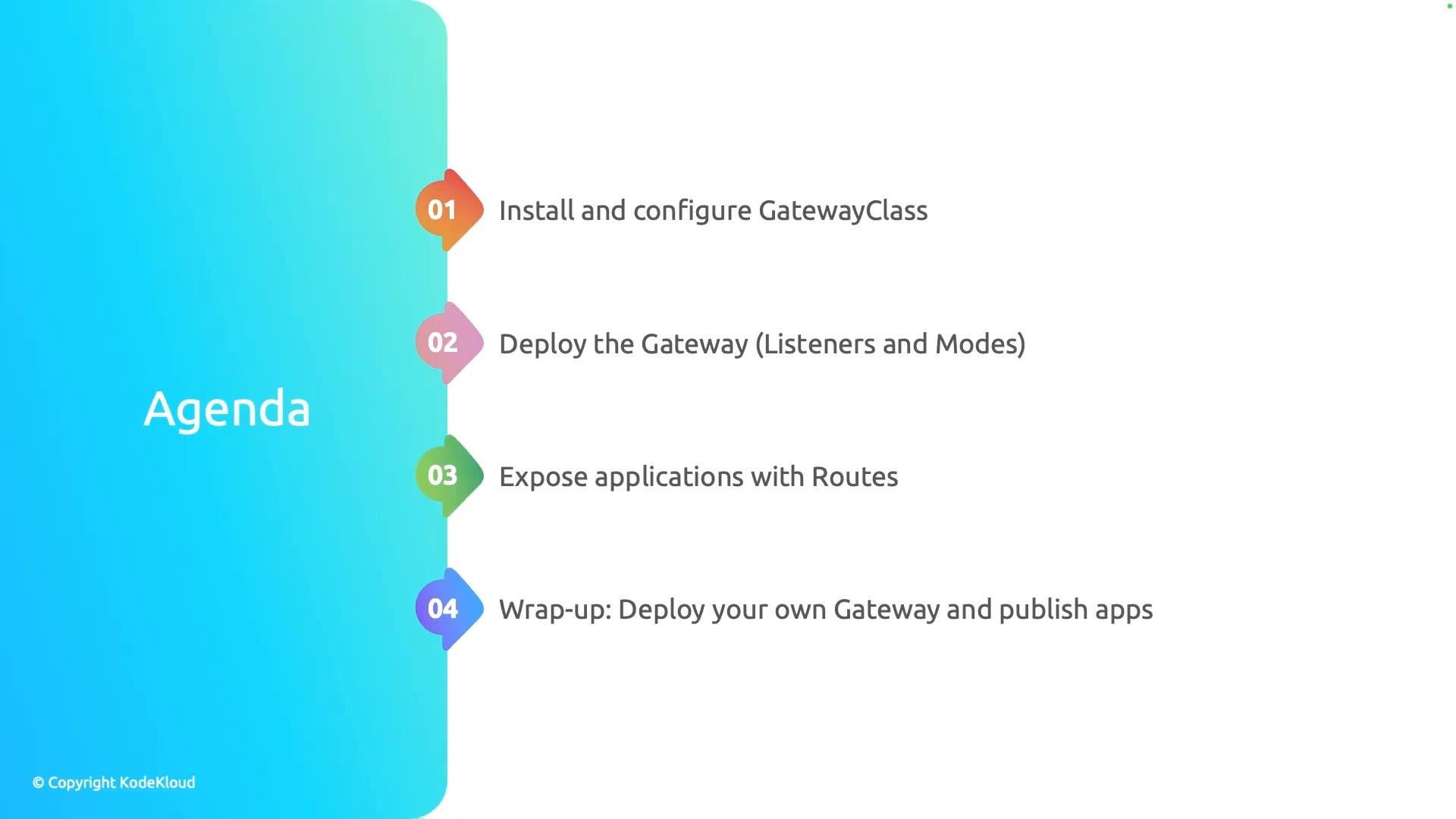
GatewayClass— the cluster-wide definition that points to the controller implementation. - Deploy a
Gateway— define listeners and mode-specific settings that accept traffic. - Configure
Routes— such asHTTPRoute(and other route kinds) to expose services in your cluster. - Understand request filters, cross-resource references,
hostnames, andparentRefs— how they alter routing behavior and attach routes to gateways.
Key concepts (short):
- GatewayClass: represents the implementation (controller) — you typically create one per controller type or cluster configuration.
- Gateway: an instance that binds to a
GatewayClassand defines listeners (port, protocol, TLS settings). - Routes: attach to one or more Gateways using
parentRefsand define how to match and forward requests (host/path/header matching, filters). - Request filters: allow header modification, URL rewrites, request mirroring, and other per-route transformations.
- Gateway API specification: https://gateway-api.sigs.k8s.io/
- Kubernetes documentation: https://kubernetes.io/docs/
- NGINX Fabric Gateway (controller docs): https://www.nginx.com/products/nginx-fabric/