

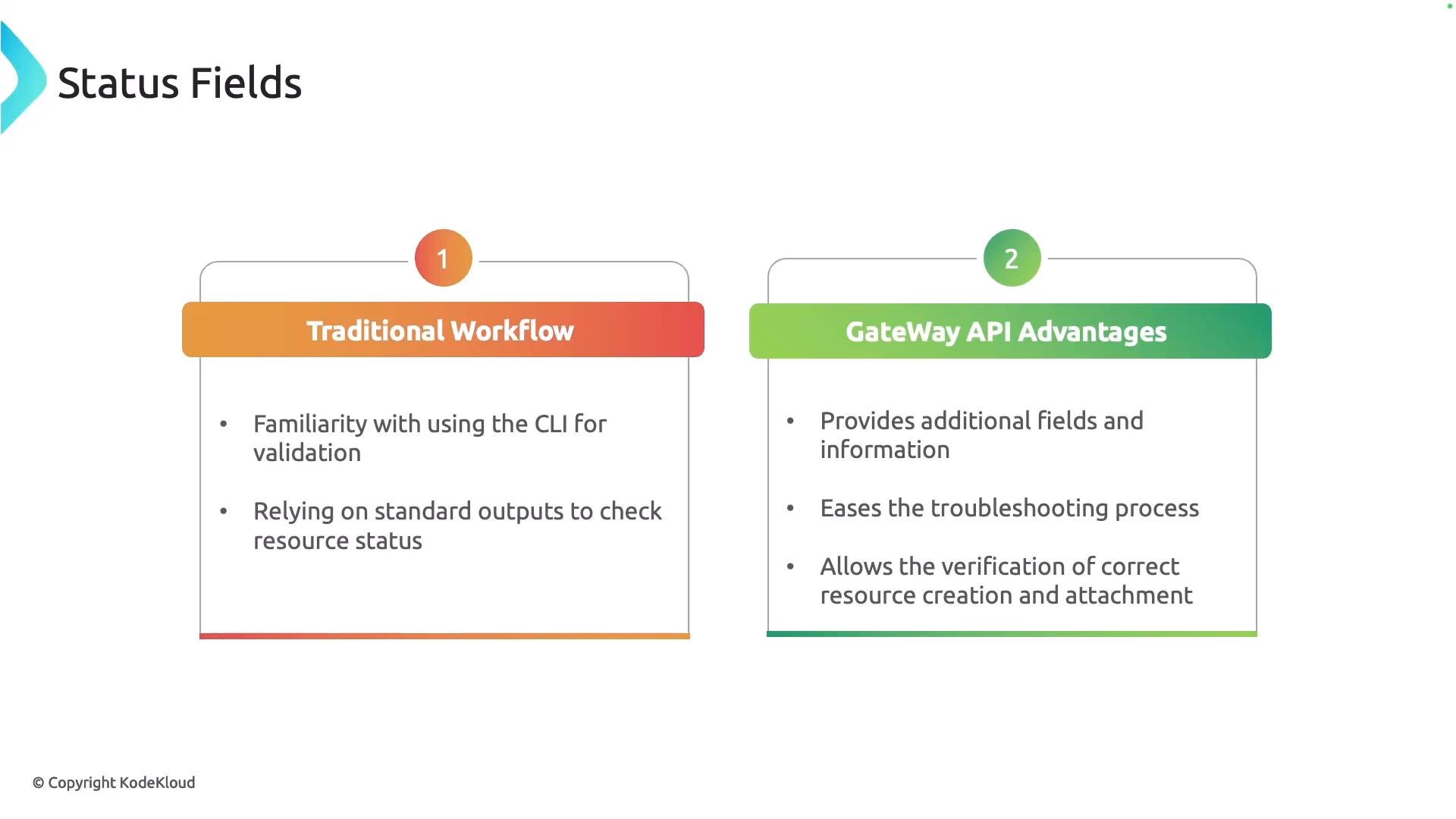
conditions array under status. Each element in this array reports a specific aspect of the resource’s state and contains fields that help explain what’s happening.
Key fields inside each condition:
Conditions are most useful when combined with resource specs, Kubernetes events, and controller logs. Treat them as directional clues to guide further investigation rather than the single source of truth.
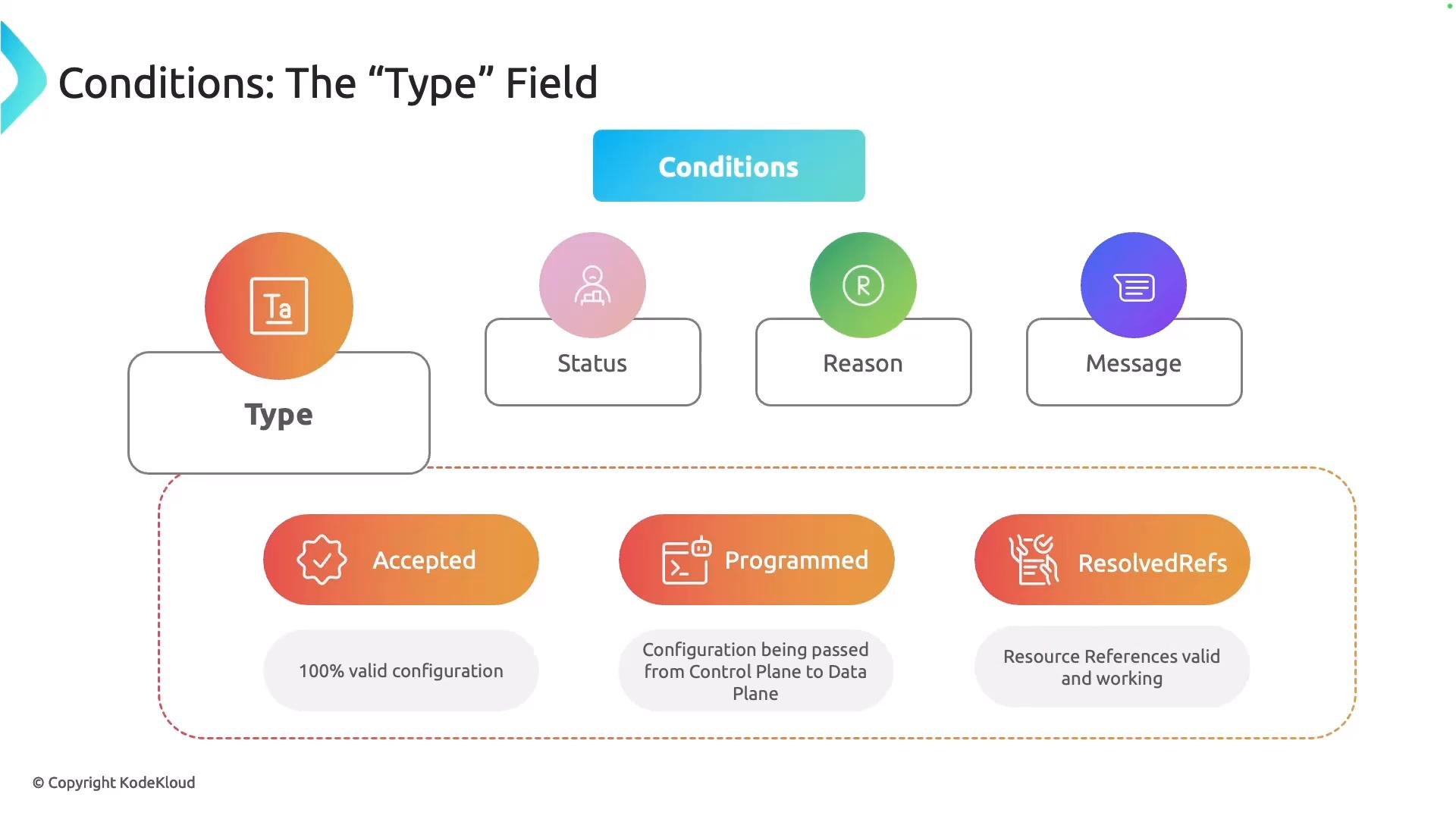
type field indicates the facet or step the condition describes. Knowing which types are present — and their status — narrows down where the controller is failing or succeeding.
Common type values you’ll see:
Accepted— The controller validated the resource and accepted the configuration.Programmed— Configuration is being (or has been) pushed from control plane to data plane.ResolvedRefs— References to other Kubernetes objects (for example,SecretsorServices) were validated and resolved.
type represents a stage or validation point; inspect the corresponding status, reason, and message to localize issues.
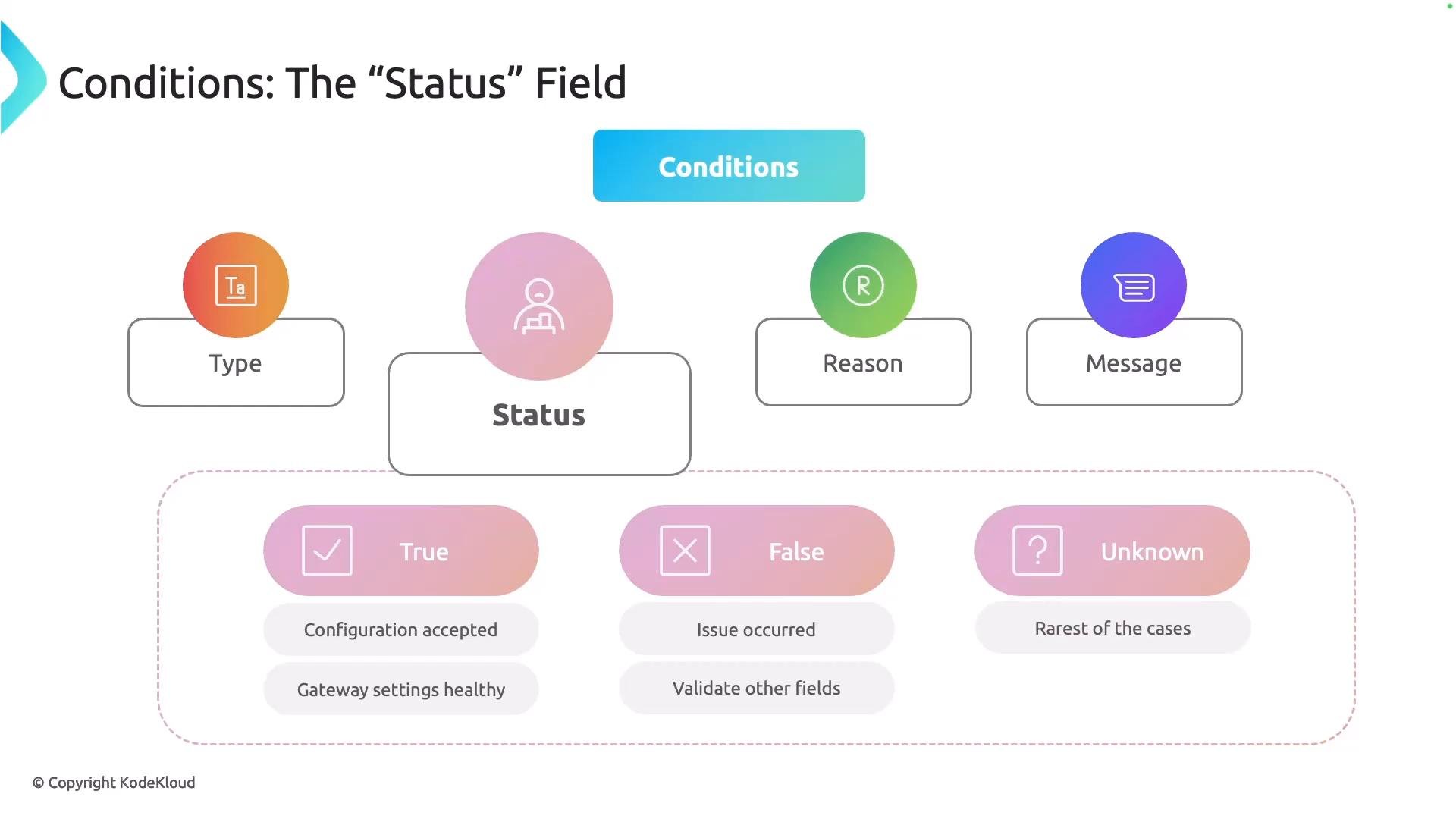
status subfield is one of True, False, or Unknown. It summarizes whether the condition passed, failed, or could not be determined.
True— The check passed (e.g., the controller accepted the configuration).False— The check failed; further investigation is required (inspectreason,message, related resources, events, and controller logs).Unknown— The controller could not determine the state (often transient or a control-plane communication problem).
If you see
status: "False" or status: "Unknown", always check the reason and message first, then validate referenced Kubernetes objects (for example, Secrets and Services) and controller logs to identify the root cause.reason is a concise, machine-friendly token (typically CamelCase) that identifies why the controller set the status the way it did. Controllers and the Gateway API define common reason values; reading the reason points you to the exact validation or runtime check that failed.
Common reasons:
InvalidParametersUnsupportedValueInvalidListenerNoMatchingParent
message field is human-readable and provides additional context beyond the reason. When you combine type, status, reason, and message, you get a clearer picture of the problem and hints about what to check next. Example success messages include RouteAccepted or GatewayProgrammed.
Quick troubleshooting actions by reason:
How to view conditions
Use
kubectl to inspect a resource’s status and its conditions. Example — view a Gateway in YAML form:
status.conditions list similar to this example:
status: "False", examine the reason and message, then check related objects such as Secrets and Services, controller logs, and Kubernetes events to identify and fix the underlying issue.
Conclusion
Gateway API conditions provide structured, actionable information that simplifies troubleshooting. Always interpret type, status, reason, and message together, and corroborate the condition details with events, controller logs, and the resource spec to resolve problems efficiently.
Resources and references
- Gateway API documentation
- Kubernetes: kubectl overview
- Kubernetes: Secrets
- Kubernetes: Services
- Kubernetes: Events