

main.
Goals
- Validate code with automated tests (pytest) on PRs and pushes.
- On merge to
main, deploy the latest code to an Ubuntu EC2 server via SSH. - Keep deployment credentials in GitHub Actions Secrets and automate the server-side deployment with a reusable
deploy.shscript and a systemd service.
This guide shows a practical, production-focused example: local development → CI tests in GitHub Actions → SSH deploy to an Ubuntu EC2 instance. Adjust versions and service names to match your environment.
Overview
- Application: Flask web app that constructs a Wi‑Fi QR payload and returns a generated QR image.
- CI/CD: GitHub Actions runs tests and, on merge to
main, SSHes into the EC2 server to pull the latest code and restart services. - Server setup:
deploy.shhandles package installation, virtual environment setup, nginx configuration, and creation of a systemd service unit.
Quick file/resource map
Application (app.py)
Below is a consolidated, production-friendly core of the Flask application used in the demo. This includes safe escaping for Wi‑Fi QR payload fields and a minimal route that returns a base64-encoded QR image suitable for embedding in templates.FLASK_ENV may be deprecated. Prefer configuring environment variables or a config object (e.g., FLASK_DEBUG) for new projects.
What we want from CI/CD
- Run tests (pytest) for pull requests and on push.
- On merge to
main, connect to the EC2 server via SSH to:- Pull the latest code
- Create/activate a virtualenv and (re)install dependencies
- Restart the systemd service and reload nginx
- Store the EC2 host, user, and private key in repository Secrets in GitHub.
GitHub Actions workflow (example)
This workflow runs tests and, when merged tomain, deploys via SSH by executing a remote script block.
The server-side deploy script (deploy.sh)
deploy.sh is intended for initial server bootstrap and can also be used for manual re-deploys. Below is an improved, annotated excerpt that you can place in your repo and run once on the EC2 instance during initial setup.
Production systemd unit (example)
Ensure the service runs using the virtualenv’s Python interpreter and restarts automatically.FLASK_ENV is used here for clarity in the demo, but in new Flask releases prefer using FLASK_DEBUG or explicit configuration within your application.
GitHub repository secrets (required)
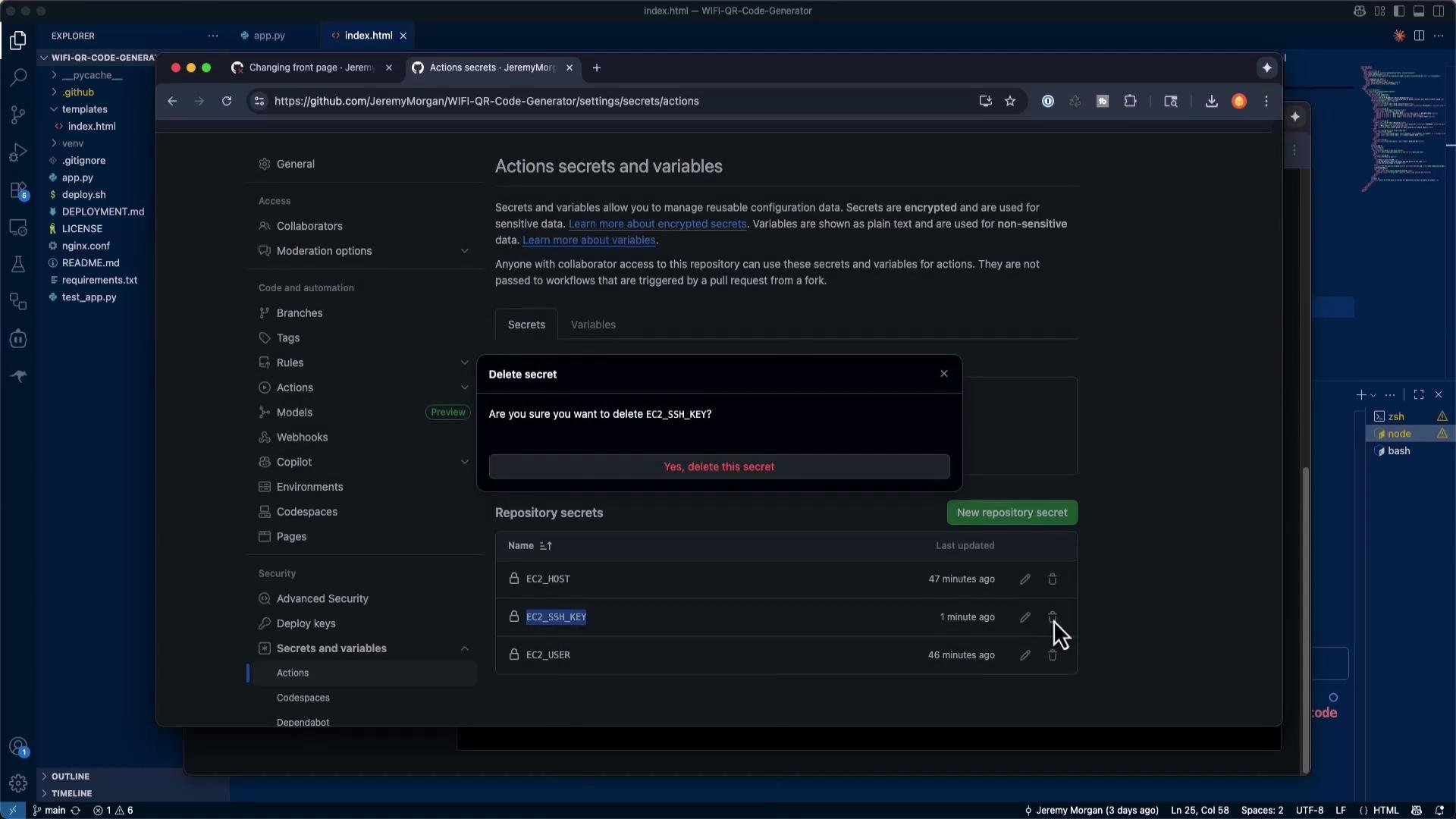
Add these under Settings > Secrets and variables > Actions:Never commit private keys or other secrets to the repository. Use GitHub Actions secrets. For CI/CD, use a dedicated deployment key (no passphrase) rather than your personal key.
Troubleshooting SSH authentication
Common failures:- ssh: this private key is passphrase protected
- ssh: handshake failed: unable to authenticate
- EC2_SSH_KEY contains the BEGIN/END lines and the full private key.
- EC2 instance has the matching public key in
~/.ssh/authorized_keysfor the deploy user. - EC2 security group allows inbound SSH (port 22) from your expected sources.
- Test manually:
Iterative troubleshooting (demo summary)
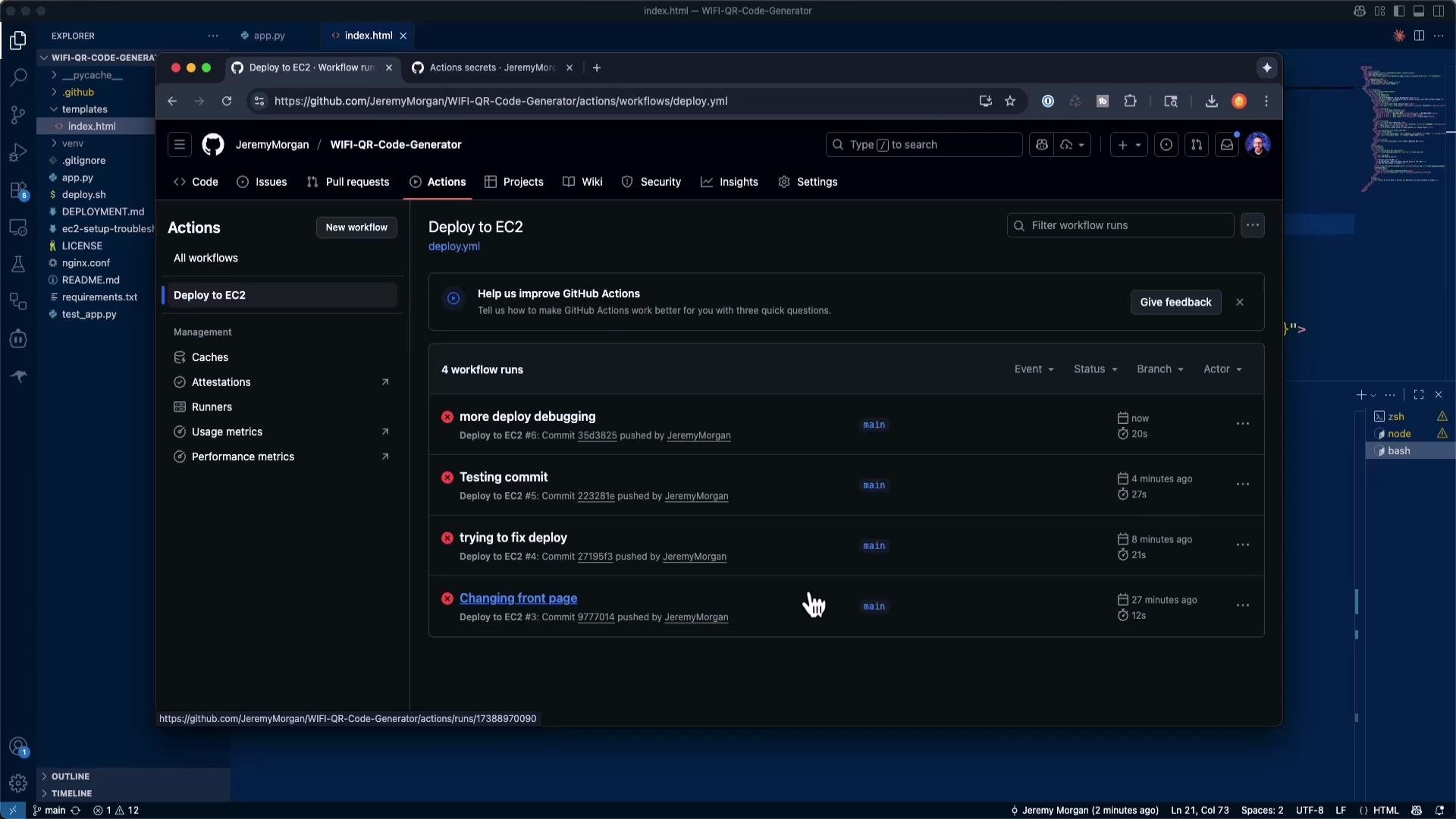
- Initial automated runs failed due to passphrase-protected or incorrectly provisioned keys.
- The author generated an ed25519 keypair, added the public key to the EC2 user’s
authorized_keys, placed the private key into GitHub Secrets, and added a quick SSH test step to the workflow. - After an initial manual setup on the server (
git cloneand./deploy.shonce), the automated workflow could reliably deploy subsequent changes.
Success verification
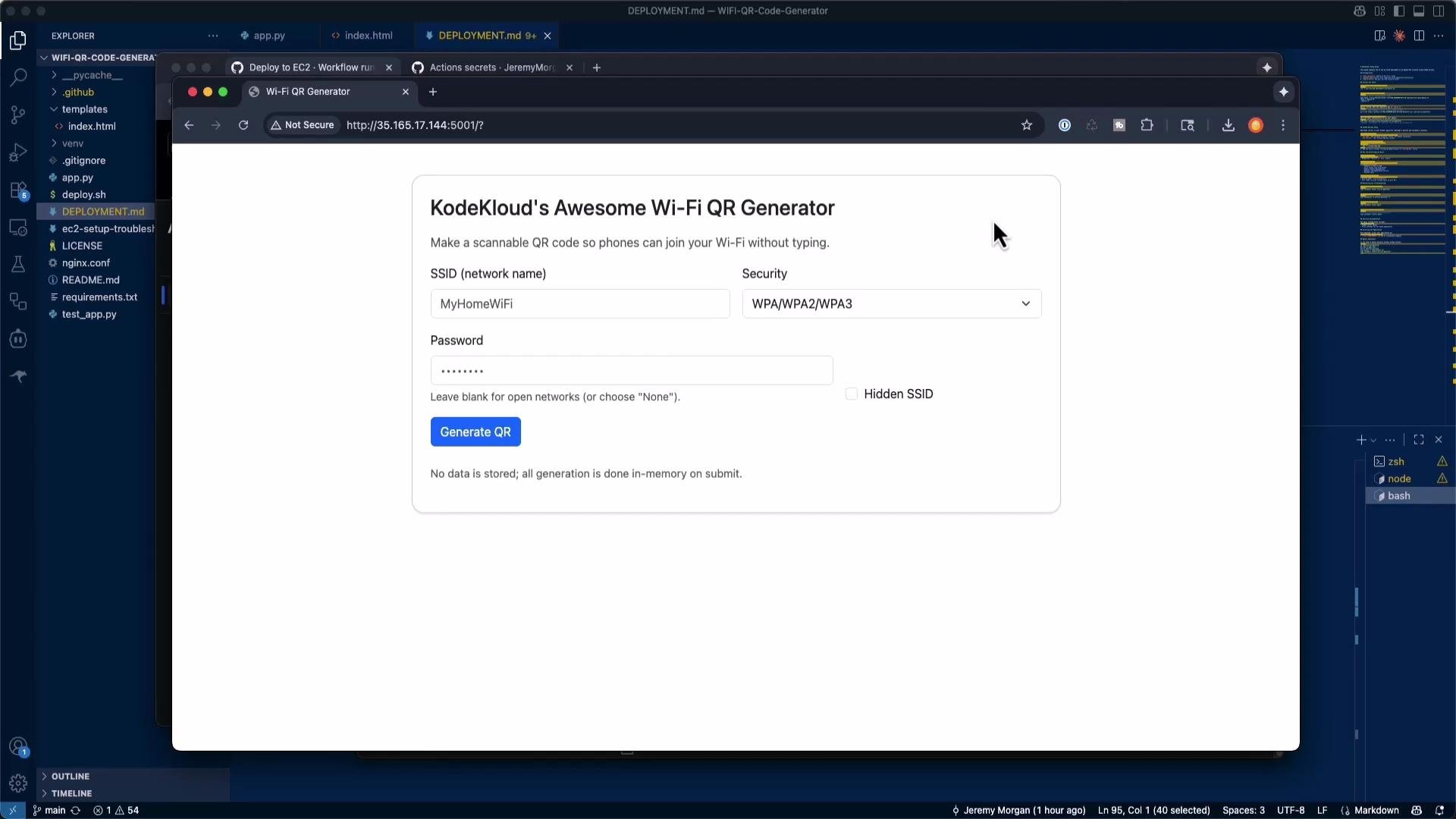
Once the SSH keys and initial server setup were correct, GitHub Actions successfully ran tests and deployed the app. The repository’s templates were updated (e.g., the site title), and the EC2-hosted site reflected those changes.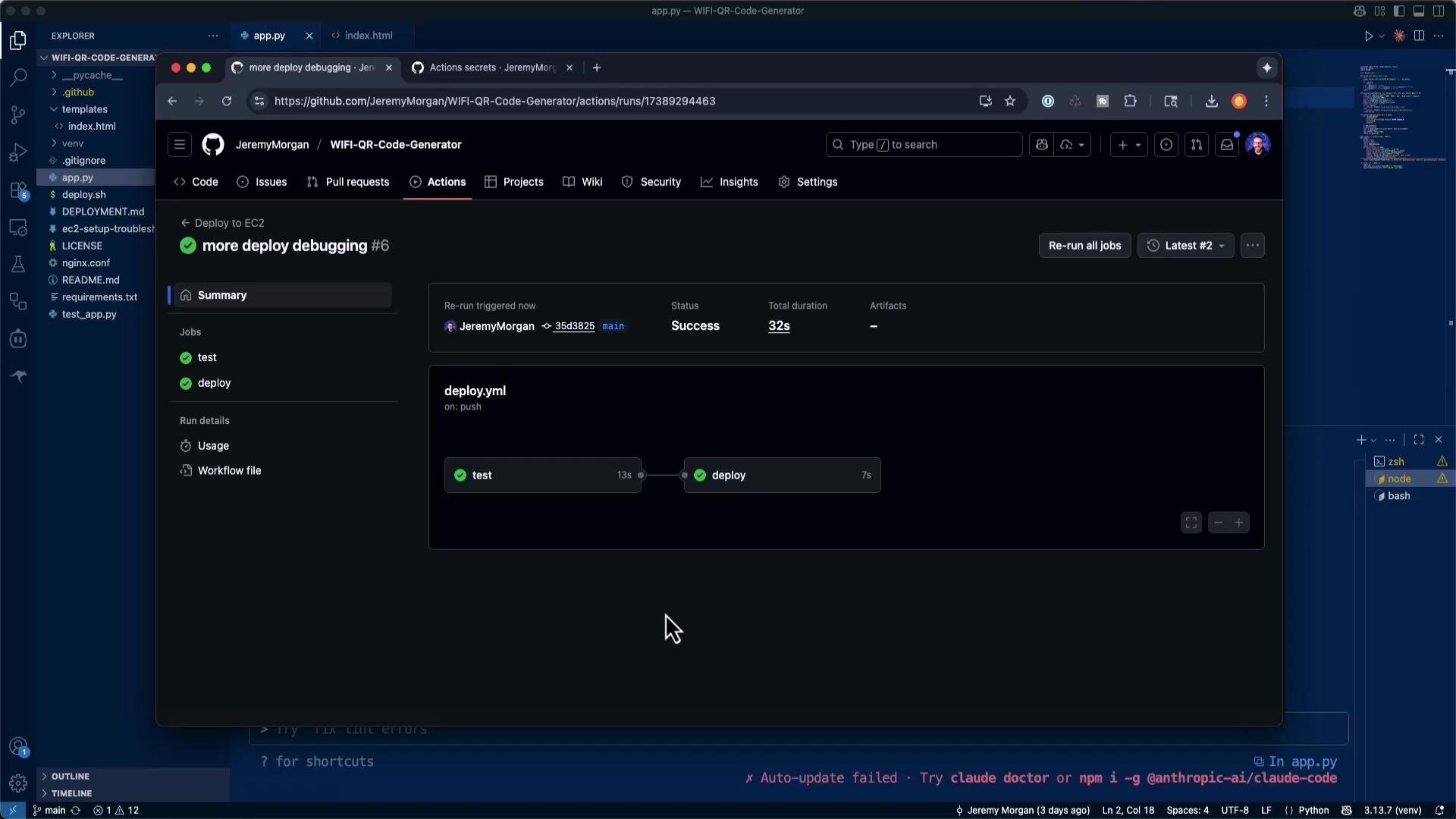
Key lessons and best practices
- Be explicit about the target environment (Ubuntu EC2, GitHub Actions) when scaffolding CI/CD.
- Always store secrets in GitHub Actions Secrets; never commit them to source control.
- Use a dedicated, passphrase-free deploy key for automation and rotate keys periodically.
- Perform a one-time manual server initialization (clone and run
deploy.sh) so automated runs can assume the repository layout. - Add an early “Test SSH connection” step to fail fast during debugging.
- Understand the deployment pieces (SSH keys, service units, nginx, venv) to diagnose failures quickly.
Helpful references
Reference commands
SSH to EC2:main will run tests and automatically deploy the updated Flask application to your EC2 instance.